UGREEN Nexode 500W Review: Is This Desktop Charger Worth It?
PREMIUM DESKTOP CHARGER
One power station for a demanding desk?
This UGREEN Nexode 500W review explains when five USB-C connections and a large shared power budget justify the upgrade.
Quick verdict: Consider the Nexode 500W if several USB-C laptops or other demanding devices regularly share your desk. For one ordinary laptop and a phone, a smaller charger is usually a more sensible starting point. Its 500W rating is a combined ceiling; only C1 supports up to 240W, and a compatible device and cable are essential.
Affiliate disclosure: As an Amazon Associate, I earn from qualifying purchases. This article also contains Walmart affiliate links; we may earn a commission at no extra cost to you. Prices and availability change.
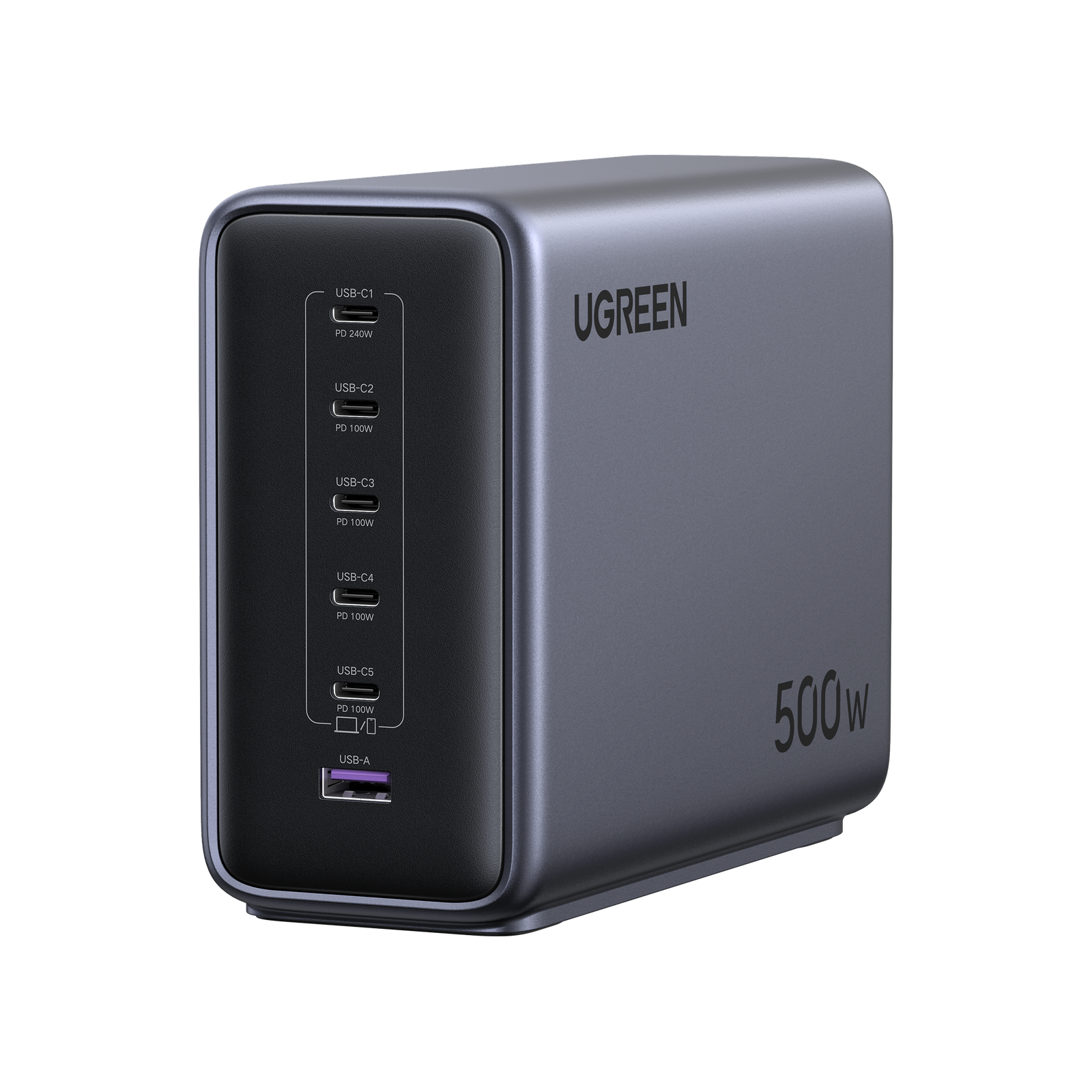
UGREEN Nexode 500W: check the exact six-port model
Check Amazon optionsCheck Walmart optionsRetailer search links. Confirm five USB-C ports, one USB-A port, the U.S. AC cord, seller and delivered total. No live retailer price winner is claimed.
How this review was prepared: This is a specification-based editorial review using UGREEN documentation checked November 1, 2026. We have not bench-tested the charger. The assessment below explains buying tradeoffs; it does not claim measured charging speed, heat, efficiency or long-term reliability.
UGREEN Nexode 500W review: the essential specifications
| Specification | Published U.S. rating |
|---|---|
| U.S. SKU | 55549 |
| Maximum combined output | 500W |
| Connections | 5 USB-C + 1 USB-A |
| USB-C1 alone | Up to 240W; PD 3.1 profiles through 48V/5A |
| USB-C2/C3/C4/C5 alone | Up to 100W each |
| USB-A alone | Up to 20W, according to the U.S. specification table |
| AC input | 100–240V, 50/60Hz |
The individual port ceilings are not a simultaneous output promise. Check the allocation diagram for the exact ports you plan to use. Regional versions and bundles can differ in their cord and included accessories.
Who should buy it—and who should choose less power?
A shared office or studio desk
The strongest case is a desk where several people charge USB-C computers together. Start with the computers that genuinely need power at the same time, then add the tablet, phone and accessories. If that list already overwhelms your current charger, a larger shared budget can be useful.
Five native USB-C connections also reduce cable swapping. This is a practical advantage when cables stay attached to a workstation. It is less persuasive if most devices are unplugged all day and you rarely use more than two sockets.
One laptop and a phone
Begin with your laptop manufacturer’s recommended adapter and the phone’s supported charging standard. If a smaller multi-port charger covers both, the larger station may add cost and desk bulk without changing your experience. Buying unused capacity is optional, not a requirement for safe fast charging.
A gaming laptop with a large original power brick
Do not assume the USB-C port accepts the same wattage as the original adapter. Some computers restrict USB-C input or reserve full performance for their original charging connection. Verify your exact model before treating this station as a replacement.
What 500W total and 240W single-port really mean
A charger rating describes its capability, not a fixed amount of power forced into every device. Each compatible device requests a supported charging mode. A phone cannot use a laptop-level power budget simply because a high-output port is available.
Two separate questions matter: can the selected port support the device’s required charging profile, and is enough of the shared budget available when the other ports are occupied? You need both answers before predicting simultaneous charging performance.
UGREEN’s regional documentation illustrates a five-laptop arrangement with 240W assigned to C1 and 60W to each other USB-C port. Treat this as a published arrangement to check against your exact unit’s diagram, not a guarantee that every attached laptop draws those amounts.
Plan your ports before buying
- Write down the devices used together. Ignore equipment that never shares the charging session.
- Check each device’s USB-C input. An original adapter’s label alone does not establish USB-C compatibility.
- Reserve the appropriate high-output connection. C1 is the port to investigate for devices supporting more than ordinary 100W USB-C charging.
- Check the occupied-port diagram. Adding a phone later may change the allocation available to another device.
- Leave a fallback for demanding work. Keep the original laptop adapter if your workload exceeds the power available through USB-C.
For background, read our multi-port power-sharing guide and USB-C PD 3.1 explanation.
Cable requirements and desk setup
Choose cables for the intended power, not just matching connectors. Above 60W, use an appropriately rated electronically marked 5A cable. For supported high-power EPR charging, choose an EPR-rated cable, commonly marked 240W, and verify that the device accepts the relevant profile.
A cable advertised for charging does not necessarily provide high-speed data or video. These are separate capabilities. The charger itself is also not a data hub, display dock or battery backup.
Place the station where its ventilation stays clear, follow its operating instructions and keep cables out of walkways. Confirm the package’s AC cord and the suitability of any power strip you use. Avoid covering the station with papers, fabric or equipment.
Our laptop charging cable guide explains useful cable choices and buying checks.
Compare it with smaller desktop options
The first alternative is keeping your existing adapters. If they work reliably and you have enough sockets, consolidation may be a convenience upgrade rather than a necessity. Compare that benefit against the delivered price.
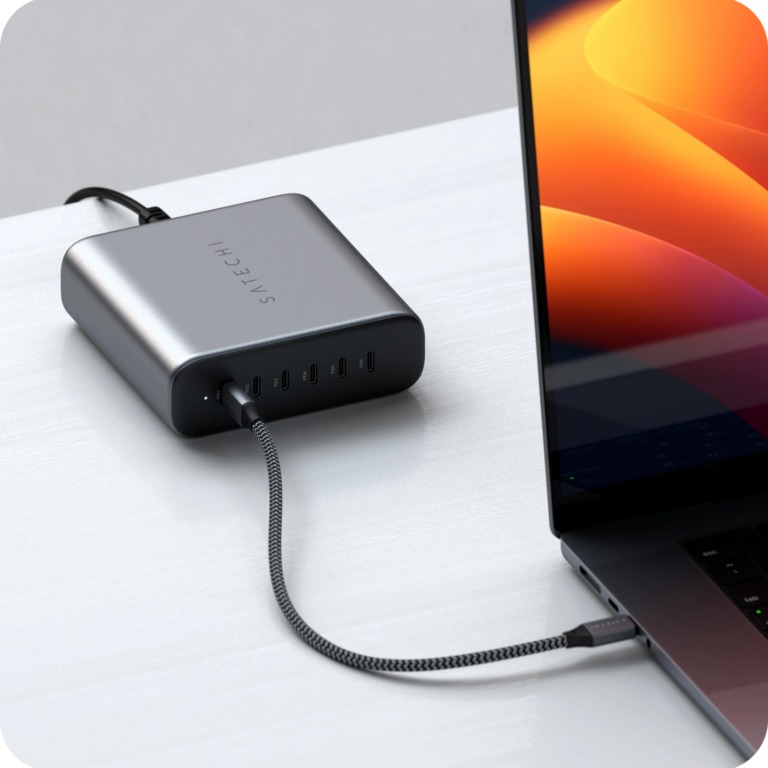
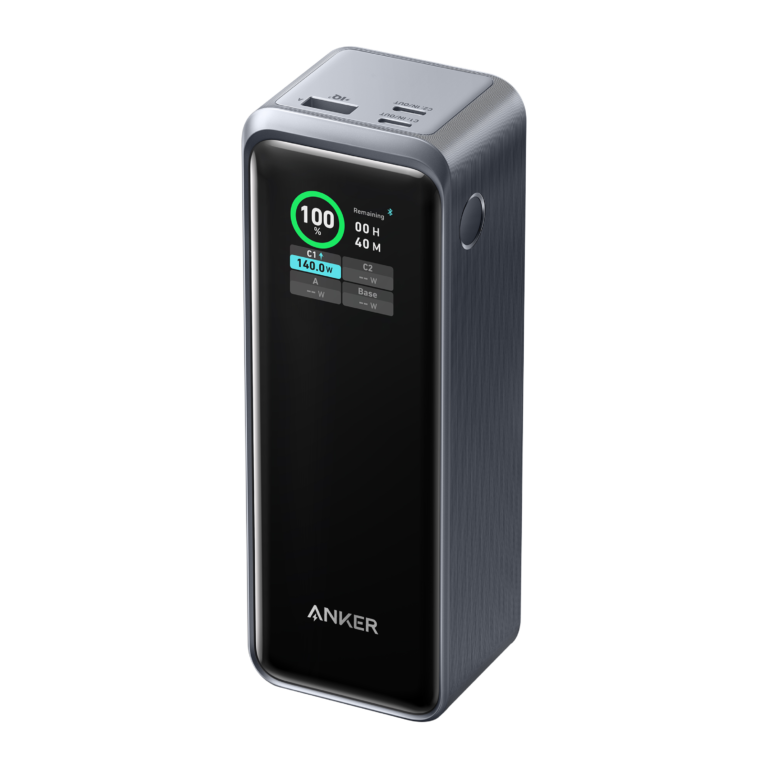
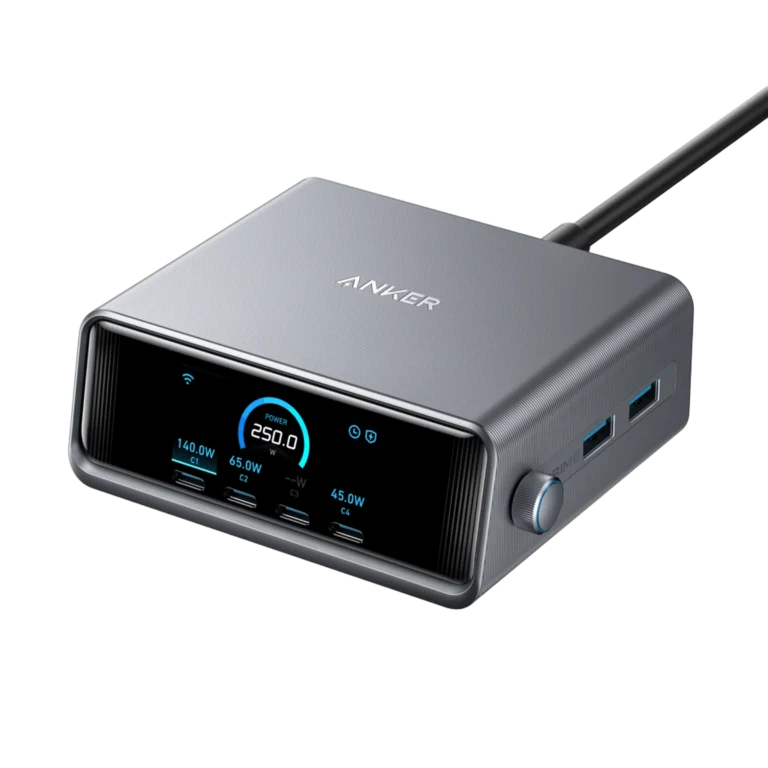
If you need fewer USB-C connections, our Anker Prime 250W vs UGREEN Nexode 300W comparison covers two other desktop approaches. If six native USB-C sockets matter most, see the Satechi 200W review. Check each model’s allocation instead of ranking them by wattage alone.
Amazon vs Walmart: how to compare current offers
Use the buttons to find the exact Nexode 500W six-port station. Avoid confusing it with the Nexode 300W, a charging cable rated 240W, or a power bank. Check photographs, model details and the package contents against the seller’s listing.
Compare the final total, shipping time, seller identity, return window and warranty eligibility. Confirm whether USB-C cables are included, because a bundle and a standalone station are different offers. We have not verified a live Amazon-versus-Walmart price comparison and do not claim either store is currently cheaper or has stock.
Frequently asked questions
Can one laptop receive 500W?
No. That number is the station’s shared output ceiling. The strongest published single-port rating is 240W, and the laptop must support the corresponding charging mode.
Can every USB-C port provide 100W at the same time?
Do not assume it. The power allocation depends on the occupied ports. Use the diagram supplied for the exact model and arrangement.
Will this make my phone charge faster?
Only if it provides a charging profile the phone can use and the rest of your setup supports it. Extra unused capacity does not override the phone’s limits.
Can it replace a docking station?
No. It supplies power; it does not provide a dock’s data, network or display connections.
Is it worth buying for one MacBook Air?
Usually start with a smaller suitable charger. Consider this station when several additional devices create a real need for its connections and shared output.
Final verdict
Buy for a real multi-device workload. The Nexode 500W is worth considering when several compatible USB-C devices compete for power and five USB-C connections simplify your desk. If you cannot name the simultaneous session your current charger fails to support, compare smaller alternatives first.
Check the right model, seller and total
Choose the offer that fits your devices and return requirements.
Check Amazon optionsCheck Walmart optionsSources and verification
Manufacturer documentation checked November 1, 2026. Product image: UGREEN. Published maximums are not independent test results.