

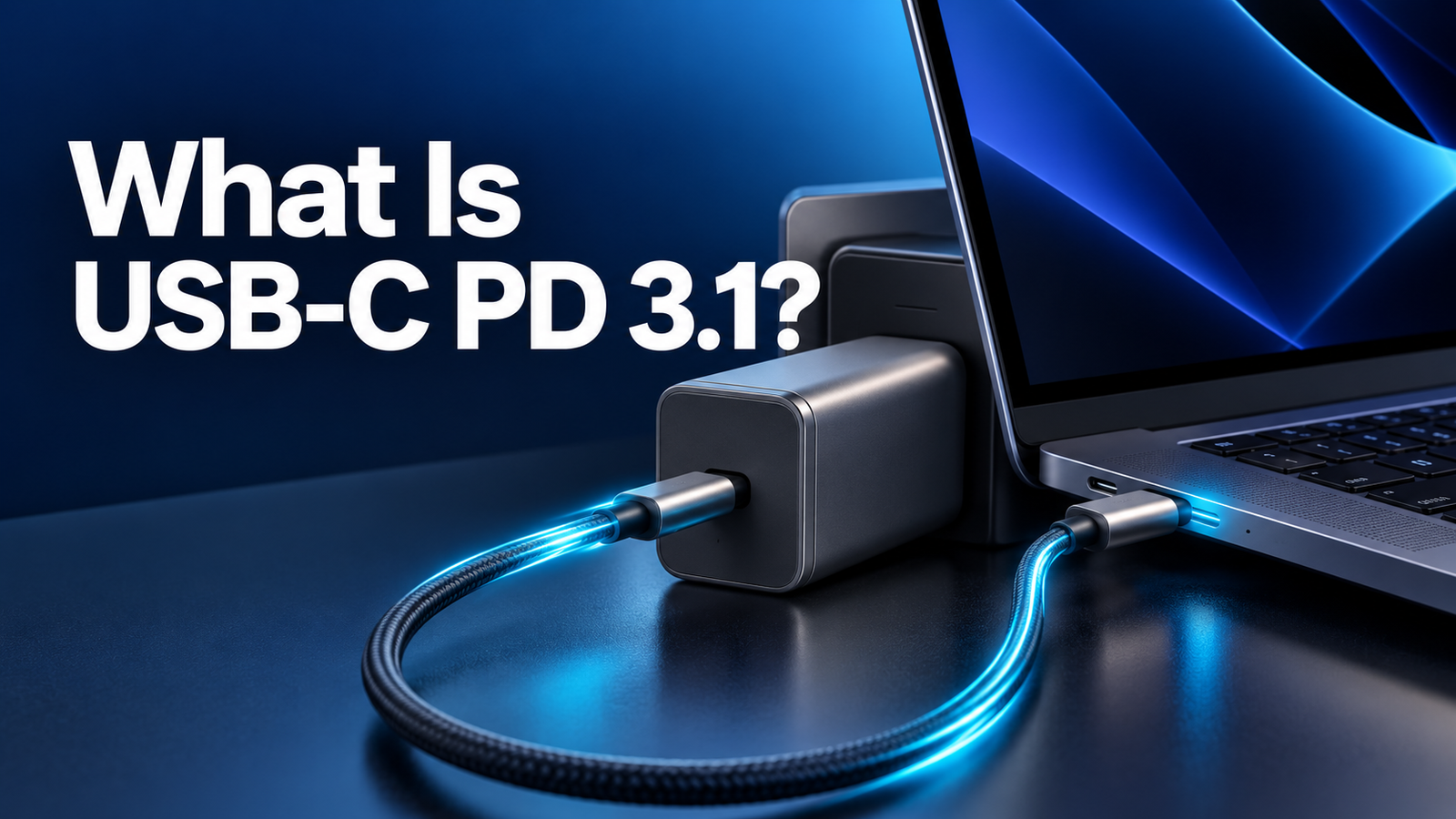
What Is USB-C PD 3.1? EPR, 140W, and 240W Charging Explained
As an Amazon Associate, MultiChargers earns from qualifying purchases. We have not independently tested this product for this guide. Verify current specifications, compatibility, price, and availability with the seller and manufacturer.
What Is USB-C PD 3.1?
Extended Power Range makes higher-power USB-C charging possible. Learn what the labels mean before choosing a charger, cable, and laptop combination.
By Daniel Carter · Research-led guide · September 2026USB-C PD 3.1 is a revision of USB Power Delivery that introduced Extended Power Range (EPR), allowing compatible USB-C equipment to negotiate power above the previous 100W ceiling and up to 240W. It does not make every USB-C port a 240W port. The charger, a suitably rated EPR cable, and the device must support the required mode. A 140W or 240W label can also describe a charger’s total output rather than one socket. Read the exact voltage/current profiles and simultaneous-port allocation before buying.
USB naming can make a straightforward purchase feel complicated. A charger might say “PD 3.1,” a cable might say “240W,” and a laptop might ship with a 140W adapter. Those three labels describe different parts of the system. They are not an automatic promise that the laptop receives 140W or 240W whenever everything is connected. This guide starts with the standard, then translates it into practical checks for one-port and multi-port chargers.
What changed with USB Power Delivery 3.1?
USB Power Delivery is the system through which a compatible power source and device agree on a supported voltage and current over USB-C. USB-IF says Revision 3.1, announced in 2021, expanded the possible power over a suitable USB-C cable and connector to 240W. Before this update, USB PD was limited to 100W based on 20V and 5A. The additional range matters to larger laptops, displays, and other equipment that can benefit from more than 100W through a standardized USB-C path.
The headline difference is Extended Power Range, abbreviated EPR. The established lower-power range is commonly called Standard Power Range, or SPR. A device that needs only 30W or 65W does not suddenly need EPR. A higher-power laptop that can use 140W may require an EPR-capable charger, cable, and device input path for that mode. The USB-C connector itself looks familiar, so physical fit is a poor compatibility test.
Think of PD 3.1 as a set of capabilities, not a speed setting you can switch on. The power source advertises options, the device requests one it supports, and the cable’s capabilities are part of the permitted result. Actual draw then changes with battery level, workload, temperature, and device controls. A device drawing 35W from a 140W-capable source is not necessarily malfunctioning.
SPR versus EPR: the useful comparison
| Question | Standard Power Range (SPR) | Extended Power Range (EPR) |
|---|---|---|
| Why it matters | Covers many phones, tablets, and laptops within lower power levels. | Enables compatible equipment to negotiate higher power above the former 100W ceiling. |
| Illustrative upper point | 20V × 5A = 100W under the earlier USB PD limit. | New levels include 28V, 36V, and 48V at up to 5A, reaching 240W at 48V × 5A. |
| Cable check | Match the cable’s current and power rating to the intended mode. | Use an appropriate EPR-rated cable for higher-power EPR operation. |
| Common misunderstanding | “USB-C means my laptop gets 100W.” | “A 240W cable makes any charger deliver 240W.” |
This table gives a conceptual comparison. A modern product’s supported profiles and actual behavior depend on its exact implementation. A charger supporting PD 3.1 might provide EPR on only selected USB-C ports. Another may use PD 3.1 while advertising a lower maximum. Look at the output matrix for the specific model instead of deriving a purchase decision from a version number alone.
SPR and EPR describe power ranges. They do not specify USB data transfer speed. A cable sold for charging can have different data capabilities from one sold for high-speed storage or display use. If you need a monitor or fast data transfer, check those specifications separately.
How do 140W, 180W, and 240W happen?
Electrical power in watts is voltage multiplied by current. USB-IF describes the expanded EPR architecture as allowing higher voltage levels while retaining a ceiling of 5A in the illustrated full-power cases. At 28V × 5A, the arithmetic is 140W; at 36V × 5A, it is 180W; at 48V × 5A, it is 240W. These are standardized capability points, not a guarantee that every PD 3.1 device offers every one of them.
A 140W laptop can use an appropriate 28V mode only if its own charging input supports it, the adapter advertises it on the port in use, and the cable qualifies. A 240W cable by itself adds no watts to a 65W charger. Equally, a 240W-capable source cannot compel a 65W notebook to consume 240W. Negotiation and device limits govern the result.
The highest-power USB-C modes also call for appropriate cable construction and identification. USB-IF’s consumer cable branding includes 60W and 240W markings to help communicate power capability. Check genuine certification and the exact product specification when higher-power charging is important. Our e-marked USB-C cable guide explains how the cable identifies its capabilities.

Why your laptop may not reach the number on the box
The laptop may not request EPR power
Some notebooks charge through USB-C but accept only the lower modes they were designed for. An EPR charger remains useful for other devices, yet it cannot make an unsupported laptop request 140W. Read the laptop manufacturer’s official charging specification, including whether a particular USB-C port accepts input. Some machines reserve their highest performance for a proprietary adapter.
The cable may be the limiting part
A cable marked 60W is not an appropriate way to target a 140W EPR mode. For the higher power, use a properly rated 240W/EPR USB-C cable and inspect its documentation. A damaged connector or poor-quality cable can also cause unstable behavior. Do not assume a cable’s length, thickness, color, or connector appearance proves its power rating. See our 60W versus 240W comparison for the buying decision.
The active port may have a lower limit
Multi-port chargers often allocate power differently when two or more outputs are in use. A “140W total” device could provide a high single-port maximum but divide its total between a laptop and phone. Other models use a different split or prioritize a particular USB-C socket. Consult the maker’s port diagram and simultaneous-output chart. Our power-sharing explanation shows why the first device may slow after you connect a second.
Real battery charging is dynamic
A charging meter might show less than the advertised maximum because the battery is nearly full, the laptop is idle, thermal conditions have changed, or the device is managing its battery. The computer may also consume some incoming power while running. A claimed maximum is a ceiling under suitable conditions, not a continuous target. Do not infer a faulty charger from one momentary reading.
Does “240W charger” mean 240W from one USB-C port?
Not necessarily. The number may refer to total power across all ports. For example, a desktop charger could advertise 240W combined capacity while its strongest single USB-C socket has a lower cap. The combined maximum also need not be available with every possible set of ports occupied. The specification sheet should explicitly list one-port, two-port, and other combinations.
Look for lines like “USB-C1 single-port output” and “USB-C1 + USB-C2.” If the manufacturer gives voltage/current profiles, compare the available 28V, 36V, or 48V EPR mode with your device’s official input requirements. Do not assume USB-C1, USB-C2, and USB-A are equivalent. If a seller shows only a large total wattage and no port allocation, there is too little information to promise a particular laptop charging speed.
The same distinction applies to a 140W product. One laptop might get a suitable high-power mode when it is alone, while adding a phone may change the available allocation. That behavior is model-specific. Our multi-port buying guide begins with the devices you charge together rather than the largest number printed on the box.
Sponsored recommendation
Anker 140W 4-Port PD 3.1 Charger
Anker identifies this four-port model as a PD 3.1 charger, with 140W maximum output and a USB-C cable included in its product listing. It is a concrete example of an EPR-era adapter to compare with your laptop’s needs. Anker also notes that the combined maximum falls to 134W with all four ports in use; check the full allocation chart before relying on a particular port. Product revisions and specifications can change.
Check Anker 140W on Amazon →How to choose a USB-C PD 3.1 setup
- Start with the device. Locate its official charging requirements and determine whether it supports USB-C input and an EPR mode above 100W. The original adapter rating is a useful clue, but exact device support matters.
- Read the charger’s per-port output. Verify the required power mode on the socket you intend to use. Do not stop at the overall 140W, 160W, or 240W headline.
- Inspect simultaneous output. If you also charge a phone or tablet, read the manufacturer’s two-port or three-port chart. The laptop’s allocation may change with another device attached.
- Match the cable. Choose an appropriately rated EPR cable for power over 100W and check the manufacturer’s marking and documentation. A 240W-rated cable indicates capacity, not guaranteed charging speed.
- Use reputable, traceable hardware. Look for clear electrical markings, credible compliance information, a warranty, and a known seller. Avoid damaged or counterfeit equipment.
- Test sensibly. Connect the laptop directly, observe its charging status, and compare under similar battery level and workload. A brief negotiation or power split can change readings.
For many phones, tablets, and 45W–100W laptops, an SPR-capable setup may already meet the user’s needs. Higher-power gear makes sense when the device actually supports it or when several demanding devices share one charger. Our wattage selection guide helps calculate a practical target.
Common PD 3.1 mistakes
- Confusing PD revision with guaranteed output. A charger can advertise PD 3.1 without making 240W available from every port.
- Confusing cable rating with delivered power. A 240W cable does not upgrade a 65W adapter or laptop.
- Adding port maxima. A 140W total charger cannot necessarily supply two separate 140W outputs simultaneously.
- Ignoring the device input. A laptop that accepts only a lower mode will not request EPR’s highest levels.
- Assuming USB-C specifies data speed. Power delivery and data transfer capabilities require separate checks.
- Overlooking safety. Replace loose, frayed, scorched, or unusually hot cables and chargers; do not open a mains-powered adapter.
Frequently asked questions
Is USB-C PD 3.1 the same as 240W charging?
No. PD 3.1 introduced EPR capability up to 240W, but a product may implement a lower maximum. The charger port, cable, and device must negotiate a mutually supported mode.
Can I use a PD 3.1 charger with an older phone?
Usually a compatible charger can offer lower supported USB PD modes, but actual behavior depends on the phone and charger. The phone requests a supported level and does not automatically draw the adapter’s maximum. Verify the product specifications.
Do I need a 240W cable for a 140W laptop?
For EPR power above the older 100W range, use a suitable EPR-rated cable. A genuine 240W marking is a helpful indication, but check the cable’s documentation and the laptop’s charging instructions.
Does a 140W charger always charge a 140W laptop at 140W?
No. The port must offer the required mode, the cable must support it, and the laptop controls its actual draw. Sharing ports, battery level, temperature, and workload can alter power.
Does a 240W USB-C cable transfer data faster?
The power marking describes charging capability. Data throughput and display features are separate cable specifications. Check those labels if you need a high-speed external drive or monitor.
Is EPR the same as PPS?
No. EPR extends the available power range. PPS is a programmable power feature in the USB PD family for compatible devices. A product may support particular combinations; inspect its listed profiles. Read our USB PD versus PPS guide for the distinction.
The practical answer
USB-C PD 3.1 gave compatible USB-C devices a standardized path beyond the former 100W limit, up to 240W under the right conditions. Shoppers should focus on the power the specific port can offer to their specific device through a suitable cable, especially when other ports are occupied. If your equipment stays comfortably within 100W, the largest EPR label need not be your priority. If your laptop supports higher power, confirm the source, cable, and device as a complete system.
Sources: USB-IF, USB Power Delivery; USB Promoter Group, PD 3.1 announcement; USB-IF, cable and connector guidance; Anker, 140W charger specifications; Anker, port allocation. Examples do not represent independent testing.




4 Comments