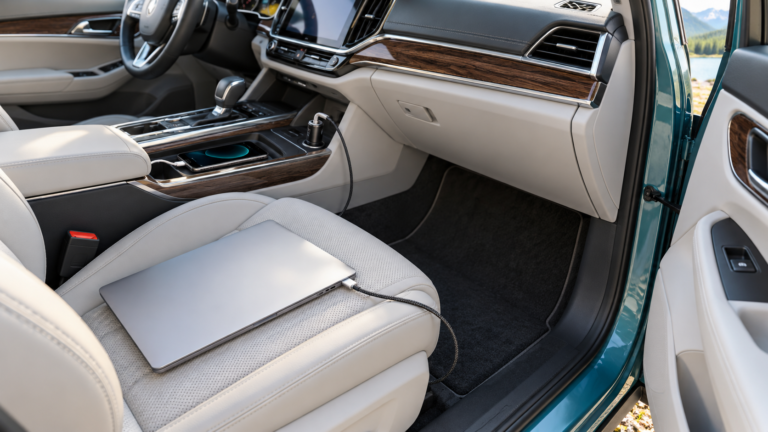
Can a 20,000mAh Power Bank Charge a Laptop?
Can a 20,000mAh Power Bank Charge a Laptop?
Capacity alone cannot answer the question. Check USB-C Power Delivery, single-port output, the laptop’s input requirement, and usable energy.
A 20,000mAh power bank sounds large enough for a laptop. Sometimes it is. Yet a model intended only for phones can have plenty of battery capacity while supplying too little power—or the wrong USB-C mode—for a computer. Another 20K model may include a 65W or higher laptop-capable port. The same headline capacity can therefore lead to very different results.
Match output first, then choose your energy reserve
If your laptop supports USB-C charging, compare its required voltage and wattage with the bank’s single-port output. Then check the power-sharing table for your laptop-plus-phone setup, the cable rating, and the printed Wh capacity. A larger mAh label alone cannot solve an output mismatch.
Check the wattage your laptop needs
For reserve size, use our mAh versus Wh explanation. If a compatible setup still charges slowly, follow the laptop power-bank troubleshooting checks before buying replacement equipment.
This decision guide does not promise a full recharge or recommend replacing a working bank.
Why the 20,000mAh label does not answer the question
Milliamp-hours measure electrical charge, not the maximum output rate. A bank might store a substantial amount of energy yet limit its USB-C socket to 18W, 20W or 30W. Some laptops may accept a lower-power source while off; others refuse it or show a slow-charger warning. Another bank of the same advertised capacity can supply 65W or more from one port and be useful for a compatible thin laptop.
The voltage behind the mAh figure also matters. If a hypothetical bank truly rates 20,000mAh at 3.7V nominal cell voltage, the stored energy is about 74Wh: 20Ah multiplied by 3.7V. At 3.85V, the same mAh figure would imply 77Wh. Use the actual printed Wh rating for a named product. Some product names round “20K” while the internal cells or rated USB output use a different figure. Our mAh versus Wh guide explains why the numbers differ.
Stored energy is not the same as energy delivered to the laptop. Converting cell voltage to USB-C output, cable resistance, heat, electronics in both products and battery reserve consume some power. There is no responsible way to promise a fixed number of full laptop charges from “20,000mAh” alone. A laptop with a large internal battery, an intensive workload and a bank with modest usable output can exhaust that bank much sooner than a casual reader expects.
First confirm the laptop accepts USB-C charging
Find the exact laptop model and look up its maker’s charging instructions. A USB-C port is a physical connector; it does not automatically mean the computer accepts charging through that port. Some ports provide data or video only. Some gaming and workstation laptops accept limited USB-C power for office work but require a proprietary high-wattage adapter for full performance. Others can charge through more than one connector but reserve fast-charge behavior for a specific adapter and cable combination.
Read the original power adapter’s output rating as a starting point. For example, 20V at 3.25A is 65W. The original adapter rating is not necessarily the minimum power a sleeping laptop will accept, but a bank that reaches the manufacturer’s supported level is a safer starting point for active use. A laptop’s actual draw changes with brightness, battery level, background tasks and CPU/GPU load. The charger and bank advertise capabilities; the laptop controls what it takes within compatible modes.
Apple’s fast-charge guidance shows how model and cable combinations can matter even within one brand. The same principle applies when selecting a portable bank: use your laptop’s precise documentation rather than a generic retailer compatibility list. Our laptop power bank wattage guide walks through the output selection in more detail.
Check single-port watts and USB-C PD modes
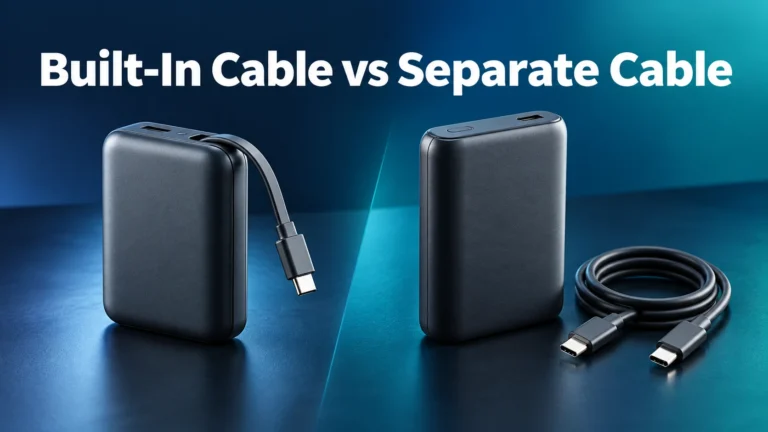
Find the bank’s official output table. You need the rating for the individual USB-C port or built-in cable you will connect to the laptop, not just the sum of every connector. A package may prominently advertise 100W total while one particular port is limited to 45W or 65W. The input rating, which describes how fast the bank itself recharges, is another separate number. Read all three labels before choosing.
USB Power Delivery is a negotiation between source and device. A nominally 65W port should offer the voltage and current the laptop can accept. A bank may list profiles such as 5V, 9V, 15V and 20V with different current limits; the precise list depends on the model. Never assume that a product’s highest wattage occurs at the voltage your computer needs. USB-IF describes the higher-power USB PD capabilities, but the standard’s maximum is not a promise about any particular product.
| 20K bank’s single USB-C output | Potential laptop use | Important limitation |
|---|---|---|
| 20W class | Some low-power devices may top up when idle | Often inadequate for an active 45W or 65W laptop; verify support. |
| 30W class | Some efficient notebooks or charging while asleep | Can be slower than the original supply or lose ground during use. |
| 45W class | Many light productivity laptops, if compatible | Check voltage profile and the computer’s recommended input. |
| 65W class | Often a practical match for a 65W USB-C laptop | Two-port operation may cut the laptop port’s share. |
| 100W class | Specific laptops that accept up to 100W USB-C PD | Check cable and per-port chart; capacity still limits duration. |
These are examples for deciding what to inspect, not compatibility promises. A 20W model cannot become a 65W model simply because its battery stores 20,000mAh. A 100W capable bank does not force 100W into a laptop designed for less. Confirm the bank’s PD profiles and the laptop’s accepted modes on the exact units you own.
How much laptop charging can 20,000mAh provide?
Start with the bank’s Wh figure, then compare it with the laptop battery’s Wh figure. Suppose an illustrative 20,000mAh bank is 74Wh and a hypothetical laptop has a 50Wh battery. Dividing 74 by 50 gives 1.48, but that is not a promise of 1.48 full charges: it assumes every watt-hour leaves the bank and enters the laptop battery without loss, and ignores the computer’s energy use while plugged in.
For teaching purposes only, assume 75% of that 74Wh becomes usable energy into the laptop battery. That would be 55.5Wh, or a little over one 50Wh battery-equivalent. This is an assumed scenario, not measured performance of a real product. Different conversion circuits, output loads, temperature, cable, charging strategy and laptop activity can alter the result. If the laptop is running a heavy task, some delivered energy powers the system directly rather than increasing the battery percentage.
“One battery-equivalent” also differs from one observed 0-to-100% session. Starting at 40%, charging to 80%, and using the computer in between does not yield a clean charge count. For planning, treat 20K as a useful portable reserve for many laptops that can accept the bank’s output, not a substitute for a wall socket for a full workday of demanding activity.
What happens if you charge a phone at the same time?
Multi-port banks share a finite power budget. A model that offers 65W to a laptop when used alone might allocate less to that port when a phone is plugged into another output. Another model might advertise 87W combined but cap its built-in cable or USB-C socket at a lower single-port figure. Read the output chart in the mode you will actually use: one laptop alone, laptop plus phone, or three devices together.
When another device is connected, some chargers briefly pause output while renegotiating power. The laptop may show a disconnect and reconnect. This can be normal once, but repeated cycling, overheating or a persistent low-power warning deserves investigation. See our guide to brief charging interruptions on multi-port devices. If dependable laptop charging is your priority, use its highest-power port and avoid simultaneous accessories that bring the laptop allocation below its needs.
Do not infer a simultaneous split by adding port maxima printed separately. If USB-C1 is “65W max” and USB-C2 is “30W max,” both figures may apply only when each is used alone. The combined table controls what happens together. This distinction matters more than the rounded 20,000mAh capacity once you are actively working on the laptop.
Choose a suitable USB-C cable
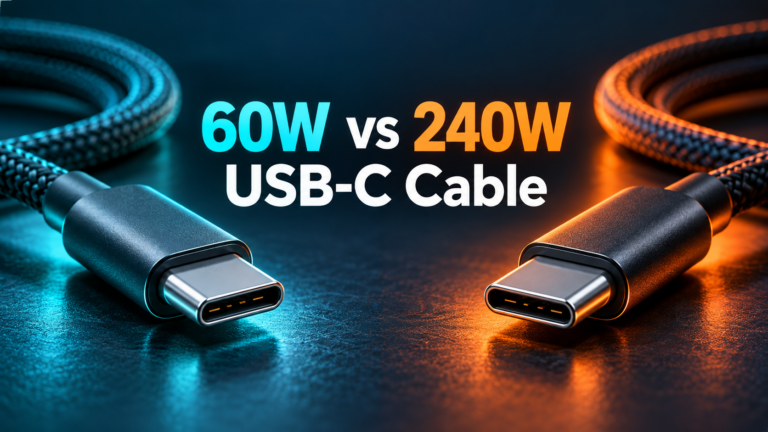
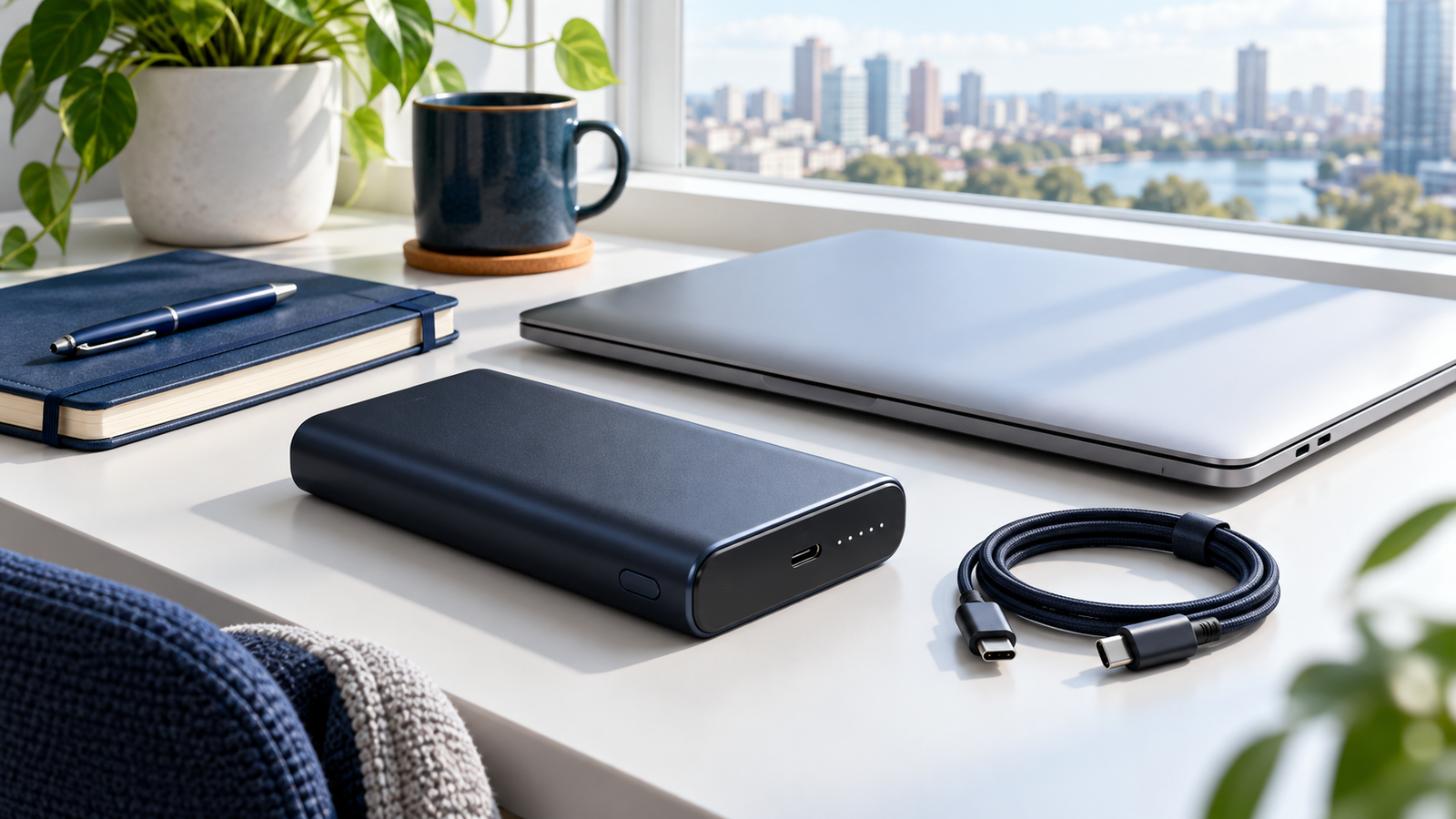
The cable must support the intended power level. USB-IF’s current certification labeling identifies 60W and 240W power capability for USB-C to USB-C cable categories. A 60W cable should not be assumed to carry a 100W or higher-power mode. Choose a properly rated cable and verify the bank’s instructions for a built-in cable, if present. A cable’s advertised data transfer speed does not by itself establish its power rating.
For laptops that require a proprietary connector or MagSafe, check the manufacturer’s supported charging path. Do not assume an inexpensive passive barrel-to-USB-C tip can make every laptop compatible with a generic PD bank. The correct voltage, protocol and connector pinout matter. Our e-marked USB-C cable guide helps explain higher-current cable identification.
Real product example: a 20K laptop-capable bank
Belkin lists its BoostCharge Pro 3-Port Laptop Power Bank 20K, model BPB020, as supplying up to 65W Power Delivery from a single USB-C port. Its product page also notes an internal battery figure of 19,200mAh despite the 20K product name. That illustrates two useful checks: verify the exact model’s one-port output and read the underlying capacity disclosure rather than treating a rounded product title as a precise electrical specification.
Belkin’s example does not establish that every 20K bank charges every laptop. The laptop still has to accept USB-C PD at an available mode, and the port output when several devices are connected may differ. We have not tested this model, measured its efficiency, or checked its price. This is a specification-based example, not a hands-on recommendation or a guaranteed device compatibility list.
Belkin BoostCharge Pro 3-Port Laptop Power Bank 20K (BPB020)
Belkin lists up to 65W PD from one USB-C port. Read its model-specific output table, physical Wh label, cable details and your laptop’s supported input before purchase.
View official specifications ↗Manufacturer link and specification example; no price, hands-on testing or universal compatibility claim. Availability and specifications can change.
Can you take a 20,000mAh bank on a plane?
Under current U.S. FAA guidance, power banks count as spare lithium-ion batteries and must be carried in cabin baggage, not checked baggage. The usual limit without special airline approval is up to 100Wh per battery. Larger batteries in the 101–160Wh range need airline approval and are limited to two larger spares per passenger; above 160Wh is generally prohibited on passenger aircraft. A hypothetical 20,000mAh bank at 3.7V is about 74Wh, but the actual bank’s marked Wh is decisive.
If your carry-on is gate-checked, remove the bank and keep it in the cabin. Protect it from damage and short circuits; a swollen or damaged battery should not travel. Airlines can impose stricter quantity, capacity and in-flight use rules, particularly on international routes. Consult the FAA PackSafe guidance, your carrier and our detailed power-bank-on-a-plane guide before travel.
Checklist before you buy
- Find the laptop model. Confirm it supports charging through the intended USB-C input or manufacturer-approved connector.
- Read the original adapter. Note its wattage and voltage/current profiles, then consult model-specific guidance.
- Find the bank’s exact model. Read the single-port output for the port or integrated cable you will use.
- Inspect USB PD modes. Verify a compatible voltage and adequate wattage, especially if the laptop has a low-power warning threshold.
- Check the multi-port chart. If charging a phone too, use the laptop allocation from that specific combination.
- Match the cable. Use a power-rated USB-C cable and supported charging path.
- Compare Wh and weight. Capacity governs reserve; there will be conversion losses. Choose a carry size you can live with.
- Check input and travel details. Bank recharge speed and a clearly marked Wh rating matter on a trip.
When a product page leaves out the per-port output or voltage profiles, you cannot reliably decide from “20,000mAh” alone. Look for the manual or ask its maker. Clear specifications are a better buying signal than an oversized capacity headline.
If the bank does not charge your laptop
Start with the least invasive checks. Confirm the bank has charge, the cable works with another known compatible setup, and the laptop’s USB-C socket accepts power input. Use the bank’s highest-rated output port. Disconnect the phone and test the laptop alone, then compare with the official output table. Some banks require a button press to wake or select an output, so consult their instructions.
If the charge indicator appears but battery percentage continues to fall, the system may be consuming more power than the bank supplies under that workload. Try charging while the laptop is asleep or idle and look for a low-power warning. A slow trickle during sleep does not mean the setup can sustain video editing or gaming. Avoid making a definitive fault diagnosis from one trial; a cable, port, temperature condition or incompatible PD mode can also explain the behavior.
If output repeatedly starts and stops, unplug the bank, let warm hardware cool and inspect both USB-C connectors for damage or debris. Retest with a suitable cable and no other device attached. Persistent cycling, unusual heat, swelling or a damaged cable calls for stopping use and contacting the manufacturer. Do not bypass a safety cutoff to keep a charge going.
Frequently asked questions
Will any 20,000mAh power bank charge a laptop?
No. The capacity figure does not state USB-C PD support, port wattage, voltage profile or laptop compatibility. Check the exact bank and computer.
How many times can a 20K bank charge a laptop?
There is no universal count. Compare the bank’s Wh with the laptop battery’s Wh, allow for conversion losses and account for the laptop’s power use while connected.
Is 20,000mAh the same as 20,000mAh at the USB output?
Usually not. The advertised mAh often refers to internal cells at their nominal voltage. The USB output uses another voltage, and conversion reduces usable energy.
Is a 65W 20K bank enough for a 65W laptop?
It can be if the laptop accepts the bank’s USB PD profile and the cable is suitable. Check whether that 65W applies to one port alone or remains available when other devices are connected.
Can a 20K bank charge a gaming laptop?
Some gaming laptops accept limited USB-C input for light use, but may require a proprietary adapter for full load. Verify the exact model’s supported input and do not equate slow top-ups with full-performance power.
Can I carry it in checked luggage?
Under FAA rules, a power bank is a spare lithium-ion battery and belongs in carry-on baggage. Check its printed Wh and your airline’s current policy.
The takeaway
Yes, a 20,000mAh bank can charge a laptop, but the correct answer for your laptop depends on its supported charging input, the bank’s single-port USB PD wattage and voltage, the cable, and what happens when multiple ports are used. Capacity tells you the size of the energy reserve; it cannot promise speed or a full recharge. Select by the exact model specifications, then use Wh to plan realistic run time and travel.
Sources checked September 2026: USB-IF USB Power Delivery, USB-IF cable labeling, Belkin BPB020 model page, Apple laptop fast-charge guidance, and FAA PackSafe. The 74Wh and charge-count exercises are illustrative calculations, not measured results for a named product.