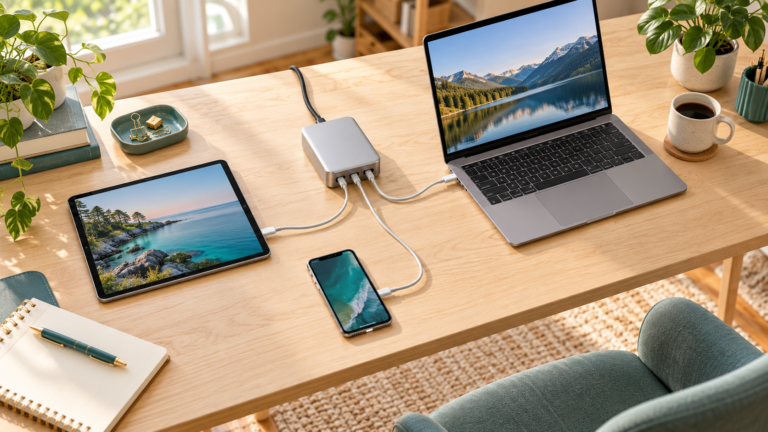
Wireless vs Wired Power Bank: Which Should You Buy?
Quick answer: Buy a wired power bank for flexible device support and compatible fast charging. Buy a wireless magnetic power bank for convenient phone top-ups without a loose cable. Check your phone, case, charging modes, and usable capacity before choosing.
Compare Amazon optionsCompare Walmart optionsBy Daniel Carter · Updated October 27, 2026. As an Amazon Associate, we earn from qualifying purchases. We may also earn commissions through other retailer links at no extra cost to you.
Choosing a wireless vs wired power bank is about how you actually use your phone, not simply which accessory looks tidier. This guide compares the practical tradeoffs, explains the compatibility checks, and shows what to verify before buying. It is based on charging standards and manufacturer guidance, with no claimed hands-on testing.
Wireless vs wired power bank: the practical difference
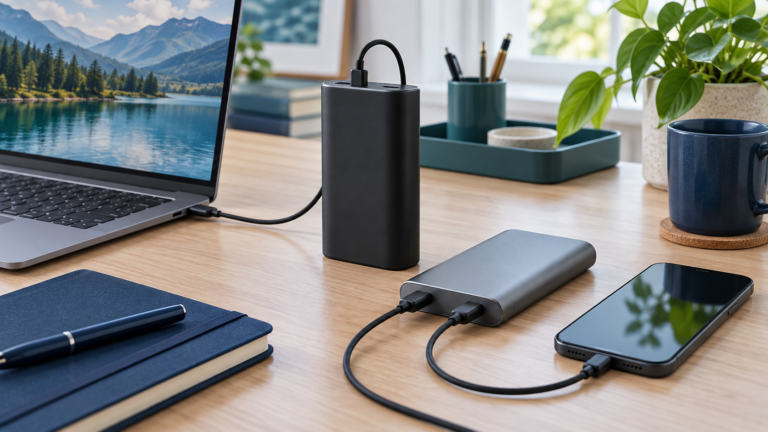
A wired power bank supplies your phone through a cable. A wireless power bank transfers energy through a compatible charging surface, and a magnetic version can attach to a suitable phone or case. Many wireless models also include a wired output, so you may be choosing which mode to use rather than buying two completely separate products.
For daily use, the most useful question is how you charge while moving. A short cable lets you keep a battery in a bag while using the phone. A magnetic bank keeps the two devices together without a loose lead, but adds weight and thickness directly to the handset. Neither arrangement suits every pocket or every hand.
Do not confuse a magnetic attachment with charging certification. Magnets help position an accessory, while the phone and charger must still support compatible wireless charging. A generic magnetic ring can help something attach without adding a new charging protocol to the phone. Verify the exact phone, case, and power bank combination before buying.
Which should you buy? Quick comparison
Choose the charging method around your routine, then compare the specifications of individual models. The table below describes typical tradeoffs rather than promising that every wired product beats every wireless product. Actual speed, usable energy, and comfort depend on the hardware and conditions.
| Priority | Wired bank | Wireless bank |
|---|---|---|
| Connection | Suitable charging cable | Compatible wireless surface |
| Phone handling | Bank can stay separate | Magnetic bank adds attached weight |
| Speed check | Protocol, port output, cable | Wireless standard, phone, alignment |
| Laptop support | Possible with adequate USB-C PD output | Check any wired output separately |
| Capacity | Check Wh and rated output conditions | Also account for wireless transfer conditions |
| Best fit | Several devices and flexible placement | Convenient compatible phone top-ups |
Buy wired for charging value and flexible device support
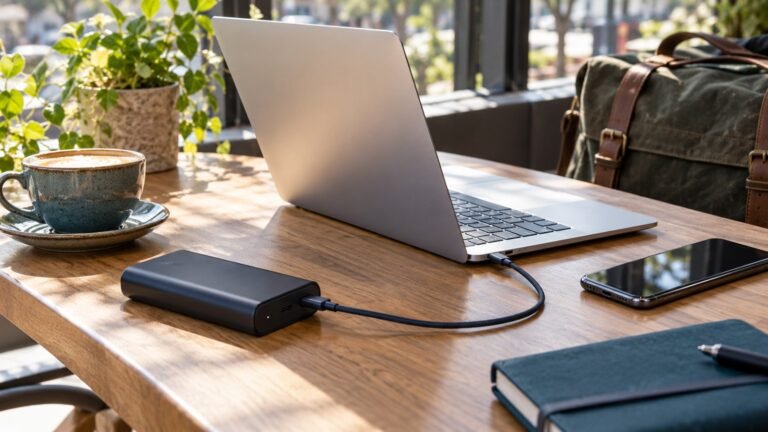
A wired USB-C power bank is usually the stronger starting point when you want one battery for several devices. With the correct cable and supported charging profiles, you can connect compatible phones, tablets, headphones, and other accessories. A sufficiently capable laptop power bank can also support computers that accept USB-C Power Delivery.
The key is compatibility rather than the shape of the connector. A USB-C port may be input-only, output-only, or bidirectional. Look for a clearly documented output rating and charging protocol. For a laptop, check the voltage profiles and available power from one port; for a phone, check the charging modes your particular handset supports.
Wired charging also separates the bank from the phone. You can leave the battery on a desk and move the phone within the cable’s reach, or keep it in a coat pocket while using the handset. The extra lead is less convenient for some people, but it avoids holding the battery’s full weight against the back of the device.
Before buying, include a suitable cable in the total price. A cheap bank with an inadequate bundled lead may be less useful than a better-equipped alternative. Our built-in cable vs separate cable comparison covers the next decision if you like wired charging but dislike carrying loose accessories.
Buy wireless for convenient top-ups and a tidy phone setup
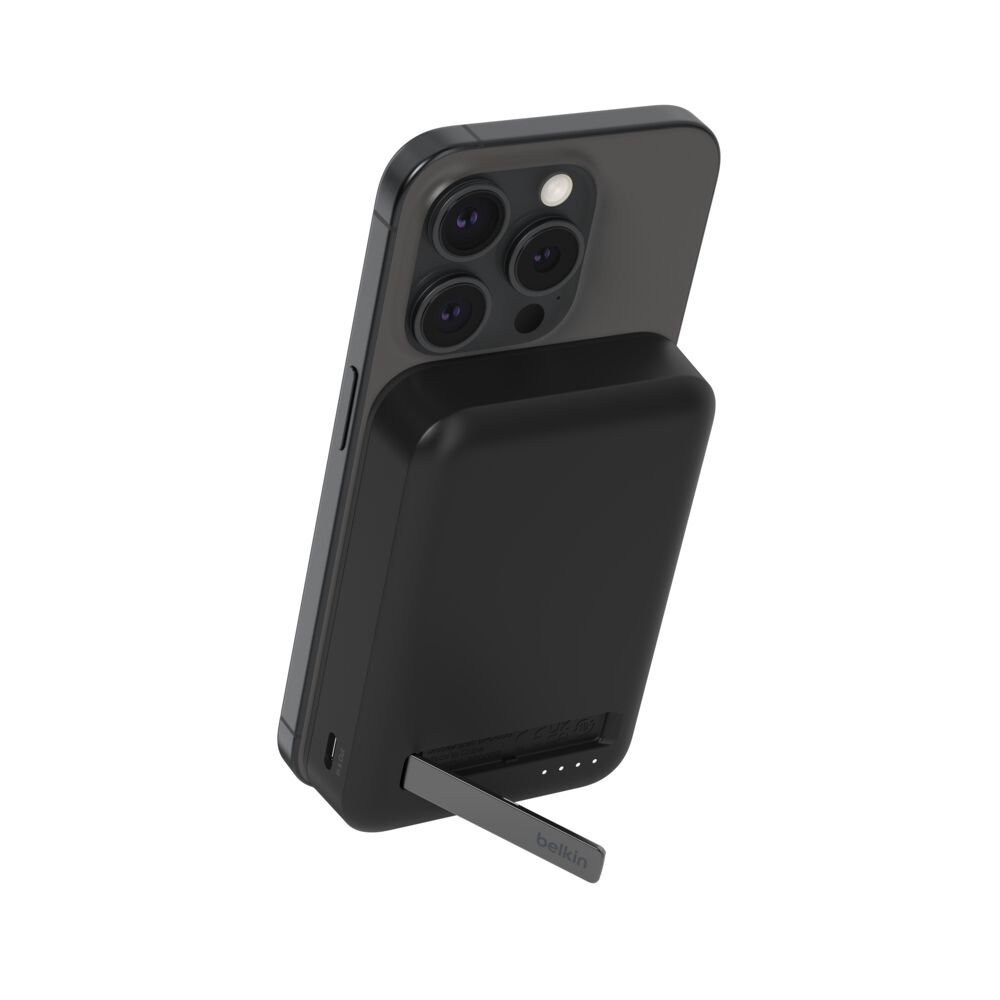
A magnetic wireless power bank makes sense when you value quick attachment and often need small battery top-ups during a commute, an event, or a short outing. You can attach a compatible bank without finding a cable or repeatedly connecting the phone’s charging port. A model with a stand can also support hands-free viewing on a table.
Convenience has physical tradeoffs. Check how much of the phone the bank covers, whether it overlaps the camera bump, and how comfortable the combination feels in one hand. A narrow phone and a wide bank may make an awkward pair. The product’s weight and dimensions matter as much as its advertised capacity.
Look at the position of the stand and charging surface if you watch video while charging. Not every combination works equally well in portrait and landscape orientations. A case with an added grip, card holder, or bulky protective layer may obstruct attachment or charging. Remove incompatible accessories rather than assuming magnetic force will overcome the problem.
A wireless model with USB-C output can be a useful compromise. Use the magnetic surface for casual top-ups and a suitable cable when you need a different arrangement. Check the wired specification separately, because the USB-C connection may have a different power limit from the wireless surface.
Speed: compare supported modes, not just headline watts
There is no single speed for “wireless charging.” The Wireless Power Consortium distinguishes Qi2 and Qi2 25W, and compatible products can support different power levels. An older or lower-power wireless bank does not gain a higher rating merely because a newer charging standard exists. Match the exact version and the phone’s supported input.
Likewise, a wired bank advertised as high wattage will not necessarily charge a phone faster than a smaller one. The phone has its own input limits, and fast charging can depend on USB Power Delivery, PPS, or another supported protocol. A bank that lacks the needed profile may fall back to a lower rate even when its total output looks generous.
Maximum ratings are ceilings under specified conditions, not a promise of constant power from empty to full. Temperature, battery percentage, software controls, and simultaneous charging can change the result. Comparing a maximum wireless number with a maximum wired number does not establish the full charging time for a particular phone.
For practical shopping, ask whether you need a quick refill before leaving or a gradual top-up while you work. Wired is often the practical choice for the first situation when the devices support a suitable fast charging mode. Wireless may be entirely adequate for the second. We have not performed timed charging tests for this guide.
Usable capacity: why matching mAh does not settle the comparison
The capacity printed on a power bank commonly describes its internal cells. It does not directly tell you how much energy reaches the phone’s battery. Power conversion, electronics, cable or wireless transfer, and the phone’s charging process all affect delivered energy. The charging method is only one part of that chain.
For example, 10,000mAh at a nominal cell voltage of 3.7V corresponds to approximately 37Wh of internal energy. This is a calculation, not a guarantee that a phone receives 37Wh. Compare the manufacturer’s labeled Wh figure and any rated output-capacity conditions when those details are available.
Wireless transfer adds another stage where alignment and operating conditions matter. A properly aligned magnetic setup can improve consistency compared with poor positioning, but it does not eliminate all loss. Avoid applying a universal percentage penalty or promising a fixed number of phone charges without measurements for the exact model and phone.
If getting the most usable backup energy is your main goal, compare measured output tests under similar conditions where available and keep a wired charging option. Our usable capacity explanation and 10,000mAh vs 20,000mAh guide explain why capacity and charging rate should be evaluated separately.
Heat, cases, and charging while using your phone
Apple notes that an iPhone or its wireless charger may become warmer during charging and that temperature controls can limit charging. A warm device is not by itself proof of a fault, but charging that repeatedly slows in a hot environment is a reason to examine the setup. Avoid covering the phone and bank with bedding or leaving them in direct sun.
Navigation, gaming, video recording, and other demanding tasks can also produce heat and consume power while charging. If your battery percentage rises slowly during those activities, the charger may be supporting the workload as well as replenishing the battery. Stop unnecessary tasks and compare performance in a cooler environment before concluding that the bank is defective.
Case fit matters. Check the phone maker’s and accessory maker’s compatibility guidance, and do not place cards, metal objects, or other unsuitable items between the phone and wireless charger. Magnetic attachment should hold the correct charging surfaces in the intended position. A loose fit or camera interference can make the setup unreliable.
A wired connection is a useful alternative when the attached-bank arrangement becomes uncomfortable or unsuitable for your activity. It is not a guarantee of zero heat. Follow the power bank’s handling instructions in either mode, and stop using damaged, swollen, or otherwise abnormal equipment. See our power bank heat guide for troubleshooting context.

An example to research: Belkin BPD008
Belkin’s BPD008 is an example of a magnetic wireless power bank that also provides wired charging options. It illustrates why shoppers should examine separate wireless and USB output specifications instead of treating the product name as a complete description. The images in this guide are manufacturer images of that example model.
Belkin’s support information covers multiple models and regional variants, with differences in ports, recharge input, and operating modes. Check the exact SKU sold by the retailer and consult the matching manual. Do not transfer a specification from another capacity or regional variant simply because the product names look similar.
We are including this as a documented category example, not declaring it the fastest, coolest, or best-value option. We have not verified a live sale price or conducted hands-on testing. Compare its fit, supported phone models, charging modes, dimensions, warranty terms, and included accessories against your requirements before deciding.
A laptop changes the buying decision
If you also need to charge a laptop, start with the computer’s supported USB-C input rather than the convenience of a magnetic phone surface. A phone-focused wireless bank may offer a USB-C output that is too limited for your computer’s requirements. A USB-C socket alone is not proof of laptop charging capability.
A laptop-compatible bank needs appropriate power and voltage profiles, plus sufficient stored energy for the runtime you expect. The cable must also support the connection’s requirements. If you charge a phone alongside the laptop, inspect the manufacturer’s multi-device allocation table to see what remains available to the computer.
Our 65W vs 100W power bank comparison addresses that output decision. For this wireless-versus-wired choice, the practical recommendation is to prioritize a suitable wired laptop output first and treat wireless phone charging as an optional convenience feature.
Amazon vs Walmart: compare the same model and bundle
Check both retailers for the exact product model, capacity, color if it changes price, and included accessories. A 5,000mAh version is not a direct price comparison with a 10,000mAh version, and a bundle with a wall charger may cost more for a legitimate reason. Retailer search results can mix similar products from different generations.
Compare the checkout total rather than a discount badge. Review the seller, delivery date, return conditions, and warranty eligibility. Marketplace listings can have different sellers and terms within the same retailer. Confirm that the listing describes a genuine product and that the accessories shown are actually included.
Before Black Friday, record the specifications you need and a sensible budget. That makes it easier to reject an unsuitable sale item. This article does not claim that a promotion is active, that stock is available, or that a displayed price is the lowest ever. Open the retailer listing to verify current terms.
The buttons here open retailer searches rather than a guaranteed exact-model offer. Use the product number to find the matching item before checking out. Our Black Friday power bank checklist explains the broader deal checks, while this guide focuses on choosing a charging method.
Your five-minute buying checklist
First, identify your exact phone and confirm its supported wireless and wired charging modes. Second, check whether your case is compatible with the intended magnetic attachment and charging surface. Third, compare the bank’s dimensions and weight with how you plan to carry and hold the combination.
Fourth, check wired output, wireless output, and recharge input as three separate specifications. Fifth, read the simultaneous-output rules if you will use multiple devices. Sixth, include any required cable or wall adapter in the purchase cost. Finally, compare seller terms and the exact model at both retailers.
Choose wired when you want broad device support, flexible placement, and a straightforward route to compatible fast charging. Choose wireless when easy attachment and short phone top-ups matter most. A well-matched wireless bank with a useful wired output can cover both routines, provided you verify each mode instead of assuming identical performance.
Frequently asked questions
Is a wireless power bank worth buying?
It can be if convenient attachment matters more than minimizing the number of accessories or maximizing device flexibility. Verify phone and case compatibility, weight, supported charging modes, and wired backup output.
Does a magnetic case make any phone support Qi2?
No. A case can affect attachment and alignment, but it does not automatically change the phone’s wireless charging electronics or supported power profile. Follow the phone and case manufacturers’ compatibility guidance.
Can a wireless power bank charge through a case?
Some compatible cases support this, but thickness, materials, and accessory placement matter. Check the exact case and charger guidance and remove incompatible cards, metal items, or attachments.
Can I use the wireless surface and USB port together?
Only if the specific bank supports simultaneous charging. Output can change when another device is connected. Read the manufacturer’s allocation table rather than adding the two maximum ratings.
Do wireless power banks recharge wirelessly?
Do not assume so. Many wireless-output banks recharge themselves through a wired input. Check input separately from output and confirm which wall adapter and cable are required.
Sources and editorial approach
We used the following official references for standards, alignment, temperature behavior, and model-specific documentation. General buying recommendations are editorial judgments. We do not publish invented prices, charging-time results, efficiency percentages, or battery-life measurements.
- Wireless Power Consortium: Qi and Qi2 standards
- Apple: MagSafe alignment and charging guidance
- Belkin: BPD006, BPD007, and BPD008 FAQs
Find the right charging method before chasing a discount
Check the exact model and supported modes, then compare the complete checkout cost. These buttons open searches; verify the matching product and seller before purchasing.
Check Amazon optionsCheck Walmart options