65W vs 100W Power Bank: Which Should You Buy?
POWER BANK BUYING GUIDE
Quick answer: Choose a 65W power bank if your compatible USB-C laptop needs no more than that and the port allocation works for your devices. Choose 100W if your laptop supports higher input or needs additional power under load. Check capacity, cables, and power sharing before buying.
Compare options on AmazonCompare options on WalmartBy Daniel Carter · Updated October 26, 2026. As an Amazon Associate, we earn from qualifying purchases. We may also earn a commission through other retailer links, at no extra cost to you.
A bigger wattage number can solve a laptop charging problem, but it can also buy headroom you never use. This 65W vs 100W power bank guide explains which specification matters for your setup, how to avoid cable bottlenecks, and how to compare the complete buying cost before Black Friday. It is a specification-based buying guide; we do not claim hands-on testing of the products discussed.
What 65W and 100W actually tell you
A power bank’s wattage describes how quickly it can supply electrical power under supported conditions. A 100W USB-C output can offer a higher ceiling than a 65W output, but the connected device still determines what it requests. Your phone will not automatically accept 100W because that number appears on the box. The port, charging protocol, cable, battery temperature, and device charge level all affect the actual result.
Compare single-port USB-C output first. Some listings highlight combined output across several ports, which is a different specification. A bank advertised as 100W total might reserve less than that for its strongest USB-C connection. Open the manufacturer’s output table and look for the rating of the exact port you intend to use. The headline number alone is insufficient for a laptop purchase.
Also separate battery mode from wall-powered charger mode when buying a hybrid product. A unit with folding AC prongs may behave differently when unplugged. Read both sets of specifications, because the mode used during travel is the one that matters for portable charging. If your current charger supplies 65W, establish whether your laptop actually needs that much before paying for additional output.
65W vs 100W power bank: quick comparison
The table below compares output classes rather than promising performance from every product bearing these labels. Capacity, charging profiles, and multi-port allocation vary by model. Two power banks with the same wattage can deliver very different experiences, especially when you connect a second device.
| Buying question | 65W class | 100W class |
|---|---|---|
| Best fit | Compatible lighter laptops and single-device charging | Compatible laptops accepting higher input |
| Phone charging | Depends on phone and protocol | Does not automatically beat 65W |
| Runtime | Check Wh and usable energy | Higher watts do not guarantee more runtime |
| Two devices | Check exact output split | Check exact output split |
| Cable at full 20V output | Suitable e-marked 5A cable | Suitable e-marked 5A cable |
| Recharging the bank | Check input separately | Check input separately |
Choose 65W for lighter laptop work and sensible daily carry
A genuine 65W USB-C PD power bank can be a practical choice for a compatible laptop that accepts around 45W to 65W over USB-C. It is particularly useful for email, documents, web browsing, and topping up between meetings. Check your laptop maker’s charging requirements and any minimum power recommendation before choosing a model.
The advantage is value when the extra output would sit unused. If your laptop accepts only 45W from a compatible USB-C source, a 100W bank does not make it charge at 100W. A well-matched 65W model can cover that requirement, provided the voltage profiles and cable are suitable. Spend the remaining budget on sufficient battery capacity or a better cable.
Do not assume every 65W bank is small. Output and physical size are separate choices. Compare the actual weight, dimensions, and watt-hour rating of competing models. A compact hybrid with less stored energy may fit a pocket but provide less runtime than a larger bank at the same output rating. Your daily bag and charging routine should determine which tradeoff makes sense.
A 65W model becomes less attractive if connecting your phone reduces the laptop port below your needs. For people who always charge one device at a time, that compromise may be harmless. For a shared work setup, inspect the two-port allocation before treating 65W as an adequate combined budget.
Choose 100W when your laptop can use the extra headroom
A 100W single-port USB-C PD power bank is worth considering if your compatible laptop can accept more than 65W, or if its battery drains during demanding work on a lower-power supply. The larger ceiling can help support the computer’s operating load while leaving more power available for charging. This remains dependent on the laptop’s supported input.
A simple hypothetical example explains the difference. If a computer needs 50W to run a workload and receives 65W at its input, only the remaining power is available for charging before internal losses. A compatible 100W supply can provide more headroom if the computer requests it. These numbers illustrate a power budget; they are not measurements of a particular laptop or power bank.
Extra wattage also helps only if the power bank can sustain an appropriate output during your use. Manufacturer peak ratings are not a guarantee that maximum output remains available through the entire discharge. Thermal conditions and remaining battery level can reduce output on some models. Check model documentation and independent measurements when sustained high-load use is central to your purchase.
A 100W power bank is not a universal replacement for a gaming laptop’s original adapter. Some computers require a proprietary connector for full performance, accept limited USB-C charging, or need substantially more power under load. Confirm USB-C charging support on the laptop itself. A USB-C connector used for data or display does not by itself establish charging compatibility.
Wattage is speed; watt-hours are your energy budget
Buying 100W instead of 65W does not automatically buy more battery runtime. Wattage measures a rate, while watt-hours describe stored energy. For capacity comparisons, use the labeled Wh figure when available. The familiar mAh number needs its reference voltage to become a useful energy measurement.
For illustration, a bank labeled 20,000mAh at a nominal 3.7V represents about 74Wh of cell energy: 20Ah multiplied by 3.7V. That calculation does not mean you receive 74Wh at your laptop’s battery. Voltage conversion, cable loss, the bank’s electronics, and the laptop’s charging process reduce what ultimately becomes stored charge.
Two banks with similar labeled energy can have different usable output, so avoid claiming a fixed number of laptop charges from mAh alone. Laptop battery size, the charge level you start with, and whether you work while charging all matter. A person using video calls throughout charging will see a different battery increase from someone charging a sleeping laptop.
If your real problem is running out of energy on a long workday, compare Wh before buying more watts. If the problem is the laptop continuing to lose battery while connected, examine input wattage and compatibility first. Our mAh vs Wh explanation and 10,000mAh vs 20,000mAh comparison cover that capacity decision in more detail.
Your cable can limit either option
For conventional 20V USB-C PD charging above 60W, choose a suitable electronically marked 5A USB-C to USB-C cable. A basic 3A cable can limit a setup that otherwise supports 65W or 100W. Read the cable’s stated power capability instead of assuming that every USB-C lead supports the same current.
For a new purchase, a reputable 240W-rated USB-C cable is a straightforward choice for these power levels. Existing compliant 100W 5A cables can also support a 100W connection. The USB-IF’s current certification guidance uses 60W and 240W power markings; a higher cable rating describes capability and does not force a device to consume more power.
Check the charging cable separately from data speed. A cable can carry substantial charging power while offering only basic data performance. That may be perfectly adequate between a power bank and laptop, but it may disappoint if you also expect fast external-drive transfers or a display connection. Choose the specifications required for each job.
Keep the cable reasonably short for your setup and replace damaged leads. If a connection repeatedly falls back to slow charging, test a known-good suitable cable before replacing the power bank. See our e-marked USB-C cable guide for the practical buying checks.
Check power sharing before adding your phone
A 100W port used alone may not remain a 100W port when a second device is connected. Many banks use fixed allocation rules, while others distribute power dynamically. The correct answer is in the model’s two-port and three-port output table, not the number printed prominently on its packaging.
As an illustrative configuration, a bank might offer 100W to one laptop alone and change to 65W plus 30W when another port is occupied. That is an example of how allocation can work, not a specification for every 100W bank. Another model might prioritize different ports or reduce output more sharply. Verify the exact combination you will use.
Make the shopping decision around your simultaneous load. Someone who needs a laptop at 65W and a phone at roughly 20W should look for documented support for that combination. Buying a unit advertised as 100W total without reading its split can still produce a poor match. Likewise, a 65W combined bank cannot promise 65W to the laptop plus additional power to a phone at the same time.
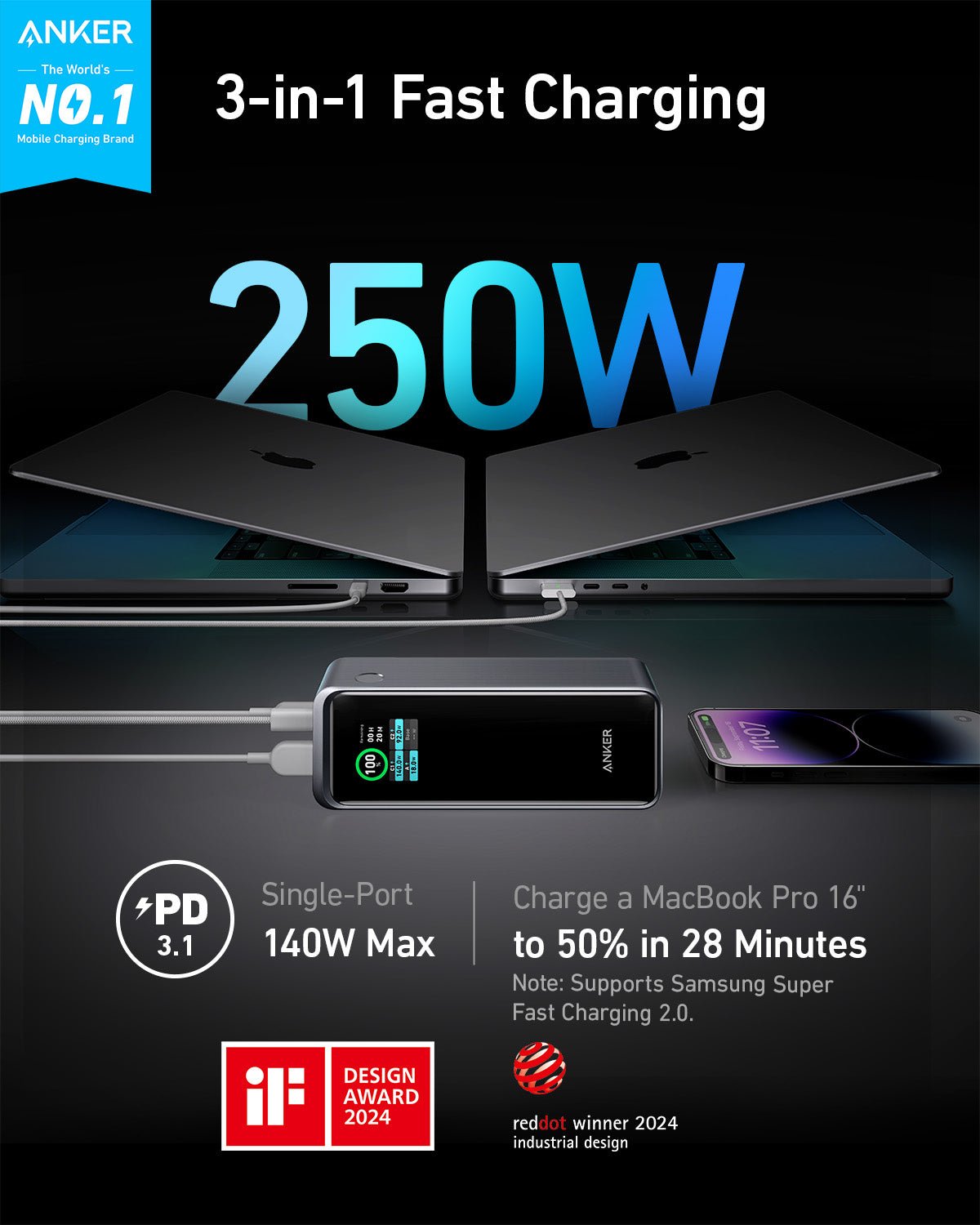
For model-specific options, our MacBook Air power bank guide and Anker Prime 200W review provide a starting point. Match the exact product generation and model number when comparing retailer listings.
100W output does not guarantee 100W recharging
Input and output are independent specifications. A power bank may deliver 100W to a laptop but accept a lower input when replenishing its own battery. Conversely, some models provide high input ratings that require a separately purchased wall charger and appropriate cable. Check what comes in the box.
To estimate the best-case charging-time floor, divide stored energy by input power. A hypothetical 74Wh bank receiving a constant 65W would have an ideal floor of about 1.14 hours. Real charging takes longer because input is not constant throughout, conversion is imperfect, and the charging process slows near full. Use manufacturer charging-time conditions rather than turning that calculation into a promise.
If you already own a 65W wall charger, a bank capable of higher input may still recharge from it at an agreed lower rate. Buying a stronger adapter makes sense when the bank supports it and your schedule benefits. Include adapter and cable costs when comparing the total purchase price.
Pass-through charging is another separate feature. Do not assume either output class supports running a laptop while the power bank itself charges, or that maximum output remains available in that mode. Consult the specific manual. Our laptop pass-through guide explains the additional checks.
How to compare Amazon and Walmart before Black Friday
Start by recording the exact model number, capacity, strongest USB-C output, and included accessories. Similar product names can hide different generations. A retailer listing for a lower-capacity or lower-output version is not a meaningful price comparison, even if the image looks familiar.
Then compare the checkout total, seller identity, delivery date, return policy, and warranty eligibility. A marketplace seller may have different terms from the retailer itself. Look for an authorized seller and confirm whether a wall adapter or suitable cable is included. An apparently lower price can disappear when you add the accessories needed for your charging setup.
Treat sale labels as a prompt to compare, not proof of a bargain. Check the current total against your budget and the specifications you actually need. This guide does not claim a live Black Friday discount, a lowest-ever price, or verified stock. Retailer search results change and must be checked before purchase.
For phone-only use, consider whether both categories are more than you need. A lower-output bank with the appropriate phone charging protocol could be easier to carry. For laptop use, the extra cost of a suitable 100W setup may be worthwhile when it resolves a real power limitation. The useful deal is the one that meets your requirements at an acceptable total cost.
A practical decision checklist
First, confirm that your laptop accepts USB-C PD charging and note the manufacturer’s recommended adapter output. Second, find the power bank’s single-port output table and the supported voltage profiles. Third, compare its labeled Wh capacity and physical weight with what you can comfortably carry.
Fourth, check the cable rating and whether a suitable lead is included. Fifth, inspect the multi-port allocation if you plan to charge a phone alongside your laptop. Sixth, read the input specification to determine whether your existing wall charger is adequate. Finally, compare the exact model at both retailers with the same accessory bundle.
Choose 65W when it meets the laptop’s needs, your simultaneous load is modest, and the model offers the right capacity and portability. Choose 100W when your compatible laptop can benefit from more than 65W or when the documented output allocation better suits your devices. If neither table matches your requirements, keep shopping rather than buying by the headline number.
Inspect a new bank and its cable before first use, follow the manufacturer’s temperature and charging instructions, and stop using a swollen, damaged, or unusually hot unit. Do not cover a working bank with bedding or leave it in a hot parked car. Good specifications do not replace sensible handling.
Frequently asked questions
Will a 100W power bank charge my phone faster than 65W?
Only if the phone can use additional compatible power that the 65W option cannot provide. For many phones, the supported charging protocol and voltage/current profiles matter more than the maximum number on the bank.
Can I use a 100W power bank with a 65W laptop?
A standards-compliant compatible USB-C PD setup negotiates power with the laptop. The bank can offer up to its supported limit; the laptop requests what it supports. Confirm the voltage profiles and use a suitable cable.
Does 100W mean the power bank lasts longer?
No. Compare watt-hours and usable energy for runtime. A higher output can deliver energy faster, and actual runtime also depends on the connected device’s workload and conversion losses.
Is a 60W cable enough for a 65W power bank?
It may work at a lower negotiated power, but it cannot provide the full conventional 20V, 3.25A output. For that full output, choose a suitable e-marked 5A cable.
Should I wait for a Black Friday deal?
Compare the exact model’s current checkout total with your needs and budget. This article does not verify a live promotion. Avoid buying an unsuitable model simply because a retailer displays a large discount.
Sources and how we made this comparison
We compared USB-C power concepts and manufacturer documentation, then applied them to common buying scenarios. Numerical workload and recharge-time examples are illustrative calculations, not measured test results. Product features, accessories, and availability can change.
- USB-IF: USB Power Delivery overview
- USB-IF: cable certification and power marking guidance
- Anker: example 65W power bank output specifications
- Anker: example of single-port output and power distribution
Choose the right output, then compare the total cost
Verify your laptop input, battery capacity, cable, and two-device allocation before checking prices. Retailer links open searches; select and verify the exact model before purchasing.
Check Amazon optionsCheck Walmart options