Black Friday Power Bank Buying Guide: 7 Checks Before You Buy
BLACK FRIDAY • POWER BANK BUYING GUIDE
Choose the right backup power before choosing a sale
Compare the exact model, charging compatibility and checkout total. A large discount badge cannot tell you whether a power bank fits your devices.
Affiliate disclosure: As an Amazon Associate I earn from qualifying purchases. We may earn a commission from other retailer links. Buttons open retailer search results, not identical-product price comparisons. Verify the exact model, condition, seller and current offer.
This Black Friday power bank buying guide is for readers who want useful portable charging rather than another accessory that stays in a drawer. Begin with the phone, tablet or laptop you actually carry. Then decide what your present setup cannot do: provide enough backup energy, charge a particular device, share power reliably or refill quickly between outings.
Shopping in advance gives you time to compare specifications without a checkout countdown driving the decision. Save a small shortlist and record the exact model numbers. When promotions appear, compare those same products instead of switching to an unfamiliar listing simply because its percentage discount looks larger. Good preparation reduces both compatibility mistakes and unnecessary purchases.
1. Choose your use before choosing capacity
Write down the job first. An emergency phone top-up during a commute is different from keeping a laptop available through an afternoon of work. A compact unit may be easier to carry daily, while a larger bank may make more sense for several devices. Neither category is automatically the better value.
Think about where the bank will live. A pocket, a small handbag and a laptop backpack impose different weight and size limits. Include the cable and any adapter you need in that assessment. If the complete kit feels inconvenient, extra capacity will not help when you leave it at home.
Also distinguish convenience from a genuine shortage. If your current bank is intact, works normally and already covers your day, a sale may not solve a real problem. If it no longer meets your needs, identify the missing feature before comparing replacements. Our power bank lifespan guide helps separate ordinary aging from changing requirements.
| Main need | Prioritize | Check before buying |
|---|---|---|
| Occasional phone top-ups | Carry size and suitable phone charging | Connector, cable and supported protocol |
| Several devices | Usable energy and port layout | Simultaneous output allocation |
| Laptop backup | Compatible single-port output | Laptop requirements and cable rating |
| Short breaks between outings | Bank input capability | Existing wall charger and refill setup |
| Gift purchase | Known device compatibility | Return window and included accessories |
2. Compare energy and power separately
Capacity and output answer different questions. Capacity helps describe the reserve of stored energy. Output power describes the rate at which a supported connection can deliver it. A bank with a larger wattage headline does not necessarily run a device for longer than a lower-output bank.
Do not divide a bank’s printed mAh number by your phone’s mAh number and treat the result as a guaranteed refill count. Voltage, conversion losses and device use affect the relationship. Watt-hours provide a more useful common energy basis, but even that does not remove real-world losses. Compare like-for-like claims with their test conditions.
Avoid promises that ignore the device. “Several charges” means little without the exact phone, starting battery level and usage conditions. Running navigation, uploading video or using a hotspot consumes energy while charging. A refill estimate for a sleeping phone cannot predict every day of travel.
A practical shortlist rule
Choose enough reserve for your intended task with a reasonable margin, then compare portability. You do not need to maximize every specification. Paying for capacity you rarely carry can be less useful than choosing a smaller product that reliably comes with you. For laptop shopping, start with our MacBook Air power bank guide if that matches your device.
3. Verify the actual USB-C charging capability
A USB-C connector alone does not establish the available charging speed. Check the supported output profiles, device requirements and cable together. Read the manufacturer’s specification rather than relying only on a seller’s title. Similar-looking ports can have different input and output roles.
The USB-IF Power Delivery overview explains the broader charging standard and its extended power capability. That standard ceiling is not the output of every accessory. Your particular bank and device must support a compatible operating mode, and their practical limits still apply.
For a laptop, inspect the specific USB-C output rather than only the bank’s total rating. For a phone, confirm the charging mode required by the exact phone generation. A product can charge a device successfully without providing that device’s fastest supported charging mode. Decide whether that distinction matters to your routine.
Shopping for laptop backup?
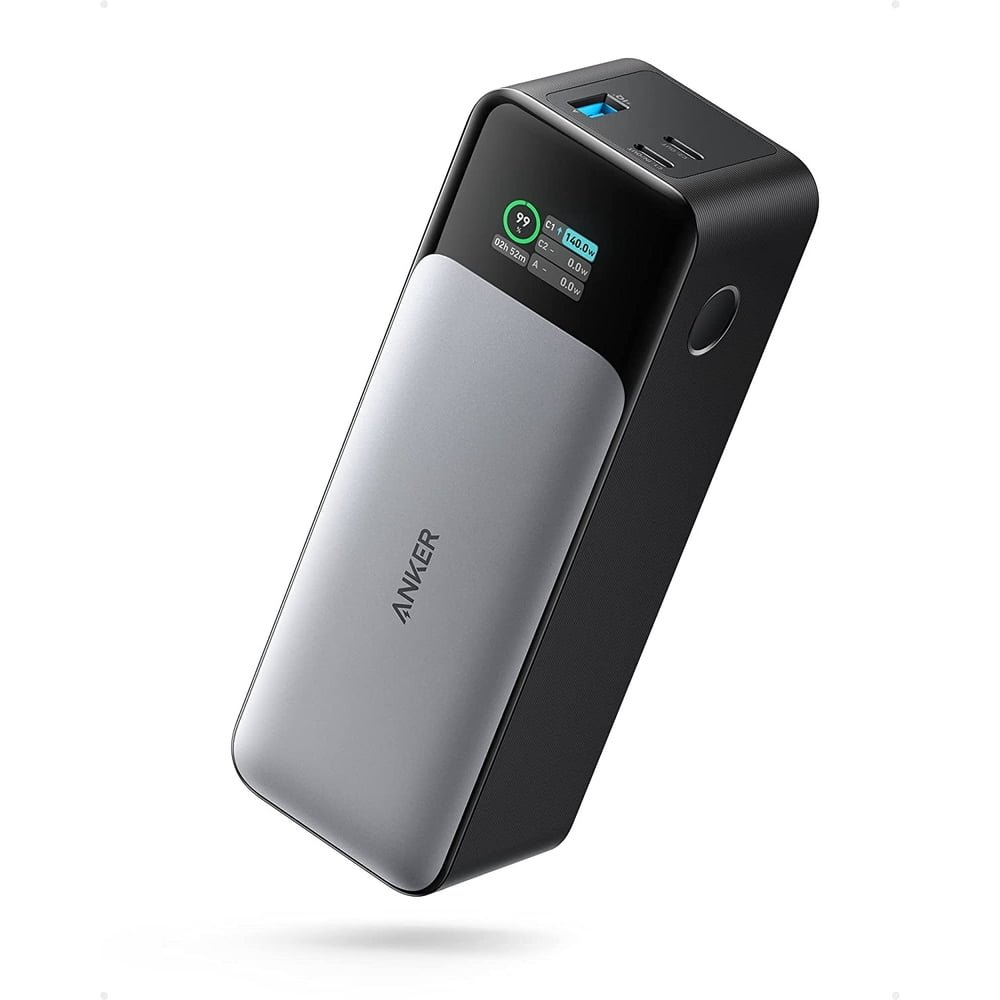
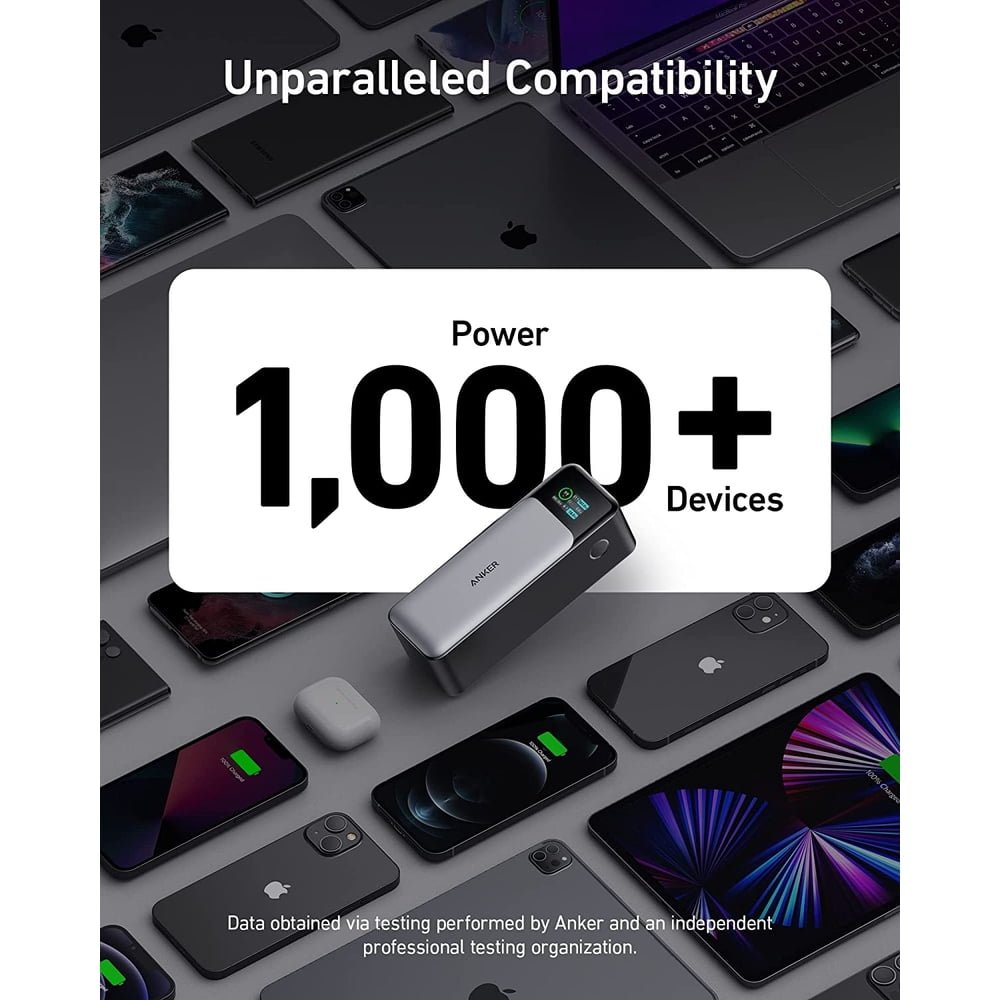
Investigate the Anker 737 PowerCore 24K, model A1289, as one documented example. Anker lists 24,000mAh capacity, two USB-C ports, one USB-A port and 140W maximum total output. Those limits do not guarantee a particular laptop runtime or fast-charge result. Read our Anker 737 for MacBook Air guide before choosing it for an Air.
Match model A1289 and the same condition across stores. No live discount or cheaper retailer is asserted here.
4. Check power sharing and bank refill speed
Two devices attached at once can change the power available at each port. Do not multiply a standalone port maximum by the number of sockets. A multi-port bank may divide its total output according to a fixed combination table, and an additional connection can trigger a new allocation.
Look for the actual simultaneous-use chart in the official documentation. Consider your intended pair: laptop and phone, two phones, or phone and earbuds. If the bank cannot supply the right combination, additional sockets offer less benefit than their number suggests. Port placement and cable access also matter on a crowded desk.
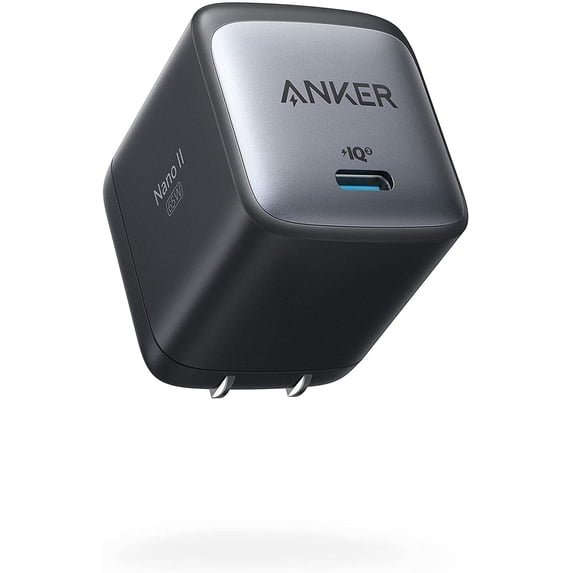
Input power is a separate buying criterion. A bank that supplies a laptop at a high output may accept a different maximum when it refills. Your wall charger and cable must support the bank’s input requirements. Include a replacement charger in the budget only if your existing setup cannot meet your schedule.
For example, a bank refilled overnight at home has a different turnaround requirement from one recharged during a brief stop between appointments. Compare the complete system rather than assuming every large-output bank refills quickly from a small phone adapter. Our Anker 737 charging-time guide shows how to approach that question for one exact model.
5. Include the cable and charger in the real cost
A discounted bank can become a more expensive kit if you need additional accessories. Check whether a cable is included, what it is rated for and whether its length fits your use. Do not assume a listing includes a wall charger simply because one appears in a lifestyle photo.
For current certified USB-C cables, USB-IF’s cable guidance distinguishes power capability labeling. Charging power and data speed are separate specifications. A higher cable rating does not make a device accept more power than it supports, and buying a high-speed data cable is not automatically necessary for charging.
Use a simple complete-kit comparison. Record the bank price, any required cable, any genuinely needed wall charger, shipping and applicable checkout charges. If two banks need different extras, the bank-only prices do not represent the same purchase. Keep accessories you already own in the calculation instead of automatically replacing them.
6. Compare Amazon and Walmart on the same terms
Start with the exact model number, then match capacity, color where relevant, included accessories and condition. A refurbished or used product is a different offer from a new unit. A bundle with extra cables is not automatically better unless those accessories are suitable and useful to you.
Check who sells and fulfills the order. Review delivery timing, returns and warranty eligibility before deciding. A lower checkout price may not be preferable if the return process does not fit your needs. Save the listing details you relied on, particularly when purchasing a gift or a device you cannot test immediately.
Record a reference price for the actual product when you build your shortlist. Compare later offers against that record while recognizing that stock and pricing can change. A crossed-out reference price or a large percentage badge alone does not establish a historical low. This guide does not supply unverified price history.
- Exact model and charging specifications match.
- New, used or refurbished condition is stated.
- Accessories and required extras are accounted for.
- Seller, delivery, return window and warranty terms are clear.
- Final checkout totals are compared at the same time.
Retailer search pages help you discover candidates. Open and verify individual product listings before treating two results as a direct price comparison.
7. Decide your buy price and avoid unnecessary upgrades
Set a budget for the complete kit before shopping. Separate required features from optional conveniences such as a display or a particular finish. A clear maximum makes it easier to ignore offers that are attractive only because they advertise a larger discount than another product.
Write down what would justify purchasing now: the right model is available, its complete cost fits your budget and the delivery and return terms work. Write down what would justify waiting: unclear specifications, an unsuitable bundle or no meaningful improvement over equipment you already own. Neither choice requires predicting the next sale.
For a gift, prioritize compatibility and a practical return period over a small nominal saving. If you cannot identify the recipient’s devices, avoid promising fast charging for them. Ask for the device model or choose an offer with return terms that accommodate checking it later.
Which category should you browse first?
For everyday phone backup
Look for a portable size, clearly documented phone compatibility and a convenient cable arrangement. Start with a small shortlist rather than browsing every capacity. Check whether you can still use the phone comfortably with the bank attached, especially if you expect to carry both while charging.
For several devices or a laptop
Prioritize stored energy, the right per-port output and a documented power-sharing plan. A laptop and phone together are more demanding than a phone alone. Compare complete setups and read the model-specific guide before ordering. Avoid paying for a headline output that your devices cannot use.
A five-minute check when your order arrives
Compare the received model and package with your order details. Inspect the housing, ports and cable before charging. Read the manual and follow its initial-use instructions. Keep the packaging and purchase record until you have confirmed the product is correct and works for the intended devices.
Try a straightforward direct connection before adding hubs or several accessories. Confirm the expected direction of charging and observe ordinary operation. Do not infer the health of a product solely from a display lighting up. If something is damaged or behaves abnormally, stop and contact the seller or manufacturer rather than repeatedly experimenting.
Frequently asked questions
Are Black Friday power banks always cheaper?
No universal price claim is justified. Compare the exact product’s current checkout offer with your recorded reference and other equivalent listings.
Should I buy the highest wattage?
Choose output that matches your devices and intended simultaneous use. Higher maximum output alone does not establish longer runtime or better value.
Is a larger mAh number always better?
It can mean more stored capacity on a comparable basis, but weight, voltage, usable energy, charging capability and portability still matter.
Do the Walmart buttons show the identical Amazon product?
The buttons open search results. Confirm exact model, condition and package in each listing before making a like-for-like comparison.
Is the Anker 737 a confirmed Black Friday deal?
No. It is a documented example in this guide. Check live retailer listings and evaluate the complete offer before buying.