

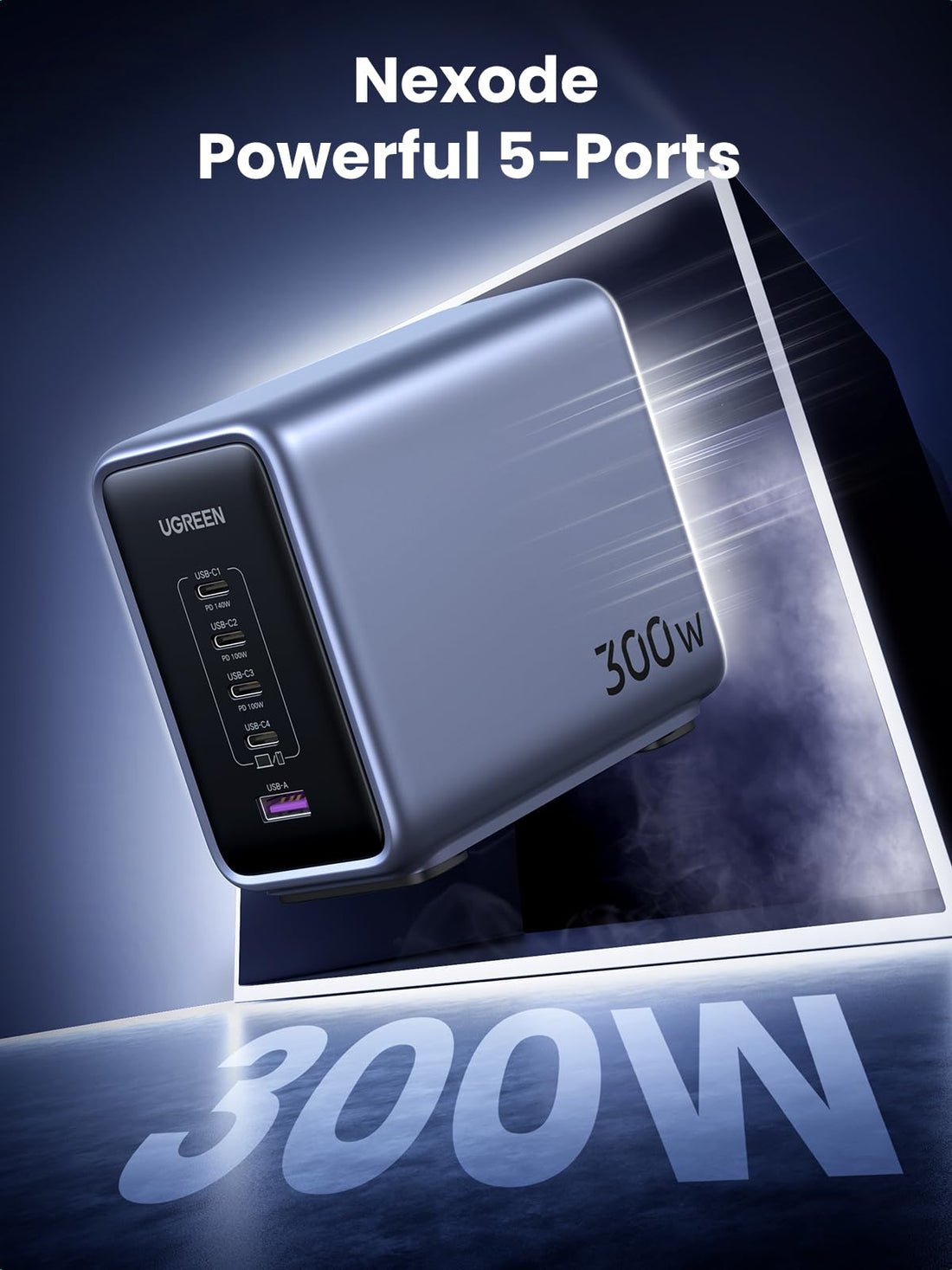
UGREEN Nexode 300W Review: Is This 5-Port Charger Worth It?
PREMIUM DESKTOP CHARGING · FIVE-PORT MODEL
One station. A better-organized charging desk.
Find out whether the original UGREEN Nexode 300W fits your laptops, phones and daily power needs.
This UGREEN Nexode 300W review is for the original five-port desktop charger. It is a compelling option for a desk with more than one USB-C laptop. Its value depends on your actual charging needs, the price of the exact version, and how its ports share power.
Review approach: specification-based buying analysis using UGREEN’s regional product documentation, checked October 28, 2026. We have not performed hands-on charging, temperature, efficiency or durability tests. Recommendations below are editorial judgments.
As an Amazon Associate I earn from qualifying purchases. We may also earn a commission through Walmart links, at no extra cost to you.
AMAZON SHOPPING CHECK
Compare the exact model
Match four USB-C ports and one USB-A port. Check the seller, condition and included cables before ordering.
WALMART SHOPPING CHECK
Review the full offer
Compare marketplace sellers, shipping, returns and the checkout total. Live prices and stock are not verified.
UGREEN Nexode 300W review: the quick verdict
Buy it for a permanent workstation with several demanding devices; skip it for a phone and an occasional laptop top-up. A central station can reduce the number of separate adapters around a desk. The tradeoff is that every device now depends on one charger and one outlet.
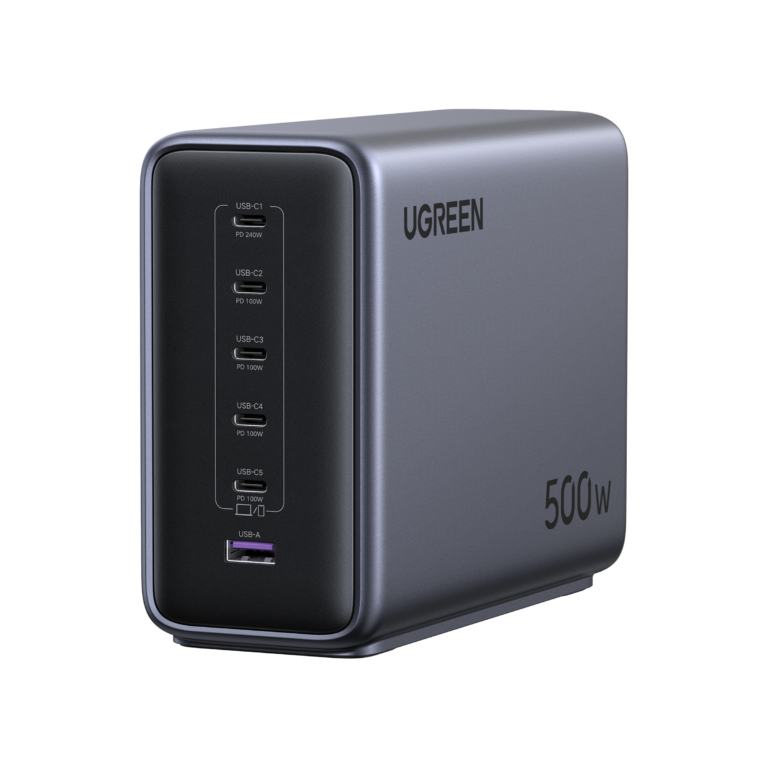
First distinguish this model from the newer Nexode Pro 300W eight-port station. This article covers four USB-C ports and one USB-A port. Retailer searches can show both generations, so match the port layout before comparing prices.
The specifications that matter
| Feature | Manufacturer rating |
|---|---|
| Total output | Up to 300W combined |
| Ports | 4 USB-C + 1 USB-A |
| USB-C1 | Up to 140W; PD 3.1 |
| USB-C2 / C3 | Up to 100W each individually |
| USB-C4 | Up to 45W individually |
| USB-A | Up to 22.5W individually |
Source: UGREEN’s official EU specifications. These are output ceilings, not measured results or a promise that every port reaches its individual maximum together.
Power sharing: why 300W is not one laptop’s charging speed
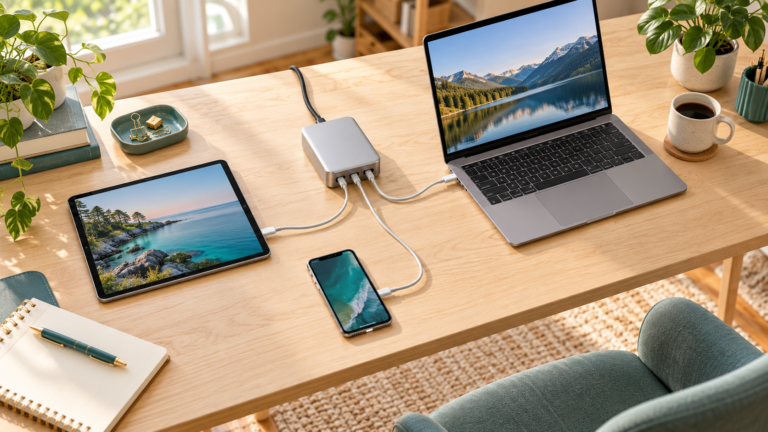
UGREEN advertises a three-laptop arrangement of 140W on C1, 100W on C2 and 60W on C3. That adds to 300W. It does not leave another 45W and 22.5W available for the remaining ports at the same time. Check the exact manual’s allocation diagram when changing the connected combination.
Source: UGREEN’s five-port product guidance. The advertised three-device arrangement is a manufacturer capability, not a test we reproduced.
Plan from the most demanding laptop downward. Write down its supported USB-C input, then do the same for the second laptop, tablet and phone. Compare that list with the published port combination. A shared total that looks generous can still be a poor fit if the port you need has a lower allocation.
For example, a laptop that needs substantial power while rendering video deserves priority over a phone that can wait. If you frequently connect and disconnect accessories, put the laptop on the intended high-power port and keep a consistent cable layout. See why multi-port chargers slow down when another device is connected.
Who should pay for a premium desktop charger?
Good fit: a home office shared by two laptop users, a creator’s desk with a laptop and tablet, or a workstation where several devices regularly need power together. Think about your busiest normal afternoon, rather than a rare occasion when every gadget is empty.
Weaker fit: someone charging one phone overnight, a traveler packing a small bag, or an owner of a gaming laptop that needs its proprietary supply for full performance. A higher charger rating cannot add USB-C charging support to a laptop that lacks it.
Do not buy spare wattage purely because it sounds future-proof. Price the smaller charger that already meets your workload. The premium is easier to justify when it replaces adapters you actively use, frees a crowded power strip, or makes a shared desk easier to manage.
Laptop compatibility and cable checks
Check the laptop maker’s specifications for the exact model and USB-C socket. A connector used for displays or storage does not automatically accept charging. Also check whether the laptop requires a particular cable or charging route for its fastest supported mode.
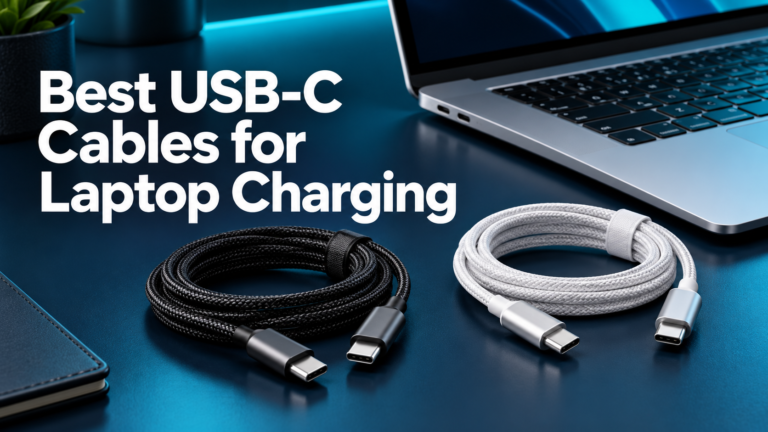
For a connection above 60W, choose a properly rated 5A e-marked cable. For a compatible 140W USB-C EPR connection, use a suitable EPR cable, such as one rated for 240W. Cable data speed is a separate specification. Our USB-C laptop charging cable guide covers the buying checks.
UGREEN’s regional guidance lists a 1.5m 240W USB-C cable and a detachable AC lead. Verify your seller’s package and regional plug. One bundled USB-C cable does not equip a five-device desk; include any missing cables in the total purchase cost. For a MacBook, confirm whether your model’s intended fast-charge route needs a USB-C to MagSafe 3 cable.
Phones, tablets and older accessories
Match the charging protocol as well as the power rating. UGREEN’s EU page lists PPS profiles for the USB-C ports, with different capabilities on C4. If a particular Samsung fast-charge mode matters, compare the phone’s required voltage and current with the exact port and cable combination. A 45W label alone is not a universal compatibility guarantee.
USB-A can be useful when an older accessory still uses a USB-A charging cable. Count those cables before choosing between this station and an all-USB-C alternative. Avoid buying adapters just to preserve an old cable if replacing the cable would make the desk simpler.
Pros and limitations
Main advantages: a large shared output budget, a laptop-focused port arrangement, and a legacy USB-A connection. Those features are useful when they match devices you already own. The station is mains powered and needs an outlet; it cannot provide backup battery energy.
Main limitations: port allocations need planning, several cables can still clutter the desk, and one central charger becomes a shared dependency. We have no independent evidence here for sustained-load temperatures, efficiency, noise, or long-term reliability. Leave room around the unit and follow its placement instructions.
Amazon vs Walmart: compare the exact five-port version
The buttons below open retailer searches, not verified individual product offers. Match “Nexode 300W,” four USB-C ports and one USB-A port. Exclude the Nexode Pro eight-port model and unrelated bundles before comparing checkout totals.
Check who sells the item, its condition, the regional power lead, included cables, return policy and warranty eligibility. Compare shipping, taxes and any eligible coupon at checkout. We have not independently verified current Amazon or Walmart prices or stock, so there is no claimed cheaper retailer.
Alternatives worth comparing
Choose by workload. The Satechi 200W six-port review explores an all-USB-C station for a different mix of devices. Its extra socket does not automatically mean more power for each laptop. Our desktop USB-C charger guide helps compare layouts before committing.
For a laptop and phone, check the smaller options in our laptop-and-phone charger guide. Choose a power bank separately if you need charging away from a wall outlet.
Frequently asked questions
Can one laptop receive 300W?
No. The 300W figure is a combined ceiling. C1 is rated up to 140W with a compatible device and connection.
Can all five devices charge at their fastest speed?
Only if each device’s requirements fit the supported port allocation and protocol. Individual port ratings cannot simply be added together.
Does it work as a USB-C dock?
Treat it as a power supply. Do not choose it for monitor output, storage connections or moving files between devices.
Is this the Nexode Pro 300W?
No. This review covers the original five-port version. Compare each generation using its own specifications and power-sharing chart.
Final buying recommendation
The original UGREEN Nexode 300W is worth considering when a busy desk genuinely needs its output and port mix. Confirm the exact version, map your devices to the ports, and add the cost of missing cables. If those checks do not reveal a clear benefit over a smaller supply, keep the simpler charger.


2 Comments