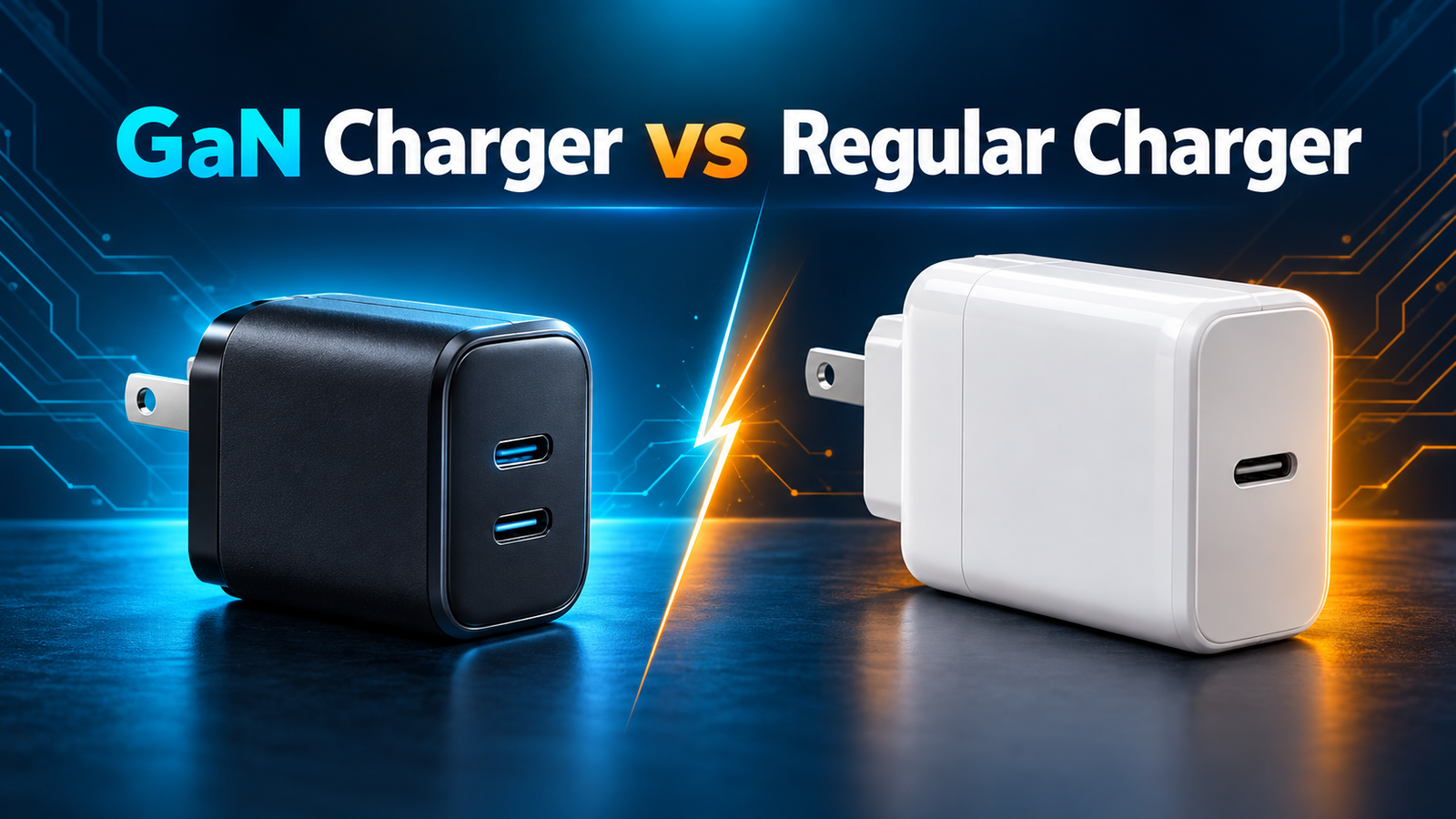
GaN Charger vs Regular Charger: What Is the Difference?
GaN chargers are usually smaller, lighter, and more efficient than traditional silicon chargers at the same power level—but they are not automatically faster. Actual charging speed still depends on the charger’s wattage, USB Power Delivery or PPS support, the cable, and what your device can accept.
Quick verdict
Choose a GaN charger if you want high wattage in a compact body, travel often, or charge several devices from one adapter. Choose a regular silicon charger if your current adapter safely meets your needs and size, weight, and extra ports are not important.
GaN Charger vs Regular Charger at a Glance
| Feature | GaN charger | Regular silicon charger |
|---|---|---|
| Semiconductor | Gallium nitride | Silicon |
| Typical size at equal output | Smaller and denser | Usually larger |
| Efficiency | Often higher | Good, but design-dependent |
| Heat management | Lower switching losses can reduce wasted heat | May need larger components and more space |
| High-wattage options | Common from 65W to 240W | Available, often bulkier |
| Price | Usually costs more | Often more affordable |
| Best use | Travel, laptops, multi-device charging | Basic phone and single-device charging |
What Is a GaN Charger?
A GaN charger uses gallium nitride power transistors instead of relying only on traditional silicon power components. GaN is a wide-bandgap semiconductor that can switch electricity rapidly while reducing some conversion losses. The higher switching frequency allows engineers to use smaller transformers, capacitors, and heat-management components.
That is why a modern 65W or 100W GaN adapter can be noticeably smaller than an older laptop power brick. The benefit is not magic extra energy. GaN lets the charger convert power more efficiently and package the required electronics into less space.
What Is a Regular Charger?
In this comparison, a regular charger means a conventional adapter built primarily around silicon switching components. Silicon chargers have powered phones, tablets, and laptops for decades. A properly designed model from a reputable manufacturer can still be safe, efficient, and reliable.
The main tradeoff appears as output rises. Delivering 65W, 100W, or more with older designs often requires a larger enclosure and heavier internal components to control heat. For a basic 5W to 30W phone charger, the size difference may be modest. At laptop-class power levels, GaN’s density advantage becomes much easier to notice.

Does a GaN Charger Charge Faster?
Not simply because it uses GaN. A 65W GaN charger and a properly designed 65W silicon USB-C PD charger can deliver the same negotiated power to a compatible device. Charging speed is limited by the lowest-capability part of the charging system.
- Device limit: A phone that accepts 27W will not take 65W just because the charger can provide it.
- Charging protocol: The charger and device must share USB PD, PPS, or the required proprietary protocol.
- Cable rating: Higher-power USB-C charging may require a correctly rated, electronically marked cable.
- Port allocation: A multi-port charger’s output may be redistributed when a second device is connected.
If you are unsure how much output your devices need, use our guide to calculate the charger wattage you need.
Size and Weight
Compactness is the clearest everyday advantage of GaN. Because GaN power stages can operate at higher frequencies and with lower losses, designers can shrink several surrounding components. A compact charger saves room in a travel pouch, avoids blocking adjacent wall outlets, and can replace separate phone, tablet, and laptop adapters.
However, compare real dimensions rather than assuming every product marked “GaN” is tiny. Enclosure design, safety spacing, port count, folding plugs, and thermal strategy all affect final size. A six-port 200W GaN desktop charger can still be larger than a basic 20W silicon cube.
Heat and Efficiency
All chargers produce some heat during AC-to-DC conversion. GaN devices can reduce switching losses, so manufacturers can achieve higher efficiency and power density. That does not mean a GaN charger will always feel cool. A small enclosure concentrates normal operating heat into less surface area, and high-output charging creates more heat than light phone charging.
Warm is not automatically unsafe. A charger should regulate its output and use protections for overcurrent, overvoltage, short circuits, and excessive temperature. Stop using any charger—GaN or silicon—if it is damaged, smells burned, crackles, repeatedly disconnects, or becomes painfully hot.
Safety: Is GaN Better?
GaN technology can support excellent thermal performance, but safety depends on the complete product, not the semiconductor label. Circuit design, component quality, isolation, firmware, housing material, manufacturing consistency, and independent certification all matter.
- Buy from a manufacturer with traceable support and warranty information.
- Look for relevant safety certification for your market.
- Confirm the input voltage before international travel.
- Use undamaged cables rated for the required power.
- Avoid counterfeit products and suspiciously vague specifications.
Price and Long-Term Value
GaN chargers generally carry a price premium because the power components and compact engineering can cost more. The premium may be worthwhile when one multi-port adapter replaces several chargers, reduces travel weight, or provides enough output for a laptop and phone together.
A regular charger can offer better value when you charge one low-power device, rarely travel, and already own a reliable adapter. Replacing a safe charger solely to obtain the GaN label may not create a meaningful benefit.
GaN vs Regular Chargers at Different Wattages
The practical value of GaN changes with power level. At low wattages, both technologies can be compact. As output and port count increase, efficient switching and higher power density become more useful because the charger must convert more energy without exceeding safe temperature limits.
20W to 30W phone chargers
For one phone, a conventional 20W or 30W charger may already be small, affordable, and fast enough. A GaN model can offer folding prongs, a smaller enclosure, or a second port, but that difference may not justify replacing a safe charger you already own. Compatibility matters more than the semiconductor: confirm USB PD for modern iPhones and many Android phones, or PPS when your device uses it for its fastest supported charging mode.
45W to 65W tablet and laptop chargers
This range is where GaN becomes especially attractive. One 65W adapter can often cover a phone, tablet, handheld console, and many thin laptops. Compared with an older laptop brick, a GaN replacement may occupy less bag space and provide extra USB-C ports. Check the single-port output and two-device power split: a charger advertised as 65W total may reduce its primary port when another device is connected.
100W to 140W laptop-class chargers
At 100W and above, enclosure size, cable capability, and sustained thermal performance become major buying factors. GaN makes high-output products easier to carry, but the label does not guarantee that a charger can sustain its headline wattage on every port. For power above 60W, use a cable rated for the required current and power. A 140W setup may also depend on Extended Power Range support in the charger, cable, and device.
How to Read a Charger Specification Label
The output label provides more useful buying information than the word “GaN.” It lists supported voltage-and-current combinations such as 5V/3A, 9V/3A, 15V/3A, or 20V/5A. Multiplying voltage by current gives watts, but the device and charger must negotiate a shared profile before that power is delivered.
- Input: Look for 100–240V support for international travel; a physical plug adapter may still be required.
- USB-C output: Confirm the maximum for each port when used alone.
- Shared output: Check the manufacturer’s table for every multi-device combination.
- PPS range: Verify the programmable voltage and current range instead of assuming every PD charger includes it.
- Cable: Confirm that it is rated for the charger’s highest output.
Certification and Build-Quality Checklist
A compact charger connects directly to mains electricity, so certification and construction deserve more attention than cosmetic design. Look for safety marks relevant to the country where the product is sold and verify them through the certifying body’s database when possible. A printed mark alone is not proof if the seller or manufacturer cannot be identified.
- Clear manufacturer name, model number, electrical ratings, and support contact
- Overcurrent, overvoltage, short-circuit, and overtemperature protection
- Flame-resistant enclosure and sturdy prongs that do not wobble
- Published port-allocation chart and protocol information
- Warranty terms that match the seller and region
Avoid choosing solely by the smallest dimensions. Extremely compact high-wattage designs have less exterior surface area from which to release heat, so a reputable design may be slightly larger to improve sustained performance and component longevity.
Travel, Desk, and Family Use Cases
For travel, a dual- or triple-port GaN charger can replace several adapters, but check its weight and plug stability. A heavy charger can sag from a loose wall outlet. A detachable power cord may work better where outlets are recessed or awkwardly positioned.
For a desk, a larger desktop charging station may be more convenient than the smallest wall adapter. It places ports within reach, reduces cable strain, and can provide a more predictable power budget. Cable management and port allocation may matter more than absolute size.
For a family, choose enough ports for normal use but do not assume every connected phone or laptop will fast-charge simultaneously. Add the realistic power needs of devices used together, then leave headroom so the charger does not constantly operate at maximum output.
Should You Replace Your Existing Charger?
Keep your existing charger if it is undamaged, certified, compatible, and convenient. Moving from silicon to GaN will not improve speed when both chargers provide the same supported protocol and your device already reaches its input limit.
An upgrade makes more sense when your old adapter is bulky, lacks USB-C PD or PPS, cannot charge a new laptop, has too few ports, or requires several separate bricks. Replace damaged equipment immediately rather than treating cracks, loose prongs, intermittent connections, or unusual smells as normal wear.
Single-Port vs Multi-Port Performance
GaN is especially useful in multi-port chargers because high power density helps fit several USB-C outputs into a compact enclosure. But the number printed on the charger is usually the total maximum output, not the power available from every port simultaneously.
For example, a 100W three-port charger might provide close to 100W from one USB-C port when used alone, then change to a 65W + 30W allocation when two devices are connected. Read the manufacturer’s power-distribution table before buying. Our guide explains how to choose the right multi-port charger and avoid misleading total-wattage assumptions.
Which Charger Should You Choose?
| User type | Better choice | Why |
|---|---|---|
| One phone at home | Regular or GaN | Choose by protocol, safety, and value |
| Phone and tablet | GaN multi-port | Compact two-device charging |
| Laptop and phone | 65W–100W GaN | More power in a travel-friendly size |
| Frequent traveler | GaN | Lower bag weight and fewer adapters |
| Family or desk setup | High-output multi-port GaN | Centralized charging for several devices |
| Lowest-cost replacement | Regular charger | Good value when compactness is unimportant |
If your main decision is power rather than semiconductor type, see our detailed 65W vs 100W charger comparison.
Ready to compare real GaN chargers?
See our tested-use-case shortlist for phones, tablets, laptops, travel, and multi-device desks.
Common Myths About GaN Chargers
“Every GaN charger is faster.”
False. Protocol support, wattage, cable capability, and the device’s charging limit determine speed.
“GaN chargers never get hot.”
False. They can waste less energy, but compact high-power electronics still become warm under load.
“A 100W port sends 100W into every device.”
False. USB-C power is negotiated. The device requests a supported level, and multi-port use may change the available allocation.
Frequently Asked Questions
Is a GaN charger safe for an iPhone or Android phone?
Yes, when the charger is well made and supports a compatible charging standard. The phone negotiates the power it can accept; a higher charger rating does not force excessive wattage into it.
Can a GaN charger damage a battery?
GaN itself does not damage the battery. Battery temperature, charging protocol, product quality, and device charging management are more relevant. Use reputable chargers and compatible cables.
Are GaN chargers worth the extra cost?
They are often worth it for travelers, laptop users, and people replacing several adapters with one multi-port charger. A basic silicon charger may be the better value for one low-power device.
Do GaN chargers last longer?
There is no universal lifespan advantage. Lower losses can help thermal design, but build quality, operating temperature, components, and daily use determine longevity.
Can one GaN charger power a laptop, phone, and tablet?
Yes, if it has enough total output, suitable ports, and an allocation that meets each device’s needs. Start with our best USB-C chargers for multiple devices.
Is USB-C required for GaN charging?
No. GaN describes internal power electronics, while USB-C describes a connector. However, most modern GaN chargers use USB-C because it supports flexible USB Power Delivery. Learn more in our USB-C vs USB-A charger guide.
Final Recommendation
For a new 65W-or-higher charger, especially one used for travel or multiple devices, GaN is usually the better design choice. You get more output and ports in a smaller package. For simple, low-power charging, a certified silicon adapter can remain a sensible and economical choice.
Prioritize verified output specifications, USB PD or PPS compatibility, cable rating, safety certification, and port allocation. Treat “GaN” as a useful engineering advantage—not as a substitute for checking the complete charger.
Technical references: Infineon’s GaN charger overview and the USB-IF USB Power Delivery overview.