

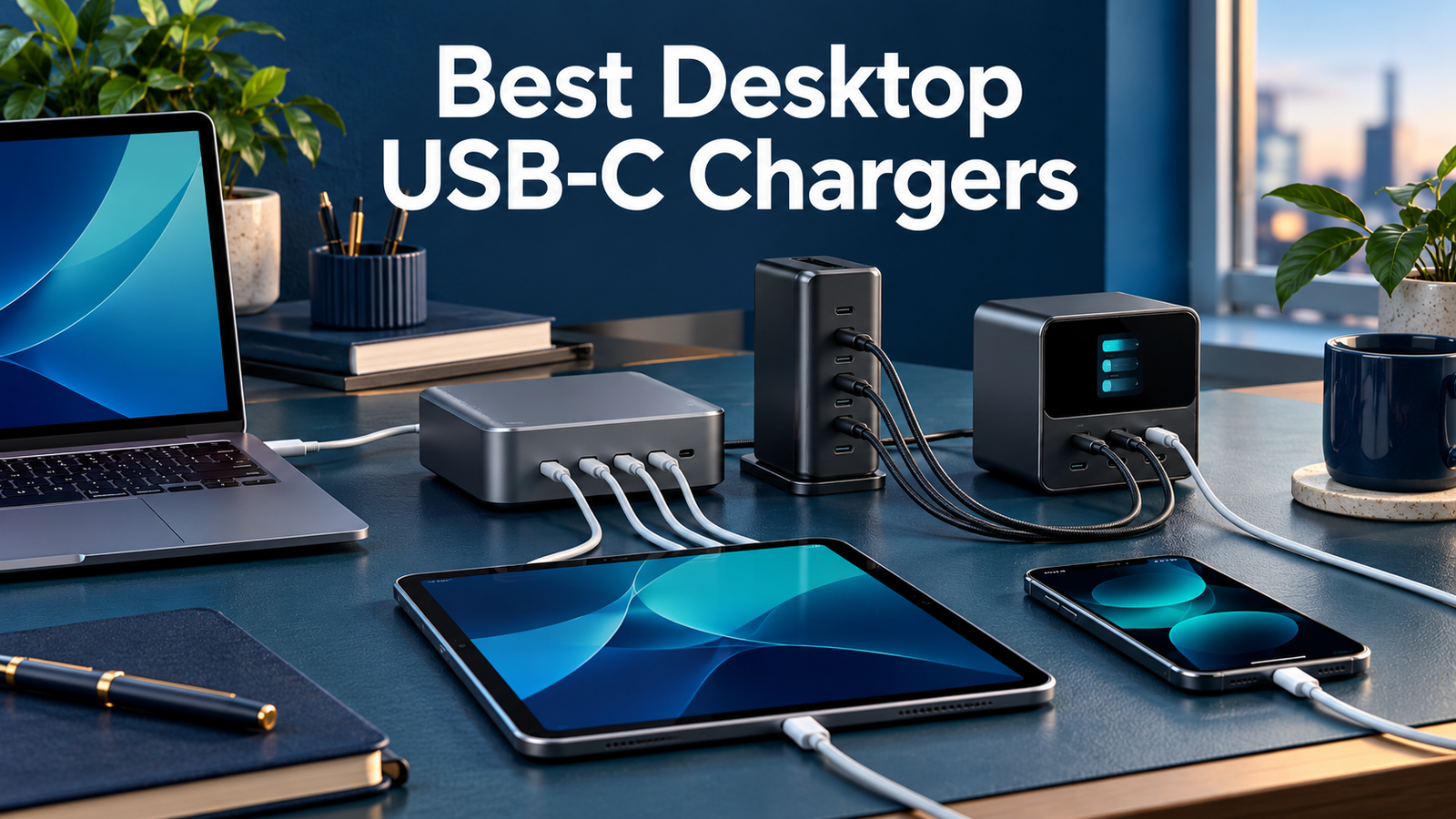
Best Desktop USB-C Chargers: 3 Charging Stations
Affiliate disclosure: As an Amazon Associate, MultiChargers earns from qualifying purchases. Purchases through Amazon links may earn us a commission at no extra cost to you. Check the exact model, regional plug, seller and package.
Bring charging ports onto your desk.
Compare three desktop stations by port mix, shared power, controls and workspace fit.
Compare Anker Prime 250WQuick answer
The best desktop USB-C chargers match your occupied-port power needs and cable layout. Compare Anker Prime 250W for its display and controls, Satechi 200W for six USB-C connections, or UGREEN Nexode 200W six-port for a mixed USB-C/USB-A setup. Total output is shared: a 200W or 250W label does not mean every port supplies that wattage.
Who should buy a desktop charging station?
A desktop charger makes sense when several devices regularly return to the same workspace. Instead of reaching behind furniture to change wall adapters, you place a charging unit within easy reach and route its power cord to an outlet. That can make a desk easier to use, particularly when cables stay attached between sessions.
It is less compelling when you only charge one phone or need the smallest possible travel kit. A dedicated wall adapter may already solve that job. A desktop station adds a power cord and a physical object on the desk. Buy one because the port layout and shared output suit the routine, not because the total rating is impressive.
This shortlist focuses on USB charging units. It does not cover portable batteries, AC power stations, wireless phone stands or laptop docks. Those products solve different problems even when a store calls all of them charging stations. Decide whether you need convenient wired charging before comparing the three options below.
Quick comparison
| Station | Total / port mix | Useful distinction | Key limitation |
|---|---|---|---|
| Anker Prime 250W A2345 | 250W total; 4 USB-C + 2 USB-A | Display and power controls | Only C1 supports the 140W maximum; sharing depends on configuration |
| Satechi 200W 6-Port GaN | 200W total; 6 USB-C ports | All-USB-C desk | Six connected devices: 65/45/20/20/20/20W documented allocation |
| UGREEN Nexode 200W 6-Port | 200W total; 4 USB-C + 2 USB-A | Mixed USB-C and USB-A kit | C1/C2 support up to 100W each; check the full shared-port chart |
How this guide was researched
We compared manufacturer documentation and identifiable Amazon listings. MultiChargers has not performed hands-on electrical, thermal, charging-time or endurance tests on these stations. The recommendations describe practical configurations, not measured performance awards. We do not use customer ratings as a substitute for testing or promise a particular device’s charge time.
The main buying differences are control features, connector mix and the output available when your chosen ports are occupied. We avoid quoting fixed prices or stock status because those can change. Check the current listing and manufacturer documentation for the exact regional model before buying, especially when a page includes several variants.
Our selection also considers whether the desk actually needs this many connections. A station that replaces several regularly used adapters can be convenient. A station bought for unused spare ports may add cost and clutter. Keep your current charger as a comparison point while deciding which problem the new unit should solve.
1. Anker Prime 250W: for a desk with visible power controls
The Anker Prime Charger model A2345 combines four USB-C ports and two USB-A ports with a display and control dial. Its maximum total output is 250W. The manufacturer identifies C1 as the only port that supports up to 140W. Other connections and the selected allocation affect the complete charging arrangement.
Compare it when seeing charging information and choosing power priorities would be useful on a busy desk. Those controls are a functional reason to consider this model; they do not prove a faster result than another suitable charger. Read the operating guide before changing modes so you understand how the laptop and smaller devices share the available budget.
Do not confuse this 250W model with Anker’s 200W six-port unit or a similarly named station containing AC outlets. Match A2345 and the port layout to the listing. A device connected through C1 still needs a compatible charging path and suitable cable; a larger source ceiling cannot make the device accept unsupported power.

Anker Prime 250W A2345
Display and power controls. 250W total; 4 USB-C + 2 USB-A.
Check on AmazonCheck model, regional plug, shared output and package contents.
2. Satechi 200W: for a workspace using USB-C throughout
Satechi’s 200W USB-C 6-Port PD GaN Charger provides six USB-C connections and a desktop stand. It can sit flat or upright. The total is shared across the connected devices. The documented six-device arrangement is 65W, 45W, 20W, 20W, 20W and 20W, so a full set of ports changes the laptop budget.
Its first two ports support up to 140W individually; that is not a promise of two simultaneous 140W outputs from a 200W supply. This distinction matters if two larger laptops are part of the plan. Consult the exact power schematic for the number and positions of cables you expect to use rather than adding independent maxima together.
Compare it when your accessories already use USB-C cables and a vertical placement suits the desk. Skip an all-USB-C unit if replacing several perfectly good USB-A accessory leads is an unwanted expense. The manual lists a power cord and stand, while charging cables are sold separately. Include the required leads in your purchase comparison.

Satechi 200W 6-Port GaN
All-USB-C desk. 200W total; 6 USB-C ports.
Check on AmazonCheck model, regional plug, shared output and package contents.
3. UGREEN Nexode 200W six-port: for a mixed connector collection
The UGREEN Nexode 200W six-port desktop charger combines four USB-C and two USB-A ports. Manufacturer documentation identifies up to 100W on C1 or C2. It is a candidate for a desk with a USB-C laptop alongside accessories that still use USB-A leads. The available output depends on the actual occupied-port configuration.
The mixed connector layout may save you from replacing every accessory cable at once. However, the presence of a USB-A socket does not establish the fastest charging protocol for every phone. Check the exact device requirement and output specifications. A broad compatibility list is not a model-specific fast-charge guarantee.
Choose the six-port product deliberately. UGREEN also sells other Nexode desktop models, including an eight-port 200W station. Similar totals and product names can hide different layouts. The linked listing identifies the six-port option; confirm the selected item, regional power cord, cable bundle and seller before checkout.

UGREEN Nexode 200W 6-Port
Mixed USB-C and USB-A kit. 200W total; 4 USB-C + 2 USB-A.
Check on AmazonCheck model, regional plug, shared output and package contents.
Build a device list before choosing total wattage
Write down what will charge at the same time: laptop, tablet, phone, earbuds, watch charger and any other accessory. Note the connector on each cable and the charging capability you want to preserve. Distinguish the essential work laptop from devices that can replenish more slowly during a long desk session.
As an illustrative planning example, a laptop budget of 65W, a tablet budget of 30W and a phone budget of 20W add up to 115W. That arithmetic helps describe the job, but it does not prove that a particular station offers those exact outputs together. The manufacturer’s allocation chart is the next check, not an optional detail.
If two people share the desk, build a second list for that situation. A station that works well with one laptop and small accessories may be less suitable for two laptops needing stronger output. Choose for the busiest routine you actually expect, while avoiding a purchase based on six hypothetical devices you rarely connect.
Total output and single-port output answer different questions
Total output describes the combined ceiling of the station. Single-port output describes a particular connection under specified conditions. Neither tells you the complete story by itself. A large total can coexist with lower limits on several ports, and an impressive single-port rating can fall when other connections are added.
Do not multiply the largest advertised port maximum by the number of sockets. A shared supply cannot necessarily sustain those independent maxima together. Instead, find the diagram for your cable arrangement, then check whether the important devices receive enough power. Port position can matter even when the connectors all look identical.
This is why Satechi’s published six-device allocation is more useful for a fully occupied desk than its largest individual port figure. Likewise, Anker’s C1 distinction matters when you need the higher-rated connection. For a broader explanation, read our multi-port charger selection guide.
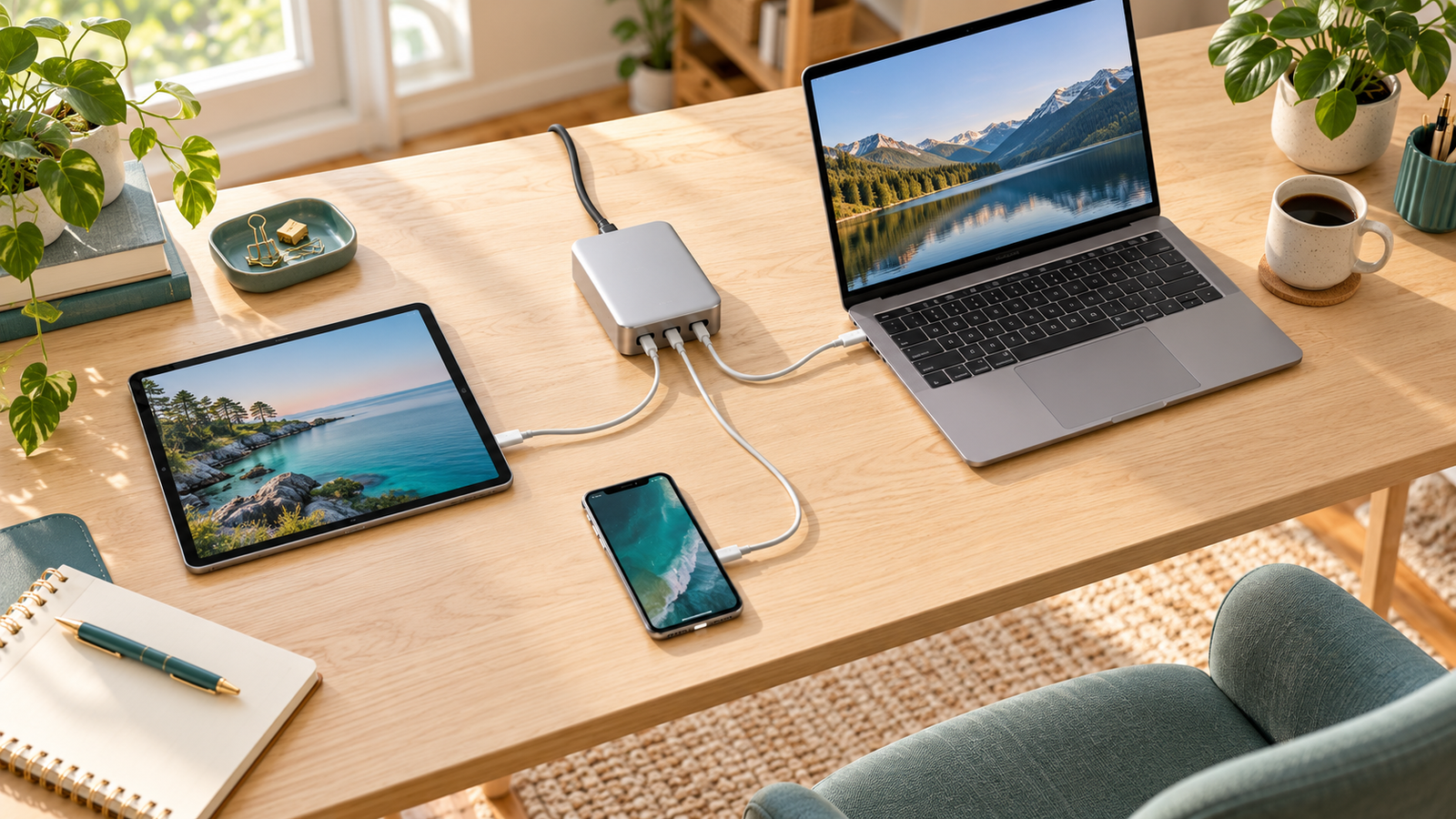
Match laptop charging before assigning accessory ports
Start with the most demanding device. Check the laptop manufacturer’s charging requirement and whether the selected USB-C input supports charging. Some laptops have model-specific fast-charge paths or provide reduced performance with a different power source. A desktop station’s headline total cannot replace that guidance.
Assign the laptop to the appropriate port, then add the tablet and phone using the documented shared arrangement. This is more reliable than plugging everything in randomly and assuming the charger will preserve every device’s best advertised speed. If a particular fast-charge feature matters, verify its protocol and cable requirement as well as watts.
For a MacBook Air setup, our MacBook Air charger guide separates ordinary charging from documented fast-charge combinations. For an M5 tablet, see the iPad Pro M5 guide. Those model checks remain relevant when the power source is a desktop station.
A charging station is not a USB-C data dock
The ports on these chargers supply power. Do not buy one expecting it to connect a keyboard, external storage drive or monitor to your laptop. A data dock has different functions and requirements. A collection of USB-C sockets does not mean the unit routes data or display signals between the connected devices.
If your goal is a one-cable workstation, first identify the dock or display that supports the required functions. Its power-delivery limit may be another restriction in the path. A larger wall supply cannot automatically remove the dock’s output limit or power overhead. Read both devices’ specifications before treating them as a complete charging system.
This distinction also affects cable purchases. A charging lead may be suitable for connecting the station to a laptop while being unsuitable for a high-bandwidth dock. Keep the charging and data roles clear when organizing the desk so similar-looking cables do not become a source of repeated connection problems.
Choose cables for capability and reach
Check each cable’s documented charging capability, connector type and condition. A high-output port needs a suitable lead to support the intended power path. A larger cable rating provides headroom; it does not create power beyond the station or device limits. Do not infer electrical capability from braid, thickness or a familiar color.
Measure from the station’s proposed location to the devices, including the route around a monitor stand or desk edge. Leave enough slack for normal movement without a long loop catching on a chair. A short accessory lead and a longer laptop lead can make more sense than buying the same length for every connection.
Our laptop charging cable guide explains the distinction between power rating and data capability. Keep an identified spare available for troubleshooting. Replacing one cable at a time is more informative than swapping several accessories together when a device charges differently than expected.
Plan desk placement and daily access
Place the station where you can see its port labels and connect cables without pulling the entire unit across the desk. Consider the power cord’s route to the outlet as well as the shorter device leads. A station positioned behind a stack of objects can undo the convenience you bought it for.
Follow the manufacturer’s placement and ventilation guidance. Keep the unit on an appropriate stable surface, clear of fabric and liquid spills. A vertical stand may save footprint, while a flat station may fit better beneath a raised shelf with adequate clearance. Check the actual dimensions and surrounding space before buying.
Think about what happens when you leave the desk. If you frequently take your charger to meetings, a separate compact wall adapter may still be useful. A desktop station can remain connected at home without needing to be your only charger. Convenience comes from matching each location, not necessarily consolidating every situation into one accessory.
Understand brief charging interruptions before blaming a fault
Some multi-port chargers redistribute available power when another device is connected or removed. A brief interruption can accompany a new arrangement. Repeated disconnects, a loose connector or a device that never resumes charging need a more specific check. Do not assume all interruptions have the same cause.
Compare the laptop connected alone with the intended full setup. Keep the cable and laptop port the same while changing one variable at a time. If the issue appears only with an added device, review the allocation diagram and port selection. If it persists in a simple connection, compare a known working charger or cable.
Our guide to brief multi-port charging pauses explains that distinction. Do not treat a charging station as an uninterruptible power supply for equipment that requires continuous power. These USB chargers are not backup batteries and do not provide stored energy through an outage.
Compare the complete purchase before checkout
Confirm the exact model, total port count, connector mix, power cord and regional plug. Similar product families can include wall chargers, desktop stations and units with AC outlets. A six-port title and an eight-port title are different configurations, even when both mention the same maximum total output.
Include charging cables and any required stand in the cost comparison. A bundle with useful leads may be convenient, but extra cables are not automatically valuable if their length or specifications do not match your desk. Read the selected package instead of assuming that everything shown in a lifestyle image is included.
Check seller, fulfillment, return and warranty terms at purchase time. This guide does not quote a fixed price or claim a current discount. Keep the order details until you have verified the delivered model and tried the intended device combination. A meaningful comparison includes the complete working setup and the support available if it does not fit.
Which desktop charger should you choose?
Compare Anker Prime A2345 if display information and power controls are useful parts of your desk routine. Compare Satechi 200W if six USB-C connections and an upright placement fit the workspace. Compare the UGREEN Nexode 200W six-port if you want a mixed USB-C and USB-A layout without replacing every accessory lead.
These are use-case recommendations, not measured speed awards. The best choice is the station whose documented occupied-port arrangement supports your important devices. If a smaller charger already handles everything you use together, keeping it is a valid decision. Buy additional capacity for a concrete need rather than treating unused wattage as a benefit by itself.
Frequently asked questions
Does 250W mean one laptop can receive 250W?
No. It is a total ceiling. Each port has its own limit, and the laptop and cable must support the intended connection.
Are all six USB-C ports equally powerful?
No. Read the exact model’s port labels and allocation chart. Satechi’s first two ports and its accessory ports have different capabilities.
Do these stations replace a laptop dock?
No. They supply charging power; do not assume they route video or data between connected devices.
Is UGREEN’s six-port 200W model the same as its eight-port version?
No. Match the exact port count and selected product before buying. This guide links to the six-port option.
Were these chargers tested by MultiChargers?
No. This is a manufacturer-documentation-based buying guide with no independent charging-time, efficiency, temperature or durability ranking claimed.
Ready to simplify your desk charging?
Count the devices, check the occupied-port output, then compare the complete package.
View Anker Prime 250W on AmazonSources and further reading
Documentation checked October 15, 2026: Anker A2345 specifications and guide; Satechi output information; Satechi user manual; UGREEN six-port product documentation; UGREEN port-output reference. Regional cords and packages can differ.


2 Comments