

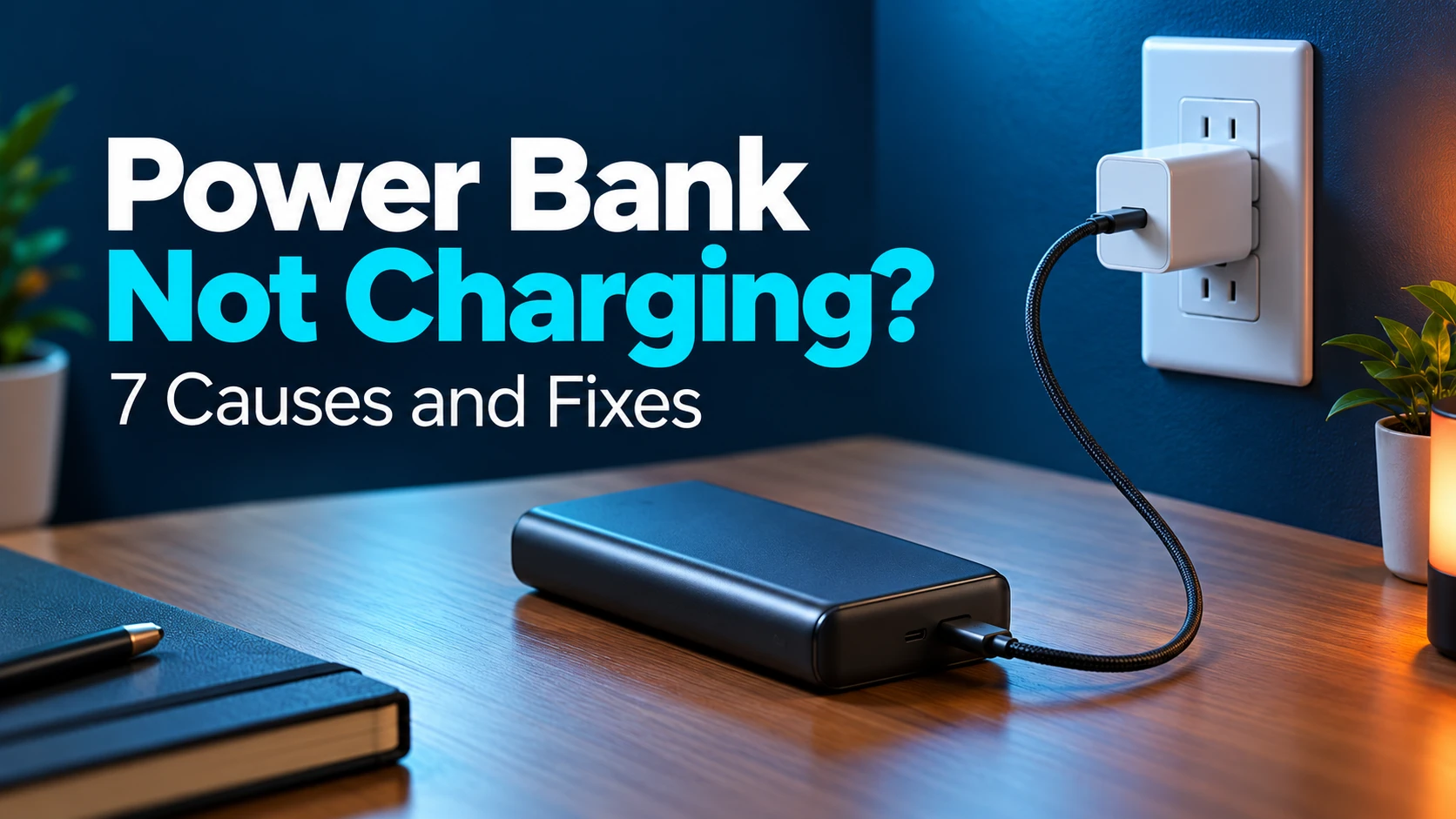
Why Is My Power Bank Not Charging? Causes and Fixes
Affiliate disclosure: As an Amazon Associate, MultiChargers.com earns from qualifying purchases. This does not change the price you pay. Product compatibility must be checked against your exact power bank.
POWER BANK INPUT TROUBLESHOOTING
Power bank not charging? Start with the wall outlet, compatible charger, cable, and the bank’s input port. Change one part at a time so the result tells you what to fix.
A portable charger is supposed to simplify your day. Finding it at the same percentage after a charging session does the opposite. Sometimes the explanation is as simple as a cable that no longer makes a reliable connection. Sometimes the bank is accepting power slowly, pausing for temperature protection, or reporting its battery level differently than you expect.
This guide covers a power bank that is not charging its own battery when connected to a power source. If your bank recharges normally but stops powering a phone or earbuds, follow our separate guide to a power bank that keeps turning off. Keeping these two directions separate prevents you from testing the wrong part of the setup.
First confirm what “not charging” means
Write down what you can actually observe. Does the bank show no lights? Does its percentage remain steady? Does a charging symbol appear and then disappear? Is it almost full already? These observations are more useful than simply describing the bank as dead.
Remove phones, tablets, and other devices from the bank before a recharge comparison. A bank charging a device at the same time introduces another load and may behave differently depending on whether it supports pass-through operation. A steady battery percentage under a simultaneous load does not, by itself, prove that input charging has failed.
Check the manual’s explanation of the display or LEDs. A flashing LED may indicate charging on one model and a warning on another. A screen that turns off may be normal display behavior. Record the exact pattern rather than borrowing the meaning of a different manufacturer’s lights.
Power bank not charging: 7 causes and first checks
| Possible cause | What you may observe | First useful check |
|---|---|---|
| 1. Outlet or adapter problem | No input indication with the current supply | Compare a working outlet and compatible wall adapter |
| 2. Cable problem | Charging fails or comes and goes | Use an intact known-working cable of the supported type |
| 3. Wrong input port or charging mode | The connector fits but the bank does not take power | Read the input label and exact model manual |
| 4. Input or protocol mismatch | Slow recharge or a different result with another charger | Compare supported input profiles and port ratings |
| 5. Temperature protection | Recharge pauses after heavy use or in a hot location | Disconnect and allow natural cooling in a suitable environment |
| 6. Indicator, full-charge, or pass-through confusion | Lights stop or percentage seems unchanged | Read the display guide and test with no output load |
| 7. Battery, port, or internal hardware fault | No recovery with compatible working accessories | Stop repeated tests and contact manufacturer support |
These are troubleshooting categories, not a remote diagnosis. Several problems can produce the same dark display. The goal is to narrow the situation using ordinary supported comparisons, without opening the bank or bypassing its protections.
1. The wall outlet or charger is not supplying usable power
Start at the source. Make sure the wall adapter is seated properly and that the outlet or switched power strip is active. If the supply has a loose connection, visible damage, unusual heat, or signs of burning, stop using it. Do not make a damaged outlet part of your troubleshooting experiment.
For an undamaged setup, compare another working outlet. Then compare another wall charger that meets the power bank’s documented input requirements. Anker’s troubleshooting instructions for a bank that will not charge include comparing the wall charger, cable, and outlet. The sequence is useful, but the compatible accessories must still match your own model.
A charger powering a phone is helpful evidence that it is not completely inactive. It does not demonstrate that every charger port and charging profile will work with the bank. Note which port you used. On a multi-port adapter, unplug its other devices for this comparison so shared power allocation does not complicate the result.
If the bank recharges on another adapter, the first supply or its compatibility is the main area to investigate. You have not yet proved that the original adapter is defective. Its instructions, per-port output rating, and available charging protocols can explain the difference.
2. The charging cable is damaged or unsuitable
A cable can look ordinary and still have a worn connector or an internal fault. Inspect both ends while disconnected. Bent plugs, split insulation, exposed conductors, discoloration, or a connector that has become unusually hot are reasons to retire that cable. Repeatedly twisting or holding it at a special angle is not a repair.
Replace it for the comparison with an intact cable known to work with the required charging arrangement. Keep the adapter and input port the same. If charging starts with the replacement, that is a useful result because you changed only the cable.
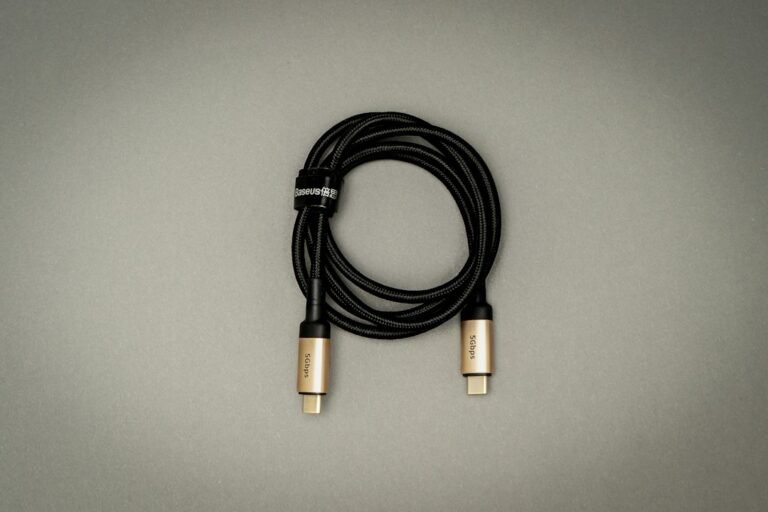
Choose the connector combination specified by the bank. Do not assume USB-A-to-USB-C, USB-C-to-USB-C, a built-in cable, and an older Micro-USB input are interchangeable in every model. An adapter chain can add uncertain connections; a direct supported cable is easier to evaluate.
For higher-power USB-C input, the cable’s current and power support also matter. A cable can support basic charging without supporting a bank’s maximum input mode. Our guide to e-marked USB-C cables explains why a higher-power setup may need a different cable. Buying the largest wattage label is unnecessary if your bank’s input does not need it.
3. You are using a port that does not accept input
Look for the bank’s input label, not merely a connector that fits. Some ports are output-only. Some USB-C ports support both directions. A bank with several similar ports may accept its fastest recharge through only a particular one. Port appearance alone cannot settle that question.
Find the model number on the casing and open that model’s manual. A product family name or a retailer photo of a similar-looking revision may not be enough. Check whether the manual specifies an input port, a built-in cable, an AC plug, or a separate charging accessory.
Connect the wall supply to that documented input and leave the bank’s output ports empty. If one supported input works and another documented input does not, record that difference for support. Do not force a plug into a damaged socket or repeatedly wiggle it to make charging appear.
Inspect the opening for visible obstruction while disconnected. Follow the manufacturer’s cleaning guidance rather than pushing a metal tool into the socket or adding liquid. If the port is loose, corroded, wet, or visibly damaged, stop using that connection and ask the manufacturer about service.
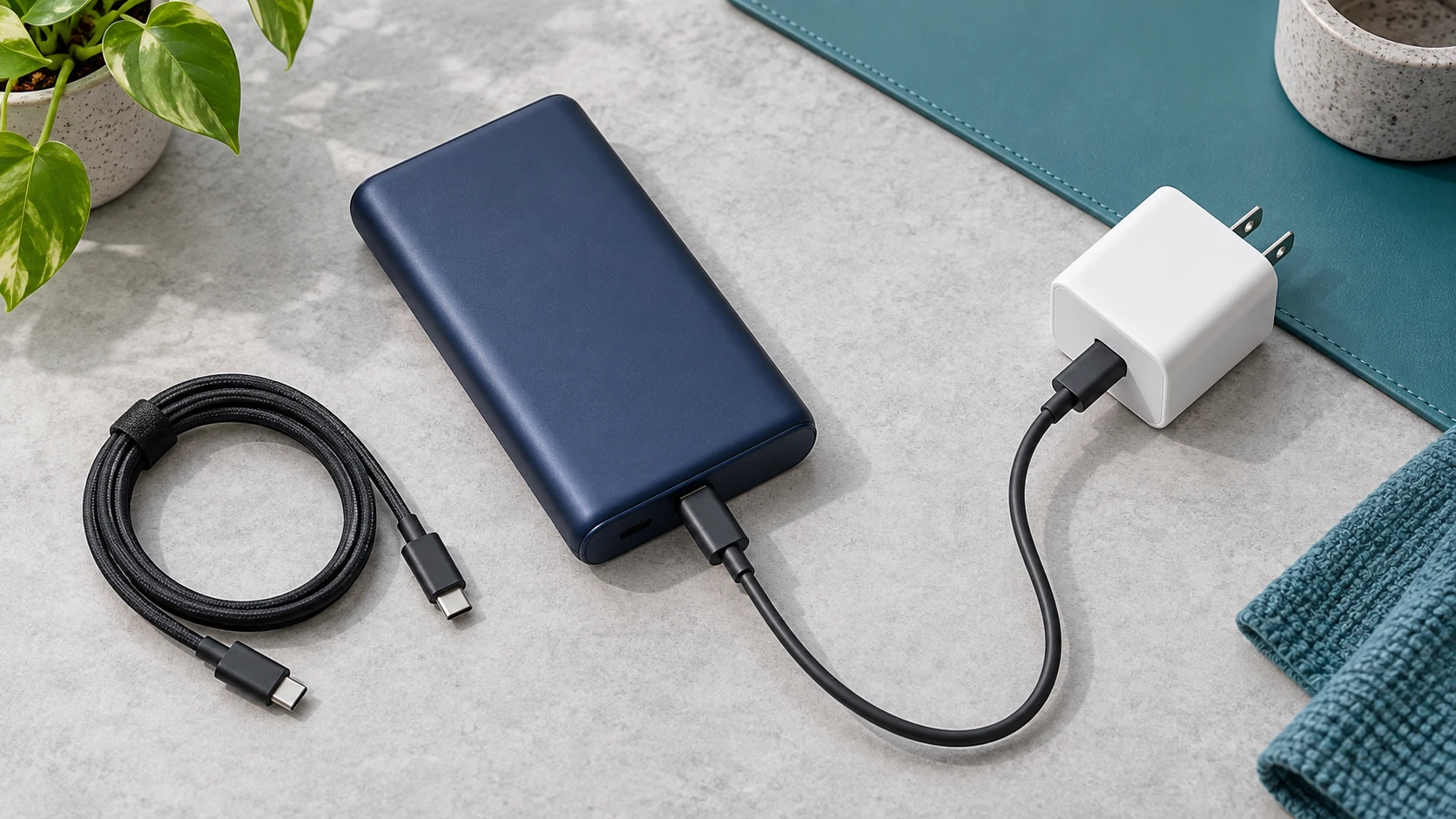
4. The input rating or charging protocol is different from your expectation
A bank advertised as a high-wattage laptop charger may recharge at a different wattage. Output describes power the bank can supply to a device. Input describes power it can receive. Read the input specification before deciding that your charger is too weak or the bank is faulty.
Also separate a charger’s total rating from its individual port rating. The maximum printed on a multi-port adapter may not be available from the port you selected, particularly while other devices are attached. The bank, charger, cable, and negotiated charging mode all participate in the result.
A concrete example shows why the details matter: Anker’s Prime 26K 300W FAQ specifies a 5A cable for that model’s maximum 140W input. That is a requirement for this particular maximum-power mode, not a rule that every power bank needs a 140W charger or 5A cable.
If charging works but slowly, investigate the documented input capability and the adapter’s supported profiles. If charging does not start at all, try the maker’s recommended compatible arrangement. A very powerful adapter cannot repair a faulty port or battery, and a proprietary fast-charge logo does not establish compatibility with every bank.
5. The bank is too warm or outside its supported conditions
A power bank used heavily immediately before recharging may need to cool. Anker’s Prime FAQ describes recharge pauses while that model’s cells remain warm after use. The timing and warning display can vary across products, so consult your bank’s own instructions.
Disconnect the setup and let it return naturally to a suitable operating environment. Keep it away from direct sunlight and enclosed hot locations. Anker’s safety guide specifies a 0–35°C ambient range for its guidance and calls for suitable ventilation. Treat that as manufacturer guidance to compare with your model’s manual, not a universal internal battery temperature limit.
Do not put the bank in a freezer, apply a heater, or bypass a temperature warning. A bank that is unusually hot, damaged, or swollen needs a stop-use response. Our article on a power bank that gets hot while charging explains how the charging direction and environment affect the next check.
6. The indicator or simultaneous output is misleading you
Four LEDs are a coarse indication of battery level, not a continuous energy meter. A small change may not cross the threshold for another illuminated light. Conversely, a charging animation proves only what the manufacturer says it proves; it is not a measurement of the health of every cell.
Check whether your model extinguishes its display after a timeout or changes its lights when full. A bank already near full may charge differently than one at a lower level. Read the full-charge indication before interpreting the end of an animation as a failure.
For a meaningful comparison, remove every output load. If the bank supports pass-through charging, incoming power can also serve an attached device. If it does not support that mode, attaching both sides may lead to behavior you did not expect. Our pass-through charging guide explains the model-specific limits and why this arrangement complicates troubleshooting.
Allow the observation time recommended in the manual and record the starting and ending indication. There is no universal number of minutes that proves every bank is charging or broken. Avoid leaving an unresponsive or concerning product connected indefinitely just because someone online suggested an overnight recovery.
7. The battery, input socket, or charging electronics may have failed
If an undamaged bank still shows no supported charging response with a working compatible adapter, cable, outlet, and correct input, you have reached a useful support boundary. Repeating the same connection dozens of times adds little information. A service team can advise on that model’s next step and warranty options.
A bank left unused for a long time can present a different history than one that stopped working yesterday. Tell support when it last worked and how it was stored. Our guide to power bank charge loss during storage covers the observations to track. A storage history alone cannot distinguish a depleted battery from a hardware fault.
If the manual includes a reset or recovery procedure for your exact model, follow only that procedure and its limits. Do not assume a button sequence or input-to-output cable loop from another bank applies to yours. Do not use external battery chargers, exposed wires, or an unsupported voltage to attempt a boost.
For an aged or damaged bank, replacement may be the appropriate outcome. Check the maker’s warranty and any safety notices for the exact model before buying accessories in an attempt to revive it. A functioning phone charger does not make an unsafe battery suitable for further tests.
A simple troubleshooting sequence you can record
- Inspect first. Stop if the bank, cable, adapter, or socket has concerning damage or unusual heat.
- Identify the bank. Record its model number and read the input and indicator instructions.
- Simplify the setup. Remove output devices and use the documented recharge input.
- Record the baseline. Note the battery level, lights, display message, cable, and adapter port.
- Change the cable. Compare one intact supported cable while keeping the other parts the same.
- Change the supply. Compare a compatible working wall adapter and then a working outlet.
- Respect conditions. Let a recently used bank cool naturally and follow any documented reset procedure.
- Report the result. If it remains unresponsive, share the comparisons with manufacturer support.
For example, “no charging symbol with cable A; charging symbol with cable B using the same adapter and input” is much more actionable than “sometimes works.” Photograph an error display if it is safe to do so. Do not include private purchase or account information in a public forum when contacting support privately would serve the same purpose.
What to buy only after the comparison points to an accessory
Choose a compatible replacement cable or wall charger
If a cable swap restores charging, replace the cable with the connector type and power support your manual specifies. If another adapter restores charging, compare the original adapter’s port rating and protocols before replacing it. Match the input requirements rather than shopping only by a large output number.
These shopping links help you compare options; they are not claims that any listed item has been tested with your bank. Verify the exact listing, manufacturer specifications, return policy, and current price before purchase.
When to contact support or recycle the bank
Contact support when compatible working accessories do not restore a documented charging response, a port is damaged, an error keeps returning, or the bank’s condition raises concerns. Provide the model number, age, symptoms, charging arrangement, and the comparisons you have already completed. Keep purchase details for the manufacturer’s private warranty process.
Ask for handling instructions before sending a damaged battery through the mail. Disposal also needs the right route: the EPA’s lithium-ion battery guidance says these batteries should not go in household trash or ordinary curbside recycling. For a damaged bank, contact the manufacturer or an appropriate local collection service about its specific acceptance requirements.
Frequently asked questions
Why is my power bank not charging with a USB-C cable?
The cable may be faulty, the selected port may not accept input, or the charger may not match the bank’s supported charging arrangement. Read the exact model manual, remove output devices, and compare a known-working compatible cable and wall adapter one at a time.
Can I use a phone charger to recharge a power bank?
Yes, if that charger’s port and charging profiles meet the bank’s documented input requirements. Its phone fast-charge branding or total wattage alone does not establish compatibility or maximum recharge speed. Check the specifications for both products.
Does a blinking light mean the power bank is charging?
It may, but indicator patterns vary. Check the manual for the exact blinking pattern, full-charge indication, and error signals. Do not apply the meaning of another model’s lights to your own bank.
Why does my power bank stop charging before the percentage rises?
Possible explanations include a poor connection, temperature protection, display behavior, or a simultaneous output load. Disconnect output devices, check for warnings, and compare compatible accessories. Persistent unexplained pauses warrant manufacturer support.
Will a higher-wattage charger fix a power bank that will not charge?
Only a compatibility or supply limitation may be helped by another suitable adapter. The bank still controls its supported input. More advertised watts cannot repair a damaged connector, failed battery, or internal hardware fault.
How do I reset a power bank that will not recharge?
Use a reset procedure only if the manufacturer documents it for your exact model. There is no universal button sequence or cable loop for every power bank. If no supported procedure is listed, contact support rather than trying online recovery hacks.
Should I keep charging a swollen or unusually hot power bank?
No. Stop using and charging it, do not open or puncture it, and contact the manufacturer for safe handling guidance. Follow emergency guidance if there is smoke or an immediate hazard, and use an appropriate battery collection route rather than household trash.

Charging technology researcher at MultiChargers.com. This guide is based on manufacturer documentation and U.S. battery recycling guidance, reviewed October 2, 2026. It does not claim hands-on testing of the illustrated products.



One Comment