

Can You Leave a Power Bank Charging Overnight? Safety and Battery Care
Affiliate disclosure: As an Amazon Associate, MultiChargers earns from qualifying purchases. Verify compatibility and current listing details before buying.
OVERNIGHT CHARGING & BATTERY CARE
A full power bank is useful in the morning. A charging routine you can monitor is the better way to get there.
Charging power bank overnight sounds convenient: plug it in before bed and take a full portable charger with you tomorrow. But the question involves two separate issues. One is whether the electronics normally stop charging the battery at full. The other is whether leaving the whole setup connected and unattended is a good habit. Those answers are not interchangeable.
This guide covers recharging the power bank itself from a wall adapter. It also explains what changes when a phone is connected at the same time, how to plan a shorter daytime session, and what to do if you already left your bank plugged in overnight. It is based on published manufacturer and fire-safety guidance, not hands-on testing of every product.
Is charging power bank overnight safe?
The practical recommendation is to avoid charging during sleep. In its Power Bank Safety Guide, Anker recommends disconnecting at full charge and before sleeping. Treat that guidance as a real instruction, rather than assuming a protection feature overrides it. For a different brand, find the exact model’s manual and safety notices.
A useful way to decide is to ask: will I be awake to notice a problem and disconnect this setup when charging is complete? If the answer is no, choose another charging window. That question remains relevant even when a product advertises temperature monitoring or overcharge protection. Those features describe particular protections, not a promise that every cable, adapter, outlet, or battery fault has been eliminated.
Do not interpret this advice as a prediction that every overnight session will cause a fire. It is a recommendation about a controllable habit. There is no responsible universal percentage for the risk of your particular bank, because its design, condition, accessories, and surroundings all matter. “Mine has always worked” is also not a substitute for the manufacturer’s instructions.
What happens when a power bank reaches 100%?
Rechargeable lithium-ion batteries need controlled charging. Charge-management electronics generally regulate the process and terminate charging under defined conditions. For an example of the underlying technology, Texas Instruments documents conditioning, constant-current and constant-voltage stages, and charge termination in its BQ2057C charge-controller documentation. That is an example controller, not a claim that your bank contains this chip.
The important distinction is between charging the cells and leaving the product connected to power. A full-charge display does not tell you exactly how every internal circuit is behaving. Some devices can monitor their battery and resume charging after its level drops; the threshold and behavior depend on the model. Do not borrow a percentage from a phone or another bank and assume it applies to yours.
People often call this “trickle charging,” but that casual label can blur different charging methods. Look for the behavior described in the manual instead. A bank that normally handles full charge correctly still has an attached cable and powered adapter. Its protection circuitry should be treated as a backup layer while you use the product as instructed.
Likewise, four illuminated LEDs may mean full charge, a broad battery range, or a temporary status indication, depending on the product. A display reading 100% can be more informative, but it is not an inspection of battery health. Learn the completion signal from the instructions and use it to decide when to disconnect.
Overnight charging and battery life are different questions
Battery care concerns the gradual loss of capacity over time. Immediate safety concerns a damaged or malfunctioning setup that should not be used at all. A bank may have reduced capacity without visible damage, while a newer bank can still have a fault. Neither its age nor the number shown on its display settles both questions.
NFPA’s 2026 safe-charging guidance explains that leaving a device connected can increase battery heat and stress. That supports a simple routine: charge for the energy you need and disconnect at completion. It does not justify claiming a specific number of months of extra lifespan for every power bank.
If you accidentally left a healthy bank connected once, you cannot calculate permanent damage from the duration alone. Check its condition and follow its instructions for the next session. Avoid online formulas claiming that one night removes a fixed percentage of battery life. Those numbers would require evidence for the exact cells, operating conditions, and product.
For a bank you use frequently, full charge before a trip may be appropriate. For a bank sitting unused for weeks, follow the manufacturer’s storage guidance rather than keeping it continuously topped up. See our guide to power banks losing charge when not in use for the difference between ordinary idle drain and a pattern worth investigating.
Build a charging setup you can check
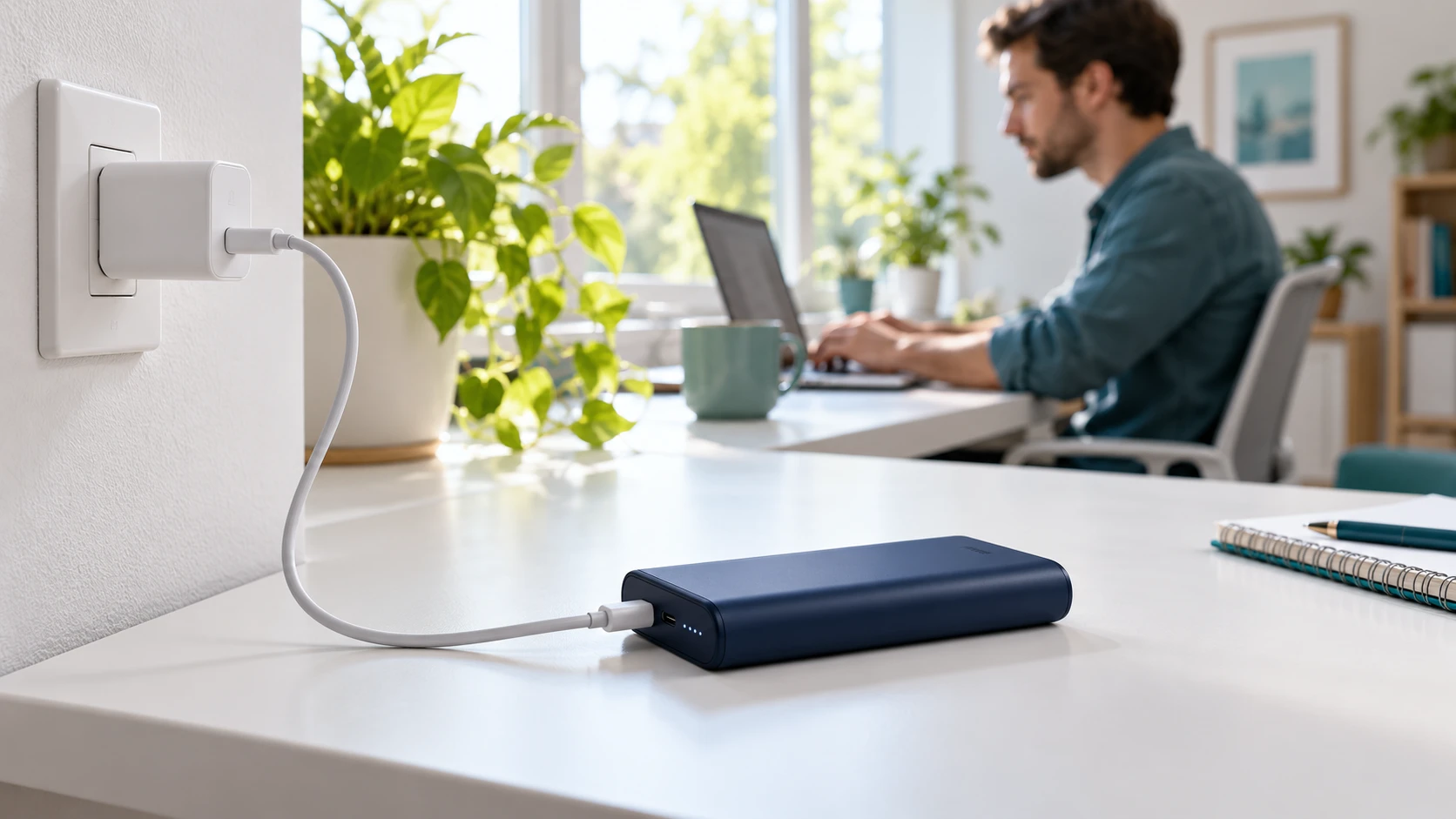
Choose an open, hard, stable surface and keep the charging area clear. NFPA advises against charging on beds, couches, or under pillows. Use the supplied cord and adapter or replacements approved by the manufacturer. Do not cover the power bank, wedge it into a crowded bag, or place it where bedding can fall over it.
Read the bank’s input specification and the adapter’s output specification before connecting them. A USB-C connector alone does not identify the supported charging protocol or wattage. Prefer a straightforward connection using the accessories the manufacturer specifies. If the existing cable has visible damage or a loose connector, replace it with an approved equivalent rather than arranging it at an angle to keep charging.
Make the setup easy to observe during ordinary activities. A clear desk while you work is more practical than a corner behind furniture where the indicator cannot be seen. Route the cord so it is not pulled across a walkway or caught by a chair. You should be able to disconnect normally without moving other equipment first.
What to check before each recharge
A brief visual check is more useful than assuming that a familiar cable is still fine. Look at the bank’s housing, charging port, cable ends, and adapter. Check whether anything has changed since the last session: a drop, liquid exposure, cracked casing, a deformed connector, or a port that only works when the cord is bent. Do not conduct another charging experiment on visibly damaged equipment.
Also check the model and serial information against relevant manufacturer recall notices. A recall applies to identified products, not every product with a similar appearance or brand. Use the manufacturer’s instructions or the U.S. Consumer Product Safety Commission recall listings to investigate the exact unit. Buying a new cable does not resolve a recalled bank.
If the bank gets noticeably hotter than in comparable previous sessions, pause and investigate rather than extending the charging time overnight. Our article on power bank heat while charging explains why a temperature change deserves context. Do not rely on a universal touch test or a made-up temperature cutoff to certify a product as safe.
| Situation | Better next step | What to avoid |
|---|---|---|
| Healthy bank, bedtime approaching | Disconnect and recharge during an awake window | Leaving it connected because it has protection circuitry |
| Bank is full | Disconnect using the normal method | Leaving it powered indefinitely as a storage habit |
| Recharge takes unexpectedly long | Check the documented input and accessories | Using an unsupported adapter to force faster charging |
| Bank or accessories are damaged | Stop use and contact the manufacturer | Repeated tests, disassembly, or battery revival tricks |
| Smoke, fire, or immediate danger | Move away and call emergency services | Picking up or carrying the device |
How to finish charging before bedtime
Start with the manufacturer’s recharge estimate for the exact model and recommended input setup. Capacity alone does not tell you how long charging will take. Two banks labeled 20,000mAh can accept very different input power, and a laptop-oriented bank’s output headline may be much higher than its recharge input.
For example, if your manual gives a four-hour estimate under specified conditions, starting one hour before bed is not a sensible plan for a full session. Move the start time earlier or split your routine into awake charging windows if the manual permits ordinary partial charging. This is a planning example, not a promise that any particular bank takes four hours.
Record a typical session: starting indicator, charger and cable used, start time, and completion time. Keep the conditions reasonably consistent so the comparison means something. You do not need to drain the bank to zero for this record. A normal partial recharge can tell you whether your routine is practical without turning battery care into an unnecessary endurance test.
Leave some flexibility near completion. Charging speed can change during a session, so a maximum wattage is not an average rate that remains constant from empty to full. If your bank is healthy but consistently too slow for your routine, consult our guide to a power bank charging slowly before spending money on a more powerful adapter.
An ordinary reminder can help you check the indicator and disconnect. A timer outlet or smart plug may stop wall power at a scheduled time, but it does not inspect the battery, confirm accessory compatibility, or repair a fault. It should not be used to justify ignoring instructions about unattended charging. The goal is a routine you can observe, not simply a schedule that runs while you sleep.
Does a faster charger make overnight charging unnecessary?
A compatible faster input setup may shorten the time needed, but only if the bank supports it. Identify the input port and required protocol first. Then compare the approved adapter and cable requirements. An adapter with a larger wattage number is not automatically an upgrade for a bank whose input limit is already being met.
Do not buy accessories based only on the power bank’s advertised maximum output to a phone or laptop. Input and output describe different directions of energy flow. If the input specification calls for a certain USB Power Delivery profile, that specification matters more than an impressive number printed on an unrelated charger.
If you are not sure which cable rating the input needs, our explanation of e-marked USB-C cables can help you read the requirements. The final choice still needs to match your manufacturer’s instructions. A cable upgrade cannot make an unsupported input mode available.
What if a phone is connected to the power bank too?
Charging the bank while it powers another device is pass-through charging. Support varies by model, and some products restrict available power or change behavior while sharing energy. Do not assume every bank supports it just because two cables fit into its ports.
For a simple recharge routine, disconnect other devices and recharge the bank on its own. That makes it easier to understand the input behavior and completion indicator. If you need pass-through operation, use only a model and setup explicitly supported by the manufacturer, and follow any mode-specific instructions.
A bank used this way is not automatically an uninterruptible power supply. A charger interruption or mode change may affect its outputs. Our guide to pass-through charging and battery care discusses the tradeoffs. Connecting a phone does not change the recommendation to avoid charging while asleep.
What should you do after an accidental overnight session?
If there are no warning signs and it is safe to do so, disconnect normally and inspect the setup. Check for changes in the housing, cable, connector, and adapter. A full battery indicator alone does not prove that everything is undamaged, but leaving it plugged in once also does not prove that it is ruined.
If the equipment looks and behaves normally, adjust the next charging window and continue to follow the manual. If it now behaves differently—such as refusing to charge, repeatedly losing connection, or showing abnormal heat—stop using it until the issue is resolved. Our power bank not charging guide is for ordinary troubleshooting of intact equipment, not a workaround for battery damage.
For a damaged lithium-ion bank, contact the manufacturer for handling instructions and ask the local collection facility what it accepts. The EPA’s used lithium-ion battery guidance says these batteries do not belong in household trash or municipal recycling bins. Do not send a damaged bank through an ordinary return package without specific instructions.
ACCESSORY CHECK
Shop by your bank’s approved input requirements
If your current adapter or cable needs replacement, start with the exact manual. Choose the required protocol, connector, and cable rating, and buy from a reputable seller. These links open general Amazon search results; they are not tested product recommendations or confirmation that a listing fits your model.
Frequently asked questions
Can I leave a power bank charging overnight if it has overcharge protection?
A protection feature does not override the safety instructions. Avoid charging while asleep, disconnect at full charge, and follow your exact model’s guidance. Protection circuitry is one layer of the product’s design, not a guarantee against every fault.
Will one overnight charge destroy my power bank?
You cannot determine damage from the duration alone. If there are no warning signs and it is safe, disconnect and inspect it. Stop using equipment that shows abnormal changes. Use an awake charging routine for future sessions.
Does a power bank stop charging at 100%?
Charge-management electronics normally control charging and terminate it under specified conditions. What happens afterward, including any automatic restart, depends on the model. Check the manual and disconnect when charging is complete.
Can I charge a power bank on my bed?
No. Use an open, hard, stable surface. NFPA advises against charging on beds, couches, or under pillows. Keep the charging setup clear of material that could cover it.
Should I use a timer plug for overnight charging?
A timer can cut wall power at a chosen time, but it cannot detect every problem or make damaged equipment safe. Use reminders to support a charging window while awake, and follow the manufacturer’s unattended-charging instructions.
Can I recharge my bank and charge my phone at the same time?
Only if the model supports pass-through operation and you follow its instructions. Available power and behavior can change in that mode. For a simple recharge session, charge the bank alone and disconnect at completion.
How should I store a power bank I rarely use?
Follow its storage instructions for battery level, location, and periodic recharging. Do not use continuous wall connection as a default storage method. Inspect it before returning it to regular use.
A practical charging routine
Choose an awake window, use the approved charging setup, keep it open and easy to observe, and disconnect when complete. If the timing does not work, investigate the bank’s input limit or start earlier. Charging power bank overnight should not become the solution to slow charging, missing instructions, or abnormal behavior.

Charging Tech Researcher at MultiChargers. This article reviews manufacturer documentation and published safety guidance to explain everyday charging decisions. No hands-on product testing is claimed. Editorial review: October 2, 2026.





One Comment