

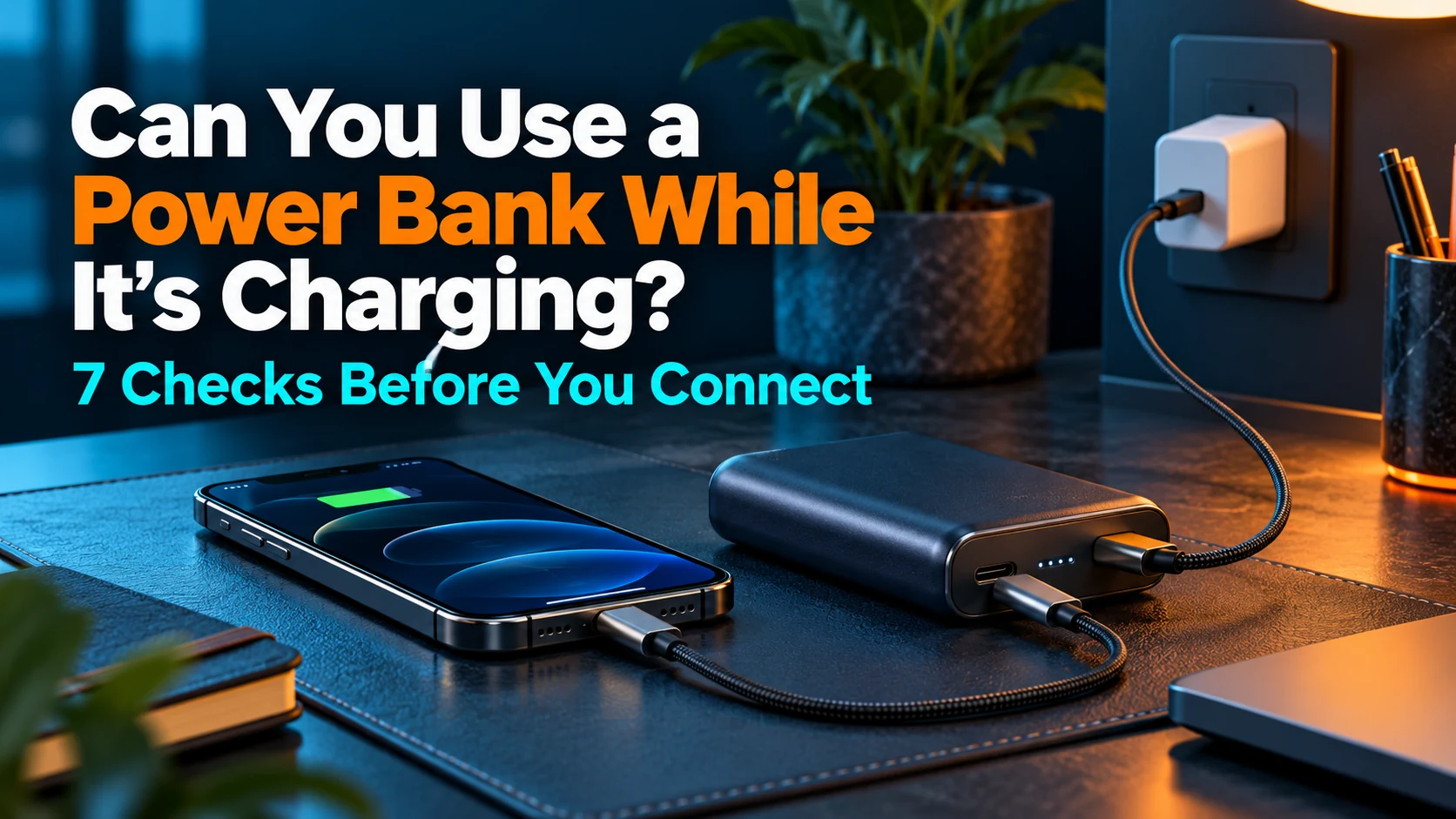
Can You Use a Power Bank While It’s Charging? 7 Checks Before You Connect
One outlet can serve two charging jobs—when the bank supports that arrangement.
Can you use a power bank while it’s charging? Yes, if the manufacturer explicitly supports pass-through charging for your exact model and connection. A USB-C socket, a large battery capacity, or a high output number is not enough to establish support. Read the input requirements and the limits for charging a device while the bank recharges.
Quick answer: can you use a power bank while it’s charging?
Use this arrangement only with documented pass-through support, a compatible charger, suitable cables, and the specified ports. Expect model-dependent output limits. If support is unclear, recharge the bank and device separately. Pass-through support also does not establish uninterrupted backup power or permission to leave equipment covered, damaged, or unattended indefinitely.
Affiliate disclosure: As an Amazon Associate, MultiChargers earns from qualifying purchases. Amazon links contain our affiliate tag. This guide is based on official documentation and practical planning; it does not claim hands-on testing of every model or measured charging times.
Shopping for this specific feature?
Start with an exact model whose manufacturer documents charging a device while recharging the bank. Compare its supported connections, input requirements, and output restrictions before choosing by capacity or price. Marketplace search results are candidates to verify, not confirmation that every listing supports the feature.
Compare pass-through power banks on AmazonWhat pass-through charging means for your setup
In ordinary portable use, a power bank supplies a connected device from its stored energy. When you recharge the bank, an external source supplies its input. Pass-through charging describes a supported arrangement in which the bank can supply a device while it is connected to that external charging source. The manufacturer determines the available combinations and behavior.
That description is about the supported function, not a diagram of every product’s internal circuit. Do not assume all incoming energy goes directly to the phone, that the battery is always bypassed, or that every supported bank handles a power interruption in the same way. Those details require the specific manufacturer’s documentation.
It also differs from using your phone while the phone charges. Scrolling, calling, or running an app is a device-use question. Here, the question is whether a power bank can accept input and provide output in the same arrangement. A seller’s phrase such as “use while charging” needs enough context to identify which of those meanings applies.
Our existing guide to pass-through charging and power bank battery care focuses on longevity and usage concerns. This article focuses on deciding whether your equipment supports the connection and organizing it before you plug everything in.
The seven checks before you connect
| Check | Find this information | If it is missing |
|---|---|---|
| 1. Model support | An explicit manufacturer statement for your model. | Charge separately or ask support. |
| 2. Port arrangement | Which connection accepts input and which supplies the device. | Do not infer roles from socket shape. |
| 3. Charger input | Required charging standard and any mode threshold. | Do not rely on total adapter wattage alone. |
| 4. Cable suitability | Connector combination, supported rating, and sound condition. | Identify or replace the cable appropriately. |
| 5. Mode output | Pass-through limits and multi-device allocation. | Do not apply the battery-mode headline. |
| 6. Placement and condition | Environmental guidance and warning signs. | Resolve the concern before charging. |
| 7. Your goal | Phone ready now, bank ready later, or uninterrupted power? | Choose a setup with documented behavior. |
1. Confirm support for the exact power bank model
Find the model number on the product and match it to the manufacturer’s support page or manual. Keep the full identifier, including a version or regional suffix where relevant. A broad family name can cover products with different ports and functions. A review of an older version may not describe the bank you own.
The Anker 313 Power Bank FAQ, for example, states that this model does not support pass-through charging. That model-specific answer matters more than a general claim that a brand’s power banks support it. Conversely, a restriction for one model should not be applied automatically to every newer product.
Belkin explicitly confirms pass-through support for the BPB024 in its BoostCharge Power Bank 20K with Integrated Cable FAQ. This is a useful illustration of what positive confirmation looks like. It is not a claim that every BoostCharge product works identically or that every device will reach its maximum charging speed.
If the documentation is silent, ask a precise question: “Does model [number] support supplying [device] through [port] while recharging through [input connection]?” Include the charger and cable you intend to use. Keep the response with the manual so you can distinguish an approved arrangement from an experiment that happened to work once.
2. Identify the documented input and output connections
Draw a simple connection list on paper: outlet to charger, charger to bank input, and bank output to device. Use the port names from the manual, such as USB-C1 or USB-C2. This is more useful than describing sockets as left or right, particularly when cables or a stand change the bank’s orientation.
A USB-C connector does not mean every socket has every role. The Anker 313 documentation, for instance, identifies its USB-C port as input only. USB-C Power Delivery can support flexible power direction, as USB-IF explains, but the capabilities implemented in your product are what determine the arrangement you can use.
Magnetic and wired banks can also require different output paths. Some products use their USB-C connection for incoming power while the phone charges wirelessly. Others have separate connections available. Confirm whether your desired wired or wireless output is supported in pass-through mode; support for one arrangement does not establish every possible combination.
Keep the first setup easy to describe. Use one supported device, the documented input, and the documented output. Avoid adapters, splitters, or daisy-chained banks unless the manufacturer explicitly covers that arrangement. Extra components make it harder to interpret an unexpected result and harder for support to reproduce the setup.
3. Match the wall charger to the bank’s input requirements
Read the input specification separately from the bank’s advertised output. A bank advertised for high output may have a different input maximum, and the input needed to activate pass-through can be another condition. A large number on a charger also may describe its total across several ports rather than the port connected to your bank.
Anker’s 25K 165W pass-through support guide provides a concrete example: it requires at least 20W of input for this mode. Below that input, the guide says the bank only recharges itself. This threshold belongs to that model; it is not a universal requirement for portable chargers.
Distinguish the charger’s rated capability from the input actually available in the supported connection. Review charging standards, port allocation, and the cable requirements in both manuals. If your charger also supplies a laptop or another device, look up the output of that specific port combination before assuming the bank receives the headline rating.
Before buying a replacement adapter, identify the missing requirement. A bank that does not support pass-through will not gain the feature simply because you connect a stronger charger. If the issue is only insufficient documented input, choose a compatible adapter and suitable cable. Our guide to slow power bank recharging helps separate refill limitations from device-output problems.
4. Check both cables, not just the phone cable
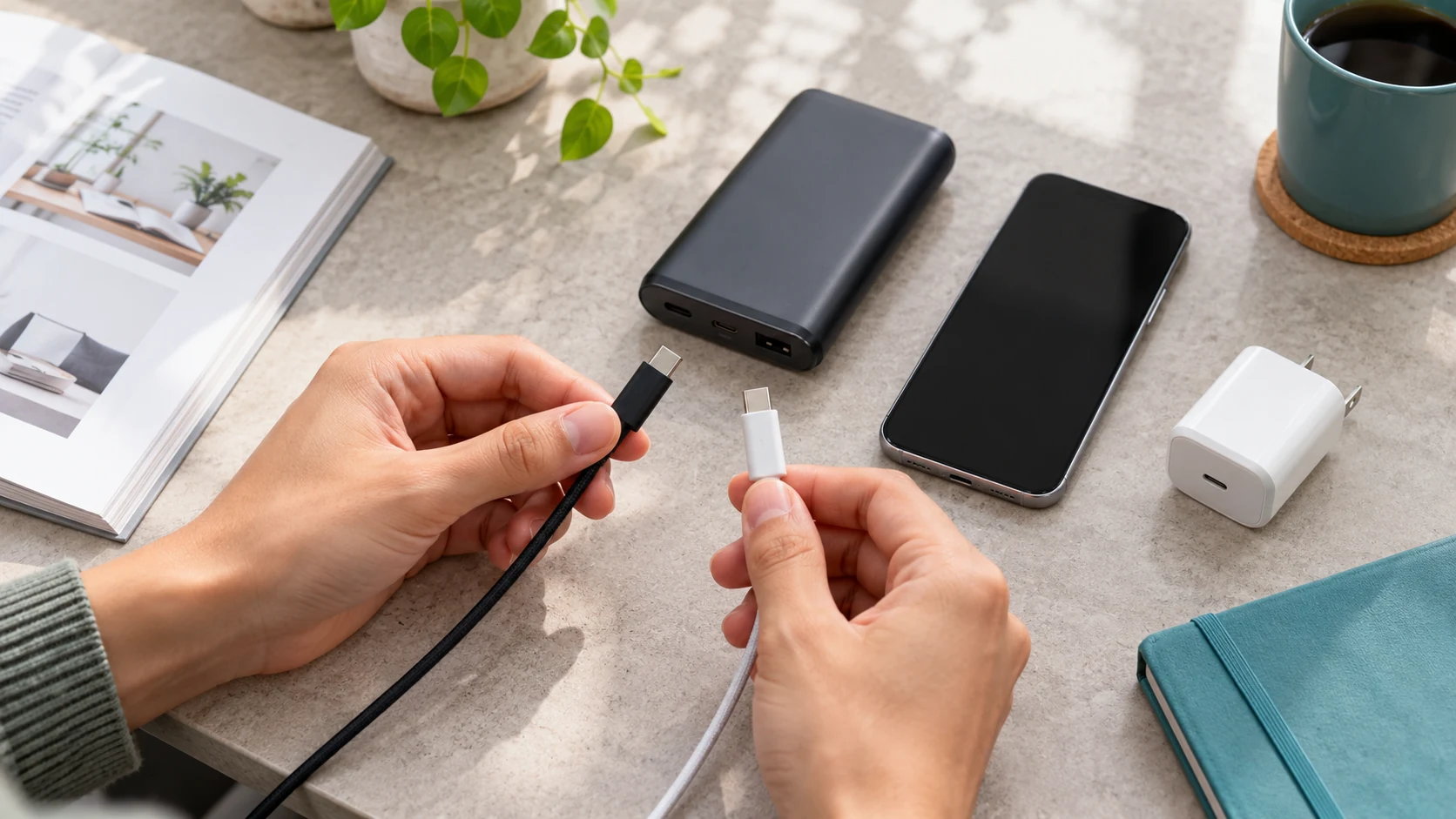
There are usually two connections to consider in a wired setup: charger to bank and bank to phone. Identify the connector combination and rating required for each. A suitable output cable does not establish that the input cable is suitable too. Keep the original packaging or manufacturer information where you can match it to the actual cable.
Inspect intact accessories before connecting. Look for visible damage, bent connectors, or a fit that is unexpectedly loose. Follow the equipment’s instructions for maintenance and replacement. Do not keep manipulating a questionable cable until a charging icon appears, and do not treat one successful connection as evidence that a damaged accessory is safe.
Built-in cables reduce what you need to pack, but you still need to know their documented roles and limits. A retractable cable is not automatically an input, output, or both merely because it ends in USB-C. Read the manual’s connection guidance and avoid pulling or bending it beyond the intended range.
For a replacement, focus on documented compatibility rather than braid color or a vague “fast” label. Our guide to e-marked USB-C cables explains why cable specifications matter. Keep cable capability distinct from device demand: a higher-rated cable cannot add an unsupported charging mode to the bank.
5. Read the output limits for pass-through mode
Find the specification that describes the mode you are actually using. Battery operation, pass-through operation, one-device charging, and multi-device charging can have different limits. Total output and individual-port output are also different measurements. A bank’s normal headline is not a promise that your phone receives that power while the bank recharges.
For the Anker 25K 165W example, the support guide lists different outputs at different input levels and separate shared-output conditions. It also describes limiting output below input. The useful takeaway is to consult that table for the exact arrangement, rather than transferring a high battery-mode number to pass-through use.
Belkin’s BPD006, BPD007, and BPD008 FAQ likewise separates battery-mode and pass-through specifications. It confirms support while documenting model-specific configurations. Read the entry for the exact variant and desired wired or wireless connection, rather than combining numbers from different models into one imaginary specification.
If your phone charges more slowly in this arrangement, first compare the documented limits. A charging icon alone does not show that the desired fast-charging mode is active. Our guide to a power bank not fast charging a phone covers compatibility, settings, cable, and temperature checks for that separate symptom.
6. Choose suitable placement and recognize stop conditions
Supported operation still requires the environment specified by the manufacturer. Anker’s Power Bank Safety Guide recommends a cool, dry, ventilated charging location and avoiding direct sun, hot parked cars, covered operation, and extended charging on beds or sofas. Keep the equipment accessible so you can notice a warning or abnormal behavior.
Follow temperature limits for all the equipment, including the bank and phone. Do not take a storage-temperature range as permission to charge at that temperature. If a device displays temperature protection or another warning, follow its instructions and pause the arrangement. Our guide to power bank heat while charging discusses that concern separately.
The NFPA lithium-ion battery safety sheet advises stopping use for unusual odor, discoloration, excessive heat, a changed shape, leakage, or odd noises. Do not continue charging to finish a comparison. For smoke, fire, or an immediate hazard, move away and contact emergency services; in the U.S., call 911.
Do not open the power bank, bypass protection, or improvise cooling methods to keep the session running. A pass-through setting cannot resolve equipment damage. If the arrangement is intact but behavior remains unexplained, stop using that configuration and ask the manufacturer about the exact model, charger, port, and device combination.
7. Decide what you need to be ready—and when
A useful charging plan has a deadline. You might need a working phone for the next hour, a recharged power bank for tomorrow’s commute, or both before checkout. Write down that goal before choosing the connection. Watch the relevant status indicators rather than assuming the phone’s progress also describes the bank’s remaining charge.
Do not promise a universal time for both batteries to fill. The starting levels, supported arrangement, and manufacturer’s charging behavior matter. If bank reserve is your priority, confirm its own progress and disconnect the device when appropriate. If phone readiness is urgent, consider charging the phone directly with its compatible adapter while the bank recharges separately.
Pass-through support also does not certify an uninterruptible power supply. A router, camera, or other device needing continuous power requires documented compatibility and transition behavior. Do not assume that removing wall input causes no interruption simply because a phone continued displaying its charging icon during one casual observation.
For ongoing desk use, a compatible multi-port charger may fit your goal better: phone on one documented output and bank on another. Check allocation with both connected. This avoids relying on the bank’s pass-through output for routine device charging. The best choice is the arrangement whose documented behavior meets your actual task.
Which setup should you choose?
| Your situation | Practical approach | Key verification |
|---|---|---|
| One outlet and a phone plus bank | Use supported pass-through if its limits suit your needs. | Exact model, ports, input, and output. |
| Both devices need routine desk charging | Consider separate ports on a compatible multi-port adapter. | Per-port allocation with both connected. |
| Bank lacks confirmed pass-through support | Recharge separately. | Manufacturer’s explicit answer. |
| Device requires uninterrupted backup | Choose equipment documented for that use. | Compatibility and transition behavior. |
| Temperature alert or damage | Stop the arrangement and follow safety guidance. | Condition and manufacturer instructions. |
Two alternatives worth comparing before buying
For a regular desk: a documented multi-port USB-C charger
If you usually have wall power, compare adapters that can supply the phone and recharge the bank on separate ports. Read the two-port output table, the bank’s input requirement, and the phone’s charging standard. Choose for that combined arrangement rather than assuming each socket delivers the total printed on the product.
Compare multi-port USB-C chargers on AmazonFor a portable kit: cables you can identify
Compare suitable USB-C cables with clear manufacturer ratings and connector descriptions. Pack the input and output cables needed for your verified arrangement. If your existing accessories already meet those requirements and are intact, another cable purchase may not solve the problem you are investigating.
Compare USB-C charging cables on AmazonA short record that makes support useful
Keep one note with the bank’s exact model, charger model, port names, cable information, connected device, starting battery levels, and any warning or unexpected behavior. Describe what changed when the arrangement differed from the manual. This gives support something concrete to assess without requiring you to guess the internal electrical cause.
If the bank only recharges itself, check the documented pass-through activation conditions. If the device repeatedly disconnects, do not normalize a repeating failure as ordinary operation. Describe it to support and use a separate charging arrangement in the meantime. A focused question is more useful than buying several stronger accessories without knowing which requirement was missing.
Frequently asked questions
Can you use a power bank while it’s charging?
Yes, when the exact model supports pass-through charging and your charger, cables, ports, and device meet the manufacturer’s conditions. If support is unclear, charge separately or ask the manufacturer.
Does every USB-C power bank support pass-through charging?
No. A USB-C connection does not establish pass-through support or every port’s role. Check the exact model’s manual or official support page.
Will my phone charge at the bank’s highest advertised wattage?
Not necessarily. Pass-through limits can differ from battery-mode output, and device compatibility and multi-port sharing also matter. Use the specification for your exact arrangement.
Will a stronger wall charger add pass-through support?
No. A compatible charger can meet an existing input requirement, but it cannot add a function the power bank does not support.
Does pass-through mean uninterrupted backup power?
No. Support for charging while recharging does not establish an interruption-free transition when wall power disappears. Use equipment documented for your device and backup requirement.
Can I use wireless output while the bank recharges?
Only when the manufacturer documents that combination for your model. Wired and wireless arrangements can have different limits, so check the relevant mode entry.
When should I stop the charging arrangement?
Stop for temperature or fault warnings, damage, unusual odor, changed shape, leakage, excessive heat, or abnormal noises. Follow manufacturer and fire-safety guidance rather than continuing to compare performance.
Before your next charging session
To use a power bank while it’s charging, confirm the exact model’s pass-through support first. Then map the ports, match the input equipment, read the mode’s output limits, and decide which battery needs to be ready. A documented arrangement gives you a useful basis for choosing equipment and recognizing when a separate charger is the better fit.

Charging Technology Researcher at MultiChargers. This guide reviews official model documentation and charging-setup decisions. It does not claim hands-on testing of every product. Reviewed October 3, 2026.
Sources: Anker 313 FAQ; Anker 25K 165W pass-through guide; Belkin BPB024 FAQ; Belkin BPD006/BPD007/BPD008 FAQ; USB-IF USB Power Delivery overview; Anker Power Bank Safety Guide; NFPA lithium-ion battery safety sheet. Each is linked near the relevant discussion. Manufacturer documentation can change; confirm the current instructions for your exact model.


One Comment