Anker 737 vs UGREEN 145W Power Bank: Which to Buy?
LAPTOP POWER BANK COMPARISON
Anker 737 vs UGREEN 145W: Check the Exact Version Before You Buy
A useful choice starts with your laptop, the port you use and the offer you can actually purchase.
Affiliate disclosure: As an Amazon Associate I earn from qualifying purchases. Walmart links may also earn us a commission at no extra cost to you.
Anker 737 A1289
Start here if you want clear charging information and have a compatible high-power laptop setup.
Check Anker on AmazonUGREEN 145W
Start here if a flatter battery pack fits your bag and the exact listing meets your power requirements.
Check UGREEN on AmazonThese are retailer search links, not verified individual offers. Open the listing, confirm the product and compare its full terms before buying.
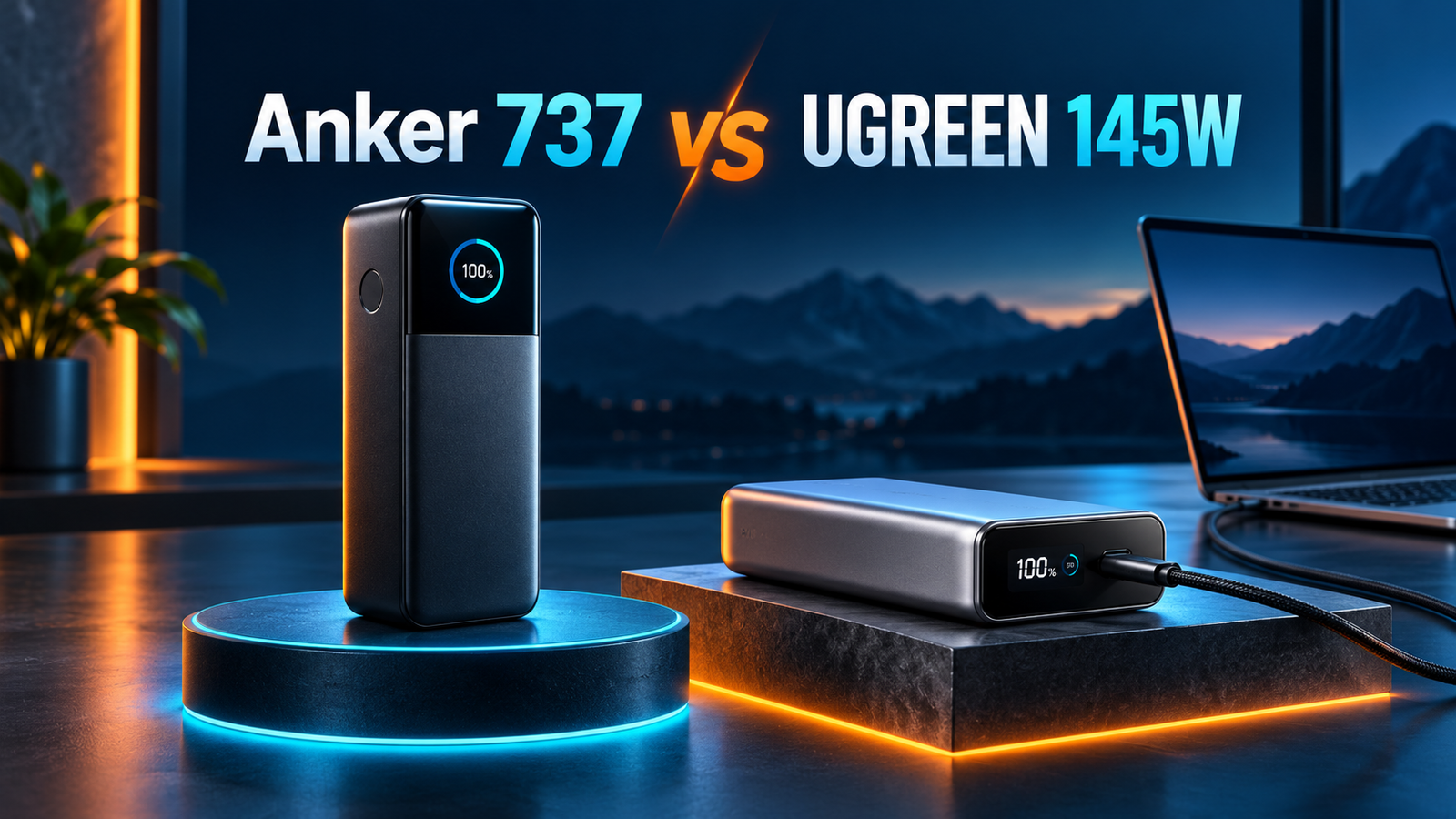
Anker 737 vs UGREEN 145W: specification snapshot
| Buying detail | Anker 737 | UGREEN 145W |
|---|---|---|
| Identity to check | A1289 / PowerCore 24K | 145W 25,000mAh; current U.S. page lists SKU 90597A |
| Advertised capacity | 24,000mAh | 25,000mAh / 90Wh |
| Maximum overall output | 140W | 145W |
| Single USB-C output | Up to 140W with compatible equipment | Current U.S. specs list C1 up to 140W; other descriptions differ |
| Port count | Two USB-C and one USB-A | Two USB-C and one USB-A |
| Listed weight | 630g | 513g on current U.S. page |
| Best starting question | Will I use the display and charging capability? | Does the exact version match the advertised port limits? |
Sources: Anker A1289 specifications, Anker technical introduction and UGREEN U.S. specifications. This guide uses published specifications and buying analysis. We have not measured either product’s efficiency, temperature or discharge performance.
The UGREEN 100W vs 140W listing issue
This is the first detail to resolve. The current UGREEN U.S. specification table lists a 140W maximum for USB-C1, while some descriptions elsewhere present the 145W total as a 100W plus 45W combination. Even the U.S. page includes marketing wording about 100W alongside its 140W specification. That inconsistency makes a universal “UGREEN is limited to 100W” statement unreliable.
We cannot establish the specifications of every retailer’s stock from a product family name. A change in listing copy does not by itself prove a hardware revision, and a familiar-looking photograph does not identify the unit in a warehouse. Ask the seller for the exact model, a readable output label and the matching manual if you need a particular power level.
A sensible purchase rule is to buy against a documented requirement. If you specifically need a supported 28V charging profile, request confirmation of that profile on the item being sold. If your laptop needs less power, the discrepancy may not change basic compatibility, but you should still know what you are receiving. Keep the confirmation with your order details.
Use the product label as a checkpoint
After delivery, compare the printed model and output information with the listing you ordered. Do that while the return period is open. If the box, manual and listing disagree, contact the retailer before relying on the product for an important trip. Avoid interpreting a successful basic charge as proof that every advertised maximum is supported.
140W vs 145W is not a useful speed contest
The five-watt difference between these headline numbers should not decide your purchase. A combined output limit describes the budget for connected devices. The laptop’s charging input, the selected port, the cable and any hub in between determine what your own connection can use. Neither label guarantees that power will remain at its maximum throughout a charging session.
Write down your laptop’s model and recommended charging requirements before comparing battery packs. Then decide whether you will connect directly or through a dock. Someone who normally uses a 65W adapter should check whether that is enough for their workload, rather than assume a larger source automatically makes the laptop charge faster. Someone with a high-power input must check the whole charging path.
Imagine two readers buying the same battery. One writes documents on a light laptop; the other plays games while charging. Their results can differ because the computers use energy differently. That example explains the buying decision; it is not a runtime claim or a test result for either model. Our laptop power bank wattage guide explains the requirements to check.
Capacity: 24,000mAh and 25,000mAh are close
UGREEN’s advertised mAh figure is roughly 4% larger than Anker’s. That calculation compares the printed figures only. It does not establish a 4% improvement in usable laptop runtime. Without matching independent discharge measurements, we would not declare an efficiency winner or promise a particular number of full charges.
Choose your reserve around the problem you want to solve. If you need enough backup to complete a short meeting, carrying comfort and price may matter more than a small capacity difference. If you need a full afternoon away from an outlet, estimate that requirement separately. Either model can be the wrong purchase if your expected runtime is much larger than the energy available.
Use watt-hours when comparing energy, and keep output wattage in a separate column. One describes the reserve; the other describes the charging capability. For background, read power bank mAh vs Wh. Do not multiply a battery’s advertised mAh by a laptop’s charging voltage and treat the result as its stored energy.
Build a realistic workday estimate
Before shopping, record how your laptop behaves during an ordinary session: starting battery percentage, work performed and ending percentage. This is a personal planning exercise, not a precision energy measurement. It can still reveal whether you need a brief top-up or a substantial reserve. That distinction is more helpful than comparing isolated marketing examples.
Shape, weight and the bag you actually carry
The published weights above favor UGREEN for this particular comparison, but check the exact item being sold. Think about the complete kit: battery, cables and the wall charger you need to recharge it. Put those items on your packing list. A lighter battery is useful only if the finished setup also fits your daily routine.
Consider where the battery will sit during use. A desk, a train table and a backpack pocket have different space constraints. Check the product dimensions against that space before ordering. A flat shape may fit one pocket better, while a taller body may be easier to place upright on a desk. These are preferences you can assess without inventing a durability or performance ranking.
If you routinely leave a heavy accessory at home, prioritize the setup you will carry. If most of your use is at a fixed desk, consider whether a wall charger would be simpler. Buying a large battery for a rare scenario can add cost and clutter without solving a daily problem.
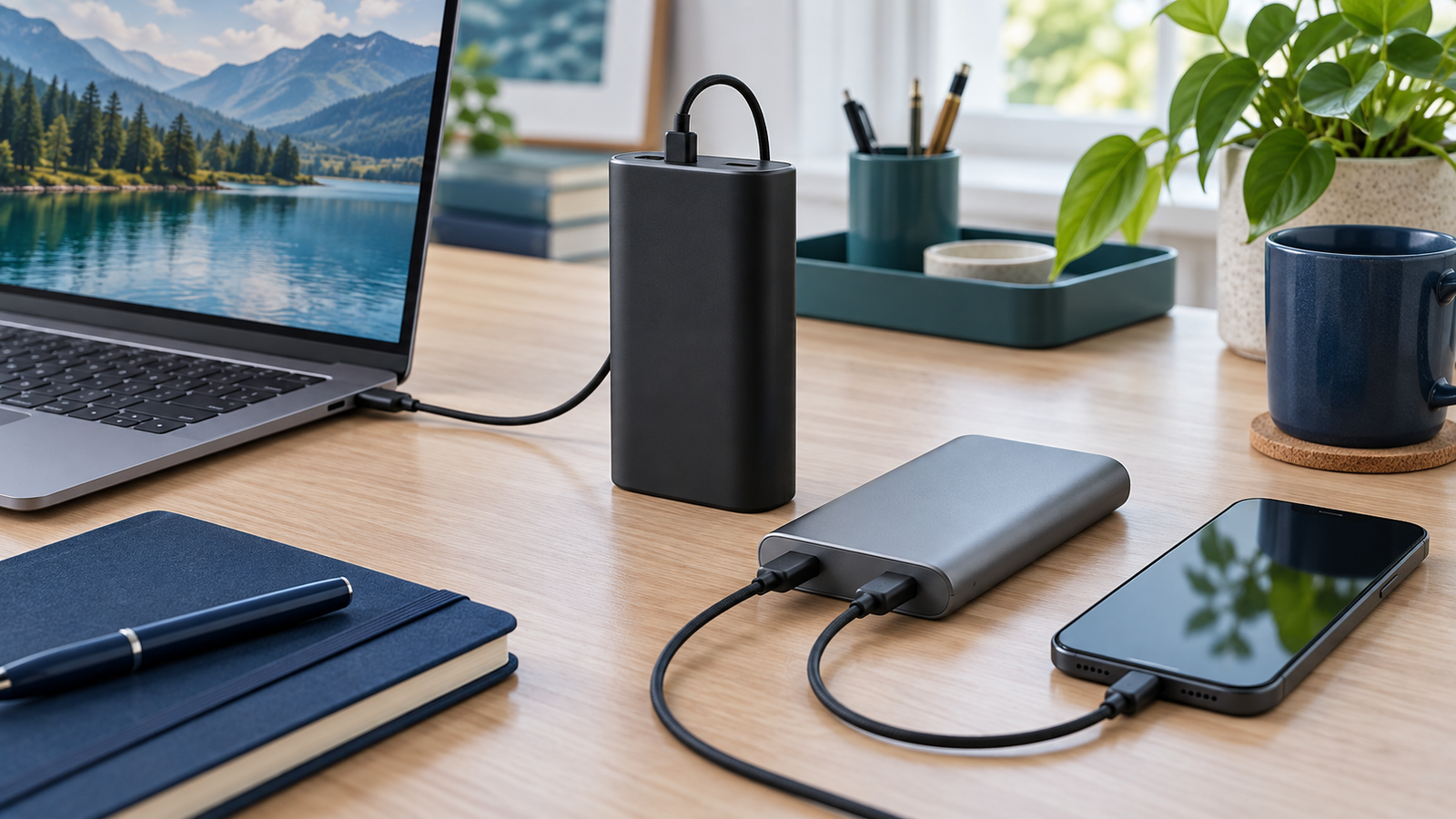
Charging a laptop and phone together
Start by identifying which device has priority. If the laptop must stay charged during work, look up the output allocation for the exact port combination you will use. Do not add each standalone port maximum together. The fact that both battery packs have three connectors does not mean all three devices can receive their individual maximum power at the same time.
Plan a simple routine: connect the laptop through the appropriate USB-C output, add the phone, and check each device’s charging indication. Consult the manual if a connection changes when another device is added. Keep the retailer’s return window in mind so you can check your normal combination promptly rather than discovering a mismatch months later.
For phone charging, check the specific charging protocol as well as wattage. A large laptop power rating does not establish the fastest charging mode for every phone. If Samsung fast charging is your main priority, use our Samsung 45W charging guide to identify the separate adapter and cable requirements.
Display features: decide what information you need
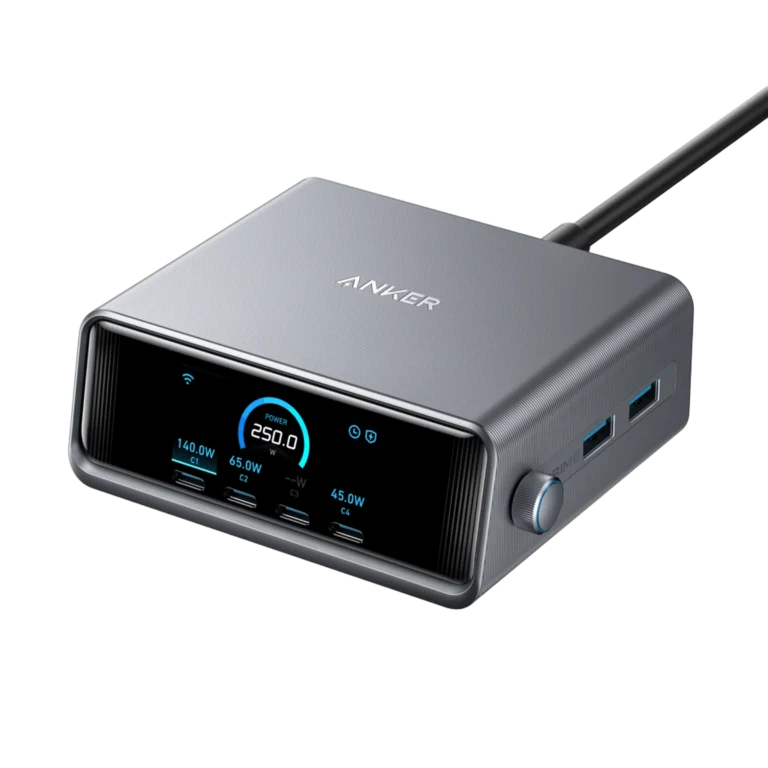
Anker’s display is a reason to investigate the 737 if you like seeing charging information rather than only a remaining-battery indicator. However, a screen is useful when it helps answer a question you actually have. If you only want to know whether enough reserve remains for a short commute, a simpler battery readout may be sufficient.
Before paying extra for monitoring, list the information you want to check. Is it the remaining battery, input power, output power or a particular device’s status? Review the product’s screen descriptions and manual instead of assuming every screen offers the same fields. A detailed display can aid observation, but it is not a substitute for a separate calibrated power measurement.
Cables and recharging: compare the complete kit
Check the supplied cable against your intended output. An included cable is convenient, but the listing must say what it supports. Also inspect the wall charger you already own. There is little benefit in planning around a fast recharge capability if your travel charger cannot provide the required input.
UGREEN’s current U.S. specification table lists up to 65W input. Anker advertises 140W two-way charging for the 737 with compatible equipment. This can matter if your schedule contains short charging stops, but it does not give us a universal measured recharge-time comparison. Starting charge, temperature and the adapter setup still matter.
Keep the shopping decision practical. Someone recharging overnight at home may place little value on the higher input ceiling. Someone repeatedly working between short stops may care more. Budget for a suitable charger only when that capability has a clear use. See our laptop charging cable guide before adding accessories to the cart.
Amazon vs Walmart: how to compare price fairly
We have not verified matching live Amazon and Walmart checkout prices for this article, so there is no claimed price winner. Search results can mix different capacities, models, conditions and sellers. Open the exact offer and confirm the battery pack rather than a wall charger or charging bundle with a similar name.
Compare the final amount including applicable tax and shipping. Check coupon eligibility, delivery timing, seller identity and return terms. A cheaper used offer is not a like-for-like comparison with a new unit. A bundle may be worthwhile if it contains accessories you need, but extra items you will not use do not automatically improve value.
Keep a small comparison note with five fields: exact product, condition, included items, return policy and final total. This makes it easier to recognize a meaningful saving. If the product identity remains unclear, resolve that first rather than letting a discount decide the purchase.
Who should choose each model?
Shortlist Anker 737 for display and recharge priorities
Choose the 737 when its documented features match your laptop and you expect to use its charging information or higher input capability. Compare the actual available price with suitable alternatives. For a deeper look at this model, read our Anker 737 review. Do not pay a large premium solely for the brand name if your requirements are already covered elsewhere.
Shortlist UGREEN for fit and a clearly documented offer
Choose UGREEN when the exact unit meets your output needs and its shape, weight and total cost work better for you. Resolve the listing inconsistency before buying for high-power use. Our UGREEN 145W review covers the standalone purchase. A lower price is useful when the item is correctly identified and the retailer’s terms are acceptable.
Frequently asked questions
Is UGREEN 145W faster than Anker 737 140W?
The headline numbers do not establish that. Compare the exact single-port output, laptop input and cable. Combined output and one-device charging speed are different things.
Is every UGREEN 145W power bank limited to 100W per port?
No universal claim is justified. The current U.S. page lists USB-C1 at up to 140W, while other descriptions show differing allocations. Verify the label and matching manual for the unit being sold.
Which has more advertised capacity?
UGREEN lists 25,000mAh and Anker lists 24,000mAh. That small difference does not prove a usable-runtime or efficiency advantage without comparable measurements.
Can I rely on a fixed number of laptop charges?
No. Laptop battery size, workload and charging losses vary. Plan around your own equipment and avoid treating a marketing example as a guaranteed result.
Should I replace a working power bank with either one?
Only if you can identify a recurring limitation such as inadequate output, insufficient reserve or an impractical form factor. If your current battery does its job, keeping it may be better value.
Our buying recommendation
For Anker 737 vs UGREEN 145W, choose the best documented match for your charging routine. Prioritize the 737’s display and recharge capability when those features matter; prioritize UGREEN’s fit and actual offer when its exact specifications are confirmed. Buy the complete setup you need, compare matching retailer offers and check your own devices during the return period.
About the author
Daniel Carter — Charging Technology Researcher. This comparison separates manufacturer specifications from practical buying recommendations. It does not claim hands-on testing, verified retailer discounts or universal compatibility. Sources checked October 20, 2026.