Anker 737 vs Anker Prime 200W: Which to Buy?
LAPTOP POWER BANK BUYING GUIDE
Anker 737 vs Anker Prime 200W
Choose around one laptop, two devices, and the charging kit you actually carry.
Affiliate disclosure: As an Amazon Associate I earn from qualifying purchases. Walmart links may also earn us a commission at no extra cost to you.
Anker 737 A1289
Our starting pick for one high-power compatible laptop and a larger advertised reserve.
Search Amazon offersSearch Walmart offersAnker Prime 200W A1336
Our starting pick when simultaneous USB-C charging matters more than a higher single-port limit.
Search Amazon offersSearch Walmart offersThese buttons open retailer searches. They are not verified matching product offers, and search results may include accessories or other models. Confirm the model number, seller, condition and included items.
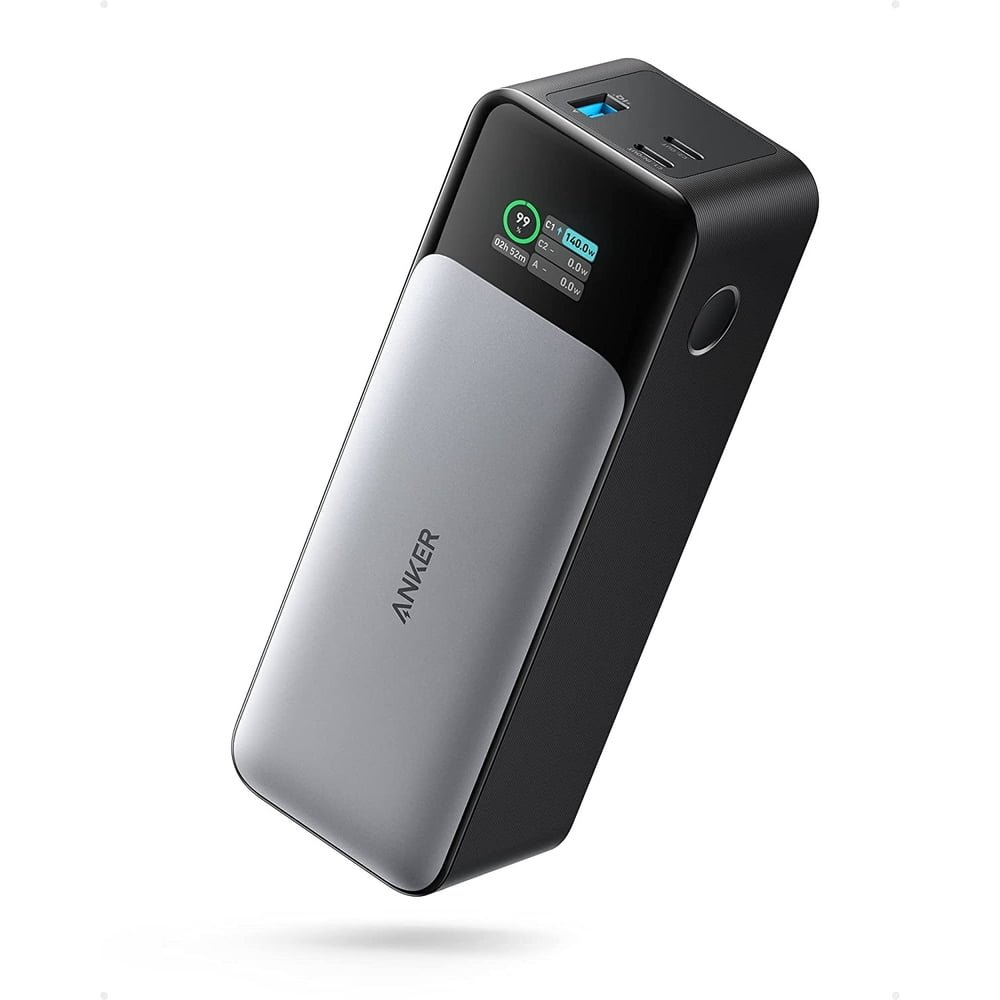
Specification snapshot: read the right number
| Detail | Anker 737 | Anker Prime 200W |
|---|---|---|
| Model | A1289 / PowerCore 24K | A1336 / Prime 20K |
| Advertised capacity | 24,000mAh | 20,000mAh |
| Maximum total output | 140W | 200W |
| Maximum USB-C output per port | Up to 140W with compatible equipment | Up to 100W |
| Connectors | Two USB-C, one USB-A | Two USB-C, one USB-A |
| Maximum USB-C recharge input | 140W | 100W |
| Primary buying question | Do I need more than 100W on one connection? | Will I use the larger combined output budget? |
Specifications checked October 21, 2026, against Anker’s A1289 product page and Anker’s Prime 200W technical introduction. This is a specification-based buying comparison, not a hands-on test. We have not measured output stability, usable energy, temperature or recharge time.
Why 200W does not automatically beat 140W
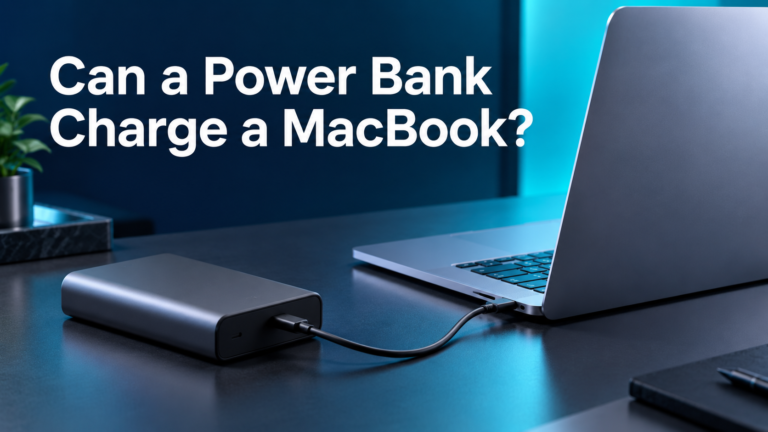
A shopper could easily read the two product names and assume Prime must charge every laptop faster. That is the wrong way to choose between these models. The number on the front of a product listing may describe the budget across several connections. Your laptop receives power through one connection, with its own supported input and cable requirements.
Start with a simple question: how much power can your laptop accept through the connection you plan to use? Check the laptop manufacturer’s instructions for that exact model. A laptop supplied with a high-power adapter may have different limits through USB-C, a proprietary connector or a dock. The adapter’s printed rating alone does not settle every connection’s capabilities.
If your computer accepts less than either model can supply, the higher headline figure may add little to your single-device experience. If your setup can use more than 100W, the single-port distinction becomes relevant. Even then, a maximum is a ceiling rather than a promise that the laptop will draw that amount throughout a charge.
Write down the charging path
Your shopping note should identify the laptop, the power-bank port, the cable and any adapter or hub in between. Review each link before buying. This takes less time than trying to diagnose a mismatch after delivery. Our laptop power bank wattage guide explains how to organize those requirements.
Choose for one laptop or a shared charging session
For one laptop, focus first on compatibility and the single-port ceiling. The Anker 737 deserves attention if your intended connection can benefit from its higher supported maximum. That does not make it the best choice for every computer. Someone using a lower-power laptop may be better served by the lower complete-kit cost or a shape that fits their bag.
For two devices, look at the exact port combination in the matching manual. Prime’s larger total budget gives it a different purpose in this comparison, but you should not assume every combination receives the same allocation. Adding a USB-A device can change the situation. Never add the individual standalone port ratings and treat that sum as an available simultaneous configuration.
Consider the devices you actually connect at the same time. Two laptops, a laptop and a phone, and a laptop with earbuds are different use cases. Rank those devices by importance. If the laptop is essential for work and the phone can wait, your buying decision may differ from that of someone who needs to charge two computers during a meeting.
A practical example
Imagine that you spend most days writing on one laptop and only charge your phone during lunch. You may not need a large simultaneous output budget at all. Now imagine a colleague who regularly lends a second USB-C cable to another laptop user. That person has a stronger reason to investigate shared output. These are planning examples, not measured runtime or performance claims.
Capacity: compare your reserve separately from output
The 737’s advertised mAh capacity is 20% higher than Prime 20K’s printed figure. That is arithmetic on their advertised capacities, not proof of 20% more usable laptop runtime. We have no matching discharge measurements for these two units. Do not turn a capacity difference into a precise claim about extra working hours or full laptop charges.
Think about the gap you want the battery to cover. Is it the last part of a commute, a meeting without an outlet, or a full afternoon of work? A small top-up and a long session are different purchases. A large output number will not solve an energy shortage if the reserve is too small for your workload.
For energy comparisons, consult the watt-hour label and keep that information separate from output wattage. Avoid converting advertised mAh using your laptop’s charging voltage. Our mAh vs Wh guide explains the distinction. Any calculation should state its assumptions instead of presenting an estimated result as a measured outcome.
Recharge input matters when stops are short
The input ceiling is a separate specification from output. It matters when you want to refill the battery between sessions. A compatible wall charger and cable are part of that plan. If your existing adapter supplies substantially less than a power bank’s maximum input, buying the higher-input model alone does not deliver the full potential benefit.
Decide whether faster recharging solves a real problem. Someone who leaves the battery charging during a long evening at home may place less value on input headroom. Someone moving between short charging stops may care much more. Compare that benefit with the cost and weight of any new wall charger required to use it.
Do not divide capacity by maximum input and advertise the result as a full recharge time. Charging behavior changes over a session, and a simple calculation omits important conditions. This article does not promise a specific refill time. Use the manufacturer’s documented conditions when evaluating its own claims and allow practical margin in a travel schedule.
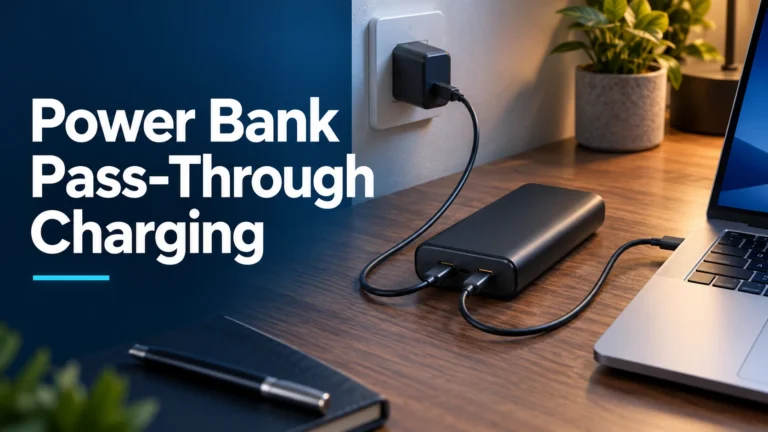
Do not assume pass-through charging
Anker’s Prime 200W technical introduction says that its output is disabled while the power bank recharges. If you want one battery to power your laptop while that same battery is connected to a wall charger, this is a material limitation to check before ordering. Do not infer support from the presence of several ports.
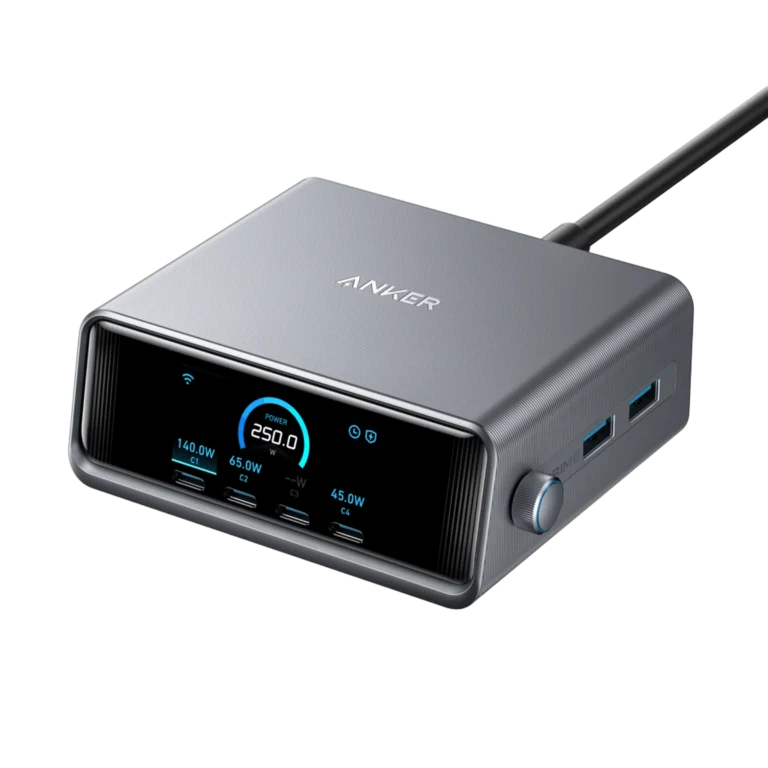
Build your desk arrangement around documented behavior. A multi-port wall charger may be a more suitable way to charge a laptop and refill a battery independently, provided its own sharing limits suit both devices. That arrangement should be planned separately from the portable battery purchase. Buying the right battery does not automatically solve the wall-charging side of the setup.
If this is your main use case, read our guide to laptop power-bank pass-through charging. Verify the exact manual rather than assuming a feature from another Anker product also applies here.
Cables: check what your own connection requires
A cable should be selected for the output you intend to use. Check its stated power capability, connector type and the manufacturer’s compatibility instructions. A cable that works for a basic phone charge is not evidence that it supports your intended laptop setup. Equally, a high printed cable rating cannot raise a laptop or power bank beyond its own capabilities.
Look at the entire package before ordering another accessory. Check whether the retailer includes a cable, what that cable supports and whether its length works where you will sit. A very short lead can suit a battery beside a laptop but be awkward when the battery sits in another compartment. Avoid putting strain on ports to make a short cable reach.
Keep one clearly identified cable for your main laptop connection. That simple habit makes troubleshooting easier when you switch bags or lend accessories to someone else. Our laptop charging cable guide provides a separate shortlist if your existing cable is unsuitable.
Bag fit and daily convenience
Before comparing discounts, decide where the battery will live. Measure the pocket or organizer you intend to use, then compare the exact product dimensions. A product that fits on a desk can still be awkward in a small shoulder bag. Include the cable and wall charger when assessing the space required for the complete setup.
Choose a carrying routine you can repeat without effort. If a battery is inconvenient enough to remain at home, its impressive specification sheet will not help during a commute. If the battery will mainly stay beside a desk, ask whether portable storage is actually needed or whether a wall charger addresses your daily problem more directly.
We have not performed a durability comparison or measured either model’s comfort in a bag. The useful action here is to compare the physical specifications with your own space and habits. Avoid paying for a capability you rarely use while overlooking a practical limitation you will encounter every day.
Amazon vs Walmart: compare the same product
No matching live Amazon and Walmart checkout prices have been verified for this article, so we do not declare a cheaper retailer. The search buttons help you locate offers; they do not establish availability, a current discount or a price winner. Retailer results can include a charging base, a wall charger or a different Prime power bank with a similar name.
Record the exact model, condition, included accessories, seller and final total. Apply the same delivery address and consider tax and shipping. A used unit and a new unit are not equivalent offers. A bundle is worth more only when you need the extra items; otherwise its higher apparent accessory value can distract from your actual purchase.
Read the return policy before ordering, especially when a listing mixes multiple versions. Check the product label promptly after arrival and compare it with your order. Keep packaging until you have checked your normal charging combination. If something is unclear, resolve it while the retailer’s return window is still open.
When upgrading makes sense
Keep a working power bank if it already covers your normal needs. Identify a recurring limitation before replacing it: insufficient reserve, an unsuitable single-port output, inconvenient recharging or a shared charging setup it cannot handle. A newer product family name by itself does not show that your daily experience will improve.
If your present battery runs out too early, investigate energy needs rather than chasing output wattage. If it has enough reserve but charges the laptop too slowly, inspect the charging path and workload first. A cable or port mismatch can change the diagnosis. Separate these questions so that the next purchase addresses the actual problem.
For readers considering a larger alternative, our Prime 200W vs 250W comparison covers a different choice. For more detail on each model here, read the Anker 737 review and Prime 200W review.
Frequently asked questions
Can Prime 200W deliver 200W to one laptop?
No. A1336 has a 100W maximum on an individual USB-C output. Its 200W figure describes total output across supported connections.
Does the Anker 737 always charge faster?
No. Its higher single-port ceiling only matters when the laptop, cable and charging path can use it. A lower-power device will not automatically take more power.
Which has the larger advertised capacity?
The 737 lists 24,000mAh and Prime A1336 lists 20,000mAh. This does not establish an exact usable-runtime difference without comparable measurements.
Can Prime 200W charge devices while it recharges?
Anker’s technical introduction states that output is disabled during recharging. Plan your setup around that documented limitation.
Which retailer should I buy from?
Compare matching models and conditions, then assess final total, seller, delivery and return terms. This article has not verified a live retailer price winner.
Our recommendation
Choose the Anker 737 when its single-device capability and larger advertised reserve solve your actual requirements. Choose Prime 200W when shared output is the stronger reason to buy and its per-port ceiling suits your devices. For either model, confirm the exact item and complete charging kit before paying. If neither addresses a limitation in your existing setup, there is no need to upgrade simply for a bigger number.
About the author
Daniel Carter — Charging Technology Researcher. This guide combines manufacturer specifications with practical buying analysis. Recommendations are editorial judgments; no hands-on testing or verified retailer savings are claimed. Updated October 21, 2026.