

Can You Charge a Laptop From a Power Bank While Charging the Power Bank?
Power bank pass-through charging: what works?
A single wall outlet can help charge two batteries. The bank must support the right mode, and the laptop still needs enough power.
By Daniel Carter · Charging Technology Researcher
Yes, you can charge a laptop from a power bank while charging the power bank, but only if that exact model supports suitable pass-through charging. Check its simultaneous input/output limits, USB-C Power Delivery profiles, required ports, and cable ratings. The bank may reduce laptop output, recharge itself slowly, or pause one function. Pass-through support alone does not guarantee full laptop speed or uninterrupted backup power.
You reach a hotel room with one convenient outlet, a laptop that needs power, and a bank you want ready for tomorrow. Connecting the wall charger to the bank and the bank to the laptop looks efficient. Sometimes it works well. Sometimes the laptop reports slow charging, the bank percentage stays flat, or the output stops as soon as the input cable is attached.
The useful question is not just whether both charging icons appear. It is whether the computer receives a compatible power mode and whether the bank can also restore its stored energy. This guide explains how to read those limits, make a controlled check, and choose between pass-through use and separate charging. It covers USB-C laptop banks, rather than large AC power stations or phone-only wireless packs.
As an Amazon Associate, MultiChargers earns from qualifying purchases. Shopping links below are sponsored affiliate links. Product examples use manufacturer documentation; we have not performed hands-on testing for this article.
Compare USB-C power banks on Amazon →
Check the exact model manual before buying. A search result or a high wattage headline does not establish laptop pass-through compatibility.
What does power bank pass-through charging mean?
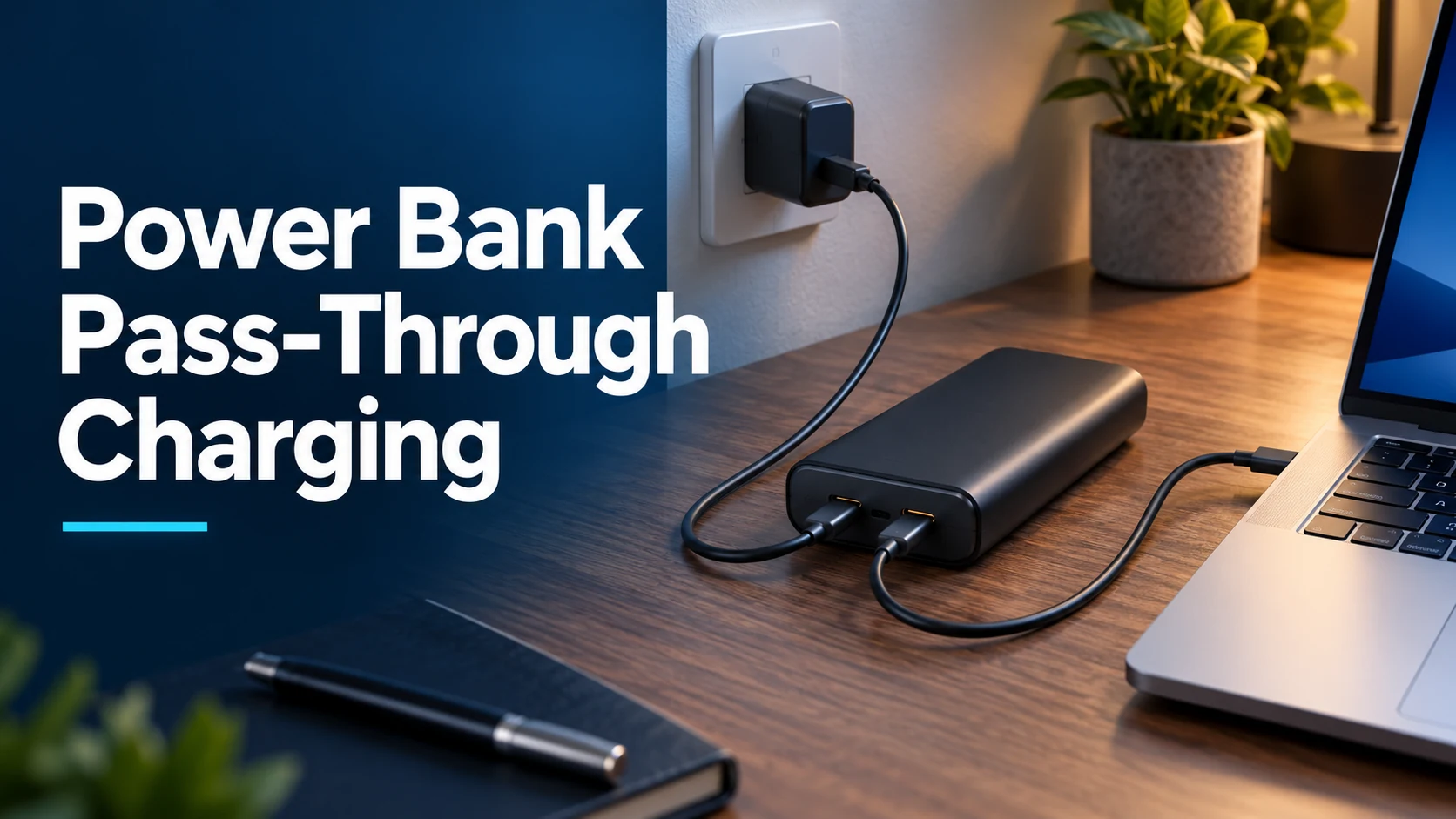
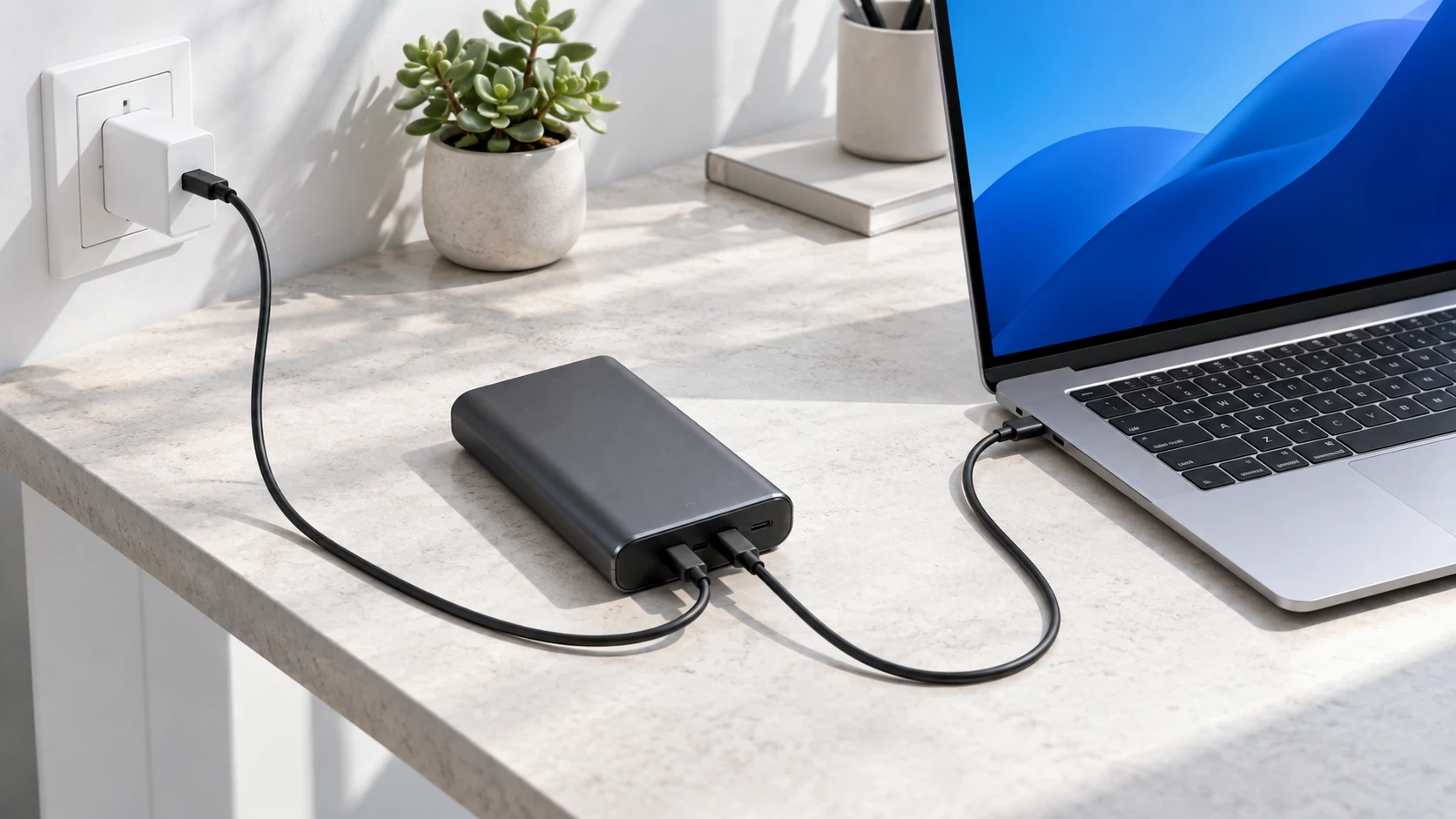
Pass-through charging describes a bank supplying a connected device while it is connected to a source that can recharge the bank. A typical setup uses a wall charger, one USB-C cable into the bank, and another cable from a different bank port to the laptop. Some models use built-in cables, a charging base, or designated ports instead. The manufacturer determines which arrangement is supported.
The term does not describe one universal internal circuit. A model may prioritize the connected device, reserve power for its own battery, impose a lower output ceiling, or change its behavior as temperature and charge level change. Seeing the laptop charging while the bank is plugged in does not prove that the bank battery is gaining charge at that moment. Observe the bank percentage over time as well.
Also distinguish pass-through from a bidirectional USB-C port. A port marked input/output can receive power in one use and deliver power in another. That label alone does not say the bank can do both at once through separate connections. A single ordinary cable between one bank port and one laptop port is not two independent charging paths.
Start with these five compatibility checks
1. Find an explicit simultaneous-charging statement
Read the manual for the exact model number printed on the bank. Look for pass-through, simultaneous charging and recharging, or a diagram showing input and output active together. A support article for a different bank from the same brand is not enough. Similar-looking models can have different controllers, port roles, firmware, and limits.
If the manual is silent, ask the manufacturer rather than treating a successful brief experiment as approval for routine use. Save the answer with the model number. An online listing might describe charging multiple devices from the battery, which is a different feature. A bank with three output ports can still disable every output while recharging itself.
2. Confirm the laptop accepts USB-C charging
Check the computer’s model-specific support page and its designated charging port. A USB-C connector can carry data or video without accepting charging input. Some laptops need a proprietary adapter for their full performance level even when USB-C charging is available. Use the original adapter’s specification as a reference, then confirm the supported USB-C input.
Our laptop power bank wattage guide helps interpret those requirements. The important match is the bank’s documented output mode at the port you will actually use. Equal headline wattages do not prove that the laptop and bank share a suitable voltage and current combination.
3. Check the bank’s input separately from its output
A bank advertised as 100W output might accept less power when recharging. Conversely, a high input rating does not establish a high simultaneous output. Read the input specification, standalone per-port output, and pass-through allocation as three separate entries. Capacity in mAh or Wh answers a fourth question: how much energy the battery stores.
USB-IF describes USB Power Delivery as flexible power delivery that lets devices request appropriate power. In this setup, the wall charger negotiates with the bank and the bank negotiates with the laptop. Do not assume the laptop sees the wall charger’s full advertised maximum through the intermediary.
4. Verify both cables and the required ports
Use the ports identified in the bank manual. A port may accept input, provide output, or support both roles in different conditions. Integrated cables may have ratings different from the adjacent sockets. For diagnosis, avoid a dock, extension, or adapter between the bank and laptop so you have fewer limits to untangle.
Both cables must support the power intended for their own connection. A higher-power cable on the laptop side cannot compensate for an unsuitable input cable. For example, a 60W cable is not a universal substitute for a connection requiring more than 60W. See 60W versus 240W USB-C cables and our e-marked cable explanation.
5. Check the wall charger’s active port budget
If a multi-port charger also powers your phone, the port feeding the bank may lose part of its allocation. That can reduce the bank’s input and then its laptop output. You are dealing with power sharing at the wall charger and possibly another split inside the bank. Remove the phone for the first test.
Read the charger chart for the exact combination of occupied ports. The biggest number on the box often represents a total budget or a one-device maximum. Our multi-port power-sharing guide explains why adding a small device can change another port’s limit.
Why full laptop speed is not guaranteed
The bank’s battery-only output describes operation without an attached charging input under specified conditions. Pass-through operation can have a different allocation table. A laptop that charges normally from the bank alone may receive less power once the wall charger is attached. The bank might be working exactly as designed.
Here is one documented example, not a rule for every bank. Anker’s support chart for its 25K, 165W bank with built-in and retractable cables requires at least 20W input to enable pass-through. With one USB-C output, its published chart lists 45W output for input from 60W to below 80W, and 65W output from 80W to below 100W. Additional outputs have separate shared limits. Those figures illustrate why a 165W headline cannot be used as the laptop’s pass-through rating.
For a simple energy illustration, imagine a bank receiving 65W while delivering 45W to a laptop. Subtraction leaves 20W before conversion losses, internal use, and charging controls. That is not a promise of 20W battery recharging. It is only a way to see why little input headroom can leave the bank filling slowly. The exact allocation is a product design decision.
The laptop also uses power while operating. A bank can supply a compatible mode yet leave little for the laptop battery during a game, export, or video call. Microsoft’s slow-charging guidance points to inadequate power, unsuitable cables, and incorrect ports among possible causes. Compare the same setup while idle or asleep. Our slow laptop power bank troubleshooting guide covers the wider diagnosis.
Choose the setup that fits your situation
| What you need | Pass-through can help if… | What to verify first |
|---|---|---|
| Laptop and bank ready by morning | The laptop can charge at the reduced mode. | Both charge levels rise; the maker permits the setup. |
| Fast laptop charging while working | Its simultaneous USB-C output meets the computer’s needs. | Per-port profiles and the laptop’s actual workload. |
| Bank, laptop, and phone together | The exact three-device allocation is supported. | Sharing at both the charger and bank. |
| Continued power after unplugging | The bank maintains or resumes a suitable output. | Any transition interruption and battery-only limit. |
| One cable and no spare bank port | The maker provides another supported input method. | A dock, base, or integrated input explicitly documented. |
How to test a supported setup without guessing
Begin with a bank and cables in good physical condition, some charge in both batteries, and a stable wall source. Test when you can watch the devices. Do not start by placing the bank in a bag or running a demanding application. The point is to establish a baseline before adding more variables.
- Write down the models. Record the laptop, wall charger, bank, and both cable ratings. Keep the manufacturer’s input/output chart nearby.
- Check ordinary laptop charging. Connect its approved wall adapter directly. Confirm normal charging so an existing computer problem does not confuse the comparison.
- Check the bank by itself. Recharge it from the intended charger and cable. Note whether it recognizes the expected input mode if its display provides that information.
- Connect the laptop as instructed. Use the bank’s designated output and the laptop’s charging input. Follow any connection order stated in the manual.
- Keep everything else disconnected. Leave phones, USB-A accessories, and docks out of the test.
- Observe both batteries. Note starting percentages, warnings, and the bank’s input/output readings if available. Repeat the observations after a reasonable interval.
- Add your normal workload. If charging slows only during demanding work, compare available output with system demand.
- Test input removal if relevant. Save your work first. Observe whether output pauses, renegotiates, or continues when the wall source is unplugged.
A single percentage update is a rough indicator, not a laboratory measurement. Battery estimates can lag, and charging can slow near a full battery. If a supported setup repeatedly reconnects, stop the experiment and simplify it. Replacing several items at once makes the result harder to interpret; change one cable, port, or load at a time.
Common problems and the next useful check
The bank charges, but the laptop does not
Check whether the bank supports simultaneous output at all, whether the input meets an activation threshold, and whether you selected the required output port. Then check the laptop’s supported PD modes. A small pass-through output that suits a phone may not provide the voltage or power the computer accepts. Trying every port randomly is less useful than reading the manual.
The laptop charges, but the bank stays at the same percentage
The computer may take most of the available budget, the bank may prioritize output, or its battery controls may temporarily pause recharging. Reduce laptop activity and compare again. Check whether a second device on the wall charger lowered the input. A charging icon alone does not establish positive net energy going into the bank battery.
Both charge more slowly than expected
Compare the documented simultaneous limits with the independent ratings. Look for an unsuitable cable on either side, an active multi-port split, and temperature-related restrictions. A more powerful wall adapter helps only if the bank accepts the relevant input and can allocate more to output in that mode. Buying a larger charger cannot remove a fixed bank limit.
Charging stops briefly when input changes
The bank may switch operating mode and renegotiate its USB-C supply. That differs from a guaranteed seamless transfer. Check the manual before treating the device as backup for equipment that must remain powered. Our charging interruption guide explains a related power-sharing situation; persistent cycling deserves separate troubleshooting.
Heat, battery wear, and everyday use
Use pass-through only in conditions the maker supports. Keep the bank and charger on a firm, clear surface with room for heat to escape. Avoid bedding, direct sun, and tightly packed luggage while charging. Check cables and connectors for damage. Stop using a unit with swelling, leakage, a burning smell, or abnormal connector heat, and follow its manufacturer’s handling guidance.
Do not attach a universal temperature threshold to all banks. Anker’s mode documentation for its 25K, 165W model describes different performance, cooling, and protection behavior. That confirms that a thermal limit can change charging speed; its specific thresholds should not be copied to a different product.
Pass-through does not always mean the battery is repeatedly charging and discharging through the same internal path. Without model documentation or measurements, you cannot determine the circuit from the marketing term. You also cannot promise that the feature has no effect on wear, or claim that every use damages the bank. Heat, battery management, and how often the cells actually cycle matter.
For a permanent desk setup, a direct laptop wall connection usually makes the power budget easier to understand. Keep the bank for portable use unless its maker specifically describes ongoing operation that suits your needs. For a supported occasional overnight setup, follow the manual and give both batteries enough time. If you need predictable backup, select equipment with a documented backup function rather than relying on an unspecified transition.
Choose by the simultaneous-use specification
Look for an explicit pass-through statement, suitable USB-C profiles, adequate input, and a per-port allocation chart. Check the exact model and the included cable ratings.
Sponsored affiliate link. We have not tested or ranked individual products here. Confirm current manufacturer specifications before ordering.
Frequently asked questions
Can every USB-C power bank charge a laptop while recharging?
No. A USB-C input/output label does not establish simultaneous operation. The exact bank must support pass-through and offer an output mode the laptop accepts while its input is connected.
Does pass-through charge the bank and laptop at full speed?
Not necessarily. Simultaneous output may be lower than the bank’s battery-only maximum, and the remaining input may leave little for bank recharging. Check the allocation chart rather than the headline wattage.
Will a 100W wall charger guarantee 100W to the laptop?
No. The bank’s input ceiling, pass-through rules, negotiated profiles, cables, and other connected devices can all limit the result. The laptop also draws only a supported mode and what its charging controls request.
Is a pass-through power bank the same as a UPS?
No. Pass-through describes simultaneous use. A UPS function also requires defined backup and transfer behavior. Confirm what happens when input disappears; a laptop battery may bridge a short interruption, but that does not certify the bank for other equipment.
Why does a phone work in pass-through but my laptop does not?
The available mode may be enough for the phone but lack the laptop’s required voltage or power. Compare the simultaneous USB-C output profiles with the exact computer’s charging specification.
Should I use a hub between the bank and laptop?
Test directly first. A hub adds its own power requirements and limits. If you need one later, check its documented power delivery alongside the bank’s simultaneous output. Our USB-C hub charging guide explains this extra allocation.
The practical choice
A supported pass-through setup can be useful when you have one outlet and time to recharge both devices. Match the bank’s actual simultaneous output to the laptop, check both cables, and watch both battery trends. Use a direct wall connection for demanding laptop work when pass-through output falls short. Choose backup equipment by documented transfer behavior, not by the presence of a pass-through label.

Charging Technology Researcher at MultiChargers. Daniel turns manufacturer specifications into practical checks for chargers, cables, and portable power.
- USB-IF: USB Charger and USB Power Delivery overview
- Anker: Pass-through conditions for its 25K, 165W power bank
- Anker: Performance, cooling, and protection modes
- Microsoft: Slow charging or discharging while plugged in
Reviewed September 30, 2026. Wattage arithmetic is illustrative, not a measured test. Images depict generic setups. Manufacturer limits can differ by model and revision.



2 Comments