

How Long Does a Power Bank Last? Battery Lifespan and Replacement Signs
As an Amazon Associate, MultiChargers earns from qualifying purchases. We may also earn a commission through other retailer links. Check compatibility and current listing details before purchasing.
POWER BANK LIFESPAN
How long does a power bank last? Judge its useful life by condition, repeatable performance, and the job you need it to do.
Your portable charger once handled a long travel day, but now seems to run out before your phone is full. Does that mean the battery is worn out, or have your phone, cable, and charging habits changed? Knowing the difference can save you from replacing a working bank while also helping you recognize equipment that should be retired.
This article explains useful lifespan rather than promising an expiration date. It separates battery capacity loss from compatibility limits and safety concerns, shows how to make a fair everyday comparison, and gives a practical replacement checklist. The guidance is based on published documentation; it does not claim laboratory testing of the products you own.
REPLACEMENT SHORTLIST
Need a replacement? Start with your device requirements
Choose capacity for the energy you need, output for the device you charge, and input for the recharge time your routine allows. Verify the exact model and seller before buying. Use the choices below to narrow your search. These are shopping categories, not hands-on product rankings.
Retailer search results, not an identical-product price comparison. Match the exact model and condition; check seller, delivery, returns and the final checkout total.
What does “how long does a power bank last” mean?
The phrase can describe three different things. First is how long a single charge powers your phone or laptop. Second is how long a charged bank retains energy while stored. Third is how long the product remains useful before battery aging, hardware wear, or changing needs lead you to replace it. This guide concentrates on the third meaning.
A bank that gives fewer phone recharges than expected is not automatically at the end of its life. You may now have a larger phone battery, be using the phone more while charging, or be connecting more devices. A bank that sits in a drawer and loses some charge has a different issue from a bank whose housing has swollen.
For the energy side, our power bank mAh versus Wh guide explains why capacity labels cannot be compared without considering voltage. For storage behavior, see why a power bank loses charge when not in use. Keeping these questions separate makes the replacement decision much more useful.
How many charge cycles can a power bank last?
In its battery lifespan and temperature FAQ, Anker gives a general estimate of 300–500 complete charge cycles for its portable chargers. The same answer says the result varies with frequency of use and other factors. Treat this as a manufacturer estimate for that product family, not a universal specification for all banks.
A meaningful cycle-life specification should identify what is being measured and under what conditions. Does it describe retained capacity after a certain number of cycles? Does it apply to your exact model? Is a test method or operating condition provided? A bare number in an advertisement does not answer these questions.
Do not assume a bank suddenly fails the moment it reaches a round number. A capacity benchmark describes a performance result under stated conditions, not necessarily an electronic shutoff or a mandatory replacement date. Likewise, being below an advertised cycle count does not prove a bank is undamaged or suitable for continued use.
If your model provides an app or display with cycle information, read its explanation before using the number. Not every bank exposes this information, and a phone app cannot necessarily inspect the cells inside an unrelated portable charger. Avoid treating an estimate from a generic app as a certified battery-health measurement.
What counts as one complete charge cycle?
One connection to a charger does not necessarily equal one full cycle. Apple’s lithium-ion battery explanation describes a complete cycle as cumulative use equal to 100% of capacity, which can occur across several partial uses. This explains the general concept; Apple’s product-specific retention targets should not be transferred to a power bank.
For an illustrative example, using half of a battery’s capacity on one day and half on another adds up to roughly one equivalent full cycle. Plugging in after each half-use does not turn those sessions into two complete cycles. Your bank’s own cycle accounting may use its internal measurements, so this example is not a method for auditing its app.
Partial charging also should not be confused with a failure to “reset” the battery. You do not need to deliberately run a lithium-ion bank flat to make each recharge legitimate. Follow the manufacturer’s charging instructions and choose a routine that fits your normal use. Repeatedly draining it solely to count cycles adds work without giving you a reliable health diagnosis.
Can charge cycles be converted into years?
You can convert a hypothetical cycle count into time mathematically, but that calculation is not a prediction of product life. At one equivalent full cycle per day, 300 cycles take about 300 days. At one per week, the same usage count takes about 300 weeks. The battery does not experience identical conditions in those two schedules.
A rarely used bank can still become unsuitable through storage problems, damage, or changing requirements. A frequently used bank may remain useful even after its capacity has declined if it safely provides the energy you need. Calendar time, accumulated use, and practical usefulness are related but different measures.
For that reason, a statement such as “every bank lasts three years” is too precise without a model and evidence. Use purchase age as context when speaking with support, rather than as the only decision rule. Keep the receipt and model information so the manufacturer can identify the product and explain any applicable service options.
Why a power bank may seem to wear out faster
1. Your device needs more energy
A new phone or laptop may require more energy than the device you used when the bank was new. A phone playing videos, navigating, or sharing a connection while charging also consumes energy during the session. Comparing the final battery percentage without comparing device use can make normal behavior look like battery degradation.
2. The charging setup has changed
A different cable, port, charging mode, or adapter can change performance. A bank that recharges slowly is not necessarily storing less energy. Check the documented input requirements and use our slow power bank charging guide if filling the bank takes longer than it used to.
3. The bank has been stored poorly
Anker’s Power Bank Safety Guide recommends cool, dry storage, avoiding hot parked cars and direct sunlight. For long-term storage it recommends roughly 60% charge and recharging every three months. Use the instructions for your own model when planning storage; these are not identical requirements for every brand.
4. Connectors or housing have worn
The cells are not the only parts of a portable charger. A loose port or damaged built-in cable can make an otherwise useful bank unreliable. If the connection only works when you bend or hold the cable, stop using that damaged part and consult the manufacturer. Do not keep forcing the connector to finish a trip.
How to compare performance without a laboratory
Start only with equipment that shows no signs of damage or abnormal behavior. The purpose is to compare ordinary use, not stress the battery or certify safety. If the bank is swollen, leaking, giving off an unusual odor, or showing excessive heat, skip the comparison and contact the manufacturer.
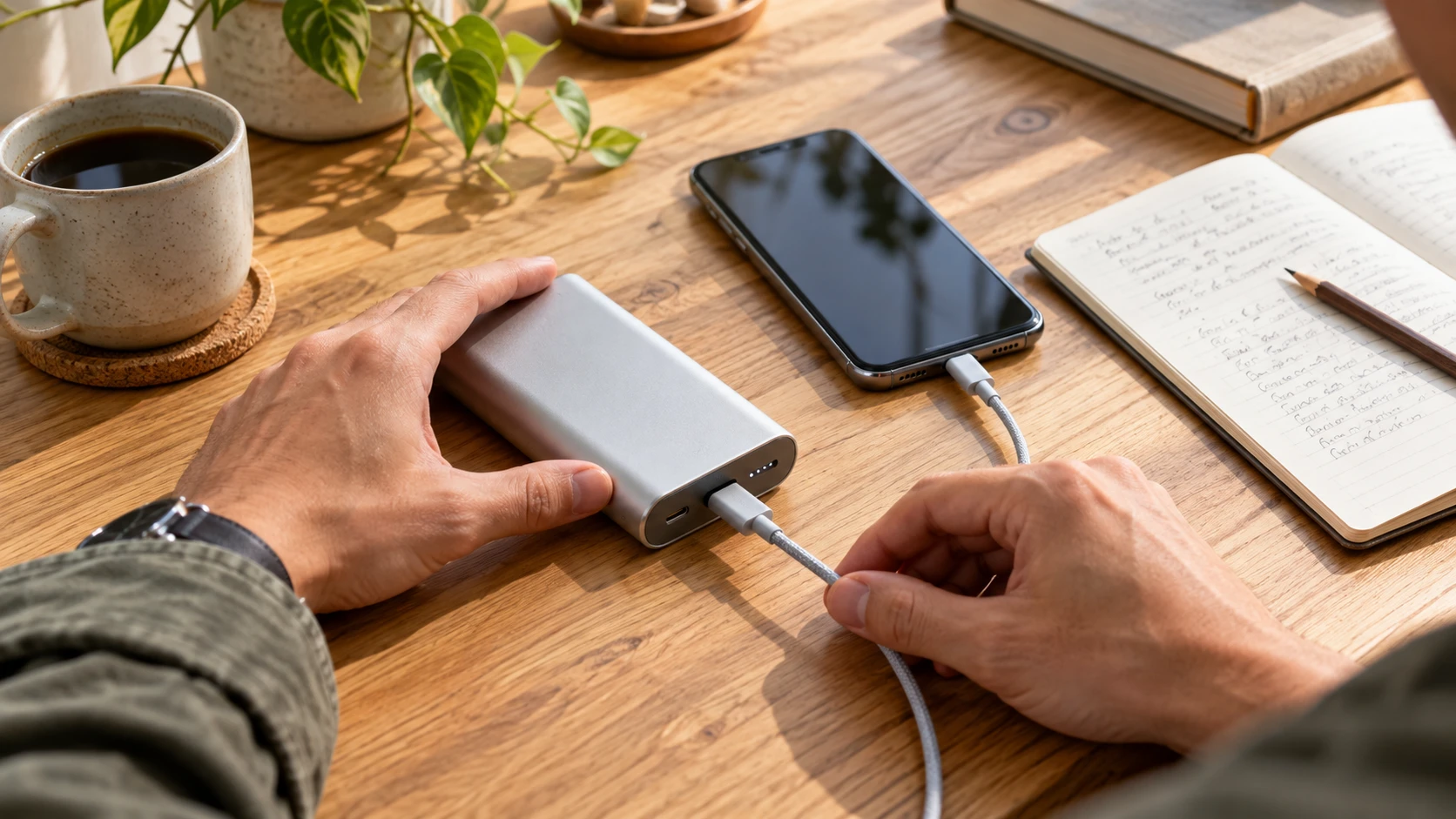
Choose one familiar device and a compatible cable in good condition. Recharge the bank according to the manual and disconnect at completion. Begin the device at a similar battery level each time, use the same connection, and keep its activity reasonably similar. A quiet phone session is easier to compare than one session with navigation and another with the screen off.
Record a few details: the bank’s starting indicator, the device’s starting and ending percentage, duration, and whether you used the device during charging. Note other connected loads. Do not compare a single-device session against a session charging a phone, earbuds, and tablet together.
Look for a repeatable change across ordinary sessions. If your bank previously supported your routine but now consistently stops earlier under similar conditions, that is useful information for support and your replacement decision. It still does not establish an exact percentage of original cell capacity.
Phone percentage is an indirect measure. Energy is also used by the phone and lost during conversion, and its own battery can age. A USB meter can measure energy at one point in the connection if it supports the relevant protocol, but that number is not automatically the bank’s internal capacity. Avoid converting a casual reading into an unsupported health score.
Normal aging, compatibility problems, and warning signs
| Observation | What it may mean | Practical next step |
|---|---|---|
| Gradually fewer recharges in similar use | Reduced capacity is possible | Document the change and decide whether it still meets your needs |
| Slow recharge from one adapter | Input setup or protocol may limit power | Check the approved charger and cable requirements |
| Phone charges normally, new laptop does not | Output compatibility may be insufficient | Compare the laptop’s requirements with the bank’s per-port output |
| Connection fails when the cord moves | Cable or port damage may be present | Stop using damaged hardware and contact support |
| Swelling, leaking, odor, or excessive heat | A battery or hardware fault may be present | Stop use; do not conduct further charging tests |
A full-charge indicator does not certify battery health. It generally reports charge status according to the product’s design. Likewise, an aging bank does not have to show visible damage before its runtime becomes inadequate. Use condition and performance together rather than relying on one LED or app number.
Unexpected shutoff also needs context. A bank may switch off because a very small device draws little current, because a supported mode is needed, or because there is a connection problem. Our power bank shutoff guide covers ordinary troubleshooting. Do not use that process as a workaround for damaged batteries.
When should you replace a power bank?
There are three useful replacement triggers. The first is a condition or recall issue that makes continued use inappropriate. The second is unreliable operation that remains unresolved after approved troubleshooting or manufacturer advice. The third is a healthy product that no longer provides enough energy or the right output for your devices.
A bank that safely handles a small daily phone top-up may still be useful even if it no longer supports your original travel routine. You can change its role if it remains in good condition and the manufacturer has no instruction to stop use. Do not give away a bank with a suspected fault simply because someone else needs less capacity.
For important travel, make the decision before departure. If the bank’s recent behavior is inconsistent, relying on a last-minute recharge gives you little time to resolve the issue. Choose a replacement based on the actual device requirements rather than repeating the old capacity label without checking compatibility.
For laptop use, per-port wattage and supported charging profiles are essential. A high total output headline may be divided between several ports, and adding another device can change available power. Our laptop power bank wattage guide explains what to check before choosing a new model.
Three replacement profiles to compare
Before spending: replace for a clear reason
If your intact bank still meets your needs, a new purchase may not be necessary. If you need more usable energy, a compatible charging mode or a more reliable connection, identify that requirement before comparing listings.
- Choose the use: phone top-ups, several devices, or a compatible laptop.
- Verify the model: capacity, input, single-port output, cable and shared-power limits.
- Compare the full offer: same model and condition, shipping, seller, return terms and warranty eligibility.
Choose the retailer with the better verified total offer for your needs. Neither store is assumed to be cheaper.
Everyday phone top-ups
Prioritize a size you will carry, supported charging for your phone, and clear input specifications. A larger battery is not useful if it stays at home. Check port availability and whether any built-in cable suits your device.
Retailer search results, not an identical-product price comparison. Match the exact model and condition; check seller, delivery, returns and the final checkout total.
Long days and several devices
Compare stored energy, weight, port layout, and simultaneous output rules. Read the power-sharing table rather than assuming each port maintains its headline power when everything is connected. These are selection criteria, not tested product rankings.
Retailer search results, not an identical-product price comparison. Match the exact model and condition; check seller, delivery, returns and the final checkout total.
Compatible laptop charging
Match the laptop’s USB-C charging requirements, required single-port output, and cable rating. Also check input speed so recharging the bank fits your routine. Verify the exact product documentation before relying on a seller’s compatibility claim.
Retailer search results, not an identical-product price comparison. Match the exact model and condition; check seller, delivery, returns and the final checkout total.
Habits that support useful service life
Use an approved charging setup, keep the bank protected from physical damage, and follow the manual’s storage guidance. Make recharging part of an awake routine so you can disconnect at completion. Our guide to charging a power bank overnight explains why protection features do not override the manufacturer’s safety advice.
Do not turn battery care into repeated empty-to-full experiments. Nor should you force a particular percentage rule onto a bank whose instructions specify something different. For occasional use, a calendar reminder to inspect and maintain the stored bank is more practical than leaving it connected indefinitely.
Keep identifying information available. A photo of the model label, purchase record, and a short record of changed behavior can make support more productive. Describe the actual symptoms rather than only saying the battery is “dead.” The manufacturer may need to distinguish a connection issue, a normal operating mode, or a product that should be retired.
How to retire an old power bank responsibly
The EPA’s lithium-ion battery guidance says these batteries and devices containing them should not go in household trash or municipal recycling bins. Find a battery or electronics collection program that accepts your device. Ask the facility about its requirements before bringing it in.
If the bank is damaged, contact the manufacturer for specific handling guidance and tell the collection facility about its condition. Do not assume the normal drop-off or return process applies to a damaged battery. Avoid opening a sealed bank to remove its cells or sending it in an ordinary package without instructions.
Frequently asked questions
How long does a power bank last in years?
There is no universal year count. Use, design, storage, condition, and your needs all matter. Check the exact model’s guidance and evaluate repeatable performance rather than treating purchase age as an expiration date.
Does charging twice count as two cycles?
Not necessarily. A complete cycle generally represents cumulative use equal to full battery capacity. Several partial uses can add up to one equivalent cycle. Check how your bank records cycles if it provides that feature.
Should I replace a bank after 500 cycles?
Do not apply that number universally. A stated cycle benchmark needs model-specific context and conditions. Condition, reliability, manufacturer instructions, and whether the bank still meets your needs guide the decision.
Does 100% on the display mean the battery is healthy?
No. Charge status and battery health are different. A worn bank may reach its full-charge indicator while storing less usable energy than before. A status display also cannot certify that the housing or accessories are undamaged.
Can I keep using an old bank with reduced capacity?
It may remain useful if it is intact, operates normally, is not subject to a stop-use instruction, and meets your needs. Stop using a bank with warning signs or unresolved abnormal behavior and contact the manufacturer.
Can I replace the cells inside a sealed power bank?
Do not open or modify a sealed bank as a battery-care experiment. Ask the manufacturer whether any authorized service is available. Otherwise, use an appropriate collection or recycling route.
Where should I recycle a worn-out power bank?
Use a battery or electronics collection facility that accepts it. Do not put it in household trash or curbside recycling. For a damaged bank, get specific handling guidance before transport or return.
A useful replacement decision
How long does a power bank last is best answered with its exact specification, its current condition, and a fair comparison of everyday performance. Retire damaged equipment, investigate ordinary connection problems, and replace a healthy bank when it no longer meets your energy or compatibility needs. Buy for the devices you use today.

Charging Technology Researcher at MultiChargers. This guide reviews published manufacturer and safety documentation. No hands-on product testing is claimed. Editorial review: October 2, 2026.

One Comment