

How to Store a Power Bank Safely When Not in Use
A spare power bank needs a storage routine, too.
Learning how to store a power bank safely starts with the instructions for your exact model. Give it a suitable charge level, disconnect its cables, choose a protected indoor location, and make its next inspection easy to remember. Putting a questionable battery in a drawer does not solve the underlying problem.
Quick answer
For an intact power bank, follow the manufacturer’s storage limits and maintenance schedule. Choose a dry indoor spot away from heat, direct sun, combustible materials, and loose metal objects. Disconnect accessories and check the casing before putting it away. For several months of storage, use the charge level specified in the manual instead of assuming every power bank should stay at 100%.
Affiliate disclosure: As an Amazon Associate, MultiChargers earns from qualifying purchases. Shopping links below contain our affiliate tag. This guide uses manufacturer and public safety guidance; it does not claim hands-on testing of every power bank or accessory.
Organize an intact power bank and its cable
If your current drawer lets the bank slide against loose objects, compare a properly sized organizer. Check the internal dimensions and keep the device disconnected during storage. A carrying case is an organizer, not proof of fire protection.
Compare power bank organizers on AmazonHow to store a power bank: start with its intended use
Decide whether the bank is waiting for tomorrow’s commute, the next vacation, or an emergency several months from now. That choice changes the practical routine. A device you regularly use will naturally get checked during ordinary charging. A backup hidden behind other equipment needs an explicit inspection date because there may be no everyday reason to pick it up.
Write down the model before packing it away. Two devices can look almost identical while using different controls, charging ports, or storage recommendations. A printed capacity number is not enough to identify the correct instructions. Keep the manual’s link with the model name, and look at the manufacturer’s current recall information before treating an older unit as a dependable spare.
This guide’s workflow is a practical way to organize those instructions. It is not a substitute for model-specific limits, and there is no universal storage percentage that makes every battery safe indefinitely. A sensible shelf location also cannot reverse damage, restore lost capacity, or make a recalled product suitable for continued use.
| Your situation | Practical storage plan | What to record |
|---|---|---|
| Regular daily use | Use a consistent place for the disconnected bank and its cable. | Model and compatible input equipment. |
| A break lasting several months | Follow the manual’s storage charge and checking instructions. | Put-away date and next check date. |
| Emergency backup | Balance manufacturer care instructions with your actual readiness needs. | Last check and the devices it can power. |
| Damage, swelling, or a recall | Stop treating it as a normal spare; get handling instructions. | Model, serial number, and the observed issue. |
Step 1: check the power bank before putting it away
Use a normal visual inspection rather than taking the device apart. Look at the casing, seams, ports, and any built-in cable. Compare what you see with the shape you remember. If a case no longer sits as it used to, a seam appears to have opened, or a port looks damaged, pause the storage routine and ask the manufacturer what to do next.
NFPA identifies unusual odor, discoloration, excessive heat, shape changes, leaking, and odd noises as warning signs. Do not reconnect a device displaying these symptoms just to see whether it still works. If it is smoking, burning, or presents an immediate fire danger, move yourself and others away and call 911. Do not pick up an actively failing battery.
Do not press a bulging casing flat or tighten an organizer around it. Do not open the housing to check the cells. A protective pouch also does not turn a suspect device into a normal storage item. Record what you noticed without continuing experiments; that description can help customer support distinguish a charging complaint from a physical safety concern.
If the device is intact but no longer serves your needs, the decision is different. Low useful capacity can be a replacement issue without visible swelling. Our guide to power bank lifespan and replacement signs helps separate everyday performance changes from conditions that require stopping use.
Step 2: use the manufacturer’s storage charge level
Open the storage section of the manual, not just the product listing. Look for the recommended battery level, allowed temperature range, and maintenance interval. If the instructions distinguish charging temperature from storage temperature, preserve that distinction. A specification that permits storage under one condition does not automatically permit recharging there.
A manufacturer example, not a universal rule
Anker’s Power Bank Safety Guide recommends about 60% charge, described as three indicator lights, and recharging every three months for long-term storage. It lists 32–95°F (0–35°C) for operation and storage. Confirm the instructions for your particular model; do not transfer its light count to another brand or display.
A bank with four lights and one with a percentage screen do not necessarily report charge in the same way. Treat the display according to its own manual. Trying to force an exact percentage through repeated charge-and-discharge sessions creates an unnecessary ritual when the manufacturer asks for an approximate level. Record what the display showed rather than turning an estimate into a precision measurement.
When the manual is missing, search the manufacturer’s support pages using the full model identifier. If you still cannot find guidance, ask support for storage and inspection instructions. Advice for a similar-looking bank can miss an important limitation. This is especially relevant when the device has a built-in wall plug, a retractable cable, or a wireless charging surface.
Do not intentionally run the bank empty as a storage preparation technique. There is also no need to promise that keeping it at one percentage will preserve a fixed number of years. Storage care and useful lifetime are separate questions, and actual condition matters when you bring the device back into service.
Step 3: disconnect and organize the accessories
Remove external charging and output cables before storage. Keep the cable that you intend to use later in a separate organized space, where its connectors will not press against the bank’s ports. If the power bank has a built-in connector or cable, stow it in the position described by its manual rather than bending it into an improvised arrangement.
Check whether the device has a user-controlled mode that should be turned off. Some products have different button actions for normal output, low-current operation, or wireless functions. Use the documented action for your unit. Repeatedly holding buttons without knowing the function can leave you uncertain about what state the bank is actually in.
A small accessory label can save time later. Note the compatible input port and the charger or cable you already use successfully. This is an organizational suggestion, not a new electrical specification. When several USB-C chargers share a drawer, that note helps prevent someone from assuming every similar-looking accessory has the same capability.
If you need help identifying suitable input equipment, read why a power bank recharges slowly. For high-power USB-C setups, our explanation of e-marked USB-C cables gives useful context. Cable capability matters when the bank returns to use; storage is a convenient time to organize that information.
Step 4: choose a place you can inspect easily
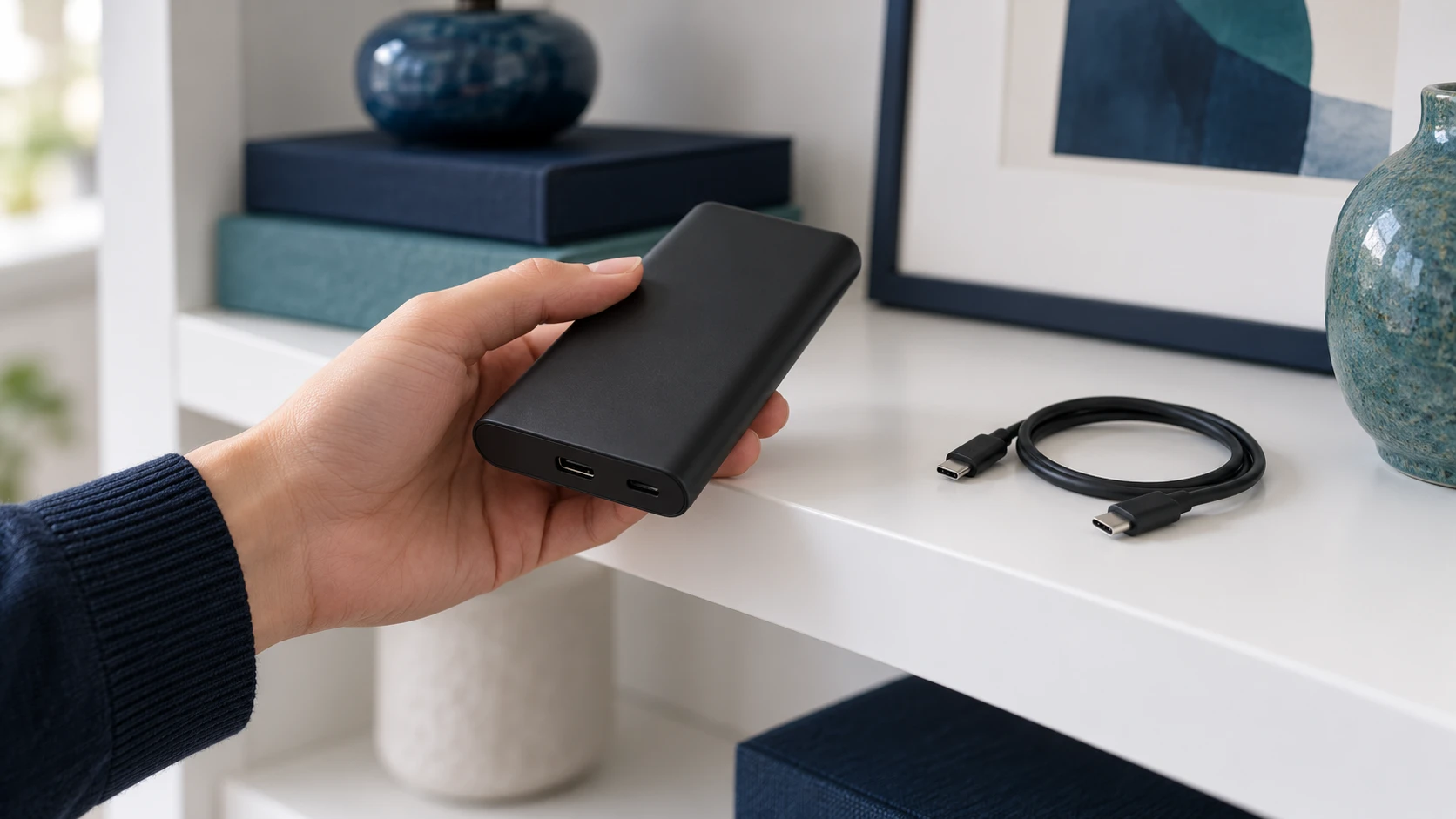
Pick a location that meets the manual’s environmental limits and is easy to access. An interior shelf or dedicated storage compartment can be more practical than a forgotten travel bag because you can find the device when its check date arrives. Keep the storage area clear enough to see the bank rather than covering it with unrelated equipment.
Think about what happens to the spot during ordinary life. Does sunlight reach it in the afternoon? Does someone stack heavy tools there? Is it close to a heater, liquids, or combustible supplies? Anker’s guidance calls for cool, dry storage, protection from impact and crushing, and separation from keys and other metal objects. NFPA also advises keeping batteries away from things that can catch fire.
Do not choose a parked car as your long-term storage cabinet. For any indoor location, use the manufacturer’s limits rather than guessing that a place is acceptable because it feels comfortable once. A spot that changes with weather or nearby equipment may be difficult to assess. Choose an ordinary, stable location that you can monitor without special arrangements.
If you use an organizer, make sure the bank fits without pressure on buttons, ports, or a built-in cable. Store disconnected equipment there only as its instructions allow. Before charging, take the bank out and set up the charging environment described by the manufacturer. An organizer should not become an excuse to recharge the bank while it is buried among accessories.
Step 5: create a simple storage log
A storage log can be one short note on your phone. You do not need a spreadsheet or a battery-health score. The useful information is the identity of the bank, the date you checked it, the displayed charge, the location, and the next date specified by the manual. Add a link to the instructions so the next person does not have to start from scratch.
| Field | What to write | Why it helps |
|---|---|---|
| Identity | Brand, full model, and your own nickname. | Distinguishes similar banks. |
| Last inspection | Date and a brief condition note. | Shows when it was last checked. |
| Displayed charge | Percentage or light pattern as shown. | Preserves your original observation. |
| Location | The actual shelf or compartment. | Makes the next check easy. |
| Next action | Manual-based check or recharge date. | Prevents an indefinite put-away period. |
For several banks, create one entry per model. Do not use one bank’s interval for the entire collection unless their instructions actually agree. Keep identification readable without covering product markings. A family member looking for the backup should be able to tell which unit is ready for use and which one is awaiting support or replacement.
At the next check, compare observations before deciding what to do. A different charge display is a reason to review the instructions and recent use, not a diagnosis by itself. Our guide to power bank charge loss while idle explains the troubleshooting context. Record an unexpected result so you can describe it accurately if you contact support.
Keeping an emergency backup useful
An emergency bank has two jobs: following its care instructions and being useful when you need it. Decide which phone or other device it is supposed to support, and keep the correct cable available. A bank that is easy to find but lacks the required cable is a poorly organized backup, even if its display looks reassuring.
Use the manufacturer’s storage routine between planned needs. Before an expected event, such as a trip or forecast disruption, inspect and prepare the bank while you have time to monitor charging. This is a planning suggestion, not a recommendation to leave it continuously connected. Do not treat a long-term storage charge target as a promise of enough energy for every emergency.
For multiple spares, avoid letting one disappear from the routine because another is always in use. Add all of them to your note and give each a defined role. If your requirements have changed from a phone to a laptop, check compatibility rather than assuming the spare’s advertised capacity settles the question. Our laptop power bank wattage guide explains that separate choice.
Bringing a stored power bank back into use
Start with another visual inspection and review any unresolved notes. Check current recall information for the model if it has been unused for a long time. Locate the manual and compatible accessories before connecting anything. These steps make the restart deliberate and help you notice a condition that might otherwise get overlooked in a rush.
If the unit appears normal, follow its charging instructions in the appropriate environment while you are available to notice a problem. Keep it accessible during that first return to use. If it does not respond, follow the documented troubleshooting process instead of leaving it connected indefinitely. Our article on a power bank that will not charge provides a starting point.
Do not use heat, improvised wiring, or disassembly as a revival method. A bank that cannot resume normal operation after the manufacturer’s steps needs support or replacement. Restoring a lit screen would not, by itself, demonstrate that an old or damaged battery is safe. Useful performance and safe condition should both remain part of the decision.
When storage should become recycling
Keeping an unusable bank forever creates an unresolved task. If the manufacturer recommends disposal or the device no longer meets your needs, contact an appropriate collection program. Tell the program whether the unit is damaged, swollen, or recalled before bringing or sending it. Follow the handling instructions you receive rather than assuming every collection point accepts every condition.
The EPA’s lithium-ion battery guidance says batteries and devices containing them should not go in household trash or municipal recycling bins. It recommends suitable battery or electronics collection options and contacting the manufacturer for specific handling guidance when a battery is damaged. Do not open a sealed power bank to remove its cells, or mail a suspect battery without the appropriate instructions.
Replacing an unreliable spare?
Compare banks by the devices you need to charge, compatible input and output specifications, readable model information, and accessible support documentation. Verify any safety listing with the manufacturer; an attractive marketplace listing is not a substitute for that check. Check recall information before purchase and again if a later notice applies to your model.
Compare USB-C power banks on AmazonFrequently asked questions
Should I store a power bank fully charged?
Follow its manual. A long-term storage target can differ from the level you want before a trip. Anker’s general guide gives an approximate partial-charge target, but that example does not establish a rule for every manufacturer or model.
How often should I check a stored power bank?
Use the interval given by the manufacturer and record the next date when you put it away. If no storage schedule is available, ask support. Set a separate reminder for each model rather than copying one device’s instructions across your collection.
Can I leave the cable plugged in during storage?
Disconnect external accessories for the storage routine described here. Keep the intended cable nearby in a separate organized space. For built-in cables and connectors, follow the manual’s stowing instructions and avoid forcing them into a tight position.
Is a carrying case enough to make storage safe?
No. A case can organize an intact device, but it does not replace the manufacturer’s environmental limits, inspection routine, or damage guidance. Choose a fit that does not squeeze the bank, and remove it for charging unless the manufacturer specifically permits that arrangement.
What if the bank is empty after months in storage?
Inspect it first, then follow the manufacturer’s charging and troubleshooting instructions if it appears normal. Do not try improvised revival methods. If it will not return to normal operation, contact support instead of repeating long unattended charging attempts.
Can I store a swollen power bank for later?
Do not treat a swollen unit as a usable spare. Stop use and get manufacturer guidance for handling and disposal. If it is actively smoking or burning, move away and call 911. Do not squeeze, puncture, or open the casing.
Where should I recycle an old power bank?
Use an appropriate battery or electronics collection program that accepts the device and its condition. Contact the program first for damaged or recalled units. Lithium-ion devices do not belong in household trash or ordinary municipal recycling bins.
Your next storage check
For a practical routine, identify the bank, find its instructions, inspect it, set the recommended storage level, and choose a protected location. Then record the next check. Knowing how to store a power bank is most useful when those steps remain easy to repeat rather than depending on memory several months later.
The goal is a spare you can find, identify, and assess when needed. If an inspection raises concerns, resolve them before returning the bank to your collection. A clear note and an appropriate support or recycling decision are more useful than leaving an uncertain device at the back of a drawer.

Charging technology researcher at MultiChargers. This guide reviews manufacturer instructions and public battery-safety guidance to help readers organize everyday charging equipment. Reviewed October 3, 2026.
Sources: Anker Power Bank Safety Guide; NFPA Lithium-Ion Battery Safety; EPA Used Lithium-Ion Batteries. Always follow your exact model’s instructions.



One Comment