

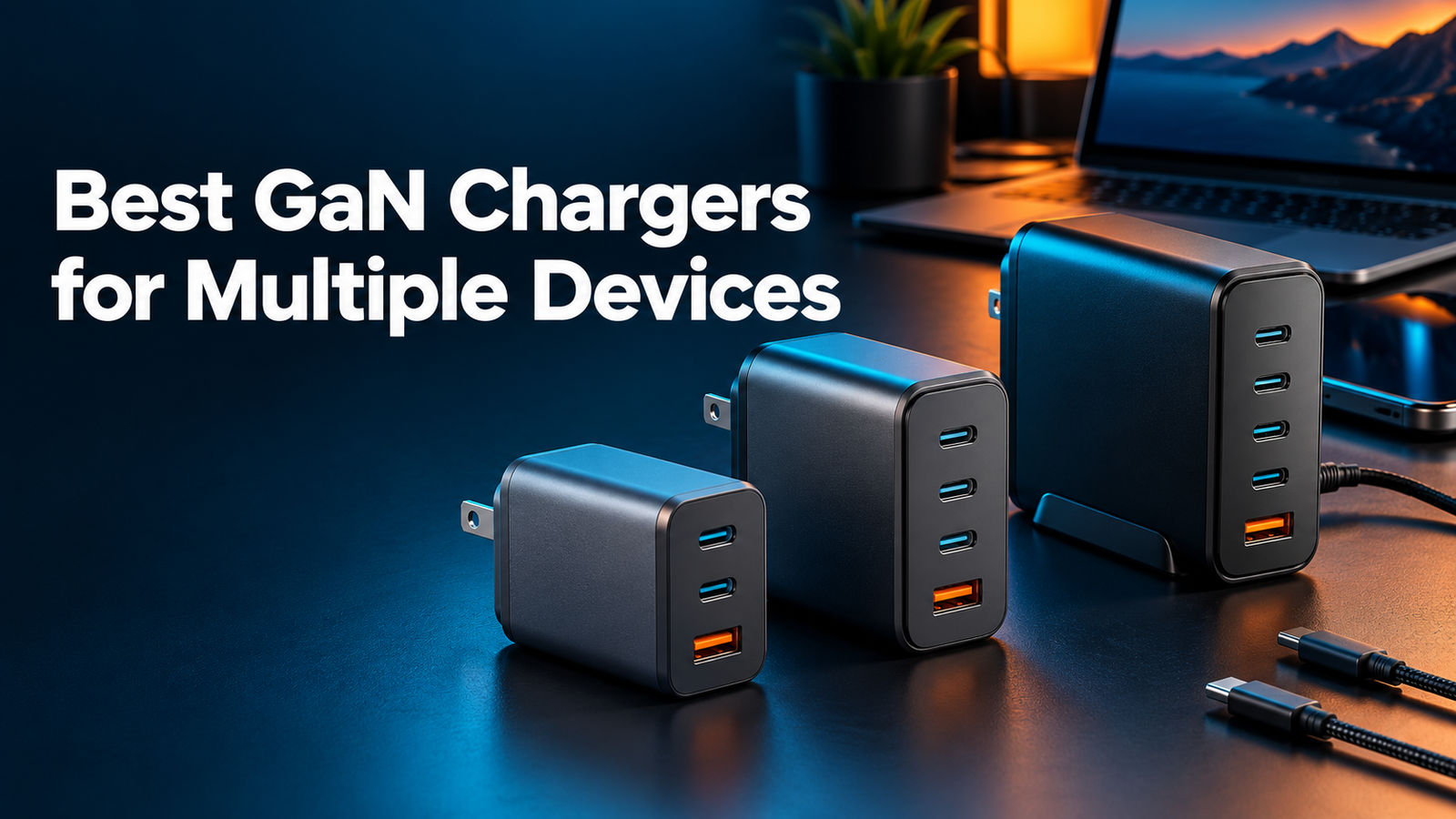
9 Best GaN Chargers for Multiple Devices in 2026
Quick Answer
The best GaN charger for most people is a compact 65W–100W model with at least two USB-C ports. It can replace several bulky adapters and charge a laptop, phone, tablet, earbuds, or other accessories from one outlet. Choose 65W for portability, 100W for a laptop plus smaller devices, or 140W–200W for demanding desktop setups.
Gallium nitride—usually shortened to GaN—lets a charger deliver more power from a smaller body than many older silicon designs. That does not automatically make every GaN charger excellent, though. Port layout, power sharing, charging protocols, cable support, temperature management, and safety design still matter.
This guide compares nine strong options for different needs. We reviewed current manufacturer specifications, port configurations, protocol support, independent expert testing, and U.S. availability. We do not claim hands-on testing where none was performed, and we avoid temporary prices because they can change without notice.
Choose for your simultaneous charging setup
Start with the devices you charge at the same time. A charger’s single-port maximum does not describe what each device receives when other ports are active. Match the exact port combination and charging protocol before buying.
Compare multi-device chargers and power-sharing limits
Not sure about your requirements? Start with our charger wattage guide and USB PD vs PPS compatibility.
Best GaN Chargers at a Glance
Comparison Table
| Charger | Maximum output | Best for | Port style |
|---|---|---|---|
| Baseus PicoGo AE11 | 67W | Everyday carry | 2× USB-C, 1× USB-A |
| UGREEN Nexode X606 | 100W class | Laptop travel | Multi-port with retractable USB-C cable |
| Anker Prime 100W | 100W | Premium portability | 3 ports |
| Anker Prime 200W | 200W total | Desk setup | 6 ports |
| UGREEN Nexode 100W | 100W | Four-device versatility | 3× USB-C, 1× USB-A |
| Spigen GaN 651 | 65W | Compact dual-device charging | 2× USB-C |
| Baseus Blade Power Strip | 140W class | High-power desk use | USB plus AC outlets |
| Belkin BoostCharge Pro | 100W | Straightforward multi-device use | 3 ports |
| UGREEN Uno 100W | 100W | Display and personality | 3× USB-C, 1× USB-A |
1. Baseus PicoGo AE11 67W
For portable everyday use, this is our best GaN charger pick. The PicoGo AE11 is a practical sweet spot for people who want one small charger for a phone, tablet, and lightweight USB-C laptop. Its two USB-C ports and one USB-A port cover both modern and legacy cables, while the folding plug makes it easy to carry.
Compact body, useful 67W ceiling, three-port flexibility, and enough power for many ultraportable laptops.
Power is shared when several ports are active, so it is not ideal for two high-demand laptops at once.
Best for: Commuters, students, and travelers who value size more than maximum output.
2. UGREEN Nexode X606 100W
For laptop-focused travel, the best GaN charger needs high output and convenient cabling. This model is attractive for laptop users because it combines 100W-class output with an integrated retractable USB-C cable. The built-in cable reduces packing clutter, while additional ports let you add a phone or accessory.
High laptop-ready output, retractable cable convenience, and a travel-friendly all-in-one layout.
As with most multi-port chargers, the highest single-port output may drop when other ports are used.
Best for: People who regularly charge a MacBook, USB-C Windows laptop, tablet, and phone.
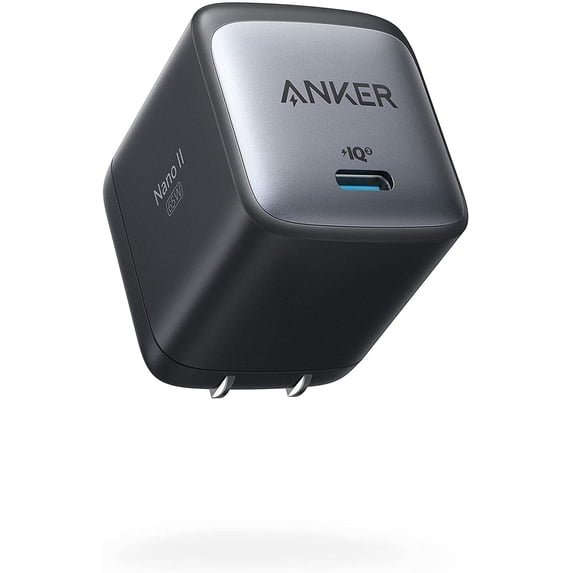
3. Anker Prime Charger 100W (3 Ports)
Anker Prime 100W: confirm model A2688 before buying
The allocation below applies to Anker model A2688. Other Prime 100W models or revisions may differ. Check the model number, output label, and current manufacturer documentation before choosing a listing.
| Connected ports | Maximum output | Buying implication |
|---|---|---|
| USB-C1 or C2 alone | 100W | Compatible laptop and properly rated 5A cable required |
| USB-C1 + C2 | 65W + 35W | Suitable only if these limits meet both devices’ requirements |
| USB-C1 + USB-A | 65W + 22.5W | USB-A compatibility still determines actual charging power |
| USB-C2 + USB-A | 12W + 12W | This pairing is unsuitable for a laptop needing more than 12W |
| All three ports | 89W maximum combined | Do not assume 100W remains available with every port occupied |
These are supported maxima, not our measured charging speeds. Source: Anker A2688 specifications.
For premium portability, the best GaN charger should balance build quality, power, and size. Anker’s Prime 100W model is a polished choice for users who want strong build quality and a compact three-port format. It can serve as a single travel adapter for a laptop and two smaller devices, provided you understand how its power is divided.
Premium construction, 100W-class charging, foldable travel design, and balanced port count.
It generally costs more than budget 100W alternatives, and the package may not include every cable you need.
Best for: Buyers who prioritize a compact premium charger from an established accessory brand.
4. Anker Prime Charger 200W (6 Ports)
The best GaN charger for a busy desk needs a larger shared power budget. If a home office has two laptops, multiple phones, a tablet, and accessories, a six-port desktop charger is often more useful than a tiny wall brick. The Anker Prime 200W model supplies a large shared power budget and keeps cable connections within reach.
Six-port capacity, high total output, and a stable desktop format that can replace several adapters.
It is larger, less travel-friendly, and total power is distributed according to the active port combination.
Best for: Shared desks, creator setups, families, and multi-laptop workstations.
5. UGREEN Nexode 100W 4-Port GaN Charger
The best GaN charger for mixed modern and legacy devices needs both port types. With three USB-C ports and one USB-A port, the Nexode 100W is one of the most flexible formats in this roundup. The top USB-C connection can handle a laptop when used appropriately, while the remaining ports support phones and accessories.
Four useful ports, broad protocol support, 100W total output, and a good mix of USB-C and USB-A.
The exact output of each port changes with the number and location of connected devices.
Best for: Users who still need USB-A but want three modern USB-C connections.
6. Spigen GaN 651 65W
The best GaN charger for a minimal two-device kit can be a compact 65W model. The Spigen GaN 651 suits a lighter setup: one USB-C laptop or tablet plus a phone. Its dual-port design is less complicated than a four-port charger and is easier to fit into a small pouch.
Compact dual-port shape, PD and PPS support, and enough output for many thin-and-light laptops.
Two ports limit expansion, and simultaneous charging reduces the power available to the primary device.
Best for: Phone-plus-laptop users who want the smallest practical multi-device option.
7. Baseus Blade Power Strip 140W
A charging power strip is better than a wall charger when you need USB charging and AC outlets in one place. This high-output Baseus format is aimed at desks and travel workstations where a laptop, monitor accessory, phone, and conventional plug-powered device may share one source.
Large USB-C power budget, AC-outlet flexibility, and a flat desktop-friendly form.
It is not a pocket charger. Confirm the plug, cable, and regional voltage requirements before travel.
Best for: High-output desks, hotel rooms, and users replacing both a charger and a basic power strip.
8. Belkin BoostCharge Pro 100W 3-Port GaN Charger
Belkin’s 100W three-port format is a straightforward choice for users who want a familiar accessory brand and do not need a screen or novelty features. The output class is suitable for many laptops, while extra connections handle mobile devices.
Clean three-port configuration, laptop-class power, and a simple user experience.
Check the model-specific power-sharing chart to ensure it matches your preferred device combination.
Best for: Buyers who want an uncomplicated 100W charger for a laptop, phone, and tablet.
9. UGREEN Uno 100W GaN Charger
The best GaN charger can also be enjoyable to use. The Uno combines useful 100W charging with a robot-inspired design and display. It offers three USB-C ports plus one USB-A port, making it a genuine multi-device charger rather than a decorative desk accessory.
Four-device capacity, clear display, 100W output class, and a distinctive design that is easy to identify on a shared desk.
The styling is not for everyone, and the display adds size compared with minimalist chargers.
Best for: Students and professionals who want practical charging with more personality.
How to Choose the Best GaN Charger
The best GaN charger is the one whose wattage, port layout, and charging protocols match your real device setup.
Start with your highest-power device
Your laptop usually determines the minimum wattage. A phone-only setup may need 30W or less, many thin laptops work well around 45W–65W, and performance laptops may request 100W or more. Our charger wattage guide explains how to match output to a device.
Allow headroom for simultaneous charging
A “100W charger” normally means 100W total or up to 100W from one specific port—not 100W from every port. When multiple devices connect, the charger reallocates power. Compare the manufacturer’s multi-port output table before buying. See our detailed 65W vs 100W charger comparison.
Prioritize USB-C, but keep USB-A when useful
USB-C supports newer high-power standards, while USB-A remains convenient for watches, earbuds, lights, and older cables. If you are unsure which connections you need, read USB-C vs USB-A chargers.
Check PD, PPS, and cable ratings
USB Power Delivery is widely used by laptops, tablets, and phones. PPS can improve charging behavior for compatible Samsung and other devices. A charger cannot deliver its full advertised output through an under-rated cable, so use a properly rated USB-C cable—often an e-marked 5A cable for output above 60W.
Look beyond the port count
More ports are useful only if the charger’s power budget matches your devices. A well-designed three-port 100W charger can be more effective than a weak six-port unit. Our guide on choosing a multi-port charger covers the decision in detail.
GaN Charger Safety Tips
- Buy from a traceable manufacturer or reputable seller.
- Check for the safety certifications and protections specified for your region.
- Use intact, correctly rated cables and replace damaged connectors.
- Do not cover a charger or place it on soft bedding while it is under heavy load.
- Expect some warmth, but unplug a charger that becomes unusually hot, smells, buzzes, or repeatedly disconnects.
- For international travel, remember that a plug adapter does not necessarily convert voltage.
Frequently Asked Questions
Is a GaN charger better than a regular charger?
A well-designed GaN charger can be smaller and more power-dense than an older silicon charger. GaN alone does not guarantee quality; protocol support, thermal management, safety design, and manufacturer reliability still matter.
Can a 100W GaN charger damage my phone?
Normally, no. With compatible USB-C charging, the phone and charger negotiate an appropriate power level. The phone draws only the supported amount. Use reputable equipment and undamaged cables.
Is 65W enough for multiple devices?
Yes, for many combinations such as a thin laptop plus a phone, or a tablet plus two small accessories. It may be insufficient if two connected devices both require high power.
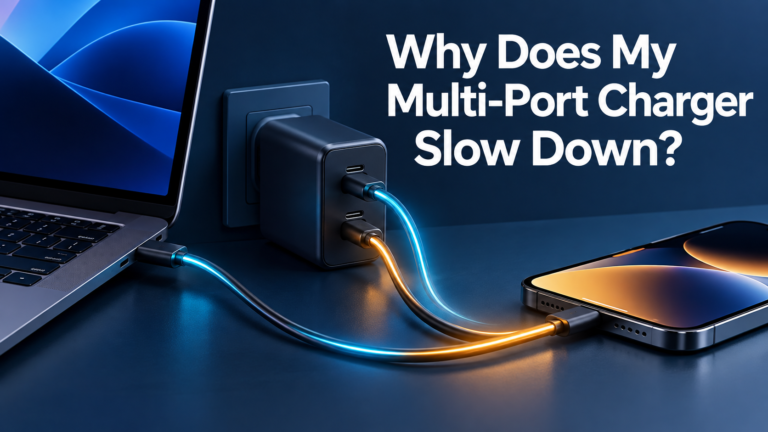
Why does charging slow down when I connect another device?
The charger is sharing a fixed total power budget. Connecting another device can trigger a new allocation, reducing the wattage available to the first port.
Do I need a special cable for 100W charging?
Yes. Use a USB-C cable explicitly rated for the required power. For higher-current charging, an e-marked 5A cable is commonly required. The device must also support the same charging standard.
What wattage is best for travel?
For most travelers, 65W offers the best balance of size and capability. A 100W model makes sense when you carry a high-power laptop or need faster simultaneous charging.
Final Verdict
The Baseus PicoGo AE11 67W is the best fit for most travelers because it combines practical power, three ports, and a compact body. Choose the UGREEN Nexode X606 for laptop-focused travel, the Anker Prime 100W for a polished premium wall charger, or the Anker Prime 200W when a multi-device desktop setup needs significantly more total power.
No single GaN charger is best for every device combination. Match the charger’s single-port and multi-port output tables to your actual equipment, then pair it with appropriately rated cables.


One Comment