

How to Choose a Multi-Port Charger
How to Choose a Multi-Port Charger
Choose the right number of ports, total wattage, charging protocols, and power-sharing design for your phone, tablet, laptop, and everyday accessories.
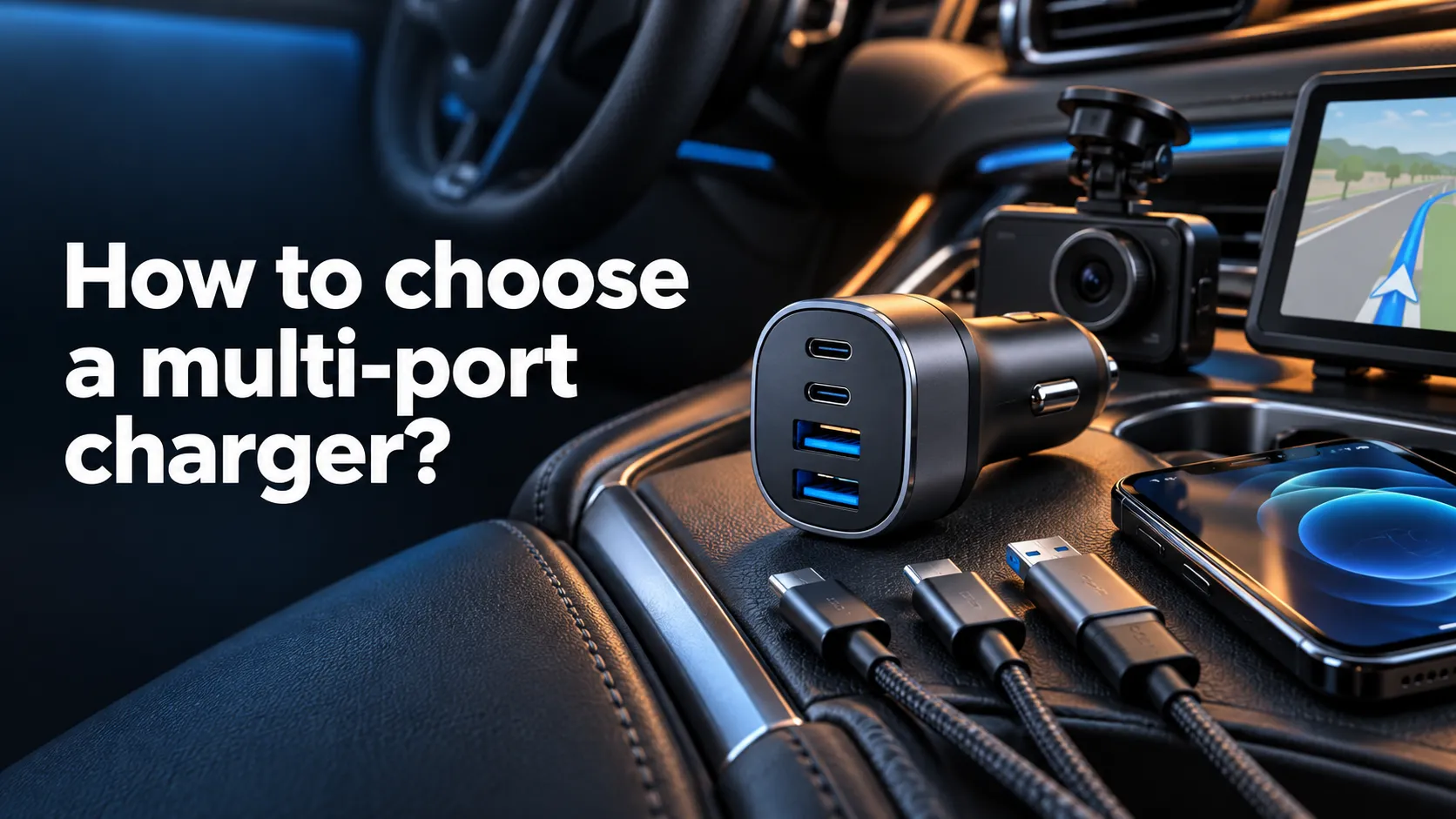
Quick answer
To learn how to choose a multi-port charger, count the devices you actually charge together, add their realistic wattage needs, and confirm how the charger distributes power across its ports. For a phone and earbuds, 30W–45W may be enough. A phone and USB-C laptop often fit a well-documented 65W–100W charger, while multiple laptops may require 140W–240W total output.
Choose by your real charging setup
| Typical setup | Useful port mix | Practical total power |
|---|---|---|
| Phone + earbuds | 1–2 USB-C | 30W–45W |
| Phone + tablet | 2 USB-C | 45W–65W |
| Phone + laptop | 2–3 USB-C | 65W–100W |
| Laptop + tablet + phone | 3 USB-C | 100W–140W |
| Multiple laptops or family desk | 3–6 mixed ports | 140W–240W+ |
These are planning ranges, not universal requirements. Check each device’s official input specification and the charger’s output table before buying.
Count the devices you charge at the same time
Do not choose a charger only because it has the largest number of ports. Start with simultaneous use. If you normally charge a laptop and phone together, two capable USB-C ports may be more useful than six low-power ports. Add one spare port only when you expect to use it for travel, a watch, earbuds, or another person’s device.
Port type matters as much as port count. Modern phones, tablets, laptops, handheld consoles, and power banks increasingly use USB-C. USB-A remains useful for older cables and small accessories, but it may not support the speed or power of the charger’s main USB-C ports.
Calculate the total wattage you need
A multi-port charger’s headline wattage usually describes its maximum combined capacity. It does not mean every port can provide that number at once. First identify the wattage of your highest-power device, then add the realistic demand of the other devices you expect to connect simultaneously.
For a detailed device-by-device calculation, read our guide on what watt charger you need. It explains phone, tablet, laptop, power-bank, and cable requirements without assuming that more wattage always means faster charging.
Read the power-sharing table
Power distribution is the most important specification many buyers miss. A charger may advertise 100W from its primary USB-C port when used alone, then change to 65W + 30W when a second device is connected. With three devices, the split might change again.
Look for a clear allocation chart covering every port combination. Labels such as C1, C2, C3, and A1 should match the physical ports. If the manufacturer does not explain multi-device output, you cannot confidently know whether your laptop will continue receiving enough power.
Watch for reconnection behavior
Some multi-port chargers briefly renegotiate power when another device is connected or removed. A momentary pause can be normal, but it may interrupt sensitive accessories or cause a laptop charging indicator to flash. Clear product documentation and reputable engineering reduce surprises.
Match the charging protocols
USB-C and USB-A describe connector types, not guaranteed charging speeds. For broad compatibility, look for USB Power Delivery support. Phones that use Programmable Power Supply profiles may need USB PD PPS to activate their best supported rate. Other devices can rely on brand-specific charging systems.
- USB Power Delivery for many phones, tablets, and laptops
- PPS for compatible Samsung and other devices
- Appropriate USB-C cable rating
- Clear voltage and current profiles
- Documented multi-port allocation
- Compatibility with your exact device models
A high wattage number cannot compensate for a missing protocol. A charger may be safe and functional while charging more slowly than expected because the device and charger cannot agree on the preferred profile.
Decide whether you need a GaN charger
Gallium nitride designs can help manufacturers build smaller high-power chargers with efficient switching. That makes GaN especially attractive for travel and crowded power strips. However, the GaN label alone does not prove that a charger has good thermal management, accurate power sharing, or strong safety protections.
Compare the complete specification: output profiles, size, plug design, temperature behavior, warranty, certification, and seller reputation. A well-designed conventional charger can be a better choice than a poorly documented GaN model.
Choose wall charger or desktop station
Wall-mounted multi-port charger
This is usually the simplest option for travel, bedside use, and light everyday charging. Look for a secure plug, compact body, sensible weight, and foldable prongs when portability matters.
Desktop charging station
A station with an AC cable can keep a heavy charger off the wall and place the ports within reach. It suits a work desk, family charging area, studio, or setup with several cables. Check cable length, ventilation, anti-slip feet, and total output.
Travel charger
Confirm input-voltage support and remember that plug shape and voltage conversion are different issues. A plug adapter changes the physical connection; it does not necessarily convert voltage. Always follow the charger’s label and local electrical requirements.
Check safety, documentation, and seller quality
A multi-port charger manages several devices and potentially high total power, so vague specifications are a warning sign. Prefer products with legible electrical markings, recognized safety testing appropriate to the market, over-current and over-temperature protection, a real warranty, and a traceable manufacturer or seller.
Avoid damaged, recalled, counterfeit, or unusually hot equipment. Stop using a charger if it produces smoke, sparks, cracking, discoloration, an unusual smell, or persistent abnormal heat. Do not cover a high-power charger or use it where ventilation is blocked.
Common multi-port charger buying mistakes
- Looking only at total wattage: per-port limits determine whether a laptop receives enough power.
- Ignoring simultaneous output: connecting another device can change the allocation.
- Assuming every USB-C port is equal: the primary port often supports the highest output.
- Forgetting the cable: a cable can limit power even when the charger is capable.
- Confusing connector with protocol: USB-C does not automatically mean PD, PPS, or fast charging.
- Buying too many low-power ports: fewer capable ports may serve your devices better.
- Trusting unsupported claims: prioritize documentation, warranty, and recognized testing.
Which multi-port charger should you choose?
| Buyer | Recommended configuration | Key feature |
|---|---|---|
| Phone-focused user | 30W–45W, 2 ports | Compact USB-C PD design |
| Phone + tablet user | 45W–65W, 2–3 ports | Useful dual-port allocation |
| Laptop traveler | 65W–100W, 2–3 USB-C ports | Portable GaN design and foldable plug |
| Desk professional | 100W–140W, 3–4 ports | Stable laptop output with other devices connected |
| Family or multi-laptop setup | 140W–240W+, 4–6 ports | Clear allocation table and desktop form factor |
The best charger is not automatically the one with the most power. It is the model that delivers the required wattage from the right ports when your actual devices are connected together.
Frequently asked questions
Is a multi-port charger safe?
A reputable, compatible, undamaged charger with appropriate safety testing and clear specifications should manage connected devices safely. Avoid counterfeit, recalled, damaged, or poorly documented products.
Does using multiple ports reduce charging speed?
Often it can. Many chargers redistribute a shared power budget when additional devices connect. Read the model’s output-allocation chart for the exact combination.
Is a 65W multi-port charger enough for a laptop?
It depends on the laptop and what else is connected. A laptop requiring 65W may receive less after a phone is added, so a 100W model can provide more useful headroom.
Are GaN multi-port chargers better?
GaN can enable a smaller and more efficient design, but engineering quality, protocols, thermal management, certification, and power allocation remain essential.
Can one charger power a phone, tablet, and laptop?
Yes, when it has enough combined output, suitable ports, compatible protocols, and an allocation that preserves adequate power for the laptop.
How many USB-C ports should a charger have?
Choose enough for the USB-C devices you routinely charge at once, usually two or three for an individual setup. Add a spare only when it has a clear use.
Does the charging cable affect output?
Yes. The cable must support the required current and power profile. A damaged or lower-capability cable can reduce speed or prevent the intended charging mode.
Your next step
List the devices you charge together, note the wattage and charging protocol for each, then compare those needs with the charger’s multi-port allocation table. Start with our charger wattage guide if you have not calculated your power requirement yet.
Once you know your device requirements, compare the options in our multi-device USB-C charger buying guide. For a compact wall charger, also see our GaN charger guide. Match the exact model’s shared-port allocation to the devices you plan to connect; the headline wattage alone is not enough.
Reference: USB-IF Power Delivery guidance. Editorial content is research-led and does not claim hands-on testing.


19 Comments