Can You Charge Two Phones With One Power Bank? 7 Power-Sharing Checks
Two phones. One power bank. Know what the ports can actually deliver.
You can often charge two phones with one power bank, but two sockets do not guarantee two fast-charging connections. The useful specification is the output available with both ports occupied.
As an Amazon Associate, MultiChargers earns from qualifying purchases. Shopping links below open Amazon search results; confirm the exact model, seller, port combination, and current specifications before buying.
Quick answer: can you charge two phones with one power bank?
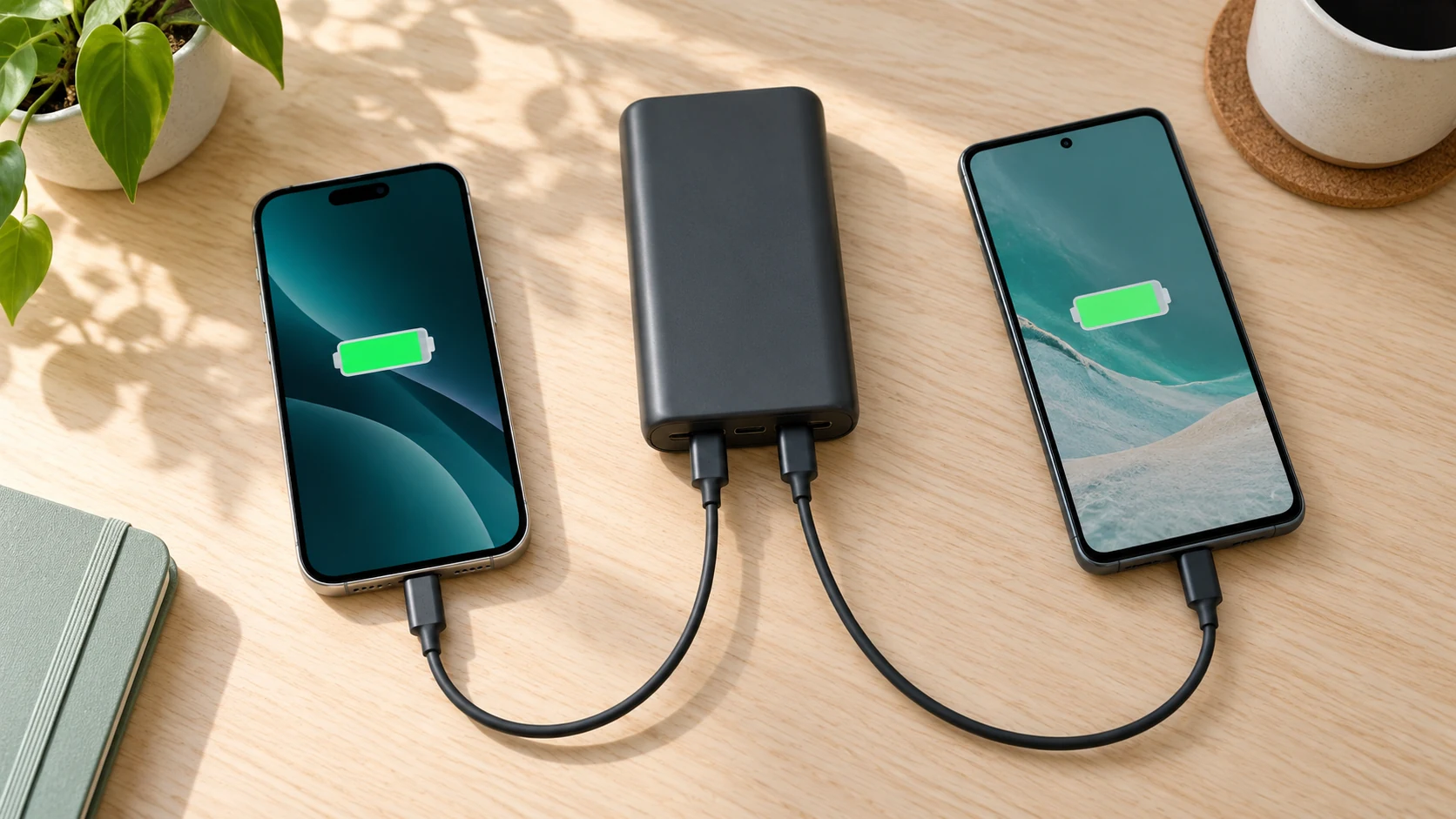
Yes, if the power bank explicitly supports simultaneous output to two devices. Connect each phone to its own supported output using a compatible cable. Then check the manufacturer’s combined-output table: the maximum printed beside one port may apply only when that port is used alone. Both phones may charge more slowly, and the power bank will use its stored energy to supply both.
For two fast-charging phones, look for supported protocols and a documented two-port allocation that meets each phone’s needs. A large mAh number tells you about stored capacity, not how much charging power two ports can supply together.
Start with a documented dual-output power bank
For a shared travel kit, compare USB-C PD power banks with two usable outputs and a clearly published simultaneous-output chart. Match the chart to your two phone models before comparing capacity, size, or price.
Compare dual-output power banks on AmazonWhy charging two phones changes the power budget
A power bank contains stored battery energy and electronics that convert it into suitable USB output. Connecting a second phone creates another demand on those electronics. The bank must keep both outputs within its electrical and thermal limits, using the allocation rules designed for that specific model.
Some models maintain useful fast charging on both outputs. Others switch to a lower shared output when two connectors are active. There is no universal rule that power always splits equally, or that a 40W headline means two phones automatically receive 20W each. The manual’s port-combination table is more useful than the biggest number on the packaging.
USB Power Delivery also involves coordination between a source and a connected device. The USB-IF’s USB Power Delivery overview explains this flexible power relationship. For your setup, the available profile must be supported by the power bank, the phone, and the cable. A higher-capacity bank does not remove that compatibility requirement.
Keep three questions separate: can both phones charge at all, can both obtain their preferred fast-charging mode, and does the bank contain enough energy for your trip? A product can succeed at the first question while falling short on the other two.
7 checks before you charge two phones with one power bank
1. Confirm that both connectors are outputs
Read the labels on the power bank and the matching manual. USB-C can be input, output, or both; the connector shape alone does not tell you its role. An input-only port recharges the power bank and cannot serve as the second phone output. A built-in cable may have its own separate rating or restrictions.
Look for an explicit statement that two devices can be charged simultaneously. If the product has one USB-C output and one USB-A output, you need a suitable cable for each. If both outputs are USB-C, verify that both are usable together. Avoid substituting a passive splitter cable for a second documented output: it does not create two independent, properly specified charging ports.
Use the exact model number rather than a family name. Closely named versions may have different connector roles. This is particularly useful when a retailer reuses photos across several capacities or generations.
2. Read the combined-output rating, not just the headline
Find a row such as USB-C1 + USB-C2, USB-C + USB-A, or two devices. That row describes the mode you intend to use. A bank marketed around its strongest single output may offer substantially less power with another connector occupied. If the listing does not show a simultaneous-output chart, ask the manufacturer or choose a model with clearer documentation.
A concrete example comes from Belkin’s support guide for the power bank included with ENA001: either USB-C port can supply up to 20W alone, while using both limits their combined output to 15W. Those are specifications for that particular product, not a rule for all dual-USB-C banks. They demonstrate why doubling a single-port rating gives the wrong answer.
When a manual publishes separate allocations, keep the ports straight. A documented 30W + 20W example would mean those two port limits in that particular mode, not an interchangeable 50W pool. These example numbers are illustrative and do not describe every product.
| Specification | What it answers | What it does not prove |
|---|---|---|
| Two output ports | Possible connector paths | Both support fast charging together |
| Maximum single-port watts | One output’s ceiling in its stated mode | That ceiling remains with two devices |
| Two-port output chart | Published limits for the combination | Both phones constantly draw the maximum |
| mAh or Wh capacity | Stored-energy specification | Simultaneous charging speed |
3. Match the charging protocol to each phone
A phone’s maximum advertised charging speed is conditional. The bank needs the compatible charging protocol and output profile; the phone must also be in a state where it can accept that power. USB-C PD compatibility is useful for many phones, but some models require PPS or a manufacturer’s specific fast-charging system to reach their fastest mode.
Check each phone separately. Two phones with USB-C sockets can still have different charging requirements. A bank can offer basic charging to both while supporting the fastest mode on only one. The displayed charging icon confirms a connection, but it does not provide a precise measurement of battery charging watts.
If Samsung or another phone needs PPS for its preferred charging mode, confirm that PPS remains available in the exact two-port combination. Our guide to what PPS charging means explains why protocol support deserves its own check. Do not assume that every port on a PD power bank offers identical features.
4. Use two suitable cables with secure connections
Use one appropriate charging cable for each phone. Match both ends, check the manufacturer’s required cable rating, and inspect the connectors for damage or contamination. A cable that worked with an older low-power charger may not meet a newer phone’s fast-charging requirements. Higher cable ratings can support compatible modes, but cannot make a phone request more power than it supports.
Not every phone setup needs a 5A cable. Some higher-current charging modes do; many everyday phone connections do not. Check the model’s instructions before buying an unnecessarily expensive cable. Our 3A versus 5A USB-C cable guide can help you understand the distinction.
Fully insert the plugs without forcing them. Keep cable bends gentle near the connector and leave enough slack for both phones to rest flat. If one phone repeatedly disconnects, test that cable and port individually rather than assuming the power bank’s total capacity is too small.
5. Compare battery levels, workload, and temperature
Two phones connected to the same bank will not necessarily gain percentage at the same rate. They may have different battery sizes, charging limits, starting levels, background activity, and thermal conditions. A phone near full can deliberately accept less power than one at a lower level. Percentage gained is therefore a poor shortcut for comparing two output ports.
For a useful basic comparison, let both phones cool, stop demanding tasks, and record each starting percentage. Turn off the screens for a fixed observation interval. Compare each phone with its own single-phone result rather than comparing unlike devices directly. This does not produce laboratory-quality efficiency data, but it can reveal a practical problem with a particular combination.
Gaming, video calls, navigation, and hotspot use can consume power while charging. The battery gains only what remains after the phone’s operating demand and charging losses. If one phone barely gains charge during navigation, repeat the check while it is idle before deciding the bank is defective.
6. Plan enough stored energy for both phones
Both devices draw from the same energy reserve. Connecting two phones does not duplicate the bank’s capacity. It can reduce the time until the bank needs recharging, even if either phone charges more slowly than it would alone. Think about the combined energy needed to reach your target levels rather than promising a fixed number of complete charges.
A useful planning method is to start with each phone battery’s watt-hours, where available, and multiply by the fraction you want to replace. For example, two hypothetical 18Wh phone batteries each going from 25% to 75% need roughly 18Wh added to their batteries in total: 9Wh each. The power bank must supply more than that because energy conversion, charging losses, and phone activity also consume energy. This is a planning example, not a measured result or a guaranteed efficiency figure.
Compare energy specifications at compatible voltage references. Raw mAh numbers from different batteries can be misleading without their voltage. Read our power bank mAh versus Wh guide before estimating trip coverage. Leave a practical reserve for delays, cold conditions, or heavier phone use rather than relying on an exact theoretical recharge count.
7. Keep the setup ventilated and check for abnormal behavior
Place the bank and both phones on a firm, dry, uncovered surface. Do not trap them under bedding or pack them into a closed bag while charging. Avoid direct sun and a hot parked car. Follow the operating temperature range in the exact product manual, because a general recommendation cannot replace the model’s limits.
Anker’s power bank safety guide emphasizes suitable conditions and avoiding heat-trapping surroundings. If the bank or a connector becomes unusually hot, stop and inspect the setup. Swelling, leakage, a damaged case, or a burning smell requires discontinuing use and following manufacturer guidance; swapping cables does not make a damaged battery safe.
A brief charging interruption when another device connects may reflect power reallocation on some models. Persistent cycling is different: disconnect both phones and test one known-good cable and phone at a time. If cycling continues in a supported configuration, contact the manufacturer rather than repeatedly forcing the connection.
A simple two-phone troubleshooting sequence
- Start with the manual. Confirm simultaneous output and identify the documented port pair.
- Test phone A alone. Use its normal compatible cable, let it cool, and confirm that its battery level rises while idle.
- Test phone B alone. Repeat using the other output and its own cable.
- Connect both. Watch for a stable charging connection and compare the behavior with the combined-output chart.
- Change one variable. If only one connection fails, try a known-good cable or another supported port combination.
- Stop for abnormal heat or damage. Use manufacturer support for persistent faults.
Keep notes about starting battery levels and which connectors you used. Without that information, a slower second test may simply involve a fuller or warmer phone. If both phones work alone but slow down together in a way the manual predicts, you have identified a shared-output limit rather than necessarily finding a fault.
If fast charging still fails with one phone, follow our power bank not fast charging troubleshooting guide. Replacing the whole bank should follow a compatibility check, not just a comparison between two charging animations.
When alternating between phones makes more sense
Simultaneous charging is convenient when both phones need a modest top-up and there is enough time. Charging one at a time can be better when a particular bank reduces its combined output substantially, or when one phone urgently needs enough charge for navigation, boarding passes, or calls. Give the priority phone access to the strongest supported output, then switch when it has reached a useful level.
Do not assume alternating is always faster overall. A bank that maintains strong independent outputs may serve both phones effectively at once. Conversely, a low combined limit can make simultaneous charging less useful for a short stop. The answer depends on the actual power allocation and the phones’ changing demands.
For overnight or long unattended periods, follow each product’s guidance and use an appropriate placement. Charging two phones does not change the need to keep the equipment dry and uncovered. If you are also recharging the bank, check separate pass-through instructions; simultaneous phone output alone does not establish pass-through support.
What to compare when buying for two phones
Prioritize clear documentation: two usable outputs, the simultaneous-output table, protocol support per port, and suitable cables. Then choose enough energy capacity and a size you will actually carry. A larger laptop-oriented power bank may offer more output headroom, but it can also add weight and unnecessary cost for two basic phone top-ups.
For stronger simultaneous charging: documented multi-port PD models
Compare models that publish separate two-port allocations. Confirm PD and any needed PPS support for both phones in the same operating mode. The listing’s headline wattage alone is not enough to establish this.
Compare multi-port PD power banks on AmazonFor reliable connections: compatible USB-C charging cables
Choose cables with the connector type and current rating your phones require. Inspect length, connector fit, and the manufacturer’s specifications; a cable bundle is useful only if both cables suit the actual devices.
Compare charging cables on AmazonThese are shopping categories rather than hands-on product rankings. We do not claim to have measured charging times or tested every listing. Check the current product documentation and seller details before purchasing, especially if a listing combines several model variants.
Frequently asked questions
Can I charge two phones with one power bank at the same time?
Yes, when the exact power bank supports simultaneous output through two usable outputs. Use a separate suitable cable for each phone and check the combined-output limits in the manual.
Will both phones fast charge together?
Only if the power bank supports the required protocols and enough output for both phones in that port combination. A fast single-port rating does not guarantee fast charging on two ports at once.
Does the power split equally between two phones?
Not necessarily. Allocation depends on the power bank design, its port-combination rules, and each phone’s current demand. Do not assume a shared rating divides into two equal fixed outputs.
Does a 20,000mAh power bank charge two phones faster than a 10,000mAh one?
Capacity alone does not establish charging speed. Compare simultaneous output watts, protocol support, and cable requirements. Higher capacity mainly describes a larger stored-energy reserve at the stated battery voltage.
Can I use a USB splitter to charge two phones?
Use two documented power bank outputs instead. A passive splitter does not create two independent specified charging outputs or guarantee appropriate fast-charging negotiation for both phones.
Why does charging pause when I connect the second phone?
Some power banks briefly interrupt output while reallocating power. Check the manual. Repeated disconnects, abnormal heat, or failure in a supported configuration deserve cable checks and manufacturer support.
Can I recharge the bank while it charges two phones?
Only if the manufacturer explicitly supports that pass-through configuration. Its output limits may differ from ordinary two-phone use, and some models do not support pass-through charging at all.
The practical takeaway
You can charge two phones with one power bank when the model supports it, but simultaneous performance depends on the port pair, combined watts, protocols, cables, and the phones themselves. Read the two-port chart, test each connection individually, and plan enough stored energy for both devices. When one phone needs an urgent boost and the bank has a restrictive shared limit, prioritizing that phone can be the more useful choice.

Charging Technology Researcher
Daniel explains charging compatibility, power specifications, and practical troubleshooting using manufacturer documentation and clearly labeled examples.