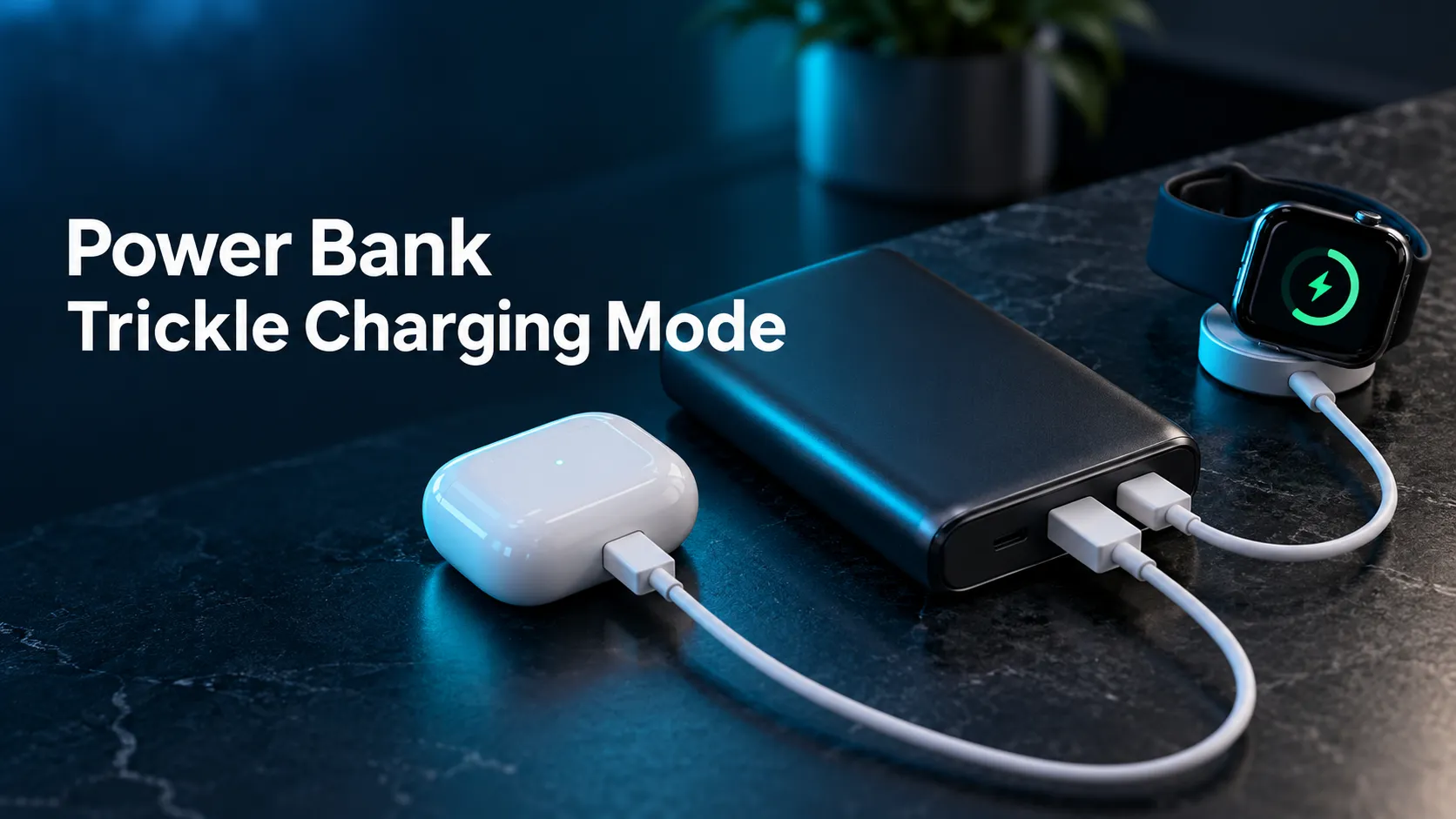
Power Bank Trickle Charging Mode: 7 Checks for Earbuds and Watches
A power bank can charge your phone perfectly and still stop charging your earbuds.
Power bank trickle charging mode helps some portable chargers maintain output for accessories that draw very little current. Before replacing your earbuds, watch cable, or power bank, check whether your model has a supported low-current setting.
As an Amazon Associate, MultiChargers earns from qualifying purchases. Amazon buttons open shopping search results. Confirm the exact model, current specifications, seller, and accessory compatibility before purchasing.
Quick answer: what is power bank trickle charging mode?
It is a manufacturer-defined mode for charging low-power accessories without the power bank ending the session too soon. Some brands call it low-current mode. It is useful for compatible earbuds, fitness trackers, smart rings, and watches whose charging demand may fall below the bank’s normal detection threshold.
The activation method, supported ports, indicators, time limit, and minimum detectable load vary by model. Follow the exact manual. This setting does not make incompatible connectors work, repair damaged batteries, or guarantee smartwatch fast charging.
Shopping for earbuds and wearables?
Start with a power bank that explicitly documents a low-current or trickle charging mode. Check which port supports it and whether the session lasts long enough for your accessory. A bigger wattage number alone will not solve an automatic-shutoff problem.
Compare low-current power banks on AmazonWhy a power bank turns off when charging earbuds
A portable charger needs a way to decide whether anything is using its output. Many designs stop supplying power when the connected load is absent or falls below a detection threshold. That behavior saves stored energy when a cable is left connected or a device has finished charging.
A small accessory can look similar to an inactive connection. Its battery may require little power, and its demand can fall further as charging approaches completion. The result can be confusing: the bank starts charging the case, its lights turn off, and the case later appears only partly charged. This does not automatically mean that either battery is defective.
There is no single current threshold that applies to all power banks or accessories. Do not use a number from one brand’s support article as a universal specification. The output controller, port type, firmware, accessory behavior, and operating mode all affect the result. The useful first question is whether your bank’s manual identifies a mode intended for small loads.
Our broader guide to a power bank that keeps turning off covers other causes. This article focuses on earbuds and wearables, where low demand is especially relevant. If the bank also fails with an ordinary phone, widen the diagnosis rather than assuming a small-device setting will fix every fault.
What trickle charging means in this context
The phrase can cause confusion because it is also used in other battery-charging contexts. For a consumer USB power bank, treat it as the manufacturer’s name for an accessory mode. It does not mean you should directly apply a continuous charge to a bare lithium battery or bypass the accessory’s internal charging electronics.
The power bank supplies compatible USB power to the accessory’s input. The case, watch charger, or other device manages the battery charging process through its own design. Activating an accessory mode changes how the bank handles a small connected load; it does not remove the need for a correct cable, charging base, and supported electrical connection.
Anker’s low-current charging guidance describes its trickle charging mode as intended for small accessories and notes that support must be confirmed for the specific model. Its instructions also include a time limit and a minimum detectable load. Those conditions are a useful reminder that even an accessory mode is not an unrestricted always-on supply.
A low-current mode should also be distinguished from phone battery optimization. Your phone may use a charging limit or pause near full charge for its own reasons. A power bank mode is a separate feature on the source device. Check which piece of equipment is actually stopping the session before changing settings.
7 checks for reliable small-device charging
1. Identify the exact bank and accessory models
Read the model number printed on the bank and locate its current official manual. Product family names are not enough: different generations, capacities, and connector layouts can have different accessory modes. A listing that combines several variants may show instructions that do not match the unit you own.
Do the same for the accessory. An earbud case can have different charging options from the earbuds themselves. A smartwatch cable can require a particular connector or power source to enable its preferred charging mode. Record the case or watch model, bank model, cable type, and output port so that you can compare the instructions without guessing.
If the bank’s documentation does not mention small-device support, contact the manufacturer. Do not infer support from a green light, a double-click response, or a similar-looking product in a video. A feature advertised for one model may not exist on another.
2. Confirm which outputs support the mode
Inspect the manual’s port diagram. USB-C may be input, output, or both, and some accessory modes are restricted to a particular output. A built-in cable can have separate behavior from an external socket. Having the right connector shape is necessary, but it does not establish the full feature set.
For example, the Anker Zolo A1688 user guide describes a trickle charging procedure for low-power devices through USB-A. That model-specific port instruction should not be generalized to every USB-C output. Follow the combination listed for your own unit.
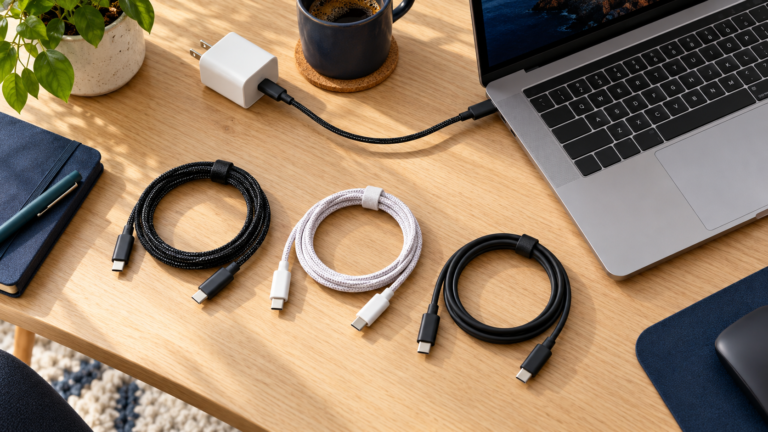
Use a normal suitable cable between the supported output and the accessory input. Avoid passive splitter cables or improvised adapters as a way to create another charging channel. If the required cable is missing, replace it with a compatible accessory rather than forcing a different connector into place.
3. Follow the documented activation sequence
Many supported models use a double press of the power button, but you should not treat that as a universal instruction. Other products can use a long press, menu, app setting, or a different procedure. Follow the manual’s steps in order, including whether the accessory should be connected before or after activation.
Look for the specified confirmation signal. It might be a status dot, a different LED pattern, or a display label. A single illuminated light can also mean remaining battery charge, so make sure you are reading the indicator the manual identifies as the mode confirmation.
Belkin’s BU054 troubleshooting guide gives one concrete example: double-pressing activates Low Current Mode, a flowing LED animation confirms it, and the mode exits after up to two hours. These details apply to BU054. A different bank may have another indicator or duration.
4. Check the accessory’s actual charging status
Inspect the earbud case indicator or the watch’s charging screen, then confirm that the battery level rises over a reasonable interval. The power bank’s lights indicate its own state; they do not prove that a connected battery is accepting energy. An illuminated case can also reflect remaining charge rather than active charging.
For earbuds, check both the case and the earbuds. A charged case cannot reliably charge an earbud if its contacts are dirty or the earbud is not seated correctly. Follow the manufacturer’s cleaning instructions, remove obvious obstructions safely, and avoid inserting metal objects into ports or contacts.
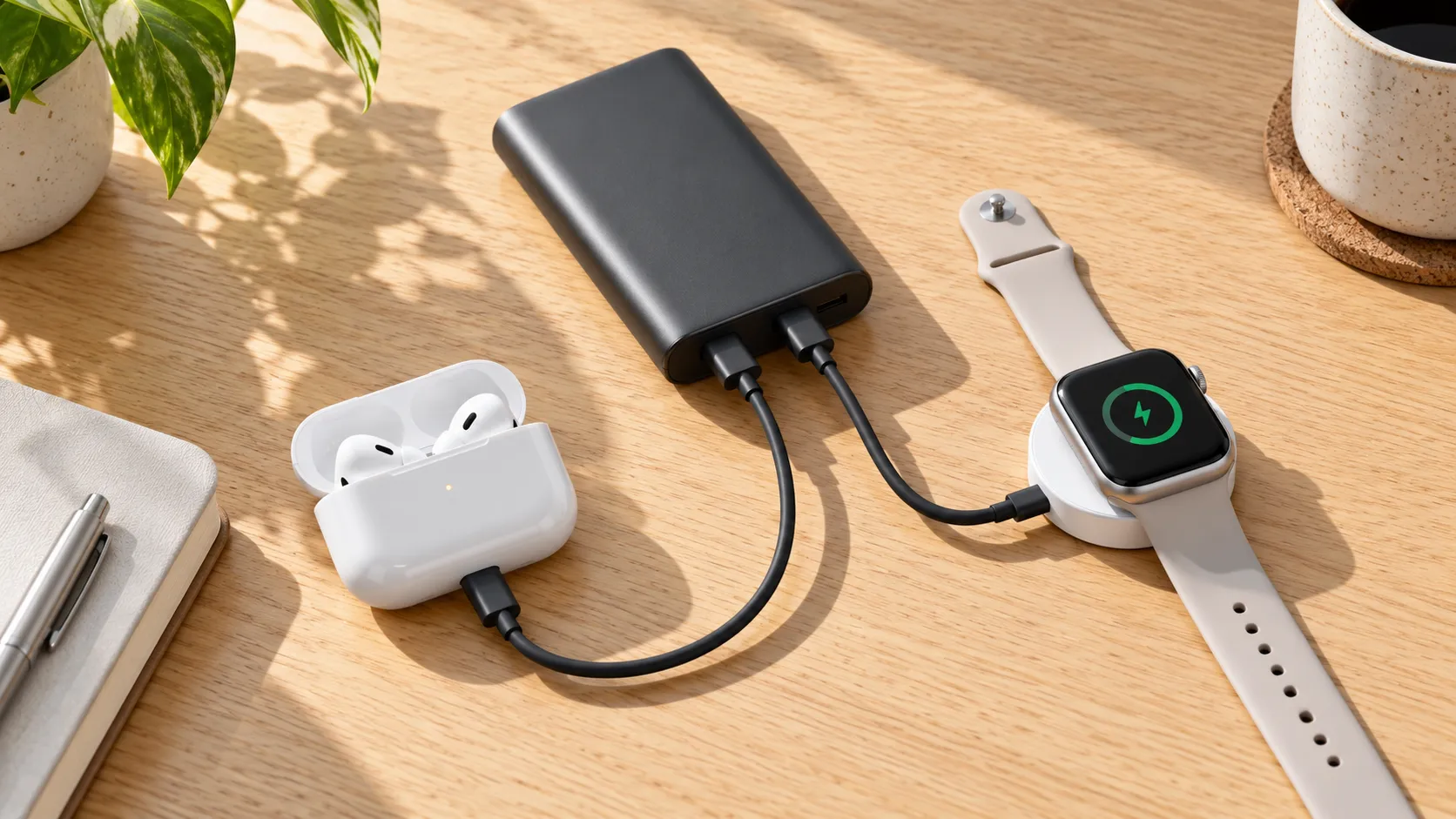
For a watch, align the compatible puck as the watch manufacturer instructs and remove any obstruction that prevents contact. A magnetic attachment alone does not prove correct charging alignment. A poor fit can explain a failed session even when the bank’s low-current output remains active.
5. Account for timeouts and changing demand
Accessory modes can end automatically. The documented interval may be long enough for a small top-up but shorter than a depleted accessory’s full charging session. Check the manual instead of assuming the mode stays on indefinitely. If charging ends at the published timeout, compare the accessory’s resulting level before describing the bank as faulty.
An accessory’s draw also changes during charging. It may accept more power when depleted and very little near full. A session that starts normally but later stops can therefore have a different cause from a connection that never starts at all. Notes about timing and starting battery level help separate these cases.
If you need continuous power for a sensor, project, or other device, a consumer bank’s accessory mode may not be appropriate. Use a power source explicitly specified for that use. Do not modify a power bank’s protective controls or add an improvised electrical load to defeat automatic shutoff.
6. Separate current detection from cable or protocol problems
A damaged cable, unsuitable port, or accessory connection problem can resemble an automatic-shutoff issue. Test the accessory with its usual supported wall charger first. If it does not charge there either, investigate the accessory and cable before adjusting the bank. If it works there, move back to the bank with one known-good connection.
USB-C fast-charging features are another separate question. A low-current mode is about supporting small loads; it does not guarantee the output profile required for a watch’s fast charging. If speed matters, read the watch’s requirements and the bank’s port specifications together. The charger supplied with a watch can contain important compatibility features beyond the magnetic shape.
For a phone connection, our power bank fast-charging troubleshooting guide covers protocols and cable limits. For small accessories, prioritize a stable supported connection before comparing speed. A 100W headline rating is not evidence that a bank detects an earbud case better than a lower-power model.
7. Use suitable conditions and stop for damage
Charge on a dry, firm, uncovered surface with room around the bank and accessories. Keep the setup out of direct sun and away from heat-trapping bedding or a closed bag. Follow each manufacturer’s operating-temperature guidance; small batteries still need suitable conditions even when their charging demand is low.
Do not charge wet earbuds or a wet case. Water resistance does not mean charging while wet is appropriate. Apple’s AirPods water-resistance guidance distinguishes resistance from waterproofing and includes care instructions after exposure. For another brand, follow that accessory’s own guidance before reconnecting power.
Stop using equipment with swelling, leakage, a burning smell, visible connector damage, or unusual heat. An accessory mode is not a repair for a damaged battery. Contact the manufacturer for next steps and follow local battery handling and recycling guidance where relevant.
A troubleshooting table for earbuds and watches
| What you observe | Possible explanation | Useful next check |
|---|---|---|
| Phone works, earbud case stops | Small-load detection or accessory connection | Supported low-current mode and a known-good cable |
| Mode starts but ends later | Published timeout or declining demand | Manual’s duration and accessory battery level |
| Watch attaches but does not charge | Puck fit, compatibility, or power connection | Original compatible charger and correct alignment |
| No device charges | Depleted bank, cable fault, port problem, or bank fault | Recharge bank and test one phone individually |
| Abnormal heat or battery damage | Potential equipment fault | Stop use and contact manufacturer |
A simple test before buying replacement equipment
- Test the accessory with its usual supported source. Confirm that it can charge and record the starting level.
- Recharge the power bank. Make sure lack of stored energy is not the cause.
- Connect only the accessory. Use the exact supported output and a known-good cable or charging puck.
- Activate the documented mode. Confirm its specified indicator.
- Observe the accessory. Check whether its battery level rises and note when the session ends.
- Compare with the manual. A published timeout needs a different response from immediate failure or repeated disconnects.
Change one variable at a time. Switching the bank, cable, port, and accessory together makes it hard to identify the cause. Keep the test brief and supervised, especially if the setup has previously behaved abnormally. You do not need to drain a battery to zero or repeat full recharge cycles to perform this compatibility check.
If the mode is active but the accessory still fails, ask the manufacturer whether that model and port support your device’s demand. Provide the model numbers, cable type, indicator behavior, and approximate time until shutdown. That information is more useful than simply reporting that the power bank has a large capacity.
Can you charge a phone and earbuds together?
Possibly, if the bank supports simultaneous output in that combination. A connected phone may change the bank’s power allocation, but it is not a universal cure for a small-load issue. Check the manual’s multi-port rules and whether accessory mode continues to operate when another port is occupied.
Also check the phone’s available output in that mode. Some banks reduce the combined wattage or change supported charging profiles when a second device connects. Our guide to charging two phones with one power bank explains how to read those shared-output limits. Earbuds need less power than most phones, but the manufacturer’s combination rules still apply.
Recharging the bank at the same time introduces another question: pass-through support. Do not infer it from low-current support or multiple outputs. Read our power bank while charging guide and the exact manual before building a three-way charging setup.
What to compare when choosing a travel setup
Look for documented accessory support, supported output types, mode duration, a clear indicator, and the correct cable or watch charger. Then consider enough capacity for your phone and small accessories, reasonable weight, and a form factor that fits your bag. Avoid buying a high-capacity bank solely because a small device shuts off on your current one.
For a compact kit: documented accessory-mode banks
Compare portable models with explicit low-current support rather than guessing from wattage or brand name. Read the exact version’s manual and confirm the output you will use.
Compare compact accessory power banks on AmazonFor smartwatch charging: the right portable cable
Choose a charging cable or puck that explicitly supports your watch model. Verify connector type, manufacturer guidance, and any fast-charging requirements before pairing it with a power bank.
Compare watch charging accessories on AmazonThese links are shopping categories, not hands-on product rankings. We have not measured every listed product’s accessory detection or charging duration. Specifications and availability can vary across model versions, so current official documentation should guide the purchase.
Frequently asked questions
Does every power bank have trickle charging mode?
No. Confirm support in the exact model’s official documentation. Port support, activation, indicators, and time limits can differ.
Why does my power bank charge a phone but not earbuds?
The earbud case may draw too little current for normal detection, or there may be a cable, port, or accessory connection problem. Test the accessory with its usual source and use a supported low-current mode if available.
Is trickle charging mode the same as fast charging?
No. An accessory mode helps support small loads. Fast charging requires the appropriate device, charging source, cable or puck, and supported output profile.
Should I double-press the button on every power bank?
No. Double pressing is used on some models, but follow your exact manual. Other banks can use a different activation procedure or have no accessory mode.
Can a smartwatch charge directly from a USB cable?
Use the charging accessory specified for the watch. Many models need a compatible magnetic puck or charging base connected to the USB source.
Does low-current mode keep power on forever?
Not necessarily. It may have an automatic timeout or minimum load requirement. Check the exact model before using it as a continuous power supply.
Can I use trickle charging mode for a wet earbud case?
No. Follow the accessory manufacturer’s drying and care instructions before charging. Water resistance is not permission to charge wet equipment.
The practical takeaway
Power bank trickle charging mode can solve a specific compatibility problem: a small accessory that draws too little current for normal output detection. Confirm model support, choose the documented port, activate the correct setting, and verify the accessory’s battery level. If a suitable mode does not solve the problem, test the cable and charging accessory before replacing equipment.

Charging Technology Researcher
Daniel explains charging compatibility, power specifications, and practical troubleshooting using official documentation and clearly identified examples.