

3A vs 5A USB-C Cable: Which Do You Need for Fast Charging?
USB-C CABLE GUIDE
3A vs 5A USB-C cable: which one do you need? The answer depends on the current your device and charger negotiate, not on the largest wattage printed on the charger. A compliant 3A USB-C to USB-C cable covers many phones, tablets, and USB Power Delivery setups up to 60W at 20V. A properly rated, electronically marked 5A cable is needed when the negotiated current exceeds 3A. Higher-power USB PD Extended Power Range (EPR) setups also require an EPR-rated cable. The phone or laptop still controls how much power it accepts.
Quick Answer
Choose a reputable 3A cable if the device and charger never need more than 3A through the cable. Choose a certified or clearly specified 5A e-marked USB-C cable for charging modes that require over 3A, such as supported Samsung 45W Super Fast Charging 2.0 combinations and many 100W laptop setups. For USB PD EPR above 100W, check for a specifically rated 240W EPR cable. A 5A cable cannot turn a 25W phone into a 45W phone or add PPS to a charger that lacks it.
3A cable: up to 3 amperes; up to 60W at 20V under suitable USB PD conditions
5A cable: up to 5 amperes when identified and negotiated correctly
E-marker: electronic cable identity used for higher-current capability
Actual speed: set by device, charger, cable, protocol, port, and conditions
What Do 3A and 5A Mean?
Amperes (A) describe electrical current. A cable rating tells you the current it is designed to carry in the applicable USB-C system. It is not a promise that a device will draw that current. Power in watts is voltage multiplied by current: 20V × 3A = 60W, and 20V × 5A = 100W. USB PD can also use other voltages, so 3A does not always mean the device is charging at 60W.
For example, 9V at 3A is 27W, while 9V at 5A is 45W. Those are arithmetic illustrations, not claims that every charger exposes those exact profiles or that every device requests them. Check the charger’s actual USB PD or PPS output table and the device’s supported input. Our charger wattage guide explains why an adapter’s headline rating alone cannot predict the result.
The familiar “60W” label commonly describes a standard 3A cable at up to 20V. A traditional 5A Standard Power Range cable may be marketed as “100W.” USB PD EPR can go beyond 100W, up to 240W at higher voltage while still using at most 5A; that requires an appropriately rated EPR cable and compatible devices. Do not infer EPR support merely from a cable’s “5A” or “100W” label. USB-IF’s cable logo guidance distinguishes power ratings such as 60W and 240W.
3A vs 5A USB-C Cable: At a Glance
| Question | 3A USB-C cable | 5A USB-C cable |
|---|---|---|
| Maximum current rating | 3A | 5A |
| Common USB PD power label | 60W at up to 20V | 100W SPR at up to 20V; an EPR-rated version can support up to 240W at higher voltage |
| Cable identity for higher current | Does not need a 5A identity for ordinary 3A use | Requires appropriate electronic marking so the system can identify the cable’s capability |
| Good fit | Many phones, tablets, and laptops within 3A | Modes requiring more than 3A; some 45W Galaxy setups and higher-power laptops |
| Does it improve speed by itself? | No | No; device, adapter, and protocol must support a higher mode |
These are cable power capabilities, not USB data-transfer speeds. A cable can support high charging power while transferring data only at USB 2.0 speed. Conversely, a cable advertising fast data does not automatically prove a particular power rating. Confirm both specifications if you need them.
When Is a 3A Cable Enough?
A suitable 3A USB-C to USB-C cable is enough when the charging arrangement stays at or below 3A and the other parts of the system support the required protocol. Many everyday phone and tablet arrangements fall here. A 60W USB PD laptop arrangement at 20V and 3A is another straightforward example. This does not mean that all products labeled “60W” will supply 60W to every laptop; the charger and laptop must negotiate a matching output.
Do not replace a functioning cable only because its packaging says 60W while your phone’s charger says 65W. A 65W adapter is a capacity rating, and the phone might request far less. For multiport chargers, the available power at a specific USB-C port can also change when another device is connected. Our multi-port charger guide shows how to read per-port and shared-output tables.
When Do You Need a 5A Cable?
You need a 5A-rated cable when a supported charger and device are meant to negotiate current above 3A through that cable. This is common in certain high-power USB PD laptop setups. It is also relevant to some phone fast-charging profiles even though their wattage is lower than a laptop’s: power is voltage times current, so a lower-voltage PPS profile may need more than 3A to reach its intended level.
Samsung’s charging guidance says select Galaxy devices use a 45W or 60W USB-C adapter and a 5A-rated USB-C cable for their supported Super Fast Charging 2.0 arrangements. Model support matters. Check the exact Galaxy phone’s published limit and Samsung’s accessory requirements, then check that the charger exposes the needed USB PD PPS profile. Read our Samsung Super Fast Charging explanation for how the phone, PPS adapter, and cable negotiate together.
For a laptop that calls for more than 60W over a conventional USB PD cable, a 5A cable is commonly needed. But a “100W cable” does not create a 100W output from a 65W charger. The charger must offer the necessary fixed or adjustable power, and the laptop must request it. If the laptop’s intended power is above 100W under USB PD EPR, buy an explicitly EPR-rated cable with a suitable 240W power rating rather than assuming any older 5A cable will work.
What Is an E-Marker, and Why Does It Matter?
An e-marker is an electronic marker in a USB-C cable that communicates cable capabilities to the connected USB-C and USB PD system. For higher-current 5A operation, the charger and device need a way to identify that a suitably rated cable is present. USB-IF’s cable compliance information includes requirements and tests for e-marked cables.
The e-marker does not “boost” electricity. It reports supported cable characteristics; the charger and device still negotiate a permissible mode. A cable sold as 5A should be appropriately e-marked, but marketing text alone is not proof of certification or of a device’s charging result. The USB-IF certified product search can help verify a product when its manufacturer provides a traceable listing.
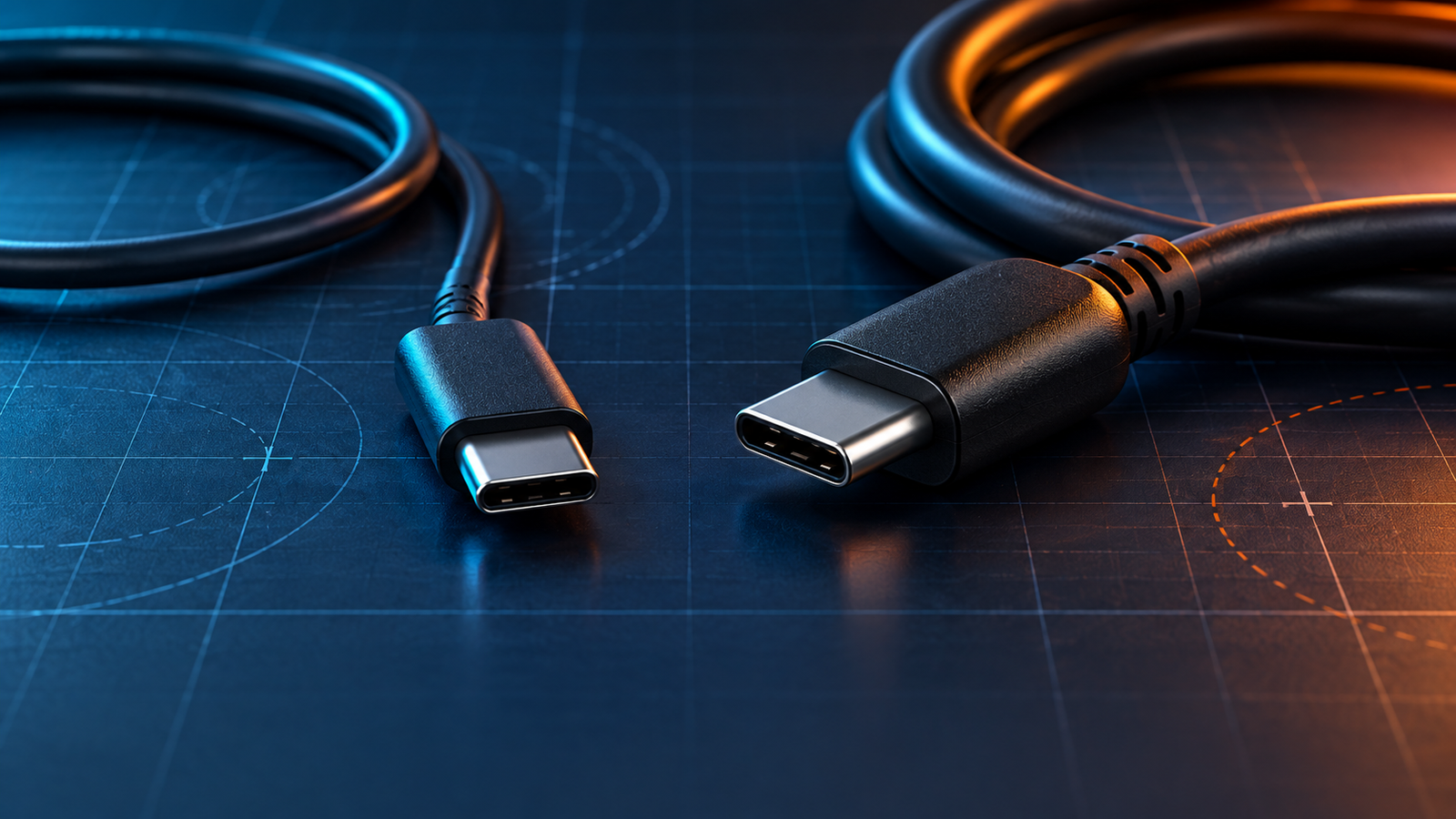
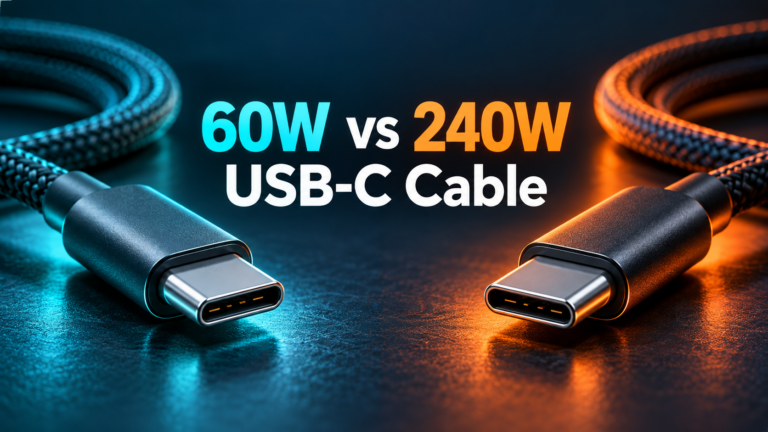
You usually cannot reliably identify 3A versus 5A by cable thickness, connector color, or how premium it feels. The comparison image above is illustrative; the real check is its published specification and, for a compatible cable, its identifiable rating. A capable USB-C/PD tester may read electronic cable information, but it is not required for an ordinary purchase.
Does Samsung 45W Charging Require 5A?
For Galaxy models that support the relevant Super Fast Charging 2.0 mode, Samsung directs users to a 5A-rated USB-C cable with a suitable 45W or 60W adapter. Samsung also says 25W charging can use a 25W USB-C adapter, while its troubleshooting guidance recommends verifying the cable when expected speeds do not appear. The exact model and adapter combination is the deciding factor; “Samsung phone” is too broad a specification. See Samsung’s current fast-charging troubleshooting page.
A 5A cable is necessary for the higher-current arrangement but not sufficient by itself. The adapter must support an appropriate PPS range, the Galaxy model must support that mode, and temperature or battery level may cause the phone to draw less power. Even when the mode is recognized, “45W” describes a maximum capability under suitable conditions, not a constant rate from empty to full. Our PPS compatibility checklist helps separate phone support from charger claims.
What About 100W and 240W USB-C Cables?
“100W” traditionally describes a 5A USB-C cable at up to 20V in the Standard Power Range context. “240W” denotes a USB PD EPR-rated cable that supports higher voltage at up to 5A. It is not a 12A cable, and the 240W number does not mean a phone or laptop will accept 240W. EPR also requires compatible charging equipment and a device designed for the relevant mode.
USB-IF’s current power-logo guidance is useful when shopping: look for a clear 60W or 240W rating on certified cable packaging rather than relying on “fast charging” alone. A seller may use older 100W terminology, so read the detailed cable specification. Check the connector on both ends; USB-C to USB-A and USB-C to USB-C products should not be treated as interchangeable merely because one end looks the same.
Does a 5A Cable Charge a Phone Faster?
Only when the previous cable was limiting a charging mode that the phone and adapter both support. If the phone draws no more than 3A, swapping a good 3A cable for a good 5A cable may produce no meaningful improvement. A 5A cable also cannot make an adapter offer PPS, increase a phone’s own charging limit, or prevent battery-level taper and temperature-based slowing.
To diagnose a slowdown, test with a known compatible wall charger, the specified USB-C port, and a sound cable. Compare from a similar battery level and temperature, with screen activity similar. If a multiport charger is involved, disconnect other devices and check its allocation chart. Avoid drawing conclusions from the brief charging animation or a single instantaneous wattage reading.
How to Buy the Right Cable
- Check the device’s charging specification. Find the exact model and the manufacturer’s accessory guidance. Note whether its desired mode requires a 5A cable or USB PD EPR.
- Read the charger’s output table. Check the specific USB-C port’s fixed PD and PPS ranges and simultaneous-use limits. Total adapter wattage is not the per-port promise.
- Match the cable power rating. Use an appropriate 3A/60W cable within 3A, a 5A cable where above-3A current is needed, and an EPR-rated cable for EPR operation.
- Check certification and seller credibility. Prefer clear product specifications and traceable USB-IF certification where available. Avoid vague “super fast” listings that omit the current or power rating.
- Check data and video separately. If you also need fast transfers, a dock, or a monitor, verify the cable’s data rate and supported features; power rating alone does not establish them.
- Choose practical length and condition. Use a suitable length from a reputable maker; inspect plugs and insulation. Replace frayed, loose, discolored, or overheating cables.
A more expensive or thicker cable is not automatically the right one. Make the purchase from published capability, exact device needs, and an honest product listing. If your setup involves a laptop and phone on one adapter, use the 65W vs 100W charger guide to think through the charger side separately.
Common Mistakes
| Mistake | Better check |
|---|---|
| “My charger says 100W, so any cable charges at 100W.” | Check per-port output, device input, negotiated voltage/current, and cable rating. |
| “A 5A cable makes my 25W phone charge at 45W.” | Check the phone’s own limit and the charger’s compatible protocol. |
| “USB 3 data speed means 5A charging.” | Verify power and data specifications separately. |
| “All 5A cables support 240W.” | Check for the appropriate USB PD EPR power rating. |
| “A cable looks thick, so it must be 5A.” | Read its published rating and certification details. |
Frequently Asked Questions
Is a 3A USB-C cable limited to 60W?
In conventional USB PD operation up to 20V, 3A yields up to 60W. At lower voltage its wattage is lower. The connected equipment must also support the appropriate output.
Is every 5A USB-C cable a 100W cable?
At 20V and 5A the arithmetic is 100W, but an EPR-rated cable can support higher voltage and up to 240W. Check the exact rating rather than treating “5A” as a complete specification.
Do I need a 5A cable for Samsung 25W?
A suitable 3A cable may work for 25W, although Samsung’s current troubleshooting page recommends a 5A-rated cable for best results in its 25W guidance. Follow the exact Galaxy model and adapter instructions if you are troubleshooting.
Can I use a 240W cable with a 25W phone?
Generally, a compliant USB-C cable with a higher power rating can be used with a lower-power device. The phone still requests only a supported mode. Confirm the connectors and product quality.
Does e-marking make data transfer faster?
No. Cable identification and data capability are separate specifications. Check the listed USB data rate and video support independently.
Why does a 5A cable still charge slowly?
The device may have a lower charging limit, the adapter may lack a needed PPS profile, another port may be sharing power, or the battery-management system may reduce demand because of charge level or heat. Check each part of the setup.
Final Takeaway
A 3A cable handles many everyday USB-C charging needs. Use a properly rated 5A e-marked cable when the supported charging mode calls for more than 3A, and an EPR-rated cable for relevant above-100W USB PD arrangements. Choose by the device’s requirements and the adapter’s actual output, then verify the cable’s published power rating. A higher cable rating gives headroom; it does not compel faster charging.



5 Comments