

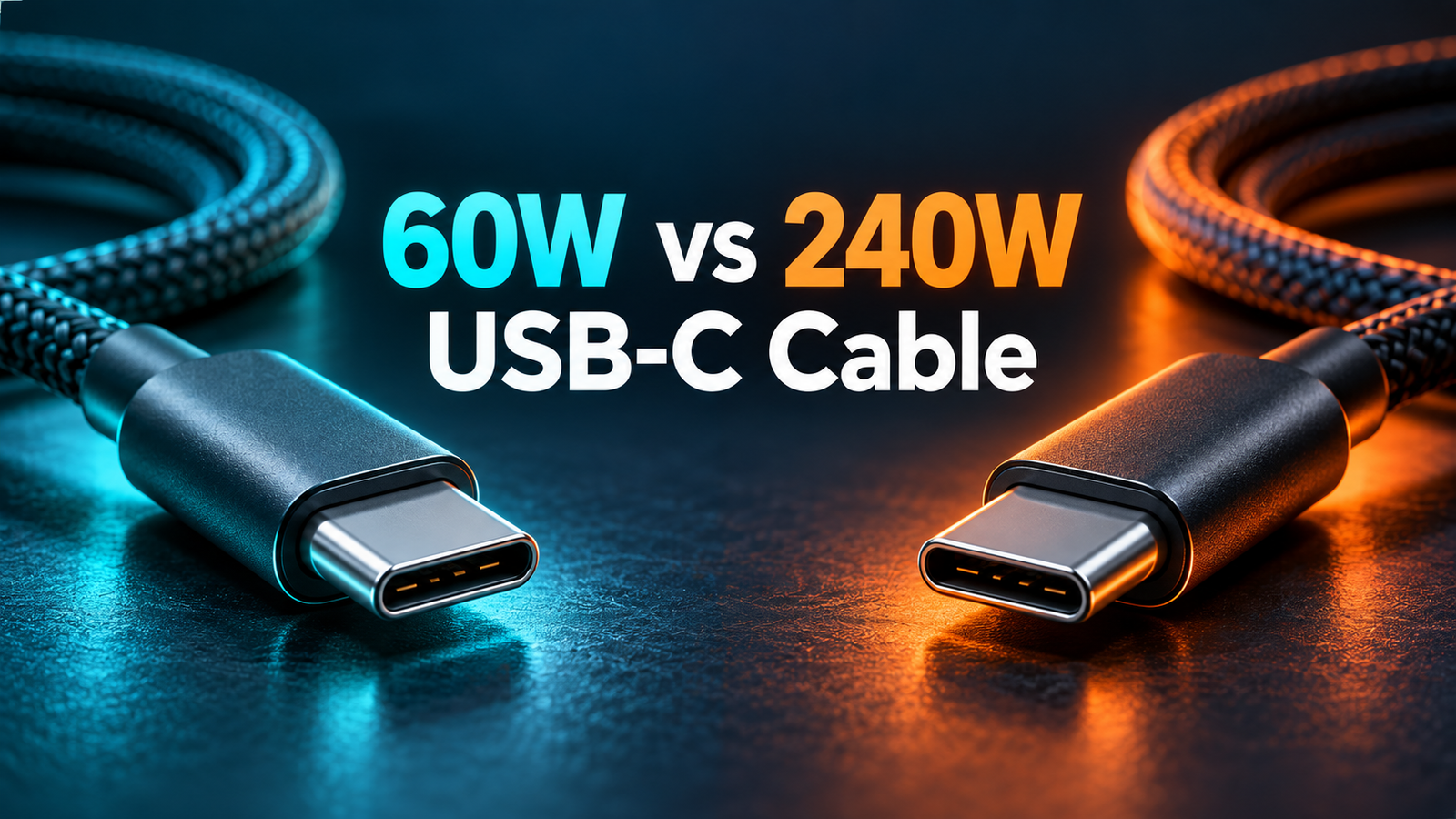
60W vs 240W USB-C Cable: Which One Do You Need?
60W vs 240W USB-C cable: which one do you need? For a phone, tablet, or laptop that draws no more than 60W through its USB-C connection, a suitable 60W cable is usually enough. Choose a properly rated 240W cable when your device and charger can use more than 60W, or when you want one cable with headroom for compatible higher-power devices. A 240W label is a capacity rating: it does not make a 20W phone take 240W, and it does not promise faster data or video.
What do the 60W and 240W cable labels mean?
They identify the cable’s supported maximum power capability in the relevant USB-C charging system. They are not a promise that every charger will output that amount or that every connected device will consume it. The USB Implementers Forum (USB-IF) requires USB-C to USB-C cables entering its compliance program to carry an appropriate 60W or 240W power-capability icon or logo. This is a useful shopping signal, especially when the cable’s appearance offers no clue about its electrical capability. See the USB-IF cable and connector guidance.
Watts equal volts multiplied by amps. The familiar 60W example is 20V × 3A. USB PD’s older 100W ceiling used 20V × 5A. USB PD Extended Power Range (EPR) adds higher fixed voltage levels, including 28V, 36V, and 48V; the USB-IF describes corresponding maximum levels of 140W, 180W, and 240W at 5A. Those figures describe supported combinations, not what every adapter exposes on every port. The USB-IF USB Power Delivery overview explains the expansion.
Retail listings can still call a cable “100W” or “140W” because those numbers may reflect a marketed application or an older rating scheme. Read the complete specifications and packaging rather than assuming the listing headline establishes USB-IF certification. A 240W marking describes the cable’s power capability; an actual 240W charging session needs a compatible charger and device as well.
60W vs 240W USB-C cable at a glance
| Question | 60W cable | 240W cable |
|---|---|---|
| Best fit | Phones, tablets, and USB-C devices needing no more than 60W | Higher-power USB-C laptops and setups above 60W; useful future headroom |
| Typical current class | Up to 3A in the familiar 20V/60W USB PD case | Appropriate 5A and EPR capability for supported higher-voltage modes |
| Phone charging | Usually sufficient for a compatible phone within its requirements | Also works with compatible lower-power phones, without forcing extra power |
| Higher-power laptop | May limit a device that needs more than 60W | Can support the cable side of a higher-power USB PD setup |
| Data and video | Check separately | Check separately |
| Selection rule | Choose when verified power and feature requirements fit | Choose when required power exceeds 60W or for one-cable versatility |
“240W cable” does not mean a 240W charger is included. Nor does it prove USB4, Thunderbolt, a particular Gbps speed, or monitor support. Cable power, data bandwidth, and display capabilities are separate specifications. Use the table as a decision guide, then verify the individual product.

Will a 240W cable charge a phone faster than a 60W cable?
Usually not. If the phone, charger, and protocol already charge correctly below the 60W cable’s supported limit, switching to a 240W cable alone will not raise the phone’s maximum input. The phone requests a supported power mode and adjusts its charging behavior with battery level and temperature. A larger cable rating merely allows a higher ceiling for devices that can actually use it. Our guide to using a higher-watt charger with a phone explains this same principle for adapters.
A different cable can help if the old one is damaged, has poor connections, or cannot support the current required by a particular fast-charging mode. That is a cable suitability issue, not magic extra speed from a 240W label. Some proprietary fast-charge systems have their own cable and charger requirements; do not assume a generic USB PD cable guarantees every brand’s advertised peak. Compare the phone maker’s charging specification with the charger profile and cable.
For most phone owners, a dependable cable with the correct connector and appropriate charging capability matters more than buying the highest watt number. If you are also charging a laptop from the same cable, the laptop’s requirement may be the deciding factor.
Will a 60W cable charge a 65W, 100W, or 140W laptop?
It may charge some laptops, but it cannot be assumed to deliver the laptop’s full rated power. A laptop designed for 65W might negotiate a lower supported mode when connected through a 60W cable. Whether it charges slowly, holds its battery level, or loses charge while running depends on the laptop’s workload and its charging design. If the laptop maker recommends more than 60W via USB-C, choose a cable rated for that power and a charger whose relevant port offers a compatible output.
A “100W charger” connected to a laptop through a 60W cable is still a system with a 60W cable limit. For a laptop that uses 100W USB PD, an appropriately rated higher-current cable is needed to reach that class of power. The 240W cable marking is a straightforward modern option, though an existing legitimate 100W-rated 5A cable may remain appropriate for a 100W setup if its specifications and condition are sound. The cable’s capability and the charging protocol must both be considered.
At 140W and above, check the exact laptop, power adapter, port, and cable requirements. The USB-IF’s EPR explanation includes 28V/140W, 36V/180W, and 48V/240W levels, but not every 140W-labeled product uses the same implementation. A cable that supports 240W cannot make a laptop accept EPR, and a charger that advertises 240W total across multiple ports may not supply that amount from the port you chose.
How USB PD negotiation limits actual power
USB Power Delivery lets a compatible charger advertise its supported output options. The connected device requests one it can use; the cable’s communicated capability constrains what the connection should negotiate. The process is why a high-power cable can be used for lower-power devices without “pushing” its entire rating into them. USB-IF describes USB PD as allowing connected products to take the power they require.
Imagine a charger with a 100W-capable USB-C port, a phone that supports a lower charging rate, and a 240W cable. The phone’s supported charging mode remains the practical ceiling. Replace the phone with a laptop that can take 100W and that same cable may accommodate the higher-power connection, assuming the charger’s profiles line up. Replace the cable with a 60W one and the negotiated power may be lower. None of these labels guarantees a sustained measured rate throughout a charge cycle.
Battery charge level, temperature, active workload, and the device’s internal charging controls change consumption. A laptop may draw substantial power while working yet send less to its battery. A phone typically tapers as it fills. Treat printed wattages as capabilities, not continuous readings.
What is EPR, and why does it matter for 240W?
Extended Power Range is the higher-power part of USB PD introduced with Revision 3.1. Before it, the standard USB PD maximum was 100W using 20V and 5A. EPR introduced fixed 28V, 36V, and 48V options for up to 140W, 180W, and 240W respectively, alongside an adjustable-voltage supply mode. USB Type-C cable requirements were updated for these higher-power connections. The cable, charger, and powered device must all support the applicable behavior to use it.
A 240W-capable cable is useful even when a present laptop only needs 100W, but it is not a guarantee that a current 100W charger will become a 140W charger. Nor does a 240W cable automatically make a device charge at 240W. Check the output profiles listed on the power adapter and the input specifications for your particular laptop. For multi-port chargers, read the single-port and shared-port tables. Our multi-port charger selection guide shows why total and individual port ratings differ.
What is an e-marker in a USB-C cable?
An e-marker is an electronic component in certain USB-C cable assemblies that communicates the cable’s capabilities to connected equipment. Higher-current 5A cables and EPR-capable cables rely on appropriate identification so the system can establish suitable power behavior. This information helps distinguish them from a simpler 3A cable, even though the plugs may look nearly identical. The USB-IF’s cable testing guidance references e-marked cables.
An e-marker is not itself a quality award. A product listing can mention an e-marker while leaving other important details unclear. Verify the cable’s stated wattage, current, USB PD/EPR support, data speed if needed, and any certification claim. See our e-marked USB-C cable explainer and 3A vs 5A cable comparison for the underlying current ratings.
Does a 240W cable also provide faster data or video?
No conclusion follows from wattage alone. A USB-C cable can be designed primarily for charging while offering a modest data rate; another can combine charging with high-speed USB data and display features. The same connector shape hides different internal constructions and certifications. A 240W charging label identifies power capability, not the speed of file transfers or support for an external monitor.
If you move large files from an external SSD, check the cable’s explicit USB data speed, such as a stated Gbps class, and confirm that both devices support it. If you connect a monitor or dock, check the cable’s supported display mode and the host and display specifications. A product’s “USB-C” description by itself is insufficient. USB-IF offers combined power and performance cable logos for some certified products, making the separate dimensions more visible; see its cable power logo announcement.
For a cable that stays in a charging bag, power rating and durable construction may be your main criteria. For a desk cable serving a dock and high-resolution display, data and display capabilities can be just as important as watts. Buying only by the largest watt number risks getting the wrong tool for the job.
How do you read cable and charger labels correctly?
- Identify the device’s USB-C input. Find the maker’s recommended adapter power and supported USB PD modes. A USB-C port may not support every charging level.
- Check the charger’s exact port. Read the single-port voltage/current profiles. On a multi-port model, check the allocation when two or more ports are occupied.
- Read the cable’s power marking. Look for a clear 60W or 240W rating and credible product documentation. A higher rating can be convenient, but it is only one specification.
- Check data and display separately. If you need more than charging, identify the promised transfer speed and monitor support. Verify with the source device’s capabilities too.
- Inspect physical condition. Do not use frayed insulation, bent plugs, loose connectors, or a cable that becomes unusually hot. Replace suspect hardware.
Do not combine a charger’s total wattage with one cable’s rating and assume that power appears at every output. For example, a 140W multi-port adapter might allocate power differently when a laptop and phone are connected. The published per-port allocation table governs the setup, and the laptop still has to support the offered mode.
Which cable should you buy for common setups?
Phone or tablet only
If the device’s USB-C charging stays within 60W and you do not need advanced data or video, a reputable 60W USB-C to USB-C cable is a practical default. Check any maker-specific fast-charge requirements. A 240W cable also works when compatible, but the additional power headroom alone should not change charging speed.
One cable for phone and laptop
Start with the laptop, because it usually has the higher power requirement. A laptop that needs more than 60W points toward an appropriately rated higher-power cable. A 240W-marked cable can simplify sharing between the laptop and lower-power phone. Confirm the laptop charger supports the needed output on its USB-C port.
High-power laptop or workstation
Check the laptop maker’s exact USB PD input and whether it uses EPR for its higher charging tier. Choose an EPR-capable cable with the right 240W power marking when that is required, then verify the charger provides the matching voltage/current profile. A generic “high wattage” label is not enough to prove compatibility.
Dock, monitor, or external storage
Choose by both power and connection features. The cable must supply enough power for the laptop, while its documented data rate and display support must match the dock or monitor. A 240W charging cable without the needed data lanes or supported mode may charge the computer but fail to deliver the expected display or transfer performance.
Are 240W cables safer than 60W cables?
Neither rating is inherently a safety grade. A properly made 60W cable used within its intended capability is suitable for a matching connection. A properly made 240W cable is designed for its higher power class. Choose trustworthy products with clear specifications, look for legitimate USB-IF certification where relevant, and avoid damaged equipment. The USB-IF product search lists products certified to carry its logos, though absence from a quick search should not be treated as proof of danger.
Heat is worth watching but some warmth during charging is normal. A cable or plug that is painfully hot, visibly discolored, intermittent, or physically damaged should be unplugged and replaced. Inspect the charger and device port too; the cable is only one part of the connection. Our guide to normal charger warmth versus warning signs offers a broader checklist.
Common mistakes to avoid
- Assuming the cable sets charging speed: The device and charger must support the negotiated mode.
- Equating wattage with data speed: Check Gbps and display specifications independently.
- Confusing total charger output with one port: Multi-port power can be shared.
- Buying for the phone when the laptop needs more: The highest-power device determines the cable’s minimum useful capacity.
- Trusting a headline without details: Check the exact cable model and documented rating, especially when listings contain variants.
- Keeping a worn cable because it still charges: Intermittent or damaged connectors merit replacement.
Frequently asked questions
Can I use a 240W cable with a 20W charger?
Yes, with compatible USB-C equipment. The cable can support a higher maximum but does not force the charger to supply it. The 20W adapter’s supported output remains the relevant ceiling.
Can a 60W USB-C cable charge a 100W laptop?
The laptop may accept lower-power charging, but the cable should not be expected to provide 100W. Use an appropriately rated cable, charger port, and supported USB PD mode to meet the laptop’s higher power requirement.
Is a 240W cable automatically USB4 or Thunderbolt?
No. Power rating does not establish a particular data protocol, speed, or display capability. Look for those separate specifications and certification marks.
Do I need a 240W cable for a 65W charger?
If you intend to use more than 60W from a compatible port and device, choose a cable rated above 60W. A clearly specified 240W cable is one modern option. Actual results depend on the charger’s profiles and the device’s input.
Why does a 240W cable still charge my laptop slowly?
The adapter might lack the needed output profile, a shared port may receive less power, the laptop might not support that charging mode, or its battery/temperature controls may reduce charging. Check each component, not just the cable.
What if a store lists a 100W or 140W cable instead of 240W?
Read its detailed current, voltage, EPR, and certification claims. Retail marketing may use a use-case wattage rather than the USB-IF’s 60W/240W certified power marking. For an EPR laptop, follow the device maker’s cable requirement.
Bottom line
Pick a 60W USB-C cable when every intended device charges within that cable’s supported power and you have checked any separate data or display needs. Pick a suitable 240W cable when a device needs more than 60W, when EPR support is required, or when one versatile cable will serve a higher-power laptop and lower-power devices. In all cases, the charger port and device have to match the desired USB PD mode. The wattage on a cable is a capacity, not a speed promise.
Primary references: USB-IF Cables and Connectors; USB-IF USB Power Delivery; USB-IF Certified Cable Power Rating Logos; USB-IF Product Search.


7 Comments