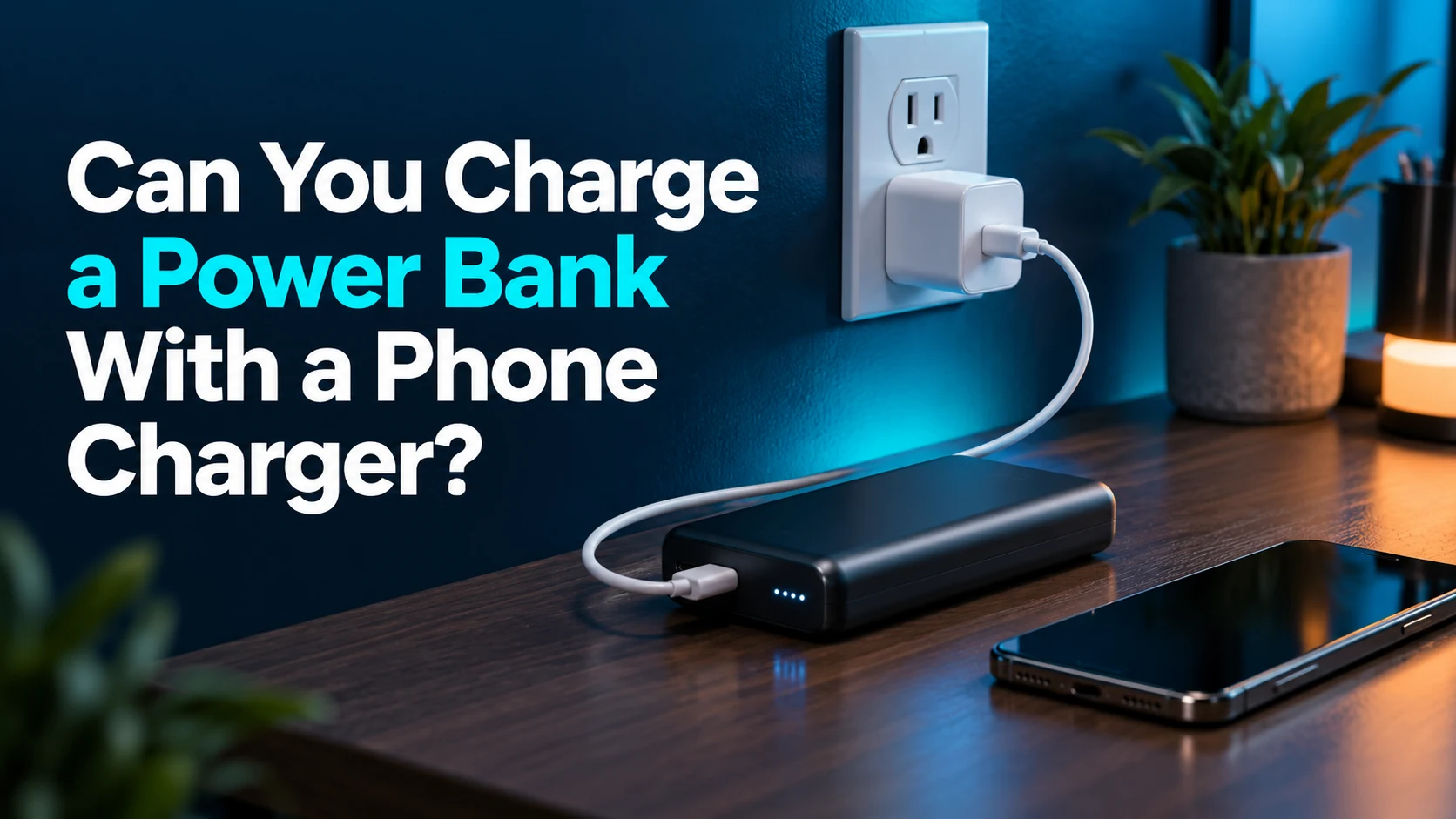
Can You Charge a Power Bank With a Phone Charger? 7 Compatibility Checks
Your existing phone charger may be all you need.
Can you charge a power bank with a phone charger? Yes, when the charger’s output, the power bank’s supported input, and the cable are compatible. The label “phone charger” describes a common use, not a special category that prevents the adapter from charging other supported USB devices.
Quick answer: can you charge a power bank with a phone charger?
Use a phone wall charger if the power bank manufacturer supports that charger type and connection. Check the bank’s input port and charging protocol, the adapter’s output profiles, and the cable’s capability. A compatible lower-power adapter may recharge more slowly; a higher maximum wattage does not automatically make charging faster or force extra power into the bank.
Affiliate disclosure: As an Amazon Associate, MultiChargers earns from qualifying purchases. Amazon links contain our affiliate tag. This guide uses official documentation and illustrative examples; it does not claim hands-on testing of every product or measured recharge times.
Need a charger for both your phone and power bank?
Compare documented USB-C PD adapters against both devices’ requirements. Choose the needed output profiles and sufficient per-port power, then check the included accessories and seller. Marketplace results contain multiple models; verify the exact listing before purchasing.
Compare USB-C PD wall chargers on AmazonWhat “phone charger” means in this guide
Here, a phone charger means a USB wall adapter commonly used to charge a smartphone. It might have a USB-A socket, a USB-C socket, or several ports. The cable connects that adapter to the power bank’s charging input. This is different from asking whether the phone itself can act as a power source.
It is also different from a wireless charging pad. A power bank with wireless output can charge a supported phone wirelessly, but that does not prove the bank accepts wireless input. Many such products still recharge through a wired USB port. Look for explicit input support rather than reasoning backward from the bank’s output features.
A power bank’s job changes depending on the connection. While it charges your phone, it is the source. While connected to a wall charger for recharging, it receives power. The same USB-C port can support both roles on some models, while other products use separate sockets or more restricted arrangements.
This article helps you decide whether an adapter you already own is suitable. Our guide to a power bank charging slowly handles troubleshooting once compatibility is established. Start with the correct specifications before deciding that a slow recharge means you need a new bank.
1. Find the power bank’s actual input specification
Read the label on the bank and the official manual for its exact model. Look for “Input,” “USB-C Input,” “Input/Output,” or an equivalent manufacturer description. Record the accepted voltage and current combinations and any stated charging protocol. A model number is more useful than a broad product-family name.
Do not use the largest number on the product page as the recharge requirement. That figure may describe power delivered to a laptop, combined output from multiple ports, or a special operating mode. A bank can have different maximum input and output ratings. Its ability to supply a high output does not establish that it accepts the same power while recharging.
Check whether the manufacturer specifies a charger type, a minimum recommended rating, or a cable requirement for full-speed input. It may also provide a lower-speed alternative. An adapter suitable for normal charging and an adapter suitable for the fastest documented recharge can be different choices.
Anker’s charger-selection guidance for higher-power banks explicitly directs users to choose according to input requirements. Use that principle with your own model rather than copying another bank’s charger rating simply because its capacity looks similar.
2. Read the phone charger’s output profiles
Next, inspect the adapter’s label or official specifications. Separate its AC input information from its USB output information. The AC input describes the electricity the adapter accepts from the wall. The USB output describes what it can provide to the connected bank. Comparing the bank’s USB input with the adapter’s AC input does not answer compatibility.
A label may list several voltage and current combinations. These are supported operating profiles, not values that must all be delivered at once. With correctly implemented compatible USB Power Delivery, the source and receiving device coordinate their power arrangement. The USB-IF explanation of Power Delivery describes flexible management of device power needs.
For an illustrative calculation, a profile of 9V at 2A corresponds to 18W, and 5V at 2A corresponds to 10W. Those arithmetic examples do not establish that your charger or bank supports either profile. Read both devices’ specifications first, then use watts to compare a supported combination.
Do not confuse “can supply up to” with “will always supply.” If the bank supports a lower input ceiling, a higher-rated compatible adapter cannot remove that ceiling. Likewise, a large total charger rating may be spread across several ports. The socket you choose must offer the relevant profile and power.
3. Confirm the bank’s input port and cable route
Identify the physical charging input before plugging in. Some banks recharge through USB-C, some older models use Micro-USB, and some have built-in connectors or specialized charging accessories. A USB-A output port normally intended to power accessories should not be treated as a charging input without explicit manufacturer support.
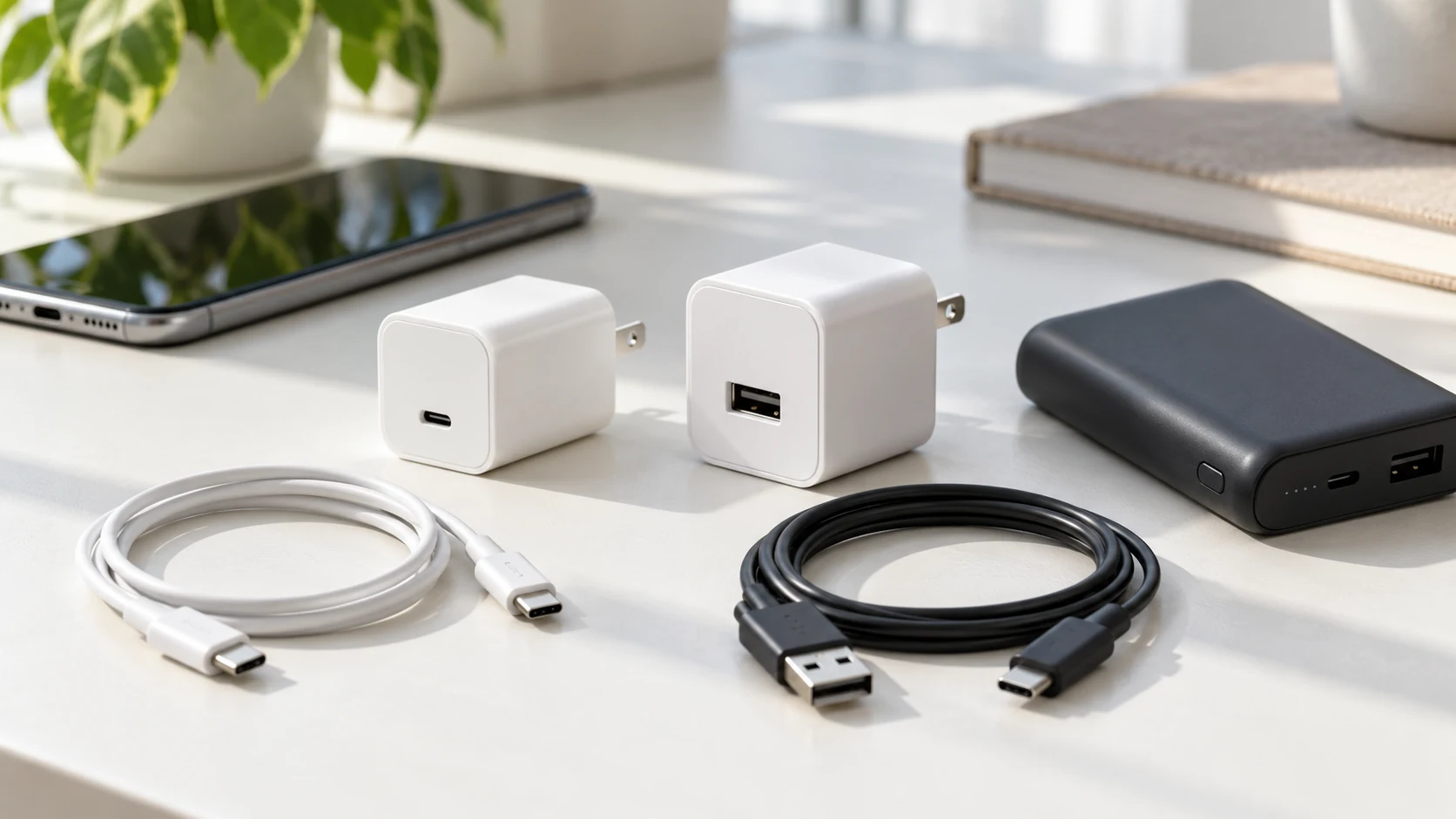
If the manual specifies USB-C to USB-C, use that route with a compatible USB-C wall adapter. If it permits USB-A to USB-C, an appropriate USB-A phone charger may provide an alternative, often with a different charging mode or speed. The supported route is model-specific, even when the plugs appear familiar.
Inspect the cable for damaged insulation, bent contacts, loose housings, and worn ends. Choose a cable capable of the required charging mode. Higher-current USB-C charging can require appropriate cable identification and ratings. A cable bundled with another device is not automatically suitable for every bank’s maximum input.
Avoid unnecessary adapters and undocumented voltage-trigger accessories. A normal supported cable gives you fewer points of uncertainty. If your charger and bank cannot connect using a manufacturer-supported route, check their documentation or support team rather than improvising a chain of converters.
For more detail about cable identification, read what an e-marked USB-C cable is. The practical aim is to match the cable to the required connection, not buy the highest advertised rating for every charging task.
4. Distinguish ordinary charging from the fastest supported recharge
A compatible adapter can work without delivering the bank’s highest input rate. That distinction matters when you reuse a phone charger. A compact adapter may be adequate for a small daily-use bank while taking much longer to refill a larger bank intended for laptops.
For a documented example, Anker’s recharge instructions for the 525 Power Bank describe both USB-C PD and USB-A charging routes. Its stated conditions give different recharge expectations for those routes. That is evidence about that exact model, not a universal timetable for every 20,000mAh bank.
Check your departure time and how much energy you need. If your existing adapter consistently refills the bank before you need it, a faster replacement may add little practical value. If you often need a large refill in a short window, choose equipment that supports the bank’s documented higher input mode.
The charge rate may change during a session. A published maximum is not necessarily sustained until the battery reaches full. Temperature, battery level, the bank’s charging controls, and the source arrangement can affect the result. Treat manufacturer recharge estimates as conditional information, not promises for every outlet and cable.
5. Check USB-A, USB-C PD, and proprietary fast charging separately
USB-A and USB-C describe connector families, while PD and other charging terms describe supported power behavior. A USB-C socket does not establish every available charging feature. Conversely, a supported USB-A route can still be useful even when it does not offer the bank’s fastest recharge.
A phone charger may advertise a high speed through a proprietary mode designed for particular phones. The bank might not support that mode. It may use another mutually supported mode at lower power, or the combination may not meet the manufacturer’s instructions. The phone’s fast charging performance is not proof of the bank’s input performance.
PPS support can matter when the receiving device requires that adjustable PD capability for a particular charging mode. It is not a universal requirement for every power bank. Check the bank’s documentation rather than assuming a charger with PPS is necessary or sufficient. Our guide to PPS charging explains the terminology.
The same reasoning applies to GaN. GaN identifies a technology used in some adapters; it does not by itself certify a charging protocol, input match, or per-port allocation. Choose by documented electrical capabilities first. Size and portability are useful secondary considerations once the connection is supported.
6. Account for shared charger ports and pass-through use
On a multi-port wall adapter, connecting a phone, tablet, or laptop alongside the bank can reduce the power available to its port. Read the simultaneous-output table. An adapter labeled with a large total rating may provide a smaller share to each connected device under that arrangement.
For a straightforward recharge check, connect the bank alone to a suitable wall-adapter port. This makes it easier to compare behavior with the manufacturer’s charging instructions. Once that works, add other devices and check the documented allocation rather than assuming the first device keeps its original power.
Charging the bank while it also powers a phone adds another condition. That arrangement requires documented pass-through support. The supported input, output limits, and port combinations can differ from ordinary recharging. A bank that accepts the phone charger normally may have additional requirements for pass-through use.
If you need the simultaneous arrangement, read can you use a power bank while it is charging? before connecting everything. Do not interpret a successful ordinary recharge as permission to use any input-and-output combination. Manufacturer support for the exact operating mode is the useful evidence.
7. Verify condition, temperature, and normal charging behavior
Inspect the bank, wall adapter, and cable before use. Stop if you see swelling, a damaged enclosure, a broken plug, exposed wires, corrosion, or signs of liquid exposure. Being compatible on paper does not make damaged equipment appropriate to use. Do not connect suspect hardware simply to see whether the indicator lights.
Recharge on a stable uncovered surface in suitable surroundings. Keep the adapter and bank out of direct sunlight and hot vehicles, and do not bury them under bedding. Anker’s safety guide recommends cool, dry, ventilated conditions and warns against covering a bank. Follow your specific model’s operating limits.
Observe the bank’s indicator or display according to the manual. An increasing charge level supports that charging is occurring, but it does not tell you the negotiated voltage or establish the exact wattage. A phone’s charging animation is not relevant when the phone is disconnected and the adapter is recharging the bank.
Stop using equipment that swells, leaks, smells unusual, makes odd noises, or becomes abnormally hot. If smoke or fire develops, move away, keep others away, and contact emergency services. Do not open the bank or bypass its protection electronics to solve a recharge problem.
If the equipment remains healthy but charging does not start, disconnect and recheck the intended input socket, cable route, and source. Change one healthy component at a time. Our power bank not charging guide covers troubleshooting after the basic compatibility checks.
Which existing charger should you try?
| Adapter or setup | What to verify | What to expect |
|---|---|---|
| USB-A phone adapter | The bank permits the USB-A cable route and output mode. | A supported recharge may be slower than USB-C PD. |
| USB-C PD phone adapter | Supported profiles, the bank’s input limit, and cable capability. | Useful for banks accepting compatible PD input. |
| High-output laptop adapter | It offers a supported profile through the selected port. | The bank still determines its supported input ceiling. |
| Multi-port charger with other devices | The simultaneous-output allocation. | Less power may be available to the bank. |
| Proprietary phone fast charger | A mutually supported mode, rather than its phone-specific maximum. | The headline speed may not apply to the bank. |
| Wireless phone charging pad | The bank explicitly accepts compatible wireless input. | Wireless output from the bank does not prove wireless recharge support. |
A simple worksheet before buying anything
Write down four items: the bank’s exact model, its supported input mode, the wall adapter’s relevant output profile, and the cable route. If any item is unclear, obtain the official specification. This short record is more useful than comparing two large numbers from marketplace titles.
For a hypothetical bank that supports a particular 18W PD input profile, a compatible 20W phone adapter may be sufficient if it offers that profile and the cable meets the requirements. A 65W adapter does not make that hypothetical bank accept 65W. These numbers illustrate the decision process; they are not a compatibility claim for an unnamed product.
For a bank with a higher documented input rate, first decide whether you need that faster refill. If you do, confirm the voltage profile, per-port power, and cable requirement together. If you do not, a manufacturer-supported lower-power route can be a sensible way to reuse equipment.
A cable matched to the recharge connection
Compare clearly specified USB-C to USB-C cables for banks that use that input route. Check the required power or current rating and connector length. Choose another cable type only when your bank’s instructions permit it.
Compare USB-C charging cables on AmazonA multi-port adapter for shared charging
If you regularly charge a phone and bank together, compare the output allocation with both connected. A useful charger meets your simultaneous needs without requiring you to move cables constantly. Verify the exact port table; total wattage alone is insufficient.
Compare multi-port PD chargers on AmazonFrequently asked questions
Can you charge a power bank with a phone charger?
Yes, if the wall adapter’s output, the bank’s charging input, and the cable route are supported together. Check the exact power bank manual. A compatible phone adapter may recharge the bank at a lower rate than its maximum.
Can I use a 20W charger for a power bank?
Possibly. The 20W label is not enough: verify the adapter’s output profiles, the bank’s accepted input, and the cable. It can be suitable for a supported input mode but may not deliver the fastest recharge of a higher-input bank.
Will a 65W phone or laptop charger damage a smaller bank?
A higher maximum rating alone does not force extra power into the bank. A correctly implemented compatible connection coordinates supported power. Still check the manufacturer’s instructions, the output profiles, and the condition of every component.
Can a USB-A charger recharge a USB-C power bank?
Only when the bank manufacturer supports that input route and charging mode. Some models permit USB-A to USB-C charging at a different rate, while others specify USB-C to USB-C. Do not infer support solely from the plug fitting.
Why does my phone charger charge the bank slowly?
The adapter may offer a lower compatible rate, the cable may limit the supported mode, or other charger ports may share available output. Battery level and temperature can also matter. Confirm input compatibility before assuming the bank is faulty.
Can I charge my phone while the same adapter recharges the bank?
A multi-port adapter can support both when its documented allocation meets their requirements. If the phone connects through the bank while the bank recharges, that separate arrangement requires explicit pass-through support and its stated limits.
Do I need to buy a charger from the power bank’s brand?
Follow the bank manufacturer’s requirements. A suitable third-party adapter may be supported when it meets the specified standards and profiles. Brand matching alone does not establish compatibility, and an unknown adapter’s headline rating is not sufficient evidence.
The practical choice
Use a compatible charger you already own when it meets the bank’s instructions and your recharge schedule. Upgrade only when you need a supported higher input rate, more useful simultaneous-port allocation, or replacement for a damaged component. Choose the correct profile and cable before choosing a bigger wattage.
Can you charge a power bank with a phone charger? In many supported setups, yes. The reliable decision comes from matching the adapter’s output to the bank’s input, choosing the intended socket, and using healthy equipment in appropriate surroundings. Those checks turn a broad label into a specific charging plan.

Charging Technology Researcher
Daniel explains USB-C compatibility, power bank inputs, and charging equipment using official documentation and practical troubleshooting. Shopping links are options to compare, not claims that every listing was tested.