Best USB-C Chargers for MacBook Air: 3 Options
Affiliate disclosure: As an Amazon Associate, MultiChargers earns from qualifying purchases. Amazon links may earn us a commission at no additional cost to you. Check the selected product, seller, and package before buying.
Choose your MacBook Air charging setup.
Compare an Apple fast-charge option, a compact single-port charger, and a dual-port adapter for relaxed charging.
Check the Apple 70W adapterQuick answer
The best USB-C chargers for MacBook Air depend on your model and charging goal. Apple’s 70W adapter is the clearest documented fast-charge choice for compatible 2022-and-later Air models. Anker’s 715 is a compact 65W single-port alternative for ordinary charging. Apple’s 35W dual-port compact adapter prioritizes sharing one outlet; it offers 35W total, not 35W for each connected device.
How we chose these three options
This is a buying guide based on manufacturer documentation and identifiable product listings. We have not tested these chargers for charging time, temperature, electrical performance, or long-term durability. The recommendations identify useful configurations; they are not laboratory performance awards. No live price, star rating, or stock claim is included.
The shortlist deliberately separates three decisions. First, do you want Apple’s documented fast-charge arrangement? Second, would a small dedicated laptop charger make your daily bag easier to pack? Third, do you prefer two ports even when the laptop receives less power while sharing? A single ranking hides those differences.
Start by checking the adapter you already own. If it works well and you rarely need a second charging location, keeping it may be the best purchase decision. A spare can still be useful for a desk or travel pouch, but a new accessory should solve an actual inconvenience. More chargers do not automatically make a better setup.
Quick comparison
| Charger | Output | Useful role | Main limitation |
|---|---|---|---|
| Apple 70W USB-C Power Adapter | 70W; one USB-C port | Apple fast-charge route | Cable sold separately; check model-specific fast charging |
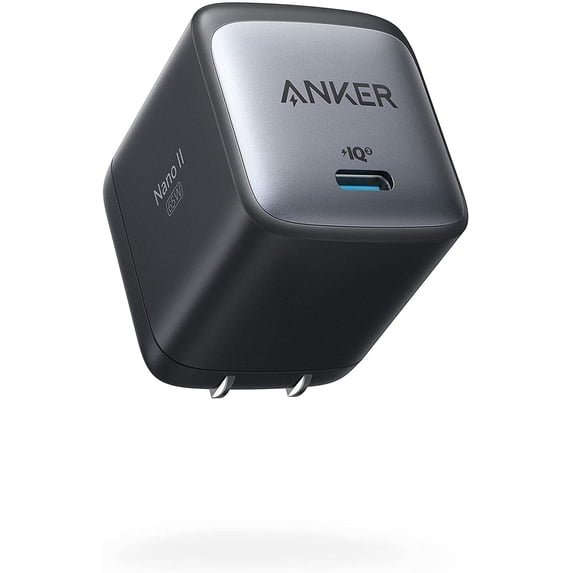
| Anker 715 Nano II 65W | 65W; one USB-C port | Compact single-port option | 65W is not Apple’s listed 70W fast-charge combination |
| Apple 35W Dual USB-C Compact | 35W total; two USB-C ports | Two-device convenience | Mac plus iPhone/iPad: up to 17.5W each |
1. Apple 70W: the clearest documented fast-charge choice
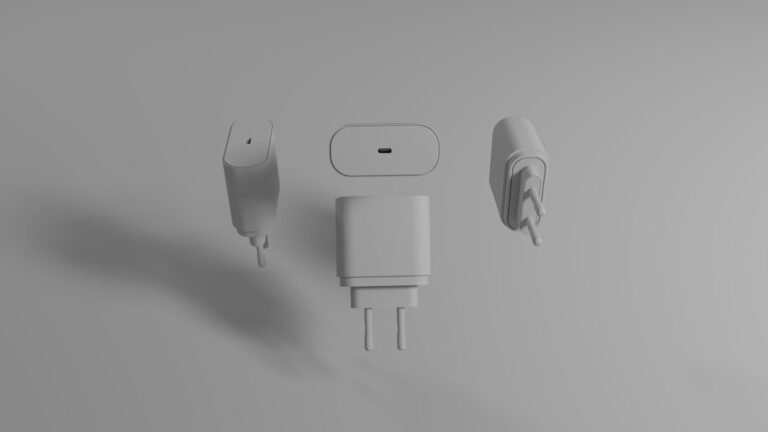
Compare Apple’s 70W USB-C Power Adapter if faster top-ups are your priority. Apple lists this adapter with a USB-C to MagSafe 3 cable or USB-C charge cable as a fast-charge combination for MacBook Air introduced in 2022 or later. Read the current model guidance before ordering.
It is a straightforward dedicated laptop choice, with one USB-C output. That also means you cannot charge a phone from a second port on the same adapter. For someone who mainly wants to replenish the Air between meetings, that simpler arrangement can be useful. It avoids having to interpret a two-device power allocation.
The charging cable is sold separately. Include a suitable cable in the comparison if your old one is damaged, missing, or tied to another location. This recommendation concerns a documented connection, not a promise that every battery level, workload, or environment produces the same charging time.

Apple 70W USB-C Power Adapter
Apple fast-charge route. 70W; one USB-C port.
Check on AmazonCheck the exact model, package, seller and return terms.
2. Anker 715: a compact single-port alternative
Anker’s 715 Charger, also called Nano II 65W, is model A2663. Its documented maximum is 65W from one USB-C port. The manufacturer lists a 20V, 3.25A output profile and dimensions of 1.65 by 1.42 by 1.74 inches. It is a candidate when a compact dedicated adapter matters more than Apple’s listed fast-charge arrangement.
Treat this as an ordinary charging alternative for a compatible USB-C charging Air. Do not turn the 65W rating into an Apple fast-charge certification claim. If a specific fast-charge result is the reason you are spending money, choose equipment supported by the guidance for your exact Mac instead of inferring it from a nearby wattage.
The linked listing identifies the 65W Nano charger. Confirm A2663, the local plug type, and the selected package before checkout. Similar Anker product names cover different port counts. A single-port 715 cannot power the laptop and phone simultaneously through separate outputs.

Anker 715 Nano II 65W
Compact single-port option. 65W; one USB-C port.
Check on AmazonCheck the exact model, package, seller and return terms.
3. Apple 35W dual compact: convenient shared charging
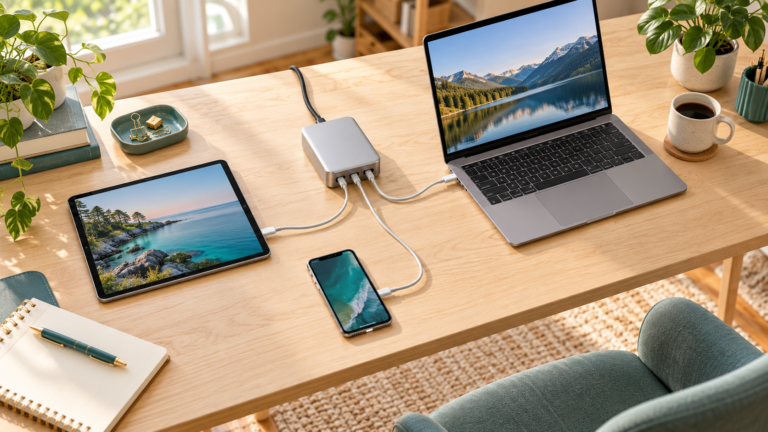
Apple’s 35W Dual USB-C Port Compact Power Adapter is the convenience choice in this shortlist. It gives you two USB-C ports in a compact adapter, with 35W total available rather than two independent 35W supplies. It is worth comparing when you mainly recharge during long desk sessions or overnight downtime.
Apple explains that a Mac laptop and an iPhone or iPad receive up to 17.5W each when connected together. With a Mac laptop and an Apple Watch or AirPods, the documented allocation is up to 27.5W for the Mac and 7.5W for the accessory. The device pairing changes the practical laptop budget.
Choose it for convenience with modest charging needs, not as the fast-charge option. If the Air needs to recover quickly while you work and a phone is also connected, consider a different shared-power arrangement. The compact version and the standard Apple dual-port adapter are different physical products; verify the complete title.
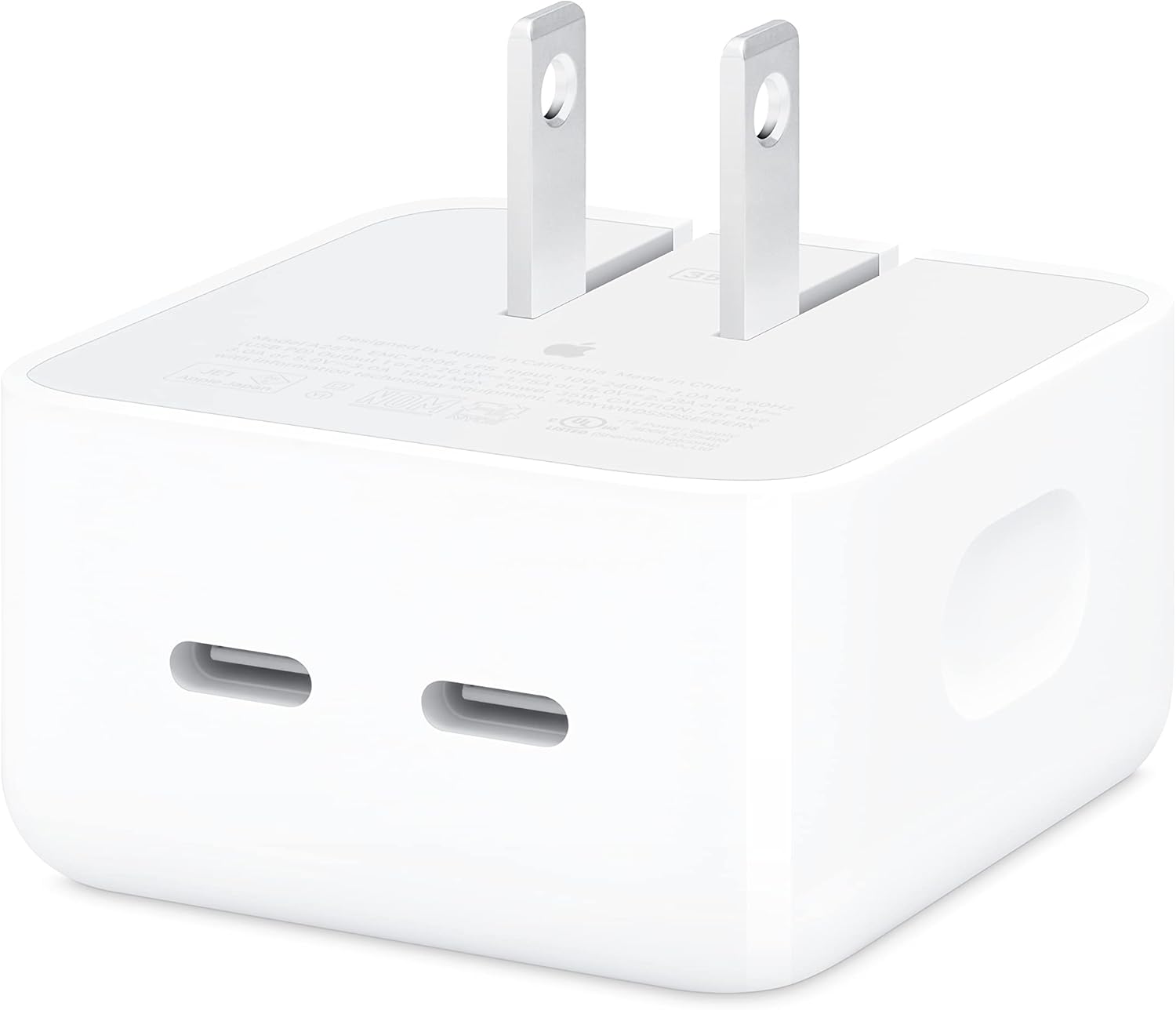
Apple 35W Dual USB-C Compact
Two-device convenience. 35W total; two USB-C ports.
Check on AmazonCheck the exact model, package, seller and return terms.
Identify your MacBook Air before shopping
Open About This Mac and note the model year and screen size. An older Air with a different charging connector is a different buying problem from a recent USB-C or MagSafe 3 model. A product listing saying “for MacBook” is too broad to replace that check. Keep the complete model name handy while comparing options.
Look at the connector you use today. If your Air charges through USB-C, choose an appropriate USB-C cable path. If it has MagSafe 3, decide whether keeping that connection is useful. Do not assume that an older MagSafe connector and MagSafe 3 are interchangeable. Connector fit is a separate question from the adapter’s wattage.
If your current adapter is available, read its label and compare the official model guidance. That gives you a baseline for ordinary charging. You can then decide whether you are replacing a missing accessory, adding a spare, or deliberately buying faster charging. Those goals can lead to different choices even for the same computer.
Everyday charging is different from fast charging
Everyday charging means the setup replenishes the battery in the way you normally use the laptop. Fast charging is a more specific capability with model and equipment requirements. A charger can be useful for daily work without qualifying for the advertised fast-charge arrangement. Decide which result you actually need before comparing wattage labels.
If you often have a short break before leaving home, faster replenishment may be valuable. If your laptop remains connected during a long writing session, a compact spare may be the more practical priority. Someone who usually charges while the computer is idle may value two-device convenience instead. These are usage preferences, not measured speed rankings.
Avoid calculating charging time by dividing one charger’s watts by another’s. The battery does not draw the same power continuously throughout a charge. Workload and battery state also affect what you see. A larger maximum rating therefore does not establish a proportional reduction in the time to reach a particular battery percentage.
Read the port budget, not just the front of the box
A single-port charger makes the advertised ceiling easier to interpret: the available output is directed through one connection. A multi-port adapter adds another condition. You need to know what the laptop port offers when the other devices you intend to use are connected. A total rating alone cannot answer that.
For the Apple 35W option, the Mac-and-phone example is especially relevant. Up to 17.5W for the Mac is a much smaller budget than 35W for one device. That may suit relaxed replenishment, but it is a reason to pause if you expect a quick laptop top-up while your phone also charges.
Write down your usual pair of devices rather than comparing a theoretical empty second port. If you need stronger simultaneous charging, use our laptop-and-phone charger guide. That article addresses shared charging as the main purchase requirement, while this guide starts with the MacBook Air itself.

Choose the cable before completing the order
Check both ends of the cable and its documented power capability. A USB-C to MagSafe 3 lead solves a different connector requirement from a USB-C to USB-C lead. Keep the route that fits your computer and the ports you want to leave available. A cable with the right plugs still needs an appropriate charging rating.
An ordinary 60W cable can become a limitation in a setup intended to deliver more than 60W. Choose a clearly identified cable rated for the intended connection rather than guessing from its thickness or braid. A higher-rated cable provides a ceiling; it does not make a lower-output charger produce additional power.
Charging and docking are also different jobs. A charging-focused cable may not carry monitor video or fast storage data. If the same lead must connect an external display or dock, read that peripheral’s requirements. Our USB-C laptop cable buying guide explains the charging-focused options and their data limits.
Plan the outlet and cable route
A compact adapter is most useful when it fits the actual outlet and leaves room for nearby plugs. Consider an outlet behind a desk, a crowded power strip, and the way the charger sits in a bag. Product dimensions help, but check the arrangement rather than assuming every small adapter fits every location.
Measure the cable route around your laptop stand and desk edge. Leave normal slack so moving the computer does not pull the plug sideways. Extra length is useful only if you need the reach. A loop hanging near a chair or bag can be less convenient than a shorter properly routed lead.
For a second workspace, leaving a known compatible charger and cable together can reduce packing mistakes. That may be a better reason to buy a spare than chasing a wattage number. Keep the original working setup available during the first checks so you have a useful comparison if the new arrangement behaves unexpectedly.
Compare the complete purchase, not only the adapter
Include the cable, plug type, quantity, seller and return terms in the decision. A charger-only package and a package with a cable are different purchases. Online listings may combine versions or bundles under similar headings. Inspect the selected option in your cart before paying, especially if you reached the listing through a recommendation link.
If you already own a suitable cable, do not buy another automatically. If your cable is damaged or its rating is unclear, replacement can be part of a sensible setup. The goal is one complete working connection. Buying a premium adapter while continuing to use an unsuitable lead may leave the original problem unresolved.
This guide avoids fixed prices and discounts because the current offer can change. Compare the total checkout cost and support terms at purchase time. A cheaper adapter is not necessarily better value if it lacks the connector path or output you need. Likewise, an expensive option is unnecessary when your existing equipment already does the job.
Check the new setup without guessing at a fault
Start with the adapter connected directly to the laptop using a suitable cable. Leave a dock and extra devices out of the first check. Confirm that the Mac shows charging, then observe it during the workload you actually use. This establishes a simpler baseline before introducing a second port or peripheral.
If a shared setup disappoints you, disconnect the second device and compare. If the result improves, review the documented allocation before blaming a defective charger. If a direct connection still fails, compare with the original working adapter and cable one part at a time. That makes the next support question more specific.
Apple provides a troubleshooting guide for USB-C adapters that are not charging a Mac. Follow that guidance and contact support if the issue persists. Stop using visibly damaged equipment. This article does not diagnose an electrical fault from a charging icon or recommend opening an adapter to investigate its internal components.
Which option fits your day?
Choose Apple 70W when the documented Air fast-charge route is your main reason to buy. Compare Anker 715 when you want a compact dedicated adapter for ordinary USB-C charging. Consider Apple’s 35W dual compact option when two-device convenience during longer charging periods matters more than replenishing the laptop quickly.
If none of those descriptions fits, do not force a purchase from this list. A higher-output multi-port charger may suit your laptop-and-phone routine better. A portable power bank addresses charging away from an outlet. Our MacBook Air power-bank guide covers that separate use case.
Before ordering, answer three questions: Which exact Air do I own? Do I need ordinary charging or a documented fast-charge combination? What else will be connected at the same time? With those answers, the shortlist becomes much easier to evaluate and you are less likely to buy an accessory for a feature you do not use.
Frequently asked questions
Is a 65W charger the same as Apple’s 70W fast-charge option?
No. It may be useful for ordinary compatible charging, but a nearby wattage is not evidence of the same documented fast-charge arrangement.
Does Apple’s 35W dual adapter deliver 35W to each port?
No. Its total is 35W. Apple’s Mac-plus-iPhone or iPad example allows up to 17.5W for each device.
Do I need to buy a new charger if the original works?
Not automatically. A spare is useful for another location or a different charging goal, but keeping a suitable working adapter is a valid choice.
Do these recommendations include a cable?
Check the exact listing. Apple’s 70W adapter is sold without a charging cable. Treat the cable and adapter as a complete connection when comparing costs.
Were these chargers tested by MultiChargers?
No. This is a documentation-based buying guide. No hands-on speed, temperature, durability or efficiency ranking is claimed.
Ready to compare your MacBook Air charger?
Start with the exact model and the charging goal, then check the complete package.
View Apple 70W on AmazonSources and further reading
Specifications checked October 14, 2026: Apple 70W adapter; Apple fast-charge combinations; Mac adapter guidance; Apple dual-port power sharing; Anker A2663 specifications; Apple USB-C charging troubleshooting.