

Best USB-C Cables for Laptop Charging: 3 Options
Affiliate disclosure: As an Amazon Associate, MultiChargers earns from qualifying purchases. Amazon links may earn us a commission at no additional cost to you. Check the selected length, seller, and package before buying.
Choose a charging cable for the way you work.
Compare three documented options by reach, jacket, power capability, and data limits.
Compare the Anker Prime 6 ft cableQuick answer
The best USB-C cables for laptop charging have a suitable power rating, enough reach, and clearly identified specifications. Compare Anker Prime for a longer braided run, Cable Matters for a short charging connection, or Apple for a 2m woven lead. These charging-focused choices do not replace a high-speed dock or display cable.
Anker Prime 240W
6 ft linked variant; charging capability up to 240W with supported equipment.
Check on AmazonCable Matters 240W
3.3 ft linked variant; charging capability up to 240W with supported equipment.
Check on AmazonApple 240W Charge Cable
2 m; charging capability up to 240W with supported equipment.
Check on Amazon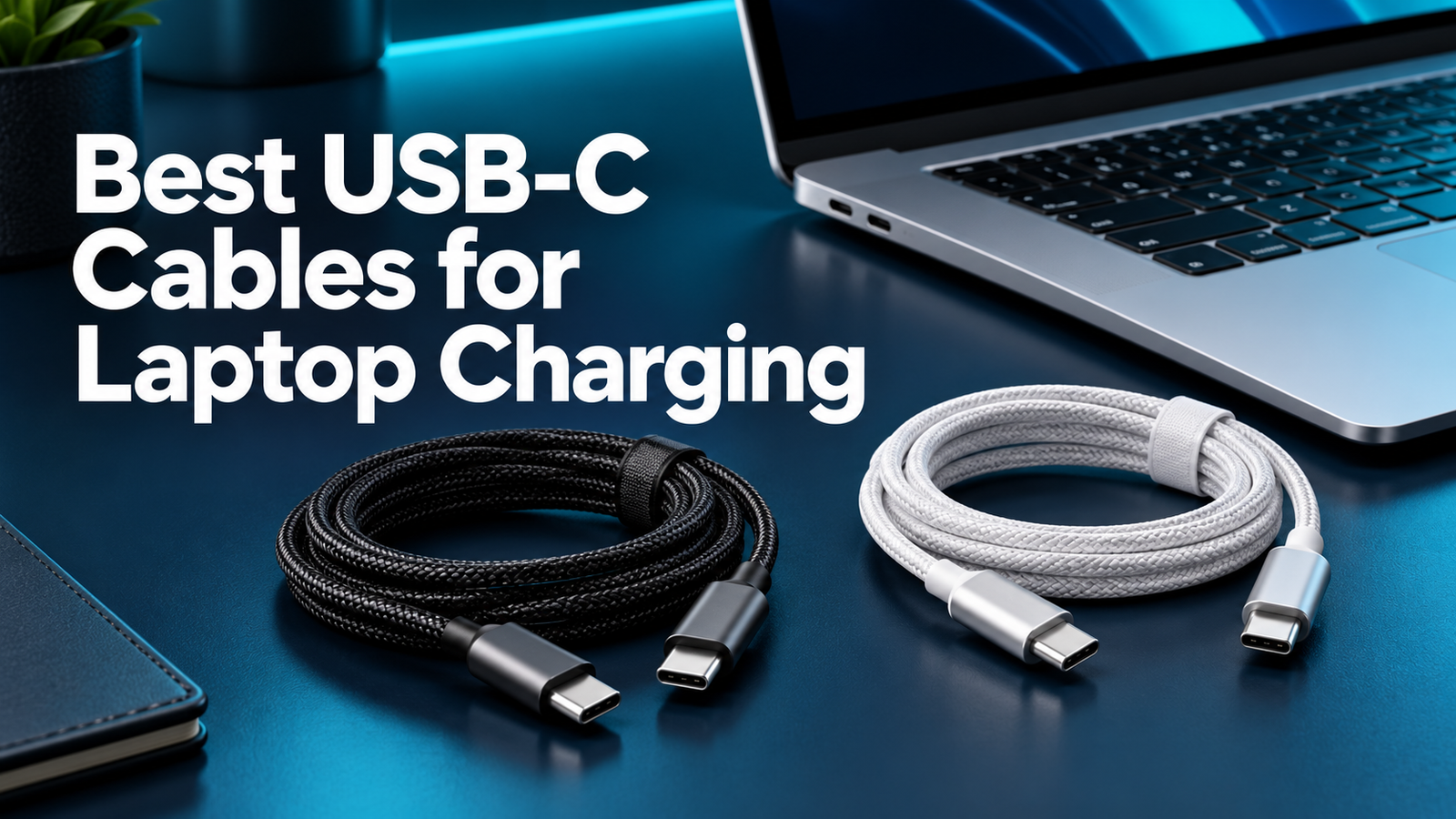
Quick comparison
| Option | Linked length | Power ceiling | Data / limitation | Compare |
|---|---|---|---|---|
| Anker Prime 240W | 6 ft linked variant | Up to 240W | USB 2.0, up to 480Mbps No screen mirroring | View listing |
| Cable Matters 240W | 3.3 ft linked variant | Up to 240W | USB 2.0, up to 480Mbps No video support | View listing |
| Apple 240W Charge Cable | 2 m | Up to 240W | USB 2 data rates Not a Thunderbolt cable | View listing |
How we selected these cables
The best USB-C cables for laptop charging are the ones that match the job you need to do. For a charging-only connection, prioritize a clear power rating, suitable reach, and a model you can identify. A cable intended for a monitor or fast storage must meet additional requirements. Those are separate buying decisions even when both cables have USB-C plugs.
This shortlist compares documented capabilities and practical purchase tradeoffs. We checked manufacturer product information and identifiable Amazon listings. We have not performed hands-on power, bend, or temperature testing. The recommendations below describe useful configurations, rather than a measured ranking of charging speed or lifespan.
The three options serve different preferences: a longer braided lead, a short simple charging connection, and an Apple-made woven cable. None is a universal docking cable. Start with the use case, then compare the exact length and variant in your cart. Paying more for a feature you will not use does not improve the charging setup.
1. Anker Prime: for a longer braided charging lead
The Anker Prime USB-C to USB-C cable is a candidate when you want a longer charging run and a braided jacket. The linked Amazon variant is 6 feet. Anker documents a 240W maximum rating, USB 2.0 data at up to 480Mbps, and no screen mirroring for this cable family.
Choose it for the connection between a suitable USB-C charger and a laptop when reach matters. Skip it as a replacement for a monitor or high-speed dock cable. Its charging rating does not create video capability.
Anker advertises durability test claims; this guide does not treat those claims as a guaranteed ownership lifespan. Compare the selected package, length, seller, and return terms before purchase. If a shorter cable already fits your workspace, extra reach may simply create more coil to manage.

Anker Prime 240W
Longer braided lead: check the exact selected length and compatible equipment.
Check on AmazonManufacturer reference: documented product details. Photo shows the product family; selected variants can differ.
2. Cable Matters: for a short charging connection
The Cable Matters USB-IF Certified 240W USB-C Charging Cable in the linked listing is the black 3.3-foot option. Its compact reach suits a charger close to the laptop or a nearby portable battery. The manufacturer documents 240W EPR charging support, USB 2.0 data, and no video for its charging-cable line.
Choose it when keeping excess cable off the desk is a practical benefit. Skip this length if your outlet sits behind furniture or below a standing desk. A short lead should not suspend the charger or pull on a laptop port.
Certification is a useful standards-related selection signal, not proof that a cable has been tested in every laptop arrangement. Match the exact variant and listed specifications before checkout. Similar Cable Matters product names can refer to charging cables and much faster data cables, so compare the complete title.

Cable Matters 240W
Short charging run: check the exact selected length and compatible equipment.
Check on AmazonManufacturer reference: documented product details. Photo shows the product family; selected variants can differ.
3. Apple 240W USB-C Charge Cable: for an Apple-made 2m lead
Apple’s 240W USB-C Charge Cable is a 2-meter woven cable with USB-C connectors at both ends. Apple specifies up to 240W charging and USB 2 data rates. The linked Amazon listing identifies the 2m woven charging cable.
Choose it if you prefer an Apple-made cable and its length fits your usual charging position. It is still necessary to match the laptop and power source. It does not make a smaller charger deliver more power, and the USB 2 data specification makes it a different purchase from a Thunderbolt cable.
Do not confuse this product with a USB-C to MagSafe 3 cable. They connect differently at the laptop. If your goal is model-specific MacBook fast charging or leaving USB-C ports free, check the exact Mac and Apple’s charging guidance before deciding which connector path you need.

Apple 240W Charge Cable
Apple-made woven lead: check the exact selected length and compatible equipment.
Check on AmazonManufacturer reference: documented product details. Photo shows the product family; selected variants can differ.
First decide: charging cable or one-cable workstation?
A charger-to-laptop lead and a laptop-to-dock lead can look nearly identical. The first job mainly depends on the charging connection. The second can also require display signaling, fast data, and support for the dock’s protocol. Treat the complete workstation requirement as the purchase target if one cable must do several jobs.
These recommendations focus on charging and basic USB 2 syncing. They are not the right shortlist for a cable connecting a laptop to an external display or a high-speed SSD. Read the peripheral’s manual, identify its required connection, and select a documented cable for that task. A larger wattage label does not replace those missing capabilities.
Make a simple note before shopping: charger only, charger plus occasional syncing, or dock and display. This avoids buying a familiar brand name for the wrong purpose. It also gives you a useful question to ask a retailer if a listing only says compatible with USB-C, without describing the functions your setup needs.
Match the laptop, charger, and cable together
A cable carries power from the source; it does not generate power. The delivered charging level depends on compatible equipment throughout the connection. Your laptop must accept charging through the selected USB-C port, the source must offer suitable output, and the cable must support the required range.
For example, replacing a suitable cable with a 240W cable does not turn a 65W charger into a higher-output source. Likewise, a laptop does not necessarily accept every watt that a source advertises. Read the recommended charging arrangement for your exact computer rather than assuming a connector shape establishes support.
This is especially useful with larger laptops. Some use proprietary charging paths or provide reduced performance on USB-C. A general cable listing cannot replace the computer manufacturer’s model-specific guidance. For portable use, also check the selected power-bank output port. Input ratings describe recharging the bank, not necessarily supplying the laptop.
Related: choose charger wattage and power banks for MacBook Air.
Understand the power rating before paying for headroom
For USB-C laptop charging, wattage is a capability ceiling rather than a promise of charging speed. A 240W-rated cable offers headroom for suitable equipment, including lower-power setups. It can be convenient when you want one clearly identified charging cable for several compatible devices.
USB-IF explains that USB Power Delivery 3.1 expanded supported power beyond the earlier 100W range, reaching up to 240W with updated requirements. That change does not mean all USB-C chargers, laptops, or cables support the higher range. Verify the actual ratings of the equipment you own.
Do not replace a working lower-rated cable just to obtain a larger number. If your setup stays within that cable’s documented limits and behaves correctly, a replacement may bring no charging benefit. Extra headroom is most useful when it solves a compatibility need or makes a planned shared accessory easier to identify.
For the standards background, see USB-IF’s Power Delivery overview, 60W versus 240W cables, and e-marked cable guidance.
Pick enough length without putting strain on the ports
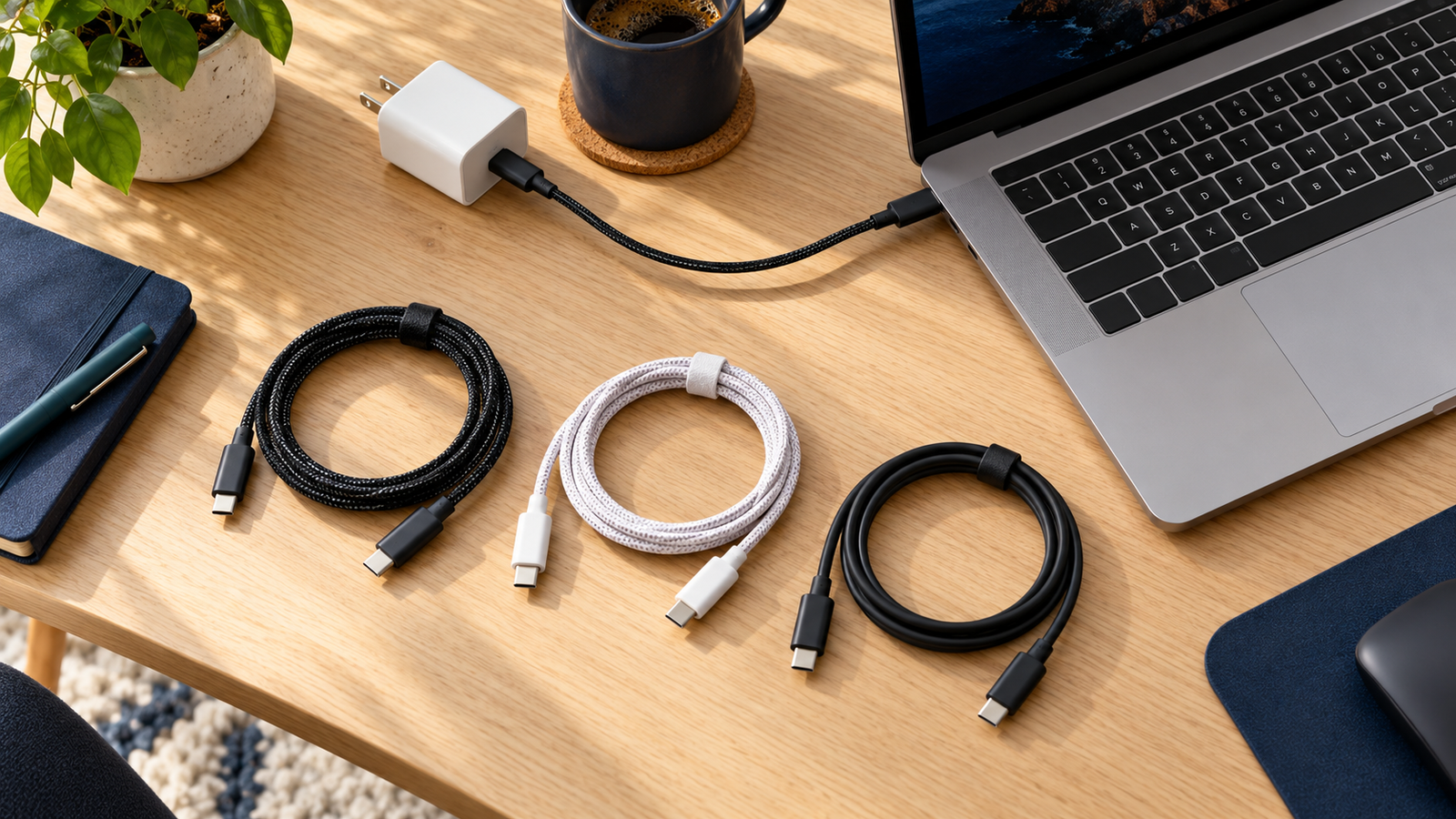
Measure the real route from charger to laptop, including the path around a stand or desk edge. A straight-line measurement can underestimate the reach needed. Leave enough slack for normal movement so the cable does not pull on the port when you adjust the screen or move the computer.
A short lead works well with a power bank placed beside the laptop. A longer lead is more convenient when the source sits below the desk or near a sofa. The practical best length is the one that reaches comfortably without creating a loop that catches on a chair or bag.
Avoid treating length as a simple quality ranking. Construction and supported specifications matter too. A longer correctly specified cable can be suitable, while a short cable with unclear ratings is still an uncertain purchase. Buy the length you need and verify its power capability rather than sacrificing either requirement for appearance.
Read more about USB-C cable length.
Braided versus plain jackets: choose for handling
A jacket changes how a cable feels, coils, and fits into a pouch. A braided cable may appeal if you like its grip or appearance. A plain cable may suit a small charging drawer or a simple desk arrangement. Neither finish, by itself, proves electrical performance.
Look at the connector housing and how the cable enters it. Consider whether the plug will fit beside another accessory on your laptop. A bulky housing can be awkward even when the metal connector is correct. If you use a case or tightly spaced ports, include that clearance in your purchase check.
For travel, loosely coil the cable and avoid sharp bends beside the plugs. Do not pinch it in a hinge or tightly wrap it around a power adapter under tension. Practical handling can matter more than choosing a jacket based on an unverified assumption that one material always lasts longer.
Buying a spare versus replacing the main cable
A spare for occasional charging does not need to become a universal workstation cable. Choose a clearly rated option that fits the charger and laptop you expect to use with it. Keeping it with a portable battery or travel charger can make the spare easier to find when needed.
A main desk cable should be chosen around daily routing and convenience. Think about the distance from the source, connector clearance, and how often you unplug it. If the desk requires display and data through the same lead, return to the peripheral specification rather than buying one of these charging-focused options by default.
Label or store cables by their documented function. A small tag on a pouch can distinguish charging from docking without adding bulk at the plug. This is helpful when several cables look alike. Keep purchase details or the original package if the cable itself does not provide enough identification to recognize its capabilities later.
Check the complete listing before checkout
Verify the product name, length, color, and quantity selected in your cart. Online product pages can combine several variants. A pack of short charging cables and a single longer cable are different purchases, even if the page begins with the same brand and headline power rating.
Compare the complete setup cost. If you already own a suitable cable, a new one may not be the missing part. A compatible charger, a stronger individual port, or a different docking cable may solve the actual problem. Avoid buying accessories repeatedly before identifying which requirement is unmet.
Read who sells and fulfills the item, along with return and warranty terms. Review the written specifications instead of treating a product photo as proof of power or video support. This guide does not quote live prices, stock levels, or customer ratings because those details can change and are not needed to establish the technical choice.
Verify the new cable when it arrives
Check that the package and selected variant match the order. Inspect the cable and plugs for damage before use. Connect the laptop directly to a known working compatible charger for the first check. Starting with fewer accessories makes it easier to identify a connection problem.
Look for the laptop’s charging indication and observe behavior under your usual workload. Charging while asleep and charging during demanding work are different conditions. If results are disappointing, compare the same charger and laptop with a known working cable. This helps separate a cable issue from insufficient source output or laptop settings.
Do not repeatedly bend a connector to make a connection work. A loose socket, damaged plug, or exposed conductor needs attention. Stop using damaged equipment and use the appropriate support or return route. Keep basic purchase information until you have confirmed that the cable works in the setup you bought it for.
Which one should you buy?
Start with the Anker Prime 6-foot option when a longer braided charging run fits your desk or travel setup. Compare the Cable Matters 3.3-foot option when the power source stays close to the laptop and reducing excess cable is the priority. Choose Apple’s 2-meter option when you prefer that manufacturer’s woven charging cable.
These are use-case recommendations, not measured performance awards. A compatible laptop may charge similarly with more than one suitable cable because its source and input limit determine the result. The meaningful differences here are the documented specification, chosen length, handling preference, and complete purchase terms.
Before ordering, answer three questions: Does this cable support my intended charging range? Does its reach fit the actual route? Does the job also require fast data or video? If the third answer is yes, this charging-only shortlist may be the wrong place to buy your main workstation cable.
Frequently asked questions
Does a 240W cable charge every laptop faster?
No. It carries power within its supported rating. The charger and laptop still determine the available charging level. A higher cable ceiling helps only when it removes a real limitation or supports the connection you need.
Can I use these cables with a USB-C monitor?
Do not buy these charging-focused cables for monitor video. Check the monitor’s required video and data connection and select an explicitly suitable cable. See USB-C monitor charging guidance.
Should I replace a working 60W cable?
Not automatically. If the complete setup remains within its documented power limits and it meets your needs, replacement may add no charging benefit. Check the required power before buying extra headroom.
Is the longest cable the best value?
Only if the extra reach is useful. A short cable can make a nearby power-bank setup easier to carry, while a longer cable may suit a desk. Include connector clearance and normal movement in the choice.
Is this a hands-on performance review?
No. This is a manufacturer-documentation-based buying guide. No measured charging-time, temperature, lifespan, or speed-test ranking is claimed.
Ready to choose your charging lead?
Start with the length that fits your real setup, then check the complete specification and selected variant.
Check Anker Prime 6 ft on Amazon
11 Comments